# Mantine full suite vs assembling a thinner headless stack for web SaaS
> For web-only SaaS, standardize on Mantine's full suite (form, dates, charts, notifications) or assemble a thinner headless stack you theme yourself.
> By Dave · 2026-09-17
> Source: https://otf-kit.dev/blog/mantine-full-suite-vs-headless-stack
Mantine is the rare component library that still feels like a product, not a grab bag. For web-only SaaS, the real question is no longer "is the component quality good enough?" — it is. The question is whether you standardize on the full suite surface (core plus form, dates, charts, notifications, and the rest of the `@mantine/*` packages) or assemble a thinner headless stack and theme the designed layer yourself.
This post is about package surface area and ownership, not web-versus-native parity. Sibling decisions cover keep-or-leave for other web-first libraries and the primitives-versus-designed-system tradeoff; here we stay on suite depth versus DIY assembly.
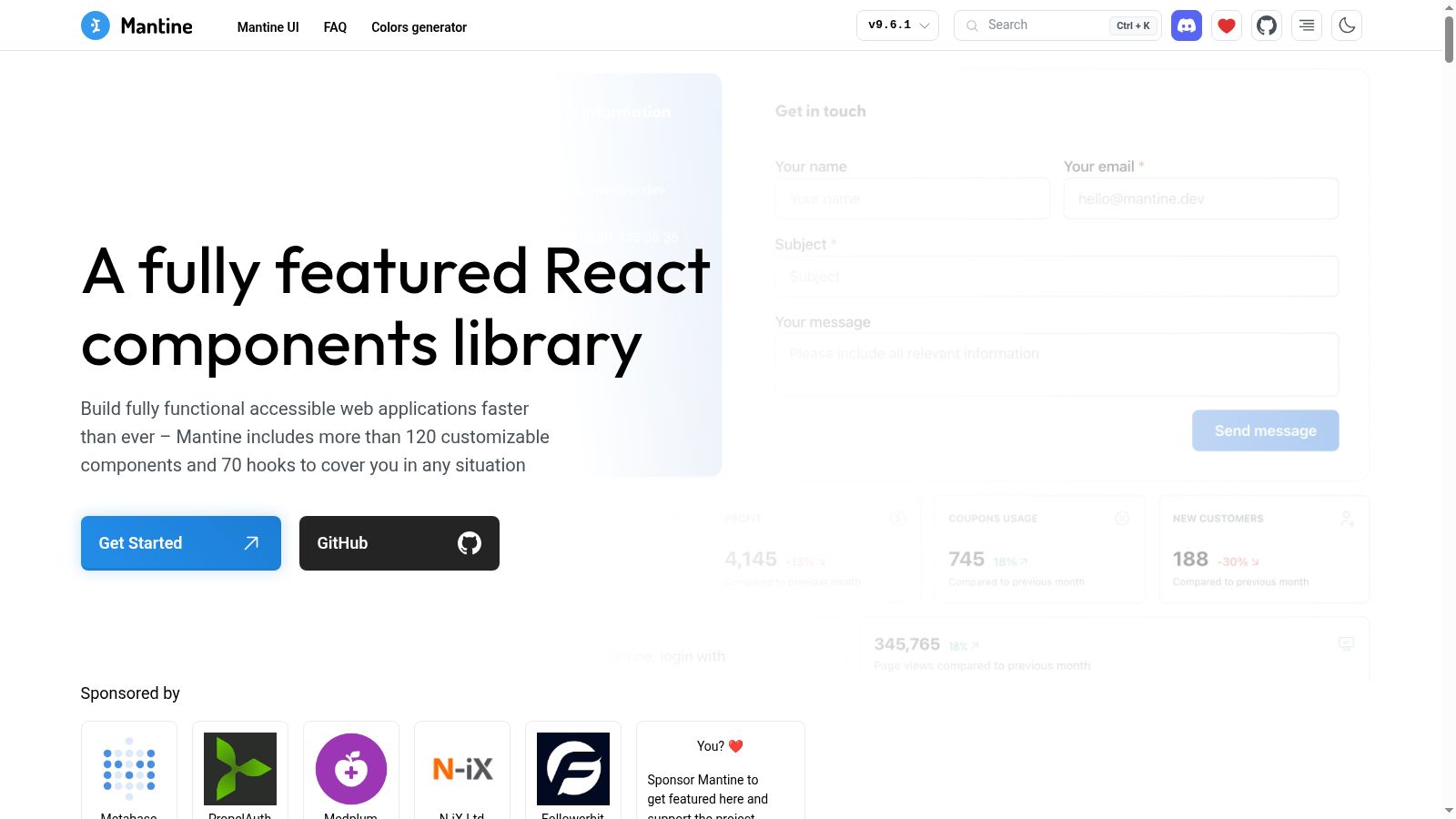
*Source: Mantine homepage (`https://mantine.dev/`), captured 2026-09-17.*
## What the full suite actually ships
On [mantine.dev](https://mantine.dev/), Mantine markets more than 120 customizable components and 70 hooks. That headline understates the package map on the [getting started](https://mantine.dev/getting-started/) page. Beyond `@mantine/core` and `@mantine/hooks`, the documented install surface includes:
| Package | What it covers |
| --- | --- |
| `@mantine/form` | Form state, validation, nested objects and lists |
| `@mantine/dates` | Date inputs, calendars, ranges |
| `@mantine/charts` | Recharts-based chart components |
| `@mantine/notifications` | Toast-style notification system |
| `@mantine/tiptap` | Rich text editor integration |
| `@mantine/dropzone` | Drag-and-drop file capture |
| `@mantine/carousel` | Embla-based carousel |
| `@mantine/spotlight` | Command palette overlay |
| `@mantine/modals` | Centralized modals manager |
| `@mantine/code-highlight`, `@mantine/lightbox`, `@mantine/nprogress` | Highlighting, media lightbox, nav progress |
That is the "full suite" in practice: one theme system under `MantineProvider`, PostCSS preset for light/dark and responsive mixins, Styles API overrides, and optional packages that share the same visual language. Templates ship core + hooks by default; you add specialty packages as the product needs them — but the upgrade path is still *more Mantine*, not a second design system.
```tsx
import { createTheme, MantineProvider } from '@mantine/core';
import { Notifications } from '@mantine/notifications';
import '@mantine/core/styles.css';
import '@mantine/notifications/styles.css';
const theme = createTheme({
primaryColor: 'indigo',
defaultRadius: 'md',
});
export function AppShell({ children }: { children: React.ReactNode }) {
return (
{children}
);
}
```
The form package is a good example of suite depth. `@mantine/form` is built to wire into Mantine inputs with `getInputProps`, uncontrolled mode for fewer re-renders, nested objects, list fields, and schema validation. Dates, charts, and notifications follow the same pattern: you get opinionated behavior that already matches the core look.
```tsx
import { Button, Checkbox, Group, TextInput } from '@mantine/core';
import { useForm } from '@mantine/form';
function InviteForm() {
const form = useForm({
mode: 'uncontrolled',
initialValues: { email: '', accepted: false },
validate: {
email: (value) => (/^\S+@\S+$/.test(value) ? null : 'Invalid email'),
},
});
return (
);
}
```
## AI-assisted docs are part of the suite pitch
Mantine has invested hard in an AI-assisted workflow: `llms.txt` / `llms-full.txt` for LLM-oriented docs, agent skills for forms and custom components, and `@mantine/mcp-server` so coding agents can search props and examples against the live library. Docs regenerate with each release, which matters when your team ships with Cursor-class tools and cannot afford stale API guesses.
```bash
# Point an AI coding tool at Mantine's LLM index
# @Docs https://mantine.dev/llms.txt
curl -o mantine-docs.txt https://mantine.dev/llms-full.txt
```
For a web-only SaaS team, that tooling reduces the tax of adopting a large suite. The risk is not "can we find the DatePicker API?" — it is whether the suite boundary becomes your product boundary.
## The thinner headless alternative
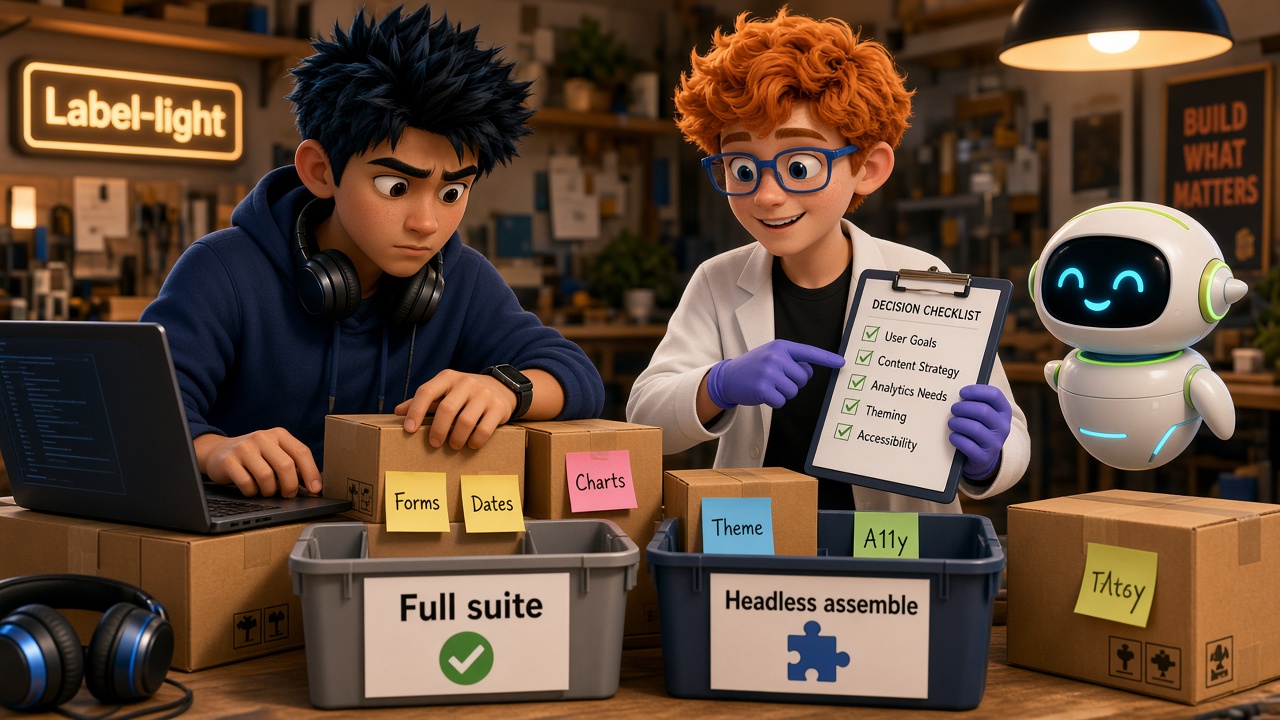
The alternative is deliberate assembly: headless or unstyled primitives for accessibility behavior, a separate form library, a separate date picker, a chart library you already trust, and a notification layer you theme yourself. You own tokens, density, and interaction chrome. You also own every integration seam — validation messages that do not match focus rings, calendar popovers that ignore your z-index rules, charts that ignore your color scale.
Teams choose assembly when:
- Design wants a brand system that cannot stay inside one vendor Styles API.
- Bundle and dependency review reject "install another `@mantine/*` for each feature."
- Form/date/chart choices are already locked org-wide and must stay portable across products.
- You expect to grow past web-only and do not want suite APIs to become rewrite glue later.
Assembly is not "better engineering" by default. It is more ownership and more integration work. Mantine's suite exists precisely so most SaaS teams never pay that tax.
## Decision worksheet
Use this before you standardize.
**1. Scope lock.** Is the product web-only for the next 18–24 months with high confidence? If yes, suite depth is a feature. If mobile or a second client is likely, treat suite APIs as a temporary ceiling and document the escape hatch.
**2. Package count you will actually adopt.** List the specialty packages you need in year one (form, dates, charts, notifications, tiptap, dropzone, carousel, spotlight, modals). If the answer is four or more, Mantine's suite coherence usually beats a DIY stack. If the answer is core + one specialty package, assembly may be simpler.
**3. Theme ownership.** Can product design live inside `createTheme`, CSS variables, and Styles API overrides? Or do you need a token pipeline that outlives any one component vendor? Suite wins on speed; assembly wins when the design system is a company asset.
**4. Form and validation contract.** Prefer `@mantine/form` if inputs, errors, and lists should feel native to Mantine. Prefer a portable form layer if multiple UIs (admin, marketing, customer app) must share the same schema and submit semantics.
**5. AI and docs use.** If your builders already lean on LLM docs and MCP servers, Mantine's tooling is a real multiplier for suite adoption. If your org standardizes on one internal component catalog, that catalog — not vendor docs — is the source of truth.
**6. Rewrite risk.** Read [Choose a starter kit without a rewrite](/blog/choose-starter-kit-without-rewrite). Suite lock-in is fine when the product shape matches. It is expensive when you later need a designed cross-surface kit and discover every screen imported specialty packages.
```ts
type SuiteDecision = {
webOnlyHorizonMonths: number;
specialtyPackagesNeeded: number;
designOwnsVendorTheme: boolean;
portableFormContract: boolean;
};
function leanFullSuite(d: SuiteDecision): boolean {
return (
d.webOnlyHorizonMonths >= 18 &&
d.specialtyPackagesNeeded >= 4 &&
d.designOwnsVendorTheme &&
!d.portableFormContract
);
}
```
## When Mantine is the honest answer
Standardize on the full suite when you are building admin-heavy or dashboard SaaS on the web, you want dates/charts/notifications to share one visual system, and you would rather ship features than re-theme Comboboxes. Pair core with the specialty packages you need, keep `MantineProvider` as the single theme root, and use the LLM docs so agents do not invent props.
That path is exactly what Mantine optimizes for. The compare page at [otf-kit.dev/compare/otf-kit-vs-mantine](https://otf-kit.dev/compare/otf-kit-vs-mantine) states it plainly: pick Mantine when you ship web-only and want maximum primitive depth with forms, charts, and dropzones built in.
Related keep-or-leave posts for other web-first libraries — [Material UI web-first](/blog/material-ui-web-first-decision) and [Chakra web-only](/blog/chakra-ui-web-only-decision) — ask different primary questions. The sibling [primitives versus designed kit](/blog/radix-primitives-vs-designed-kit) post is about accessibility primitives versus owning the designed system; this post is about whether Mantine's *package suite* is the system you want to own.
## When a thinner stack (or an owned kit) is wiser
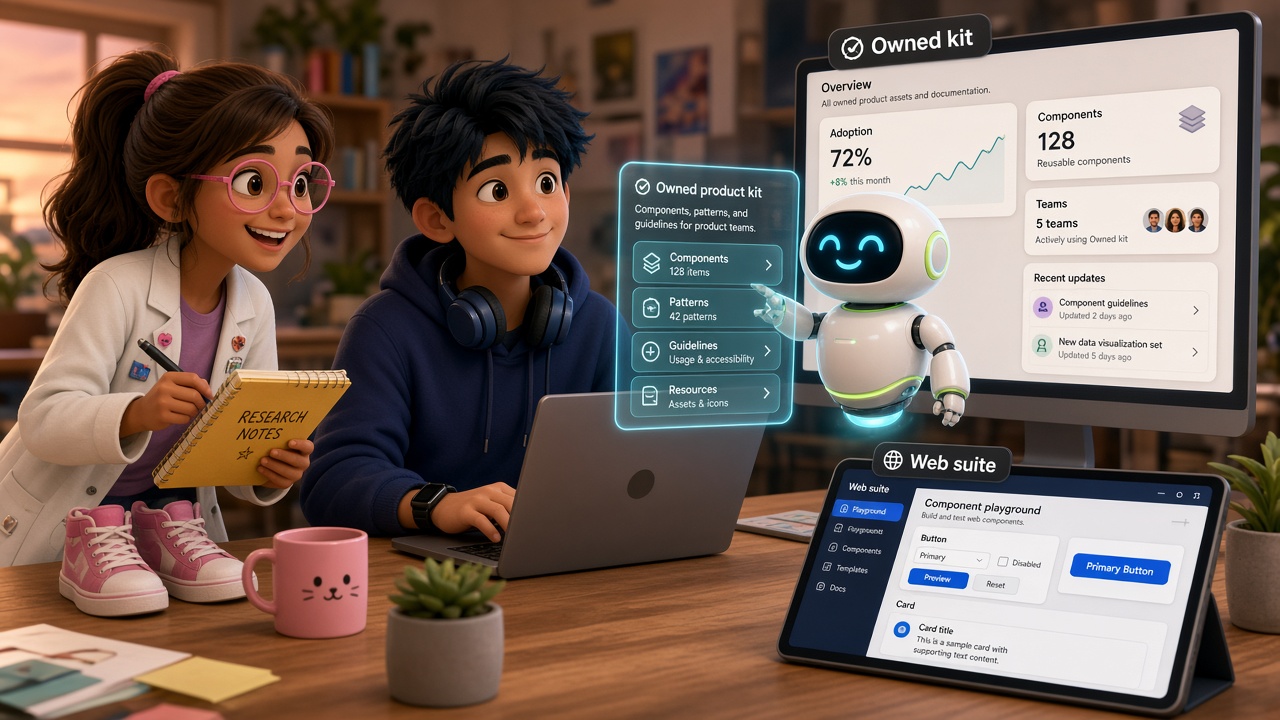
Assemble headless pieces when brand and portability outweigh suite speed — or when you already know the product will outgrow a web-only component ceiling. At that point the complementary move is not "rewrite every Button tomorrow." It is to pick an owned kit that keeps a designed system across surfaces and, if you need it, ships product plumbing beyond the component layer.
[Open Template Forest templates](https://otf-kit.dev/templates) are that complementary shape: free open-source SDK plus paid full-stack kits with real screens and AI configs, for teams who hit the scaling wall after the sandboxed builder phase. Use Mantine while the suite matches the job. Switch the ownership model when suite assembly becomes the bottleneck — not because Mantine failed, but because your product scope changed.
## Practical recommendation
1. Appraise Mantine on suite depth and AI docs first — it earns the default for many web-only SaaS apps.
2. Run the worksheet; write the six answers in the repo README so the next hire does not reopen the debate.
3. If you adopt the suite, install specialty packages intentionally and import their CSS; missing styles are the most common self-inflicted footgun.
4. If you assemble headless, budget time for form/date/chart cohesion and a11y review — that cost is real.
5. Revisit when roadmap adds a second client or when design tokens must outlive the vendor. Pair that revisit with the starter-kit checks linked above.
Mantine's full suite is a strong, honest default for web SaaS. A thinner headless stack is the right call when you need to own the designed layer end to end. Own the decision explicitly either way.
## Sources
- [Mantine — home](https://mantine.dev/) (120+ components, 70 hooks, LLM docs, agent skills, `@mantine/mcp-server`)
- [Mantine — getting started / package table](https://mantine.dev/getting-started/)
- [Mantine — llms.txt](https://mantine.dev/llms.txt)
- [OTF vs Mantine compare](https://otf-kit.dev/compare/otf-kit-vs-mantine)
- [OTF templates](https://otf-kit.dev/templates)
- [Radix primitives vs designed kit](/blog/radix-primitives-vs-designed-kit)
- [Chakra UI web-only decision](/blog/chakra-ui-web-only-decision)
- [Material UI web-first decision](/blog/material-ui-web-first-decision)
- [Choose a starter kit without a rewrite](/blog/choose-starter-kit-without-rewrite)