# Defining 'Production-Ready' for Real Apps: A Line-by-Line Breakdown
> Explore the seven essential checks that define a production-ready app, from auth to deployment, and see how full-stack kits bridge the gap.
> By Dave · 2026-07-08
> Source: https://otf-kit.dev/blog/what-production-ready-means
## The "production-ready" word does 90% of the work and pays for 10% of it
Every starter on the planet ships a green `Deploy` button. Click it, your app is on the internet. Anyone who has tried to charge money for the result knows what that button does not do.
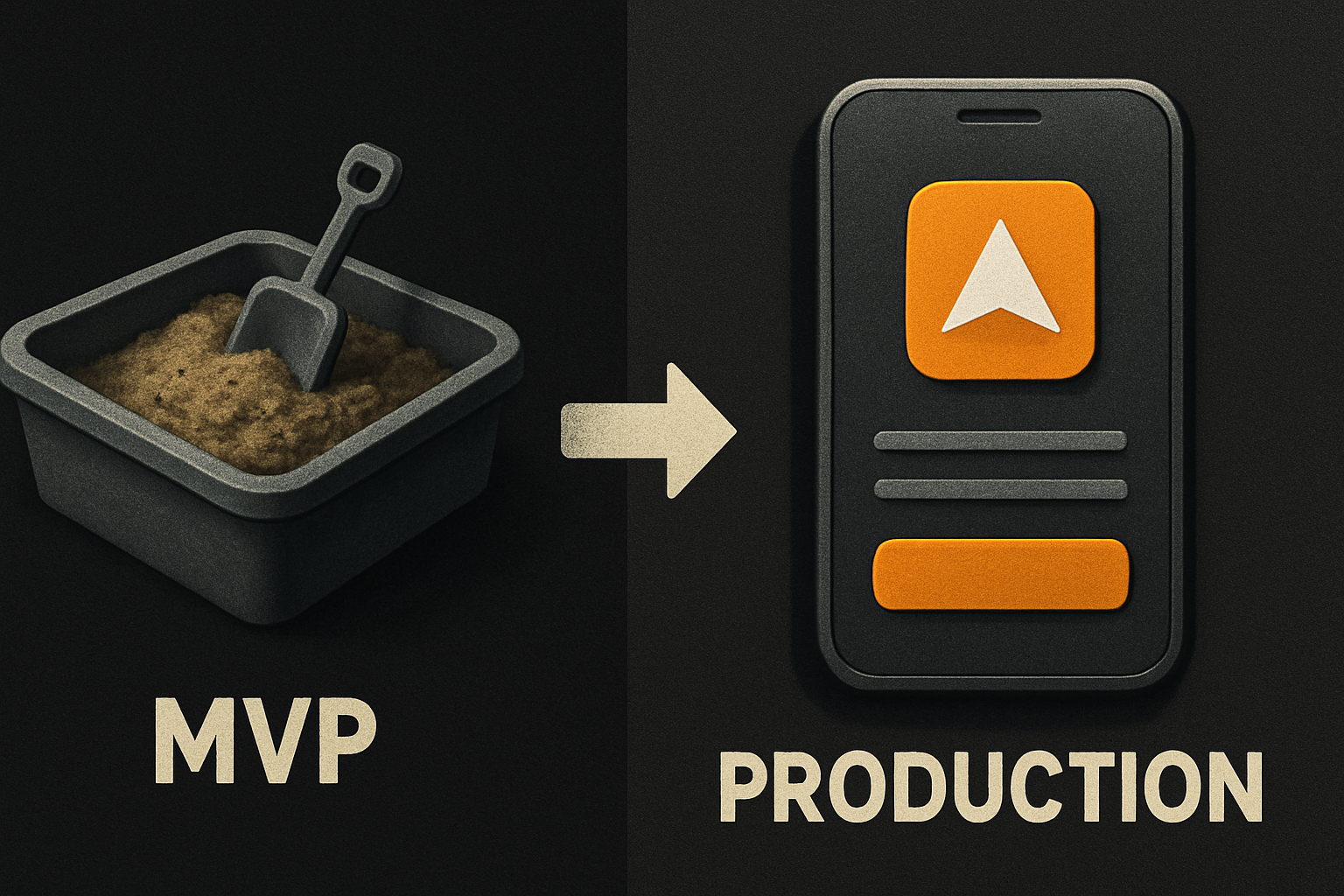
I'm going to define "production-ready" line by line — seven specific, falsifiable checks — score a typical sandbox MVP against them, and then walk through how a full-stack kit closes the gap without burying you in ceremony.
## The seven checks
A "production-ready" app, as a working engineer would defend the term, has to pass these seven. Order matters; #1 is the failure that kills more startups than the other six combined.
1. Auth is real, with sessions
2. The database has migrations, not `db.push()`
3. Payments reconcile to a ledger you can audit
4. Every screen has loading, empty, and error states — and they match
5. Errors are observable: a request ID survives to the log
6. A deploy pipeline runs the tests, then ships
7. A custom domain is wired with a real TLS cert
Let's score a typical sandbox MVP against them. By "sandbox MVP" I mean what you get in an afternoon from a vibe-coded starter — a beautiful UI, a hosted Postgres project, maybe a Stripe test-mode toggle, a hosted URL.
### 1. Auth: real sessions, not localStorage
The MVP has a hosted Postgres project, an email+password form, and a JWT in `localStorage`. That works until your tokens show up in a CSRF-able context, your SSR pages flicker because the session is client-only, or you try to revoke a session and discover there is no server-side list to revoke from.
Production wants sessions: a server-readable cookie (or a server-issued token), a `signOut` that invalidates the row in the `session` table, and a way to list every active session per user so they can kill the laptop they lost.
```ts
// what a real session middleware looks like
export async function requireUser(req: Request) {
const sessionId = req.headers.get('cookie')?.match(/sid=([^;]+)/)?.[1]
if (!sessionId) throw redirect('/login')
const session = await db.sessions.findUnique({
where: { id: sessionId },
include: { user: true },
})
if (!session || session.expiresAt < new Date()) {
throw redirect('/login?expired=1')
}
return session.user
}
```
The MVP score here: **partial credit.** Signup works. Sessions don't.
### 2. Database: migrations, not `db.push`
The MVP was built by pushing schema straight to the DB. There is no migration history. There is no rollback. The seed data was re-imported twice and now the `users` table has duplicates with `email LIKE '%+staging%'`.
Production wants versioned migrations, one per change, reversible. It wants migrations to be a deploy gate, not a developer memory.
```bash
# the script your CI should run
pnpm db:migrate:check # asserts every migration is applied; CI fails if not
pnpm db:migrate:apply # applies pending migrations; only runs in the deploy step
pnpm db:seed # idempotent — safe to re-run
```
The MVP score: **failing.** `db.push` got you here. It will not get you to a second environment.
### 3. Payments: reconcile, don't trust
The MVP has a Stripe Checkout button and a `paid` boolean on the user row. That boolean was set by a webhook handler you wrote at 1am — with a `try/catch` that swallows errors and returns `200` either way. Sound familiar?
Production wants a ledger. Every payment event — `checkout.session.completed`, `invoice.paid`, `charge.refunded`, `customer.subscription.deleted` — lands as a row in a `payments` table with `event_id` as the unique key, deduplicated, and tied back to a subscription state machine. The webhook returns non-200 on failure so Stripe retries.
```ts
// webhook handler that won't lie to you
export async function stripeWebhook(req: Request) {
const sig = req.headers.get('stripe-signature')!
const event = stripe.webhooks.constructEvent(rawBody, sig, process.env.STRIPE_WEBHOOK_SECRET!)
await db.paymentEvent.upsert({
where: { id: event.id }, // idempotent by Stripe event id
create: { id: event.id, type: event.type, payload: event },
update: {}, // re-deliveries are no-ops
})
switch (event.type) {
case 'checkout.session.completed': await activateSubscription(event); break
case 'invoice.paid': await recordPayment(event); break
case 'customer.subscription.deleted': await cancelAccess(event); break
}
return new Response('ok')
}
```
The MVP score: **accepts money, doesn't know it.** One webhook re-order away from a double-activation.
### 4. UI states: loading, empty, error — match
The MVP has the happy path. Loading is a spinner you remembered to add on one screen. Empty is the table with zero rows, no message. Error is `something went wrong` in red, hardcoded, in the corner.
Production wants three states per data view, designed, not afterthoughts:
```tsx
function InvoicesTable({ status }: { status: 'loading' | 'empty' | 'error' | 'ready' }) {
if (status === 'loading') return
if (status === 'empty') return (
}
/>
)
if (status === 'error') return (
)
return
}
```
A shared skeleton, empty, and error component — same shape on every screen — is what separates "looks good in the demo" from "looks good on a customer's bad day."
The MVP score: **incomplete.** The tokens and components exist for this; the screens just never got them.
### 5. Observability: a request ID, end to end
The MVP has `console.log`. Production wants every log line to carry a `requestId` generated at the edge, passed through every async hop, attached to every DB query, and printed in the user's error banner so a screenshot of the error contains enough to find it.
```ts
// log shape every endpoint should emit
logger.info('invoice.create', {
requestId, userId: user.id, invoiceId: result.id, durationMs,
})
```
And the user-facing error banner:
```tsx
Something went wrong on our end. Reference: {error.requestId}
```
The MVP score: **blind.** When a customer emails support, you have nothing to grep.
### 6. Deploy pipeline: tests, then ship
The MVP deploys on a button click. Production wants a pipeline: install, typecheck, lint, test, build, apply migrations, ship, smoke-test the live URL. If the smoke fails, the deploy rolls back.
```yaml
# the deploy step that earns the word "production"
- run: pnpm install --frozen-lockfile
- run: pnpm typecheck
- run: pnpm test
- run: pnpm build
- run: pnpm db:migrate:apply
- run: pnpm deploy
- run: curl -fsS || (pnpm rollback && exit 1)
```
The MVP score: **manual.** You are the smoke test. That is fine until you ship at 11pm on a Friday.
### 7. Custom domain: wired, with TLS
The MVP is on `.hosted.example`. Production wants `yourcompany.com` with a real cert, automatic renewal, and a redirect from `www` to apex.
```bash
# the one script that does it
./scripts/attach-domain.sh yourcompany.com \
--dns=cloudflare \
--tls=auto
```
The MVP score: **placeholder.** Functionally fine. Brand-wise, the line between "real company" and "weekend project" runs through the URL bar.
## Scoring the MVP
Let's add it up.
| # | Check | MVP status |
|---|--------------------------------|-----------------------|
| 1 | Real auth + sessions | Partial |
| 2 | DB migrations | Failing |
| 3 | Payment reconciliation | Accepts, doesn't know |
| 4 | Loading / empty / error states | Incomplete |
| 5 | Observability (request IDs) | Blind |
| 6 | Deploy pipeline | Manual |
| 7 | Custom domain + TLS | Placeholder |
Five of seven are partial or failing. The MVP is a demo. It is not what you charge money for.
## How a full-stack kit closes the gap
This is where a kit earns its keep — not by hiding code from you, but by shipping the boring parts already written, tested, and wired together. A full-stack kit is a starter you own: the repo, the source, the scripts. You read it, you change it, you keep every line.
What you actually get, line by line:
- **Auth.** Email + password, OAuth, magic link — all wired with real server sessions, a `session` table, and a `signOut` that revokes. You write a signup form; the session machinery is already there.
- **Database.** Versioned migrations from day one. The deploy step applies them; the local dev script resets safely. The schema is documented at the column level, not the table level.
- **Payments.** Stripe wired end to end: a `payments` table keyed by Stripe event id (idempotent), a subscription state machine, customer portal link, a webhook handler that returns non-200 on failure so Stripe retries, and a reconciliation script you can run on the first of the month.
- **UI states.** ~200 components in the design system, every data view ships loading, empty, and error variants out of the box. You compose them; you don't build them.
- **Observability.** Structured logger with `requestId` propagation, error boundary that surfaces the id in the user-facing banner, log query examples for the common failure modes (404, 500, payment-rejected, webhook-stuck).
- **Deploy.** A `deploy.yml` you don't have to write — install, typecheck, test, build, migrate, ship, smoke, roll back. Plus a one-script domain attach for the custom domain + TLS + DNS step.
- **Design quality.** A 24-item design checklist a script runs before any kit ships, so typography, spacing, color, and accessibility are not your problem at 2am.
You own the code. The kit is not a black box — it's the boring 80% of a production app already done, so your week goes to the 20% that is actually your product.
## What this gets you
Three concrete wins.
1. **You ship in a week, not a quarter.** The seven checks above are roughly a quarter of senior-engineer time on a greenfield app. Pre-built, they cost an afternoon of reading and a day of plumbing.
2. **The kit stays out of the way.** Every kit ships with `CLAUDE.md`, `.cursorrules`, and 20+ tested prompt files so when you sit down with Claude Code or Cursor to extend the app, the agent extends the kit instead of regenerating it. Convention beats configuration — and the convention is in the repo before you arrive.
3. **The components work everywhere.** The same `` component, with the same props and the same look, ships on web, iOS, and Android from one codebase — because the design tokens flip one theme across all three. Write once, ship everywhere, keep the design consistent without policing it.
## Closing
"Production-ready" is a checklist, not a vibe. Seven checks: auth with sessions, versioned migrations, reconciled payments, designed states, observable errors, a deploy pipeline, a real domain. A sandbox MVP passes two of them and calls it done. A kit you own passes all seven on the first commit, and your week goes to the parts that are actually yours.
The full-stack kits (SaaS Dashboard, Fitness, Booking) are $99 each; the Everything Bundle is $149. Live demo at saas.otf-kit.dev.