
Ensuring consistency in AI-generated codebases with shared UI contracts

Lovable shipped a working SaaS dashboard in eight minutes. Cursor refactored a 40k-line monorepo overnight while the senior engineer slept. These aren't hypotheticals — they're what builders are shipping today, and the gap between "idea" and "running app" collapsed in 2025 in a way that genuinely surprised everyone, including the people building the tools.
The hard part isn't generation. The hard part is the day after.
When an agent produces 1,200 files in a single sitting, every subsequent edit needs to honor the same patterns. Agents are probabilistic. Ask Cursor to add a Settings page and you'll get a Settings page — and a new CSS approach, a new way to handle forms, and a shade of blue the rest of your app doesn't use. Not because the tool is bad. Because that's what LLMs do: produce a plausible answer, not a consistent one. (The file counts here are color for the shape of the problem, not benchmarks — the failure pattern is what's durable.)
This is the part that determines whether you're shipping in month six or rewriting in month six. This post is the sibling to our piece on unifying web and mobile UI for agent development — that one covers the shared cross-platform contract, while this one covers the three failure modes and the durable layer that pins them down.
The three failure modes
I've watched a handful of teams run an agent on a real codebase for two weeks. The same three things break, every time:
1. Visual drift. The first ten screens look uniform. Screen 21 has a button with border-radius: 7px instead of 6px. Screen 34 invents a shade of blue that isn't in the design tokens. By screen 50, the app looks like three designers fought over it — because, in a sense, three agents did.
2. Convention death. The first component imports from lib/utils. The twentieth imports from ~/helpers. The forty-seventh defines its own formatDate. None of these decisions are wrong, individually. Collectively, they're a codebase no human wants to touch.
3. Silent rewrites. You ask an agent to add a feature. It adds the feature and refactors the surrounding code to use a different HTTP client. Your diff is 1,400 lines, half of which you didn't ask for, and your reviewer is going to spend an hour understanding what you actually changed.
None of this is a Lovable problem or a Cursor problem. It's a probability-meets-large-codebase problem. The longer the codebase, the more chances for the agent to deviate. Cursor's own docs frame the agent as able to "understand your codebase, plan and build features... and work with the tools you already use" (Cursor docs) — understanding is real, but consistency across hundreds of edits is where the explicit contract earns its keep.
What actually works: the durable layer
The teams I've seen keep their codebase coherent past month three are doing two things, and they're doing both:
- They ship a component library with one canonical import path, one canonical API, and one canonical look across every platform.
- They ship agent configs that tell the model: here are the rules. Do not invent new ones.
That's it. That's the durable layer. The model changes every quarter — the layer underneath does not.
Lovable and Cursor are the modern. They're also going to keep changing, because that's what model-layer tools do. What doesn't change is the contract between your app and the agent: use these components, follow these conventions, do not invent new patterns.
One codebase. iOS, Android, and web.
The Fitness Kit ships with auth, a database, and a backend already connected — no setup. Live demo at fitness-preview.otf-kit.dev.
The configs that pin your agent to your conventions
Every OTF kit ships three things at the repo root:
CLAUDE.md
.cursorrules
ai/prompts/
CLAUDE.md is read by Claude Code. .cursorrules is read by Cursor. The ai/prompts/ directory holds 20+ tested prompts for common tasks — adding a screen, wiring a Stripe webhook, scaffolding a settings page. If you want the short version of why the config file matters, our Claude.md guide covers keeping it tight enough that the agent actually reads it.
Here's what .cursorrules actually contains for a real OTF SaaS kit:
# Component usage
- Every interactive element MUST use a component from @otfdashkit/ui.
- Do not introduce new UI primitives (buttons, inputs, modals, tables).
  If a primitive seems missing, check ui/primitives first.
- All colors come from the design tokens in @otfdashkit/tokens.
  Never hardcode hex values, rgba(), or hsl() in component code.
- Spacing uses the 4px scale (tokens.spacing.1 through tokens.spacing.16).

# File structure
- Routes live in app/(dashboard)/<route>/page.tsx.
- Server actions live in app/(dashboard)/<route>/actions.ts.
- DB queries go through src/server/db/queries.ts. No raw SQL in components.

# What NOT to do
- Do not add a new state management library.
- Do not introduce utility classes beyond what the tokens already define.
- Do not rename exported components.
- Do not modify files in node_modules or packages/ui.
The point isn't the specific rules — your rules will differ. The point is that the rules exist as text the agent reads on every turn. When the model is uncertain, it falls back to the explicit instructions instead of inventing. This is the same principle behind treating the design system as agent context: the system isn't documentation, it's runtime input.
The component library that turns hints into guardrails
Configs are a hint. A component library is a guardrail.
OTF ships web and React Native component packages with some shared names and design tokens. Props and rendering remain package-specific, so check each component's documentation before translating a screen. The library provides conventions for extending the existing UI rather than rebuilding it.
Here's what that gives you in practice. Cursor wants to add a destructive action:
// What Cursor writes when there's no library — and a lot of magic numbers:
<button
  onClick={handleDelete}
  style={{
    backgroundColor: '#dc2626',
    color: 'white',
    padding: '8px 16px',
    borderRadius: '6px',
    border: 'none',
    cursor: 'pointer'
  }}
>
  Delete project
</button>

// What Cursor writes when @otfdashkit/ui is the only option:
import { Button } from '@otfdashkit/ui'
import { Trash2 } from 'lucide-react'

<Button
  variant="destructive"
  size="md"
  onPress={handleDelete}
  leftIcon={<Trash2 size={16} />}
>
  Delete project
</Button>
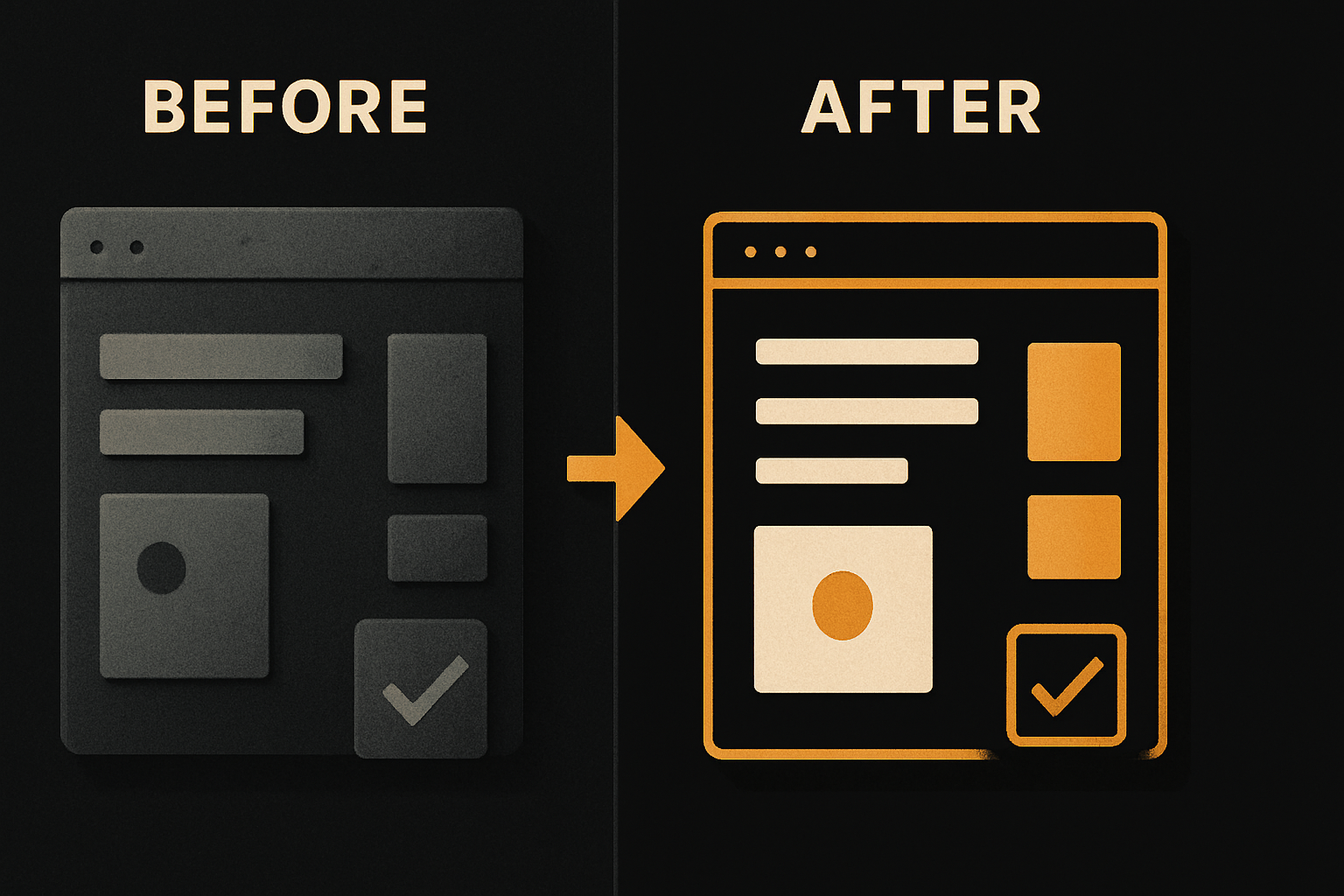
Same feature. Same agent. The second version is themeable across every screen in the app, accessible by default, and uses the same destructive styling every other destructive button uses. The agent didn't decide to do this — there was no other path.
The workflow that holds together at month three
Here's a workflow that works today, end to end:
# 1. Scaffold in Lovable, export to a real repo (not a sandbox)
#    (use Lovable's repo export / GitHub integration)
cd my-app

# 2. Install the OTF kit on top
npm i @otfdashkit/ui @otfdashkit/tokens
npx otf-kit init          # drops CLAUDE.md, .cursorrules, ai/prompts/

# 3. Open Cursor / Claude Code and use the prompts
#    ai/prompts/add-settings-page.md walks the agent through:
#    - import the right components
#    - place the route in app/(dashboard)/settings/page.tsx
#    - wire the form to app/(dashboard)/settings/actions.ts

# 4. Before you ship, run the design checklist
npx otf-kit check         # 24-item script: hardcoded colors,
                          # new state libs, raw SQL in components,
                          # missing tokens, off-spec spacing
The key move is step 2. The scaffold from any agent is fine as a starting point. The kit is what makes the next 200 edits coherent.

Where this breaks anyway
It does break, sometimes. Three honest cases:
- The agent wants to use a library you haven't installed. Configs help, but the model can still ignore them. Solution: run
npx otf-kit checkbefore merging. The 24-item script catches the most common drift — hardcoded colors, missing components, raw SQL in components, new state libraries. - The kit doesn't have the component you need. Don't write a new primitive. Extend the kit. The point of the library is that it's the source of truth.
- The model itself is mid-rollout and the config has a typo. Read your
CLAUDE.md. Yes, really.

What this gets you
A solo builder with a kit, a config file, and Cursor can ship what used to take a team of three. That's the upside of the agent era — it was always going to be huge, and it's real.
Lovable and Cursor are the best thing that's happened to shipping speed in a decade. Use them. Pair them with a kit that pins the conventions and a config file that reads on every turn, and you'll be the builder with the codebase that still looks coherent in month six — the one other builders ask "how is this still consistent?"
Browse the kits at OTF templates — every kit ships the component library, the agent configs, and the design checklist above. You own the code.
The model changes. The kit doesn't. That's the durable layer, and it's the part of the agent era that's actually yours.
Sources
- Cursor documentation — agent capabilities baseline ("understand your codebase, plan and build features... work with the tools you already use").
- OTF templates — kit surface and agent-config offering referenced in the CTA above.
Related guides
- A shared codebase across platforms — see where reusable structure helps and where platform differences remain.
- Design systems as agent context — keep conventions visible to coding agents.
Stop wiring. Start shipping.
- Login, database, and backend already connected — nothing to set up
- iOS + Android + web from one codebase
- AI configs pre-tuned + 40+ tested prompts included