
Transform Docker security and efficiency with GitHub Copilot agent mode

The 912 MB Friday afternoon
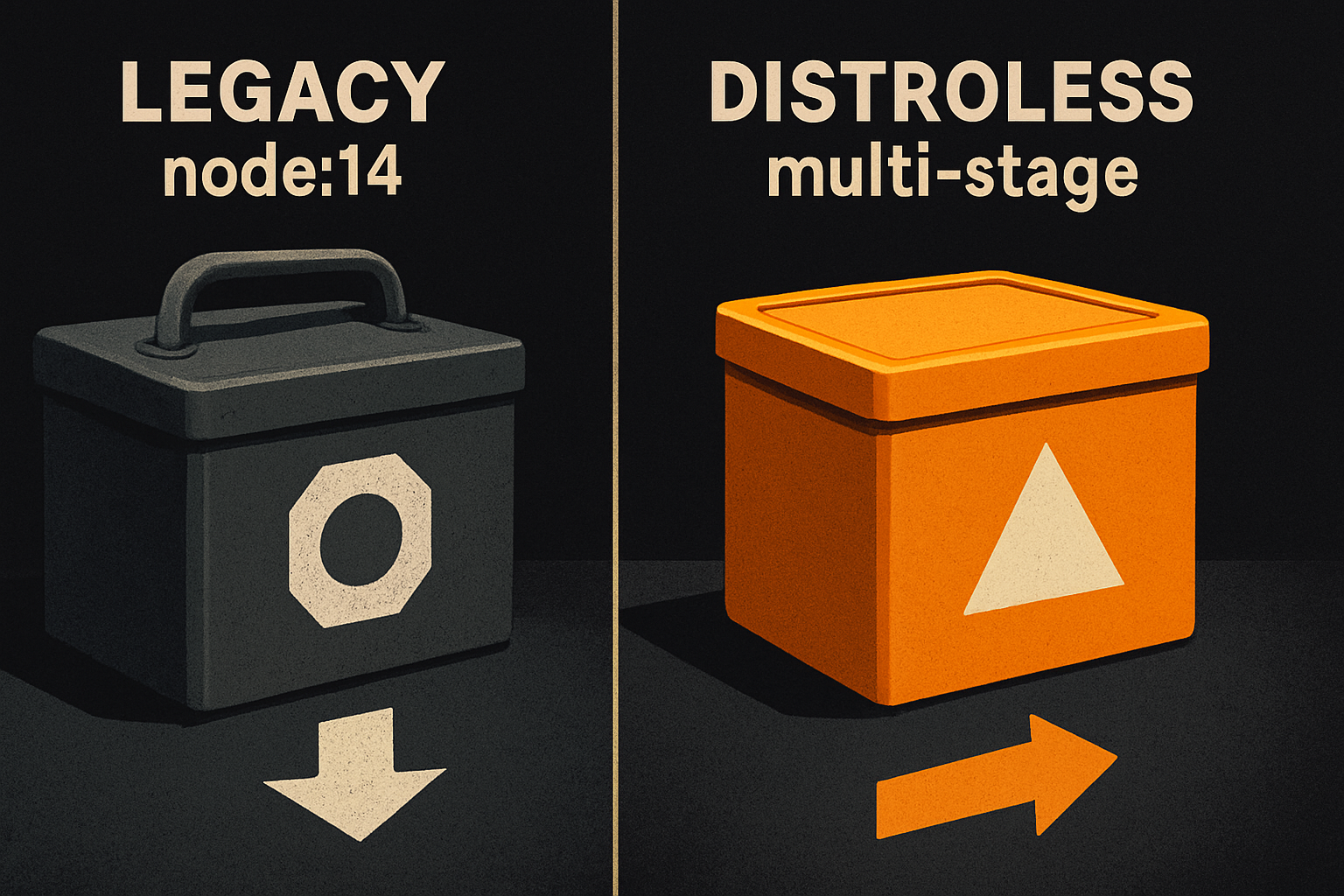
A 1 GB Docker container running as root, sitting on top of node:14, surfacing 50+ Critical and High CVEs in CI — that is a real shape, not a thought experiment. It ships, it fails the security gate, and someone gets paged. The old fix was a person spending an afternoon rewriting a Dockerfile, hoping the multi-stage build was actually multi-stage and not just three RUNs in a trench coat.
Copilot Agent Mode turns that afternoon into a paste. That is genuinely new. Hand it the terminal, give it the prompt, and watch it refactor a bloated single-stage build into a multi-stage hardened image — same hour, same laptop, less swearing. Worth appraising out loud before any "but".
A note on numbers in this post: the phase table below (912 MB, 123 MB, 108 MB, "50+ CVEs", "0 vulnerabilities") is one walkthrough's worked example, not general data. Your images will differ. The shape of the pipeline is what's transferable.
What Agent Mode actually is
Agent Mode is the Copilot Chat variant that works agentic loops instead of just emitting diffs in a side panel. For Docker work that matters: in the walkthrough, it runs the scan, reads the output, edits the Dockerfile, regenerates .dockerignore, and rebuilds — diagnose and fix inside a single loop, with approval gates. It is not magic. It is a tighter feedback cycle between "diagnose" and "fix".
That tighter cycle is the whole story. The hard part of hardening a container has never been "know what to change" — distroless, non-root, multi-stage, .dockerignore — it has been the friction of running each scan, editing each line, rebuilding, re-scanning. Agent Mode collapses the friction. For the broader checklist this pipeline sits inside, see our AI app security checklist.
11 production screens. Login, database, payments — all wired.
The SaaS Dashboard Kit ships everything already connected. Nothing to set up. Live demo at saas.otf-kit.dev.
The 4-phase hardening pipeline
The walkthrough pins the pipeline to four concrete phases. Worth quoting the numbers because they make the shape undeniable — again, as that walkthrough's example, not as promises about your images.
| Phase | Base image | Size | Vulns |
|---|---|---|---|
| 1. Diagnose | node:14 | ~912 MB | 50+ Critical/High CVEs |
| 2. Alpine refactor | node:20-alpine (multi-stage) | 123 MB | OS utilities & shell vulns |
| 3. Distroless swap | gcr.io/distroless | 108 MB | No shell, no package manager |
| 4. Verify | (any of the above) | — | 0 vulnerabilities via Docker Scout |
That is roughly an 88% size drop from phase 1 to phase 3 (912 → 108 MB) and a CVE drop from 50+ to 0 across the pipeline. The shape is the story.
Phase 1 — expose the baseline
Before any refactor, scan what you actually have. The walkthrough's first move is the one every audit should start with:
docker scout cves node:14The docker scout cves command displays the CVEs identified in an image (CLI reference). What that surfaces on the legacy image is the diagnostic the rest of the work lives or dies on: total image size around 912 MB, 50+ Critical and High CVEs, the runtime process running as root, build tools leaking into the production layer. None of that is a guess — that is what the scanner reports. Write it down. It is the receipt the optimization has to beat.
Phase 2 — multi-stage Alpine via Agent Mode
This is where Agent Mode earns the headline. Open Copilot Chat, switch to Agent Mode, paste the prompt the walkthrough provides:
Analyze our Dockerfile and the node:14 security risks.
Refactor this Dockerfile into a production-ready multi-stage build:
1. Use node:20-alpine as the runtime base image to drastically cut OS bloat.
2. Separate dependency installation (build stage) from runtime execution (production stage).
3. Create a non-root user 'node', enforce file ownership, and generate a .dockerignore file.
4. Execute terminal commands to verify the refactor and run a security scan.
What you get back is a Dockerfile that looks roughly like this — the walkthrough's recipe, in code:
# ---- Build stage ----
FROM node:20-alpine AS builder
WORKDIR /app
COPY package*.json ./
RUN npm ci
COPY . .
RUN npm run build

# ---- Production stage ----
FROM node:20-alpine
WORKDIR /app
USER node
COPY --from=builder --chown=node:node /app/dist ./dist
COPY --from=builder --chown=node:node /app/node_modules ./node_modules
EXPOSE 3000
CMD ["node", "dist/server.js"]
Plus a generated .dockerignore that drops node_modules, .git, Dockerfile, *.md, .env*. The size lands at 123 MB, and the CVE count drops because you've moved off the EOL'd node:14 runtime and pruned the OS surface to Alpine. Still not zero — Alpine ships its own utilities and a shell.
Phase 3 — the distroless swap
Alpine is good. Distroless is the point of no return. The walkthrough moves the runtime to gcr.io/distroless, which has no shell and no package manager — the distroless project describes its images as containing "only your application and its runtime dependencies," with no "package managers, shells or any other programs you would expect to find in a standard Linux distribution" (distroless README). That is not a stylistic choice — it is what kills the residual CVEs. An attacker cannot apt-get their way into a layer that has no package manager, and cannot sh into a layer that has no shell.
# Check the distroless README for the current Node.js tag —
# older Debian-suffixed tags are deprecated and no longer updated.
FROM gcr.io/distroless/<current-nodejs-tag> AS production
WORKDIR /app
USER nonroot
COPY --from=builder --chown=nonroot:nonroot /app/dist ./dist
COPY --from=builder --chown=nonroot:nonroot /app/node_modules ./node_modules
EXPOSE 3000
CMD ["node", "dist/server.js"]
Image lands at 108 MB in the walkthrough and the attack surface is whatever your node_modules actually pulls in. That is a tractable problem; you can npm audit it.
Phase 4 — verify with Docker Scout
The last phase is not a phase you skip. Re-run the scanner against the new image:
docker scout cves your-image:distrolessDocker Scout works by compiling an inventory of image components (an SBOM) and matching it "against a continuously updated vulnerability database to pinpoint security weaknesses" (Docker Scout docs). The walkthrough's reported outcome is 0 vulnerabilities — meaning 0 Critical and 0 High CVEs in the OS layer that Scout can see. (CVE counts depend on the date of the database snapshot; "0 today" is not "0 forever", and Scout will warn you about that itself.)
docker scout recommendations your-image:distrolessThat command displays "available base image updates and remediation recommendations," including benefits like fewer vulnerabilities or smaller image size (CLI reference). Loop it back into the same Agent Mode session and you have a recurring hardening pipeline that takes a few minutes of your time, not an afternoon. If you're building that pipeline into a shipping checklist, our ship-AI-MVP-to-production checklist and the Supabase auth production hardening guide cover the surrounding gates.
What this actually enables
The ~88% size number is not the win. The win is that the cycle — diagnose, refactor, scan — is now a 10-minute loop instead of an afternoon. That changes what gets hardened. If hardening a service costs an afternoon, only the production services get hardened. If it costs 10 minutes, every side project, every internal tool, every demo environment gets hardened too. That is the real tailwind.
It also lowers the floor on who can do it. The Copilot prompt encodes the playbook — multi-stage, non-root, distroless, .dockerignore — in a way that does not require the reader to have internalized the playbook first. The agent does the first pass; the developer reviews and corrects. That is a real shift in how security work gets distributed across a team.
What stays the same when the tools change
Here is the part that does not move.
Copilot Agent Mode is one model, one prompt surface, one moment. The next model bumps it; the next "agent mode" from the next vendor replaces it; the prompt that works today gets deprecated by Q2. None of that changes the shape of the problem: you have a service, it ships in a container, the container needs to be small, non-root, and free of known CVEs. That shape is durable. The tools are not.
That is also where the durable layer earns its keep. The same hardening recipe — multi-stage build, non-root runtime, distroless where you can, a scanner in the loop — is what every service needs regardless of which agent wrote the Dockerfile last Tuesday. Bake the recipe into the platform underneath: a shared base image your team trusts, a CI step that runs Scout on every PR, a Dockerfile template that ships with non-root by default. Then let whichever agent is hot this quarter use that template. You get the velocity of Agent Mode and the consistency of a hardened baseline, and you do not re-litigate the security policy every time the model rotates.
The agent is the fastest way to get there today. The baseline is what keeps you there tomorrow.
Ship the baseline with OTF: browse the kits at OTF templates — you own the code, and every kit ships the agent configs that keep the next 200 edits coherent.
Sources
- Docker Scout documentation — SBOM + vulnerability-database mechanism behind the verify phase.
docker scout cvesCLI reference — "Display CVEs identified in a software artifact."docker scout recommendationsCLI reference — base-image updates and remediation recommendations.- GoogleContainerTools/distroless — "only your application and its runtime dependencies... no package managers, shells";
gcr.io/distrolesspath and tag-support scheme. - OTF templates — kit surface referenced in the CTA above.
Ship the product, not the setup.
- 11 production screens — auth, billing, team, analytics, settings
- Real database, payments, and login — all wired on day 1
- AI configs pre-tuned so your agent extends instead of regenerates