
shadcn's accordion shows one item at a time until you set multiple
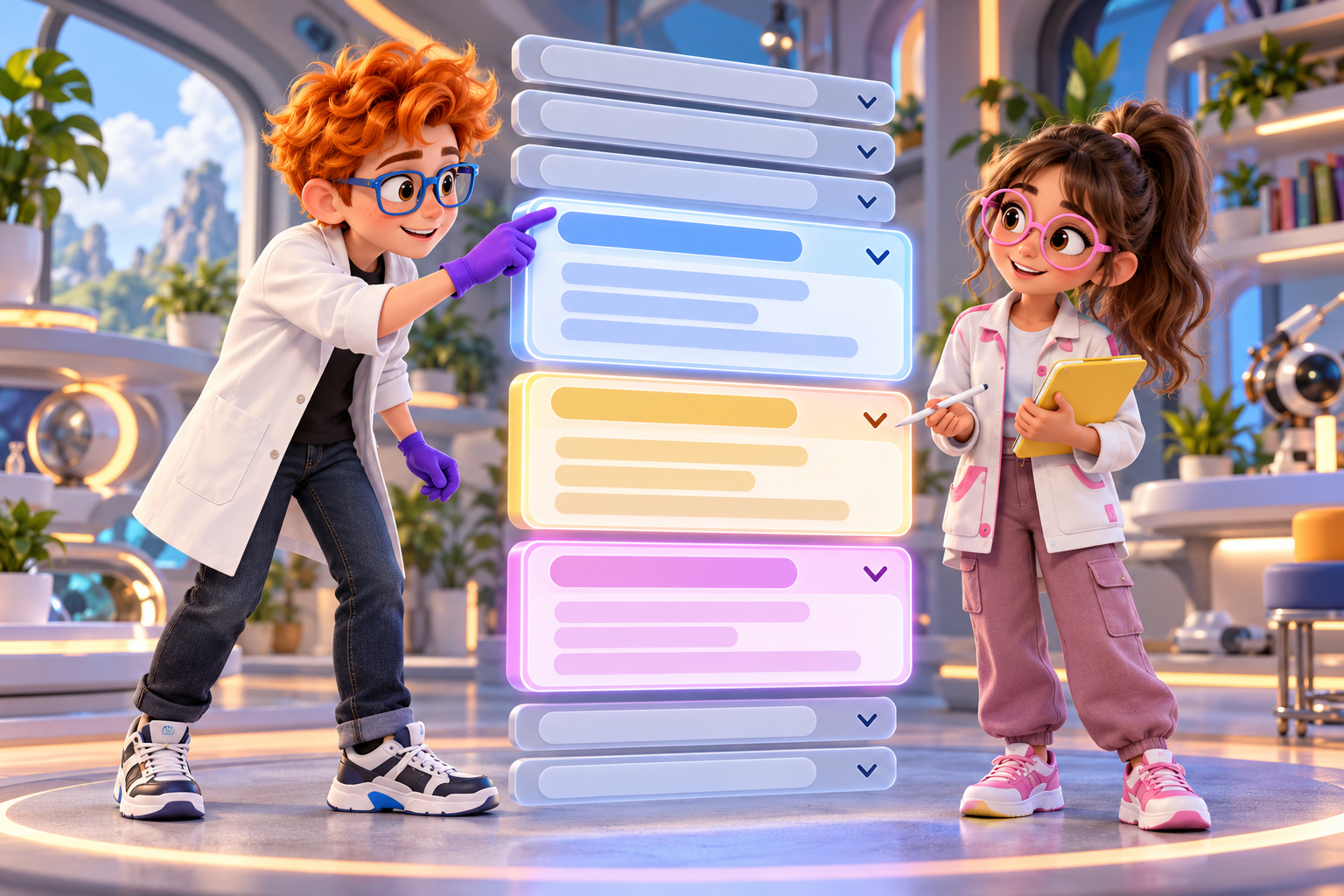
A single-open accordion makes readers close one answer before they can read the next. The shadcn basic example works that way, and a multiple prop changes it. The choice is about how your readers move through the answers, not about the component itself.
What the shadcn page covers
The page describes the component as "A vertically stacked set of interactive headings that each reveal a section of content." The install command is pnpm dlx shadcn@latest add accordion, with tabs for npm, yarn and bun. The usage example imports Accordion, AccordionItem, AccordionTrigger and AccordionContent from @/components/ui/accordion. The root shows a defaultValue={["item-1"]} prop, which opens the first item when the page loads.
The page says the basic accordion "shows one item at a time." For several items open together, it says: "Use the multiple prop to allow multiple items to be open at the same time." The examples cover basic, multiple, disabled, borders, card and right-to-left layouts.
The page does not mention FAQs, and it does not show a type or collapsible prop in its usage example. Its sample headings are written as questions, but no sentence describes FAQ use. The rules below are ours, and they are labelled as ours.
Build a single-open FAQ
An FAQ is a list of questions with one answer each. Keep the questions in an array, map them into items, and give each item a value. The root opens the first answer by default, using the same defaultValue shape the page shows:
import {
  Accordion,
  AccordionContent,
  AccordionItem,
  AccordionTrigger,
} from "@/components/ui/accordion"

const questions = [
  { id: "item-1", question: "First question?", answer: "Your answer here." },
  { id: "item-2", question: "Second question?", answer: "Your answer here." },
  { id: "item-3", question: "Third question?", answer: "Your answer here." },
]

export function FaqAccordion() {
  return (
    <Accordion defaultValue={["item-1"]}>
      {questions.map((item) => (
        <AccordionItem key={item.id} value={item.id}>
          <AccordionTrigger>{item.question}</AccordionTrigger>
          <AccordionContent>{item.answer}</AccordionContent>
        </AccordionItem>
      ))}
    </Accordion>
  )
}
Each AccordionTrigger holds the question, and each AccordionContent holds the answer. The value on each item is what the root uses to track which one is open, so keep those values unique and stable. If you reorder the questions later, the open state stays with the value, not with the position.

11 production screens. Login and database wired.
The SaaS Dashboard Kit includes login, a database, and a working dashboard. Live demo at saas.otf-kit.dev.
Let several answers stay open
Some FAQs work better when readers compare answers. A pricing page with questions about plans, billing and refunds is one example, because a reader may need two answers at once. For that case, add the multiple prop to the root. The page's note on multiple uses the same prop, and the rest of the code stays the same:
<Accordion multiple defaultValue={["item-1"]}>Keep the default open item in the same place. A multiple accordion with three panels open on load can push the first question off screen on a phone, so open one by default unless the page needs more.
Choose one open or several
These are our rules, not the docs'.
- Use single-open when the answers form a sequence, such as setup steps where the reader moves forward and does not compare.
- Use multiple when readers switch between answers, such as plan details or policy questions.
- Keep the number of items small enough to scan. A long FAQ with twenty questions may need search or grouping more than an accordion.
- Put the most common question first. It is the one most readers will open.
If you cannot decide, start with single-open. It keeps the page short on mobile, and you can switch to multiple after you see how readers use it.
Write triggers that read as questions
The trigger is the only text a reader sees before opening an item. A trigger that says "Pricing" tells them nothing; a trigger that asks "Can I change plans later?" tells them whether to open it. Keep triggers short, and make each one answer a real question your readers ask.
The answer belongs in the content panel, and it should answer the question in its first sentence. A reader who opens the panel should not need to read three lines to learn the answer.

Keep answers short and flat
Make each answer as long as the question needs, and no longer. Two or three sentences fit a panel without scrolling on most phones. When an answer needs a list, a code sample or a link, put it in the panel as normal content. Do not hide a step the reader must take before they can continue behind a closed trigger. If the step is required, show it on the page.
Avoid nesting an accordion inside another accordion. A panel inside a panel makes the keyboard order hard to follow, and readers lose track of which question they opened. If a topic needs that much depth, split it into a page with its own headings.
Test the keyboard and the phone layout
Accordions fail for keyboard users and on small screens more often than on a desktop. Check these before you ship:
- Tab through the triggers. Each one should take focus in order, and the focus ring should show on the trigger.
- Press Enter or Space on a trigger. The panel should open, and the trigger should show its open state.
- Open and close the same panel with the keyboard. The state should match what you see on the screen.
- On a 390px phone, check that each trigger is tall enough to tap comfortably and that the answer text wraps inside the panel.
- Load the page with the first item open. Check that the open answer does not push the rest of the page off screen in a confusing way.
Run the phone check last, after the question wording is final. A long question can wrap onto two lines and push the chevron away from the text it belongs to.
Where OTF stands
If you want an FAQ already built into a product, we cannot point you to one. We checked the SaaS Dashboard, Booking, Fitness and Arcade kit pages for accordion, FAQ, collapsible and expandable terms, and none of them lists one. So this article does not say any OTF kit ships an accordion.
The pricing page lists the Full-stack kits at $99 each and the Everything Bundle at $149, both as one-time payments, and it offers a live demo before you buy. Check each kit's repository for the components it ships before you rely on any of them. For a form that sits beside an FAQ, see the select guide, and for a code field in a sign-in flow, see the input OTP guide. If you are choosing a starting point for a product, the pricing page is the place to compare kits side by side: OTF pricing.
Sources
- shadcn/ui, Accordion: https://ui.shadcn.com/docs/components/accordion
- OTF pricing: otf-kit.dev/pricing
Ship the product, not the setup.
- 11 production screens — auth, team, analytics, and settings
- Login and a real database are wired in
- AI configs pre-tuned so your agent extends instead of regenerates