
The Real Checklist for Choosing a Web App Template That Ships to Production

The template you bought last Tuesday is not the product shipping on Friday. That's the gap nobody puts on the marketing page.
A web app template — the kind you clone on a Sunday and demo on a Monday — gets you the surface. It gets you a sign-in form, a dashboard, a pricing page. It does not, by default, get you the boring load-bearing machinery that turns "looks like a product" into "is a product". Auth that survives a browser refresh and a password reset. A database that survives a schema change. Payments that reconcile when the user's bank and your webhook disagree by 60 seconds. A deploy script that doesn't need a Notion page to operate.
I've bought a lot of these. Most of them skip exactly the parts that matter.
The production checklist, eight items
Before you click "Buy" on a $9 template or a $199 one, score it on this list. Score honestly. Most free templates score 2-4 out of 8. Most paid ones score 5-6. The 8s are rare, and they're the ones that ship.
- Real auth — server-side sessions, httpOnly cookies, password reset emails that actually send, email verification on signup, rate limiting on the login endpoint. Bonus: passkeys or magic links.
- A migrated database — migrations checked in, a seed script, a way to run them in CI against a throwaway DB. Bonus: typed queries, not raw strings.
- Payments that reconcile — a real provider (not a stub), webhook handlers with idempotency keys, subscription state on your side that updates when the webhook fires, customer portal handoff. Stripe documents the underlying mechanism: once you register a webhook endpoint, Stripe pushes real-time event data to it — for example when a customer's bank confirms a payment (Stripe webhook docs).
- Deploy that one person can run — a single script or button that takes you from
git pushto a live URL with TLS. Bonus: preview environments per PR. - Environment validation — your app refuses to boot if a required env var is missing or malformed. Bonus: typed env, validated at startup, not at first request.
- Observability — request logs, error tracking, a way to see what just broke in prod.
- Design system that doesn't rot — design tokens, not hard-coded hex values sprinkled across components. Bonus: the same tokens flip light/dark, web/native, brand/rebrand.
- AI-tool config —
CLAUDE.md,.cursorrules, or the equivalent for the agent you're using. Without it, your coding agent will regenerate the template, not extend it. With it, it acts like a new hire who read the docs. Cursor documents the same extension point from the tool side — plugins, skills, MCPs, and rules from one place (Cursor docs).
That's the list. Now let's score a typical free template against it.

Where free templates actually shine
Credit where it's due: free templates are a real tailwind. They collapse the blank-page tax. You get a styled landing page, a few working components, a README that explains how to run it locally. For a weekend project, a tutorial, a class assignment, a portfolio piece — perfect. Clone, customise, deploy somewhere, move on.
I have nothing bad to say about that.
The trouble starts when "weekend project" turns into "I think this could be a thing" and you try to grow the free template into a real product. That's where the gap opens.
11 production screens. Login and database wired.
The SaaS Dashboard Kit includes login, a database, and a working dashboard. Live demo at saas.otf-kit.dev.
Where they break, item by item
Auth. Most free templates ship a sign-in form that writes the user's email to localStorage and trusts every request. There is no server-side session. There is no httpOnly cookie. There is no password reset. The "remember me" checkbox is cosmetic. When you bolt a real auth provider on later, you discover the rest of the app assumed localStorage.user was always present, and you spend a week rewriting call sites. Score: 1/8.
Migrations. The DB is whatever the previous developer ran in their terminal. There is a schema.sql file. There are no migrations. There is no seed. Six months from now, you'll add a column, push to prod, and the prod DB will be the schema you wrote on day one plus a manual ALTER TABLE you forgot about. Score: 0/8 unless you count the SQL file.
Payments. Most free templates stub this entirely — a "Pro" badge with no upgrade path. Some point at a payment provider's docs and stop there. None ship the webhook handler, the idempotency key, the "what happens when the user upgrades mid-cycle" logic. Score: 1/8.
Deploy. Most free templates say "deploy to Vercel" or "deploy to Netlify" and link the provider's docs. That's fine for the first deploy. It's not fine for the 14th deploy, when you need preview environments, when you need to roll back, when the env var on prod isn't the one in your local .env. Score: 2/8.
Environment validation, observability, AI-tool config: 0/8 across the board. The app boots, falls over at first request, and you read the error from the user's bug report. console.log and hope. The agent reads the codebase, doesn't recognise it as a framework-of-record, and improvises.
Design system: 1/8 if the free template used consistent utility classes, 0 otherwise.
Free template total: 5/64. That's a 7.8%. It is a beautiful starting point. It is not a product.
What changes when the score is 8/8
A production-grade kit has to score high on every line of that list, not just the fun ones. The difference shows up in the boring files.
Here's what "real auth" looks like in a shipped codebase — server-side, httpOnly, with a reset flow:
// server/auth/session.ts
export async function createSession(userId: string) {
  const token = crypto.randomBytes(32).toString("hex")
  const expiresAt = new Date(Date.now() + 30 * 24 * 60 * 60 * 1000)
  await db.insert(sessions).values({ token, userId, expiresAt })
  return token
}

export async function getSession(req: Request) {
  const token = req.headers.get("cookie")?.match(/sid=([^;]+)/)?.[1]
  if (!token) return null
  return db.query.sessions.findFirst({
    where: and(eq(sessions.token, token), gt(sessions.expiresAt, new Date())),
    with: { user: true },
  })
}
The cookie is httpOnly. The session lives in the DB. The expiry is enforced server-side. Password reset is a one-time token, also in the DB, also expiring. There is nothing clever about it; it's just correct.
And here's what "validates env at boot" looks like — your app refuses to start if anything is wrong, instead of failing at first request:
// env.ts
import { z } from "zod"

const schema = z.object({
  DATABASE_URL: z.string().url(),
  STRIPE_SECRET_KEY: z.string().startsWith("sk_"),
  STRIPE_WEBHOOK_SECRET: z.string().min(1),
  RESEND_API_KEY: z.string().min(1),
  NODE_ENV: z.enum(["development", "production"]),
})

export const env = schema.parse(process.env) // throws on boot if invalid
The first deploy catches every missing var. Every subsequent deploy catches every missing var. You never get paged at 2am because a key rotated and nobody updated the staging env.
AI-tool config: the one nobody talks about
This is the line item that didn't exist two years ago and now matters most.
If you're using Cursor, Claude Code, or any agentic editor, the agent will read your template before it touches it. If the template doesn't tell the agent what it is — what the conventions are, what files to extend, what files not to touch — the agent will improvise. And the agent's improvisation is "rewrite the part it doesn't understand."
I've watched an agent read a template that used one component library, decide it preferred a different one, and quietly swap the imports in 40 files. The app still ran. It was no longer the template. Every future "extend this" command would now fight the agent's earlier rewrite.
The fix is a checked-in CLAUDE.md, .cursorrules, or whatever your agent reads, plus a directory of worked examples. The agent reads the rules, sees "this codebase uses X, here's how to add a Y that fits in," and extends instead of regenerates.
This is the line item most templates ship without. It's the line item that determines whether your coding agent is a 10× collaborator or a teammate who keeps deleting your production code and saying "I thought that looked better."
OTF's SaaS Dashboard, scored
I built the SaaS Dashboard — click the link before you buy, it's live — to clear 8/8 on that checklist, not 5/8. Here's what that looks like in concrete terms:
- Auth: server-side sessions, httpOnly cookies, password reset, email verification, rate-limited login. Not stubs.
- Database: typed schema, migrations checked in, seed scripts, every PR runs them against a throwaway DB in CI.
- Payments: Product billing is not included in the SaaS Dashboard kit. Its customization guide shows how to add Stripe Checkout and a webhook; you still implement, configure, and test your own subscription, tax, and customer-portal behavior.
- Deploy: the SaaS Dashboard and Fitness kits ship a Dockerfile, a railway.json, and a deployment guide.
- Env validation: typed env parsed at boot. App refuses to start if anything's missing.
- Observability: structured request logs, error reporting wired to a sink of your choice.
- Design system: 109 components in the free MIT SDK on npm (90 web and 19 React Native). Related component names and shared tokens can support a consistent design language; props and rendering follow each package's platform API.
- AI-tool config:
CLAUDE.md,.cursorrules, and 20+ tested prompts inai/prompts/that walk the agent through extending the kit — adding a page, wiring a new provider, swapping a token — without regenerating anything.
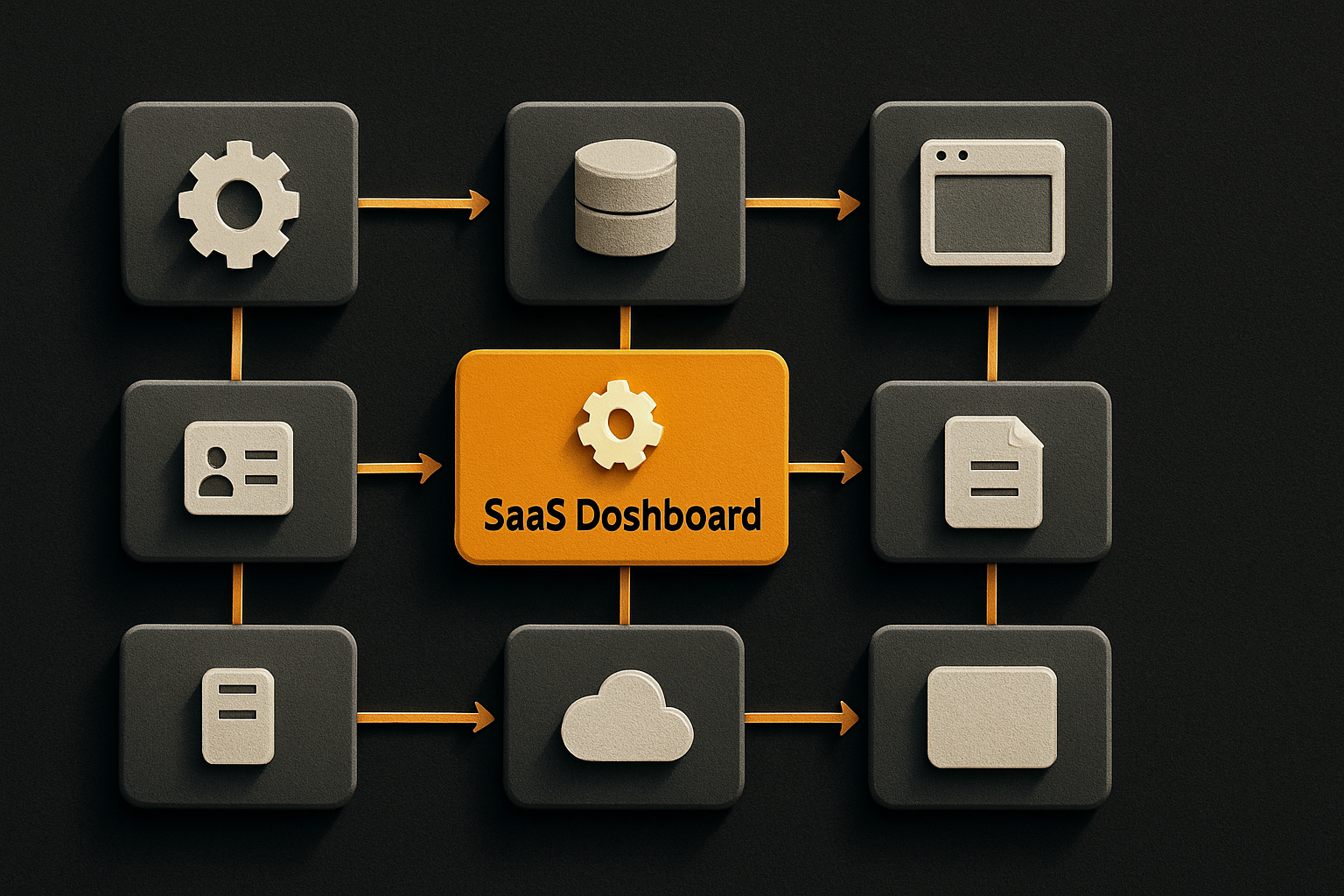
The templates page lists current kit delivery and sale status. SaaS Dashboard, Fitness, and Arcade are available at $99 each; Booking is a preview, not for sale. The $149 Everything Bundle includes the three delivered kits. Fifteen single-page landing templates are $9 each if you only need the marketing surface.
There's a 24-item design checklist enforced by a script before any kit ships, which is why the UI doesn't ship looking like a template.
The durability argument
Models change. Agents change. Hosting changes. The kit is built on primitives that have been stable for years, on a component model that won't churn when the next framework does, with AI-tool config that travels with the codebase instead of being bolted on after the fact.
You're going to swap your agent. You're going to swap your payment provider. You're going to redesign your landing page three times before launch. The part that should not have to change is the auth flow, the migration story, the webhook handler, the deploy script, and the rules your coding agent reads on day one.
That's the part worth paying for.
Open the live demo. saas.otf-kit.dev. Click through it. Read the code. Then decide. Or browse the full lineup at OTF templates — every kit is scored against the checklist above before it ships.
Keep reading
- One codebase, three platforms — why the same component should render on web, iOS, and Android.
- Auth and billing you don't hand-roll — the two checklist items that sink the most launches.
Sources
- Stripe — Receive webhook events — webhook endpoints receive real-time event data, e.g. when a customer's bank confirms a payment.
- Cursor documentation — customize Cursor with plugins, skills, MCPs, and rules; plan and build features with Plan Mode.
- OTF templates — the kit lineup scored against the checklist in this post.