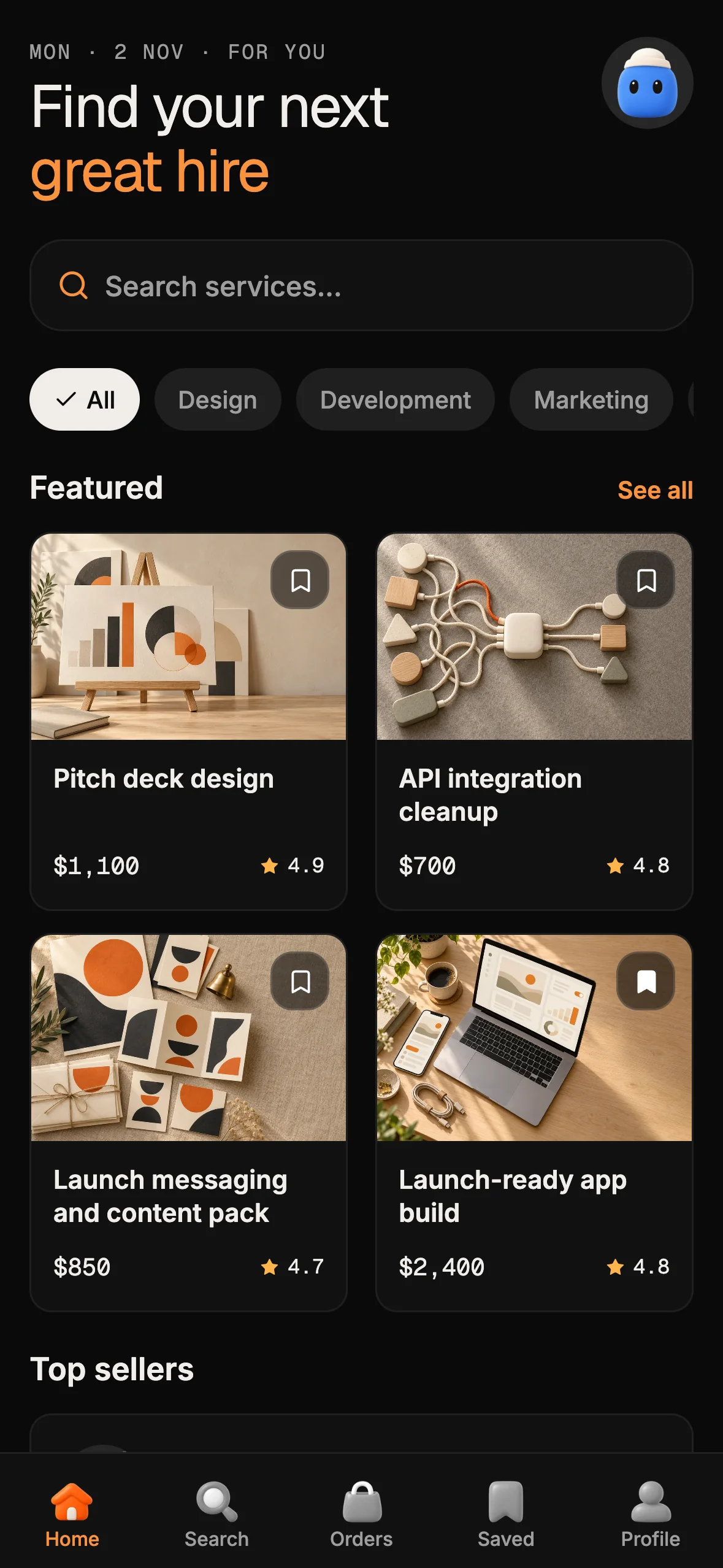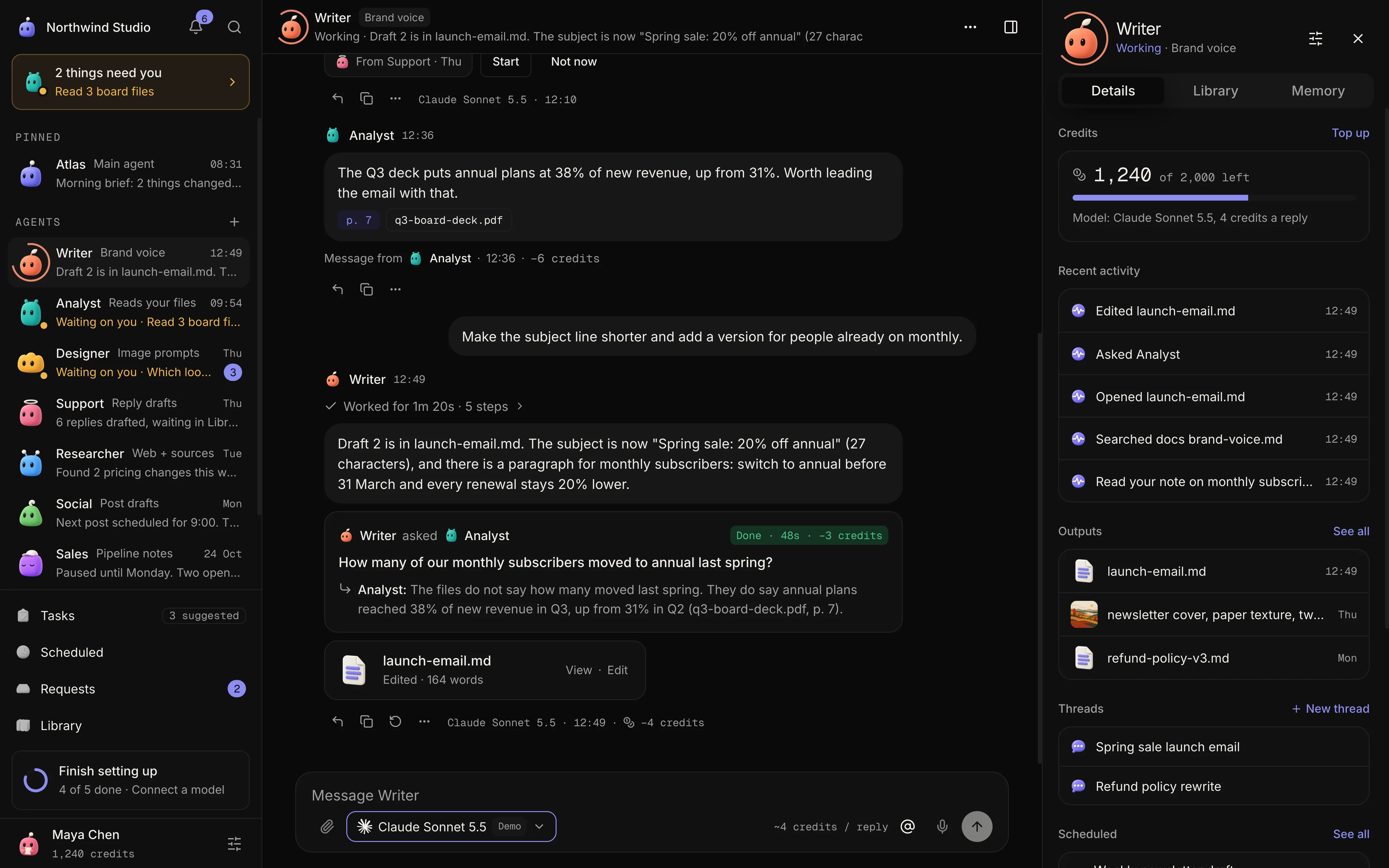
Arcade Kit
A games showcase app for iOS, Android and web that runs on the device, with no backend to set up.
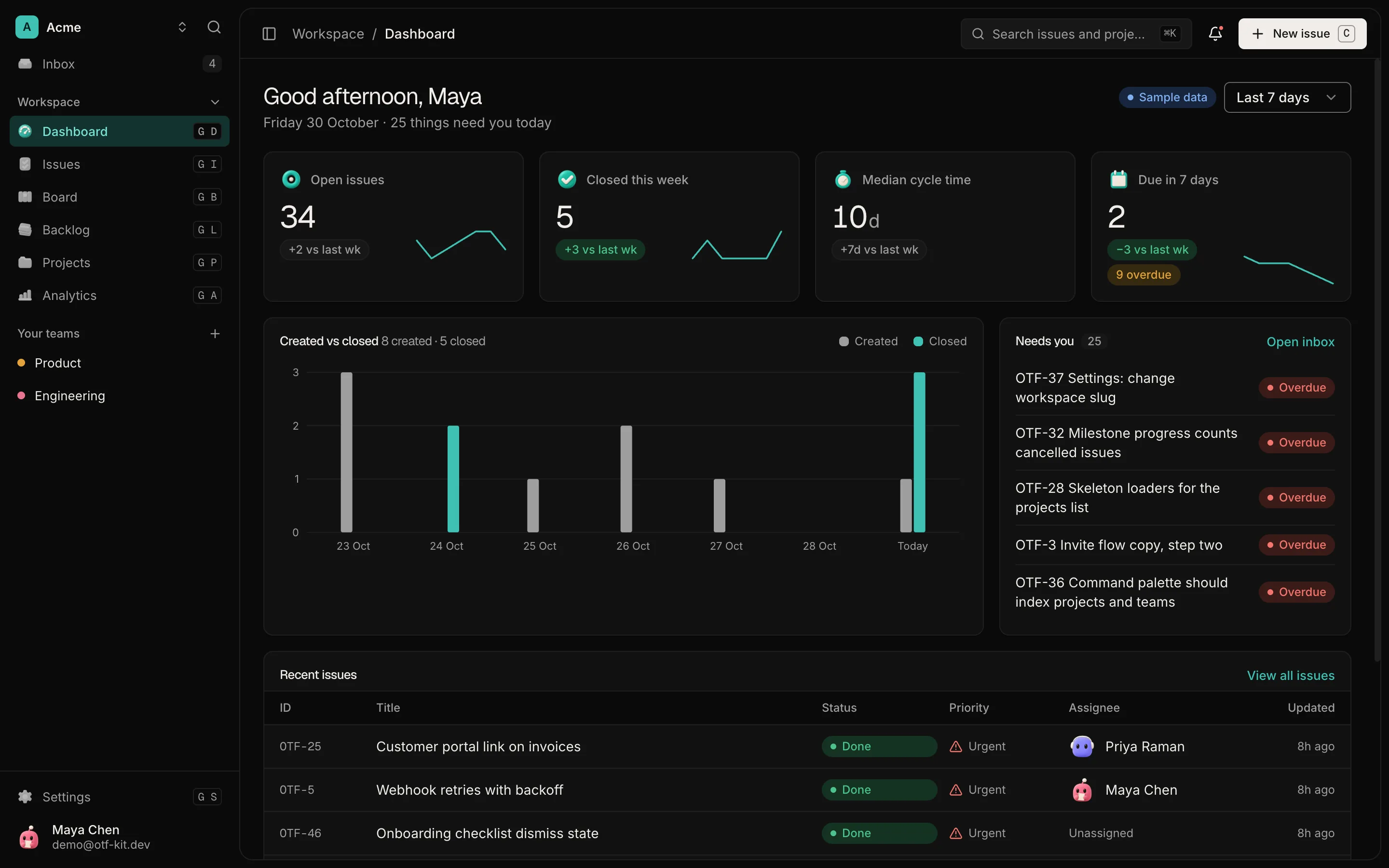
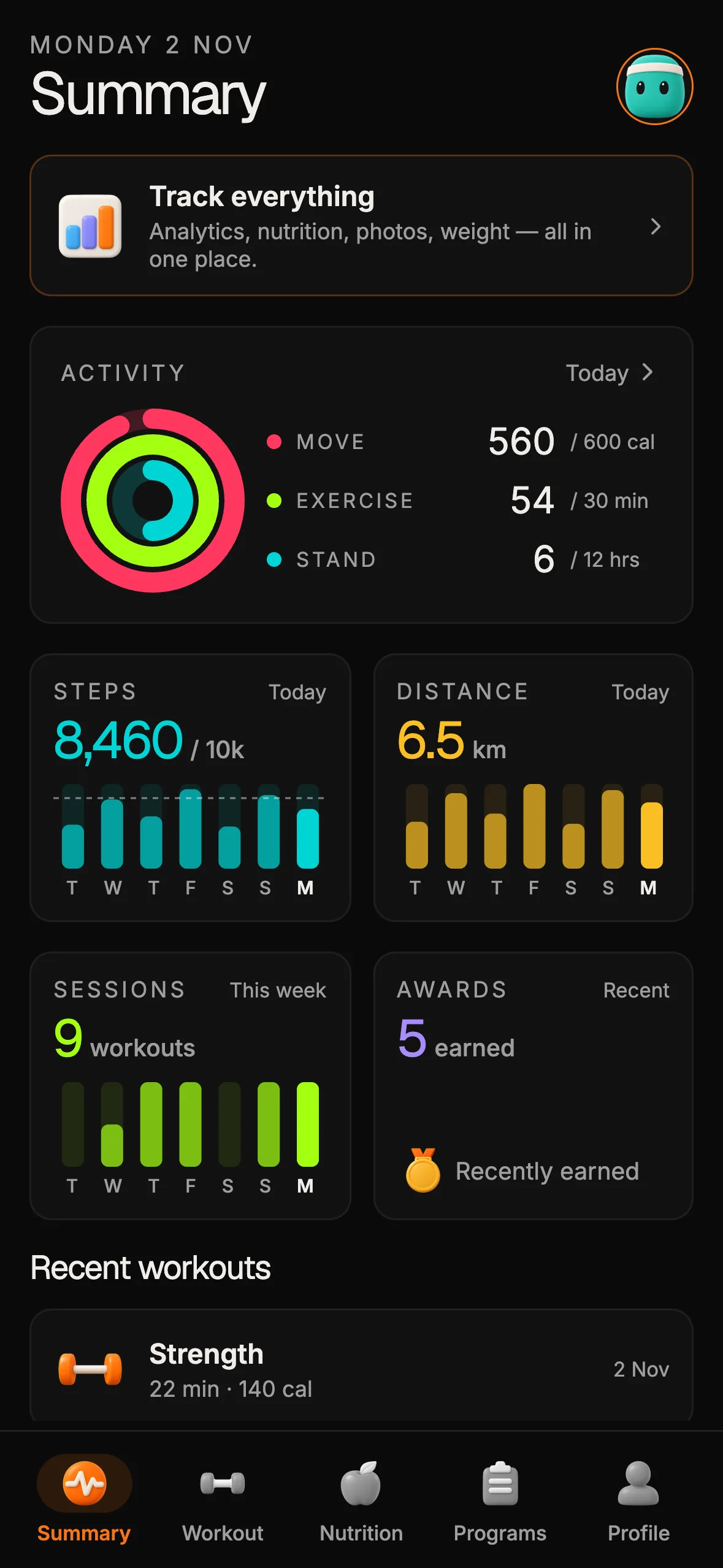
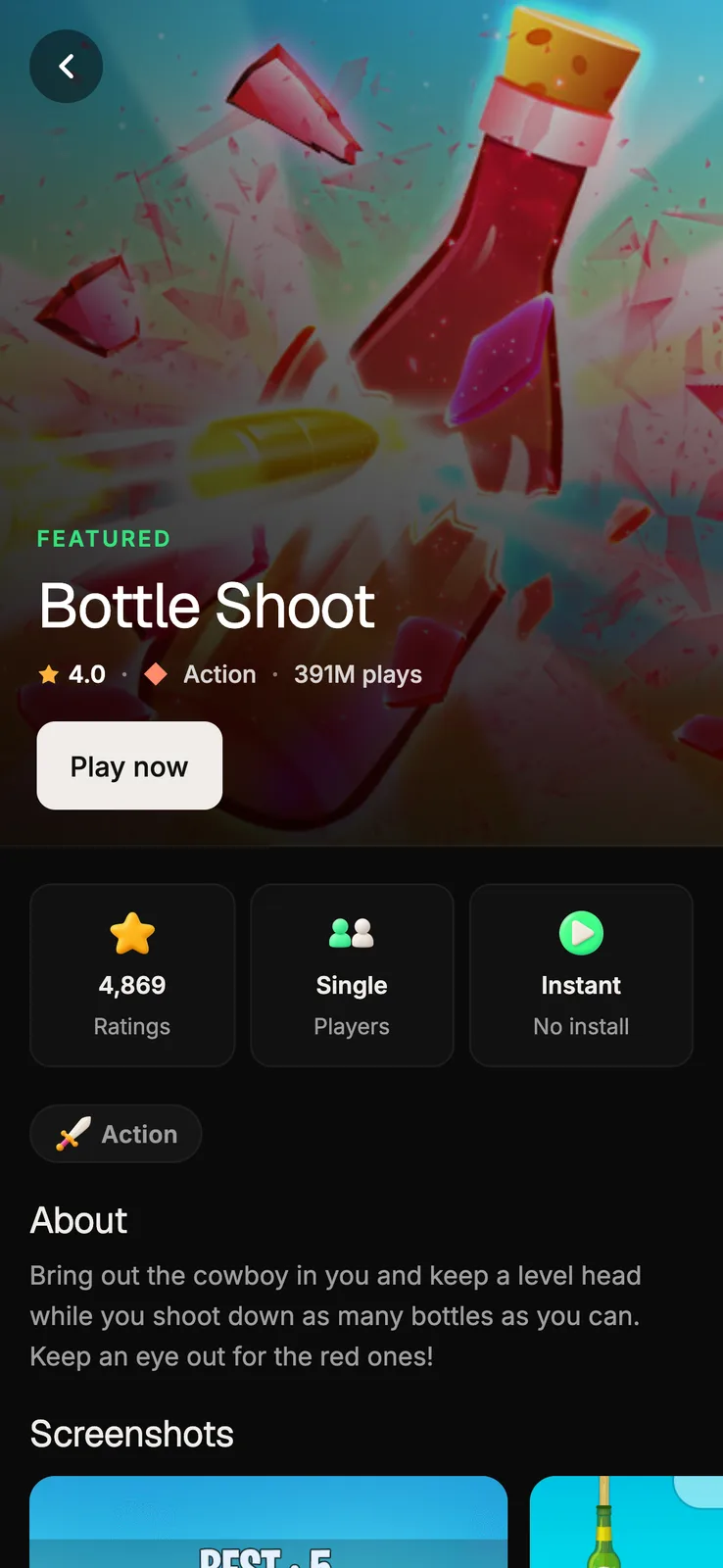
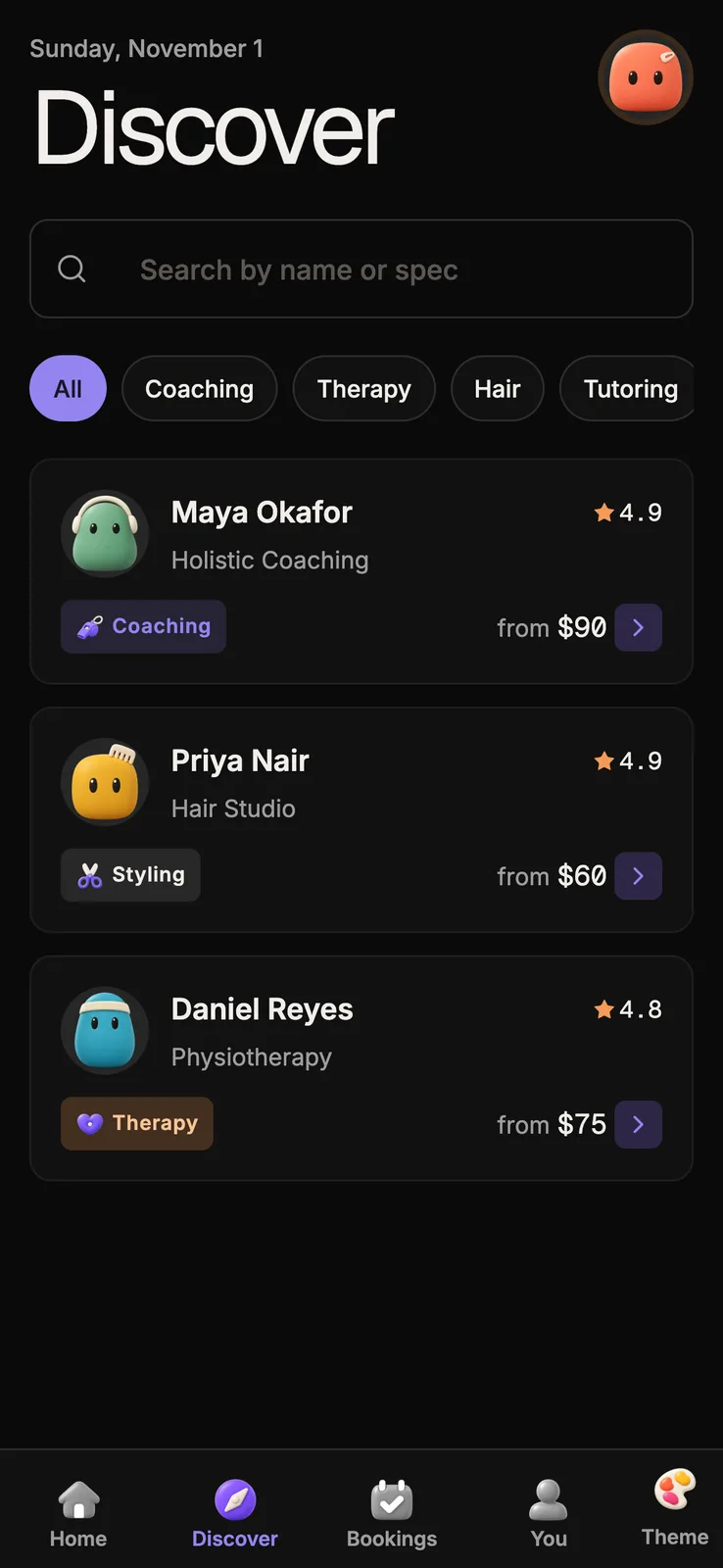
The OTF Arcade Kit is a games discovery and storefront app: featured and trending rails, genre browsing, a Top-10 chart, a store and a detail page per game. One codebase ships iOS, Android and web. It is browse-first: no sign-in wall and no backend, so it runs as soon as you install it. Run it live on its kit page or at arcade-preview.otf-kit.dev.
Stack
| Layer | Choice |
|---|---|
| Framework | Expo SDK 58 + React 19 + Expo Router (iOS · Android · Web) |
| UI | @otfdashkit/ui-native, wrapped by kit-local game blocks |
| Data | TanStack Query over an in-memory catalog (lib/catalog.ts) |
| Covers | Procedural gradient + SVG pattern per game, so there is no image hosting |
| Storage | localStorage (web) / AsyncStorage (native) for preferences |
| Backend | Optional Hono drop-in under server/; the catalog shapes already match |
| Deploy | Cloudflare Workers or any Docker host serves the web export; EAS Build ships the native apps |
Pre-built screens
The kit ships with 21 screens across a 5-tab app (Home · Browse · Instant · Store · You):
- Onboarding: welcome and permission
- Auth: login and signup (a local demo session; no backend sign-in by default)
- Home: hero carousel, featured, trending and new-release rails
- Browse: genre rails and category pages
- Instant: a Top-10 chart, hidden gems and all-time hits
- Store: passes, coins and gift cards
- You: profile, library, the accent-palette picker, Redeem code, Linked accounts, My Teams and Help & Support
- Rewards: a coins store that spends your balance
- Game detail, search and new releases
Conventions
- Catalog: every screen reads
lib/catalog.tsthrough its selectors. Add a game with oneg(...)row. - Theming: dark-first with five accent palettes. Surfaces are derived from the active primary,
so the whole app re-tints when the palette changes. Add a palette in
lib/theme.ts. - Blocks:
<GameCover />,<GameCard />,<GameRail />,<HeroCarousel />,<StoreCard />and more live incomponents/blocks/.
Adding things
The kit's ai/prompts/ folder has 20+ task prompts: add a game or genre, a leaderboard, a
wishlist, a paywall, a new palette, wire the Hono API, add sign-in, push notifications or in-app
purchases. CLAUDE.md, AGENTS.md and .cursorrules give your editor the same context.
Deploy
No environment file is needed to run it: bun install, then bun run dev:expo for the web
preview or bun run dev:native for iOS and Android. bash scripts/deploy-worker.sh deploys the web
export to Cloudflare Workers (OTF's live demo runs this way); the kit's Dockerfile serves it on any
container host instead. Native apps ship through EAS Build. The deployment guide ships with the kit.
Buy
$99 on otf-kit.dev — or get the Everything Bundle ($149 = 6 live kits + all 20 landing templates; $774 separately, save $625.)