
Let SaaS users hide table columns and keep their preferred layout
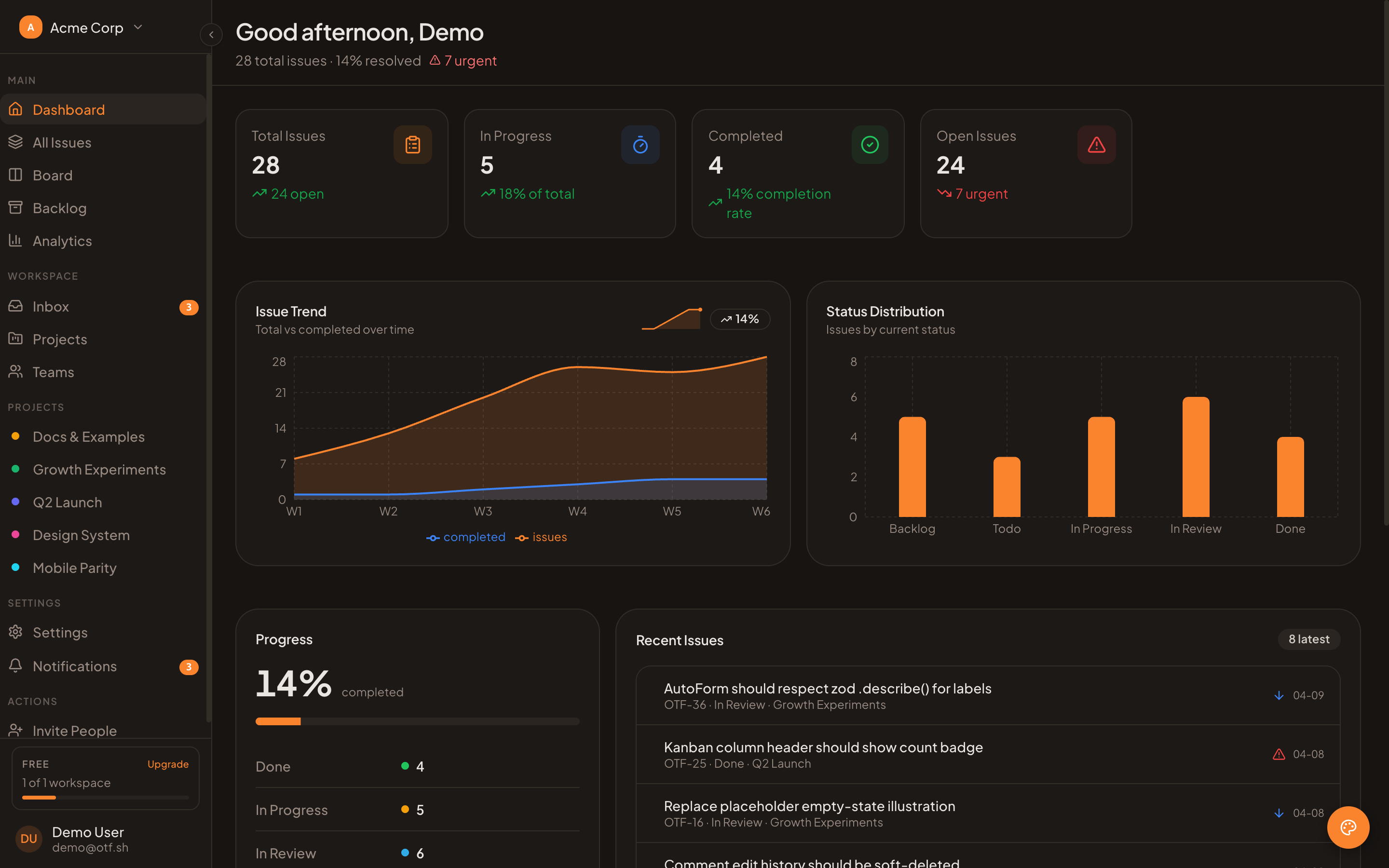
A table can be technically complete and still feel like the wrong tool when every user has to scan the same crowded set of columns. Support teams want status and owner. Finance wants amounts and dates. An administrator may need IDs, while most people do not. Let users hide and show columns, remember that choice, and keep essential fields visible.
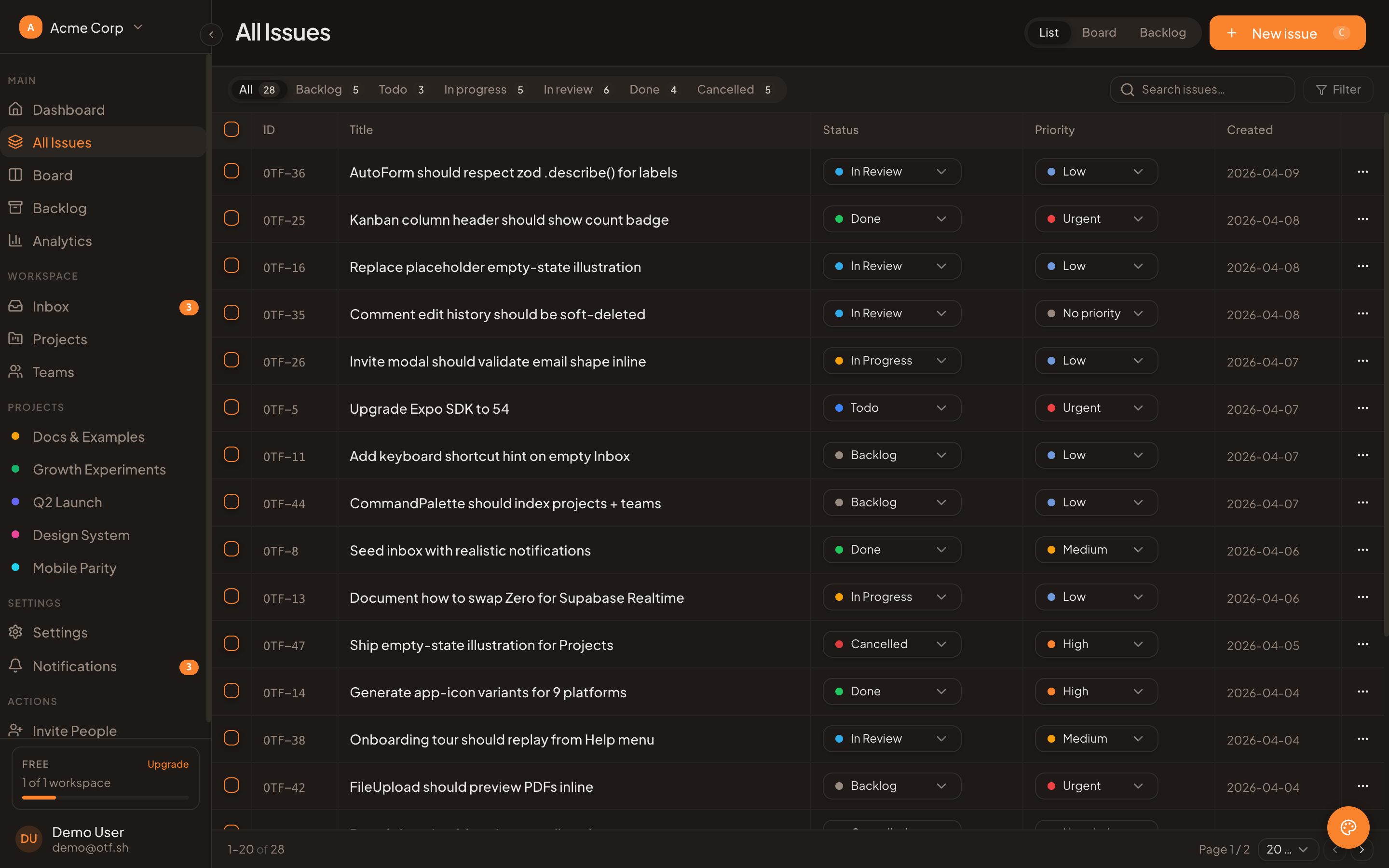
This real dashboard table is an optional app starting point; column visibility controls and saved preferences require app code.
TanStack Table v8 provides the state and APIs for column visibility. The library does not decide where a preference lives or sync it between devices. That is an application decision. The implementation is straightforward when you separate three concerns: stable column IDs, controlled visibility state, and persistence with a safe default.
Define column IDs that survive refactors
TanStack represents visibility as a map from column IDs to booleans. A false value hides the column; a missing ID or true shows it. For display or computed columns, assign an explicit id rather than relying on a header label. Labels change for localization or copy edits; a stored preference should not break because “Created” became “Created at.”
const columns: ColumnDef<Issue>[] = [
  { accessorKey: "title", header: "Issue" },
  { accessorKey: "status", header: "Status" },
  { accessorKey: "owner", header: "Owner" },
  { id: "lastActivity", accessorFn: row => row.updatedAt, header: "Last activity" },
  { id: "actions", cell: ({ row }) => <IssueActions issue={row.original} /> },
];
Treat those IDs like preference keys. If you rename one, include a small migration or discard that old key. Do not use the visible text as the persistent identifier, and do not let a hidden-field preference decide which data the server authorizes or returns. Column visibility is a presentation choice, not access control.
Control the state in React
TanStack’s controlled-state pattern puts columnVisibility in React state and connects onColumnVisibilityChange. The table instance then exposes visibility-aware methods for building the menu and rendering the table.
const [columnVisibility, setColumnVisibility] = useState<VisibilityState>({});

const table = useReactTable({
  data,
  columns,
  state: { columnVisibility },
  onColumnVisibilityChange: setColumnVisibility,
  getCoreRowModel: getCoreRowModel(),
});
For a settings menu, iterate over columns that can be hidden. getCanHide() lets a column opt out; getIsVisible() supplies the checked state; getToggleVisibilityHandler() connects the control to the table. Give each checkbox a clear accessible name, and keep a small number of essential columns—such as a record name—visible when hiding it would make the table hard to use.
{table.getAllLeafColumns().filter(column => column.getCanHide()).map(column => (
  <label key={column.id}>
    <input
      type="checkbox"
      checked={column.getIsVisible()}
      onChange={column.getToggleVisibilityHandler()}
    />
    {column.id}
  </label>
))}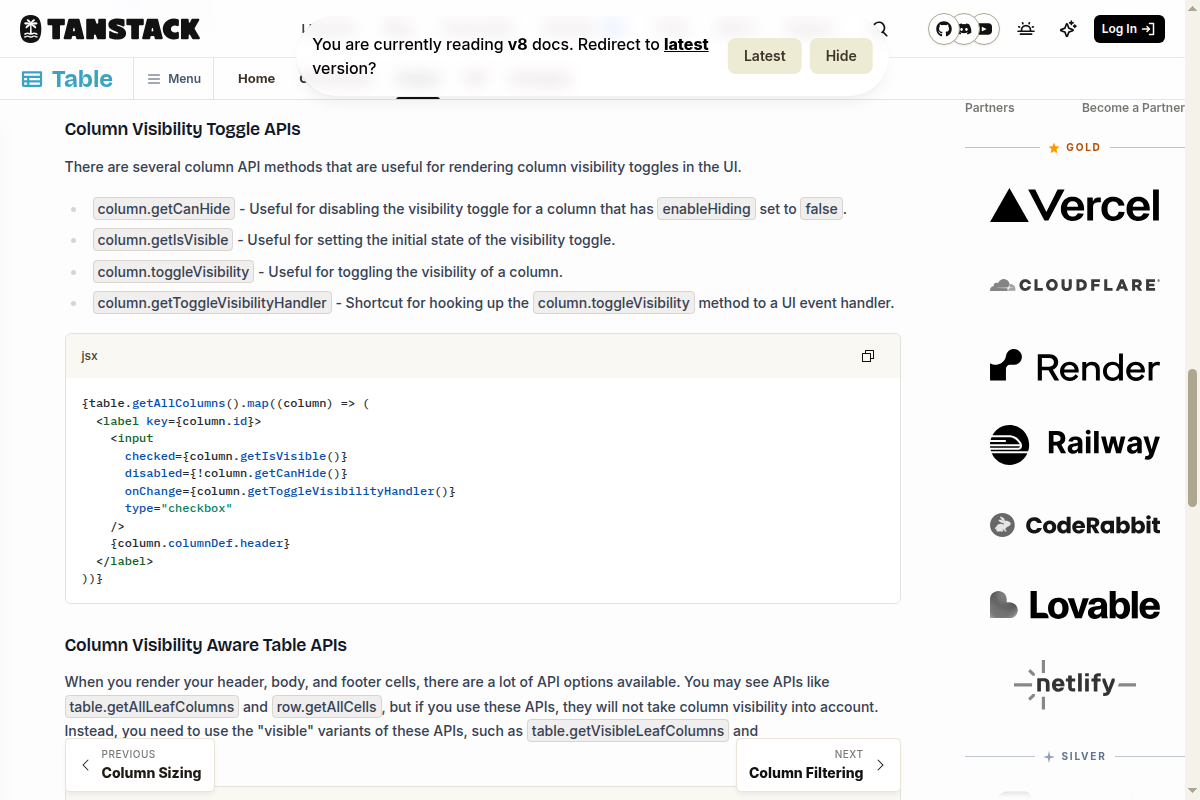
Documentation evidence only, not an OTF kit screen.
A fixed identity or action column can declare enableHiding: false. Use that deliberately: a field should be fixed because the workflow needs it, not simply because the first version of the menu was easier to build that way. If a menu offers “Reset columns,” set visibility back to the product default rather than blindly setting every known key to true; the default may hide internal or rarely used fields.
When rendering, use the visibility-aware APIs. TanStack calls out getVisibleLeafColumns() for headers and row.getVisibleCells() for cells. Rendering getAllLeafColumns() or row.getAllCells() bypasses the visibility choice, which can make the settings menu appear to work while the table stays unchanged.
11 production screens. Login and database wired.
The SaaS Dashboard Kit includes login, a database, and a working dashboard. Live demo at saas.otf-kit.dev.
Choose where preferences should live
For a single-user prototype, browser storage can be enough. It is local to that browser and device, so it does not follow the person to another laptop and may disappear when site data is cleared. Treat stored JSON as untrusted input: parse it defensively, retain only known column IDs with boolean values, and fall back to the default if it is malformed. Avoid saving until the initial read completes, or the empty React state can overwrite the saved choice on page load.
For a SaaS product, a server-side preference keyed by both user and table is usually the more useful destination when layouts should follow an account across devices. Keep the preference separate from shared table data: a person hiding “Owner” should not change what a teammate sees. Include a schema version so renamed or removed columns can be handled intentionally. Validate the authenticated user on the server; never accept a user ID from the preference payload as proof of ownership.
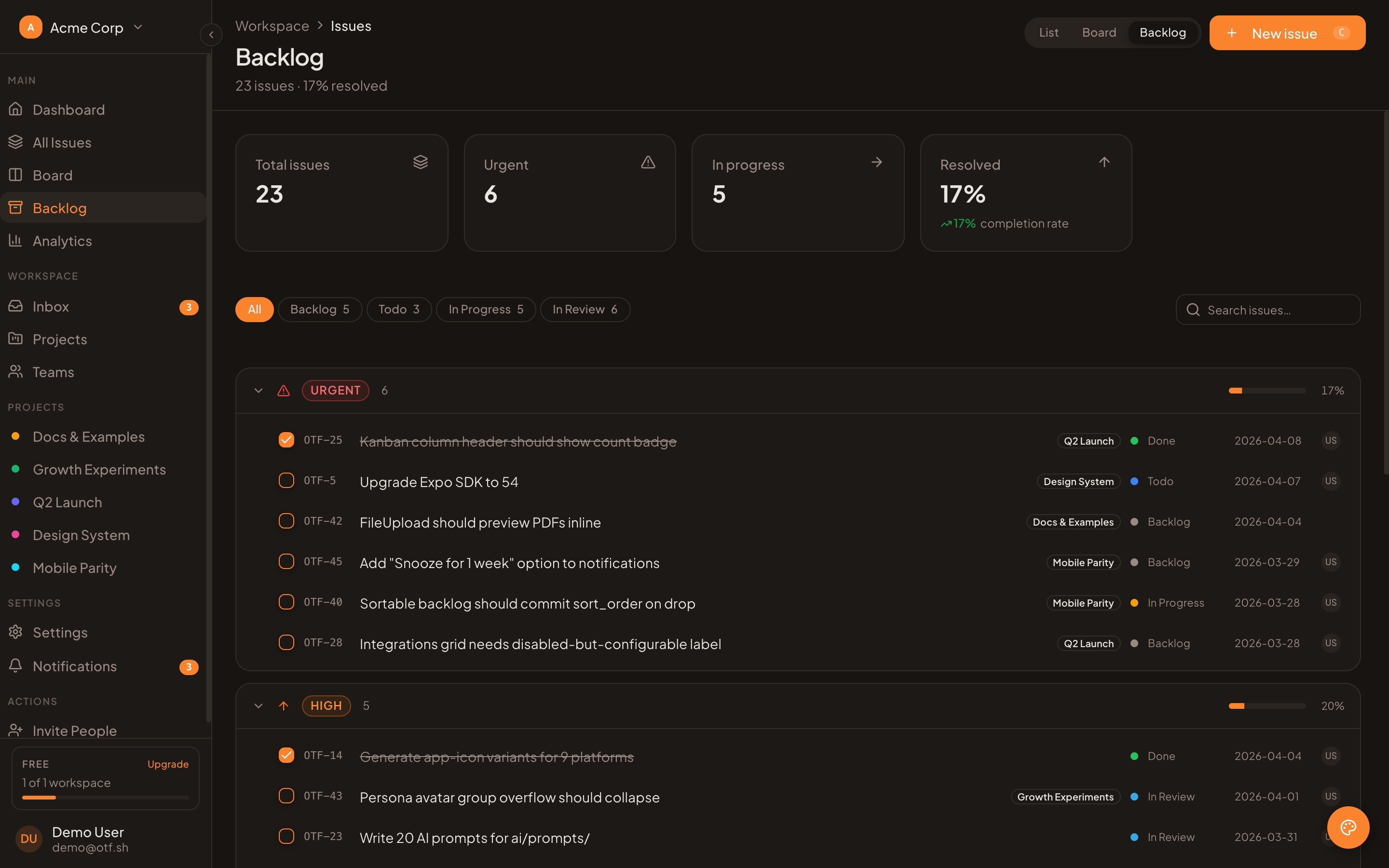
Sample table starting point; per-user column preferences are not included.
You can persist the visibility map after it changes, but keep the wire format narrow. A small object such as {"status":true,"owner":false} is easier to validate and migrate than saving the whole table instance or all TanStack state. On read, intersect keys with the current allowlist. This makes old preferences harmless when the table gains a column or removes one. Decide how the product handles a missing preference, a failed save, and a reset: a sensible default should still render while persistence is unavailable.
Keep table state and server data separate
Column visibility should not trigger a new query unless the application has intentionally made data fetching depend on it. Sorting, filters, pagination, and visibility are separate state concerns. A hidden column may still be part of the table’s row model; hiding a field in the UI does not remove it from the response or protect it from a user who can inspect the page’s data.
That matters for sensitive fields. Do not send a field to the browser merely because the user interface normally hides it. Enforce authorization and response shaping on the server. The visibility map should control presentation only. Likewise, if a column contains a costly computed value, hiding it in the client does not necessarily avoid the cost of computing or fetching it.
Test the preference as a product behavior
Before shipping, cover a short set of cases: a user can hide and restore a column; a non-hideable column stays visible; a saved preference loads after refresh; a removed or renamed column does not break the table; and one user’s choice does not leak into another user’s layout. Test keyboard use and narrow screens too: a long column chooser should remain usable, and the table should still communicate which record each row represents.
Start with a default layout that answers the main workflow, then expose a “Columns” control for people who need more or less detail. Store a preference only after the user changes it, and provide an obvious reset. That gives users control without making the initial screen depend on a prior setup step.
If you are assembling the surrounding app UI, the SaaS Dashboard kit is an optional editable starting point with dashboard screens and data tables. Its table screens are not a claim that TanStack column preferences are included; the visibility menu, preference storage, and any migration remain implementation work. For a related sorting and paging setup, see our shadcn data-table guide.
Sources
- TanStack Table, Column Visibility Guide — checked October 14, 2026.
- OTF, SaaS Dashboard kit and pricing — checked October 14, 2026; optional UI starting point, not an included column-preferences implementation.
Ship the product, not the setup.
- 11 production screens — auth, team, analytics, and settings
- Login and a real database are wired in
- AI configs pre-tuned so your agent extends instead of regenerates