
How to build cross-platform templates AI coding tools actually respect
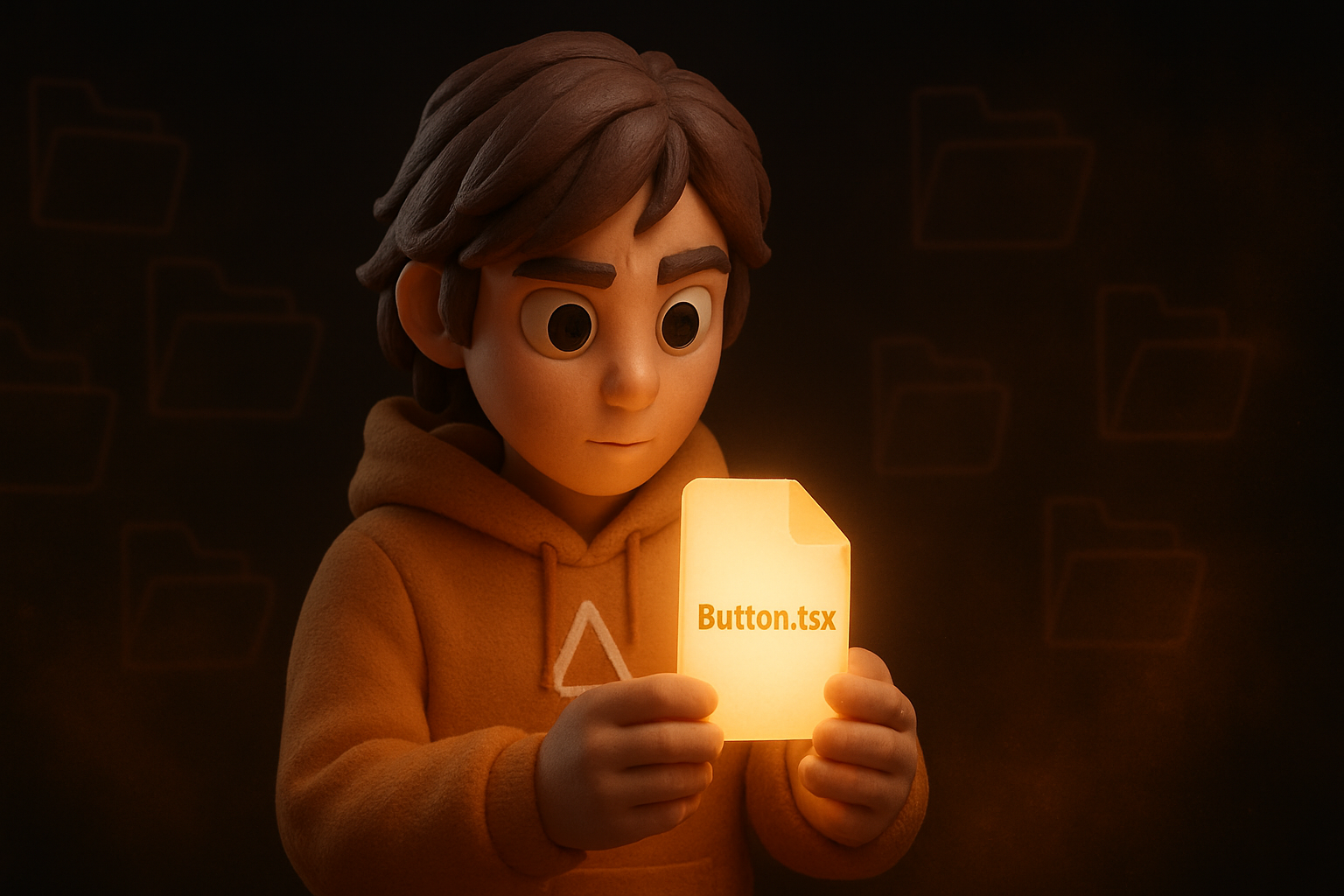
Watch any AI coding tool — Claude Code, Cursor, Antigravity, Lovable, Aider, Continue — work inside an unfamiliar codebase for ten minutes, and you'll see the same three failure modes:
- It invents conventions that don't exist ("here's a new utility I made up because I couldn't find an existing one").
- It ignores conventions that do exist ("I see you use TanStack Query everywhere, but
I'll use a fresh
useEffectfor this fetch because the prompt didn't say not to"). - It mistakes scaffold for product ("I see you import from
@/components/ui/button— so I'll create a new component at@/components/MyButton.tsx").
Each failure has the same root cause: the codebase isn't legible enough to a model that hasn't seen it before. The fix isn't to switch models; it's to write code AI models can read.
Below are the conventions we've landed on while building the OTF SDK and the kits that ship on top of it. They're not opinions — every one came from watching an AI tool fail and asking "what would have made this clearer?"
1. One file, one component, one idea
The biggest thing we changed: every component sits in its own file with no clever
inheritance, no index.ts re-exports inside a component folder, no shared base classes.
A model that opens Button.tsx should see the entire button.
// packages/ui/src/primitives/button.tsx — entire file is ~80 lines
export const buttonVariants = cva(...)
export const Button = React.forwardRef<HTMLButtonElement, ButtonProps>(...)
export type ButtonProps = ...
Compare to a file that re-exports from three other files: an AI looking at the import
from '@otfdashkit/ui' has to follow chains to know what Button actually is. With our
flat layout, the answer is a single file read.
2. Naming carries meaning
Names are the cheapest documentation. We invest hard in them:
useCreateProject— "this is a TanStack Query mutation hook for creating a project"useProjects— "this is a TanStack Query query hook for the list"<Stat>— "single-purpose stat tile, not a generic card"<Persona>— "avatar + name + role row, not a generic user list item"
When an AI sees useCreateProject, it doesn't have to read the file to know it returns a
useMutation result. It can call mutate / mutateAsync confidently because that's what
the name implies.
One codebase. iOS, Android, and web.
The Fitness Kit ships with auth, a database, and a backend already connected — no setup. Live demo at fitness-preview.otf-kit.dev.
3. Patterns live in the file system, not in your head
Every recurring pattern in the kit gets one canonical implementation that reads like a template:
- Hook shape →
src/hooks/useProjects.ts(the optimistic-update template) - Hono route shape →
server/routes/projects.ts(CRUD template) - New screen shape → step-by-step in
CLAUDE.md("create file atsrc/pages/..., wrap in<FadeIn>, add to router")
When a user asks Claude "add a tasks endpoint", Claude reads CLAUDE.md, finds the route
shape, copies projects.ts, and adapts. No invention.
4. The AI config file is non-optional
Every kit ships:
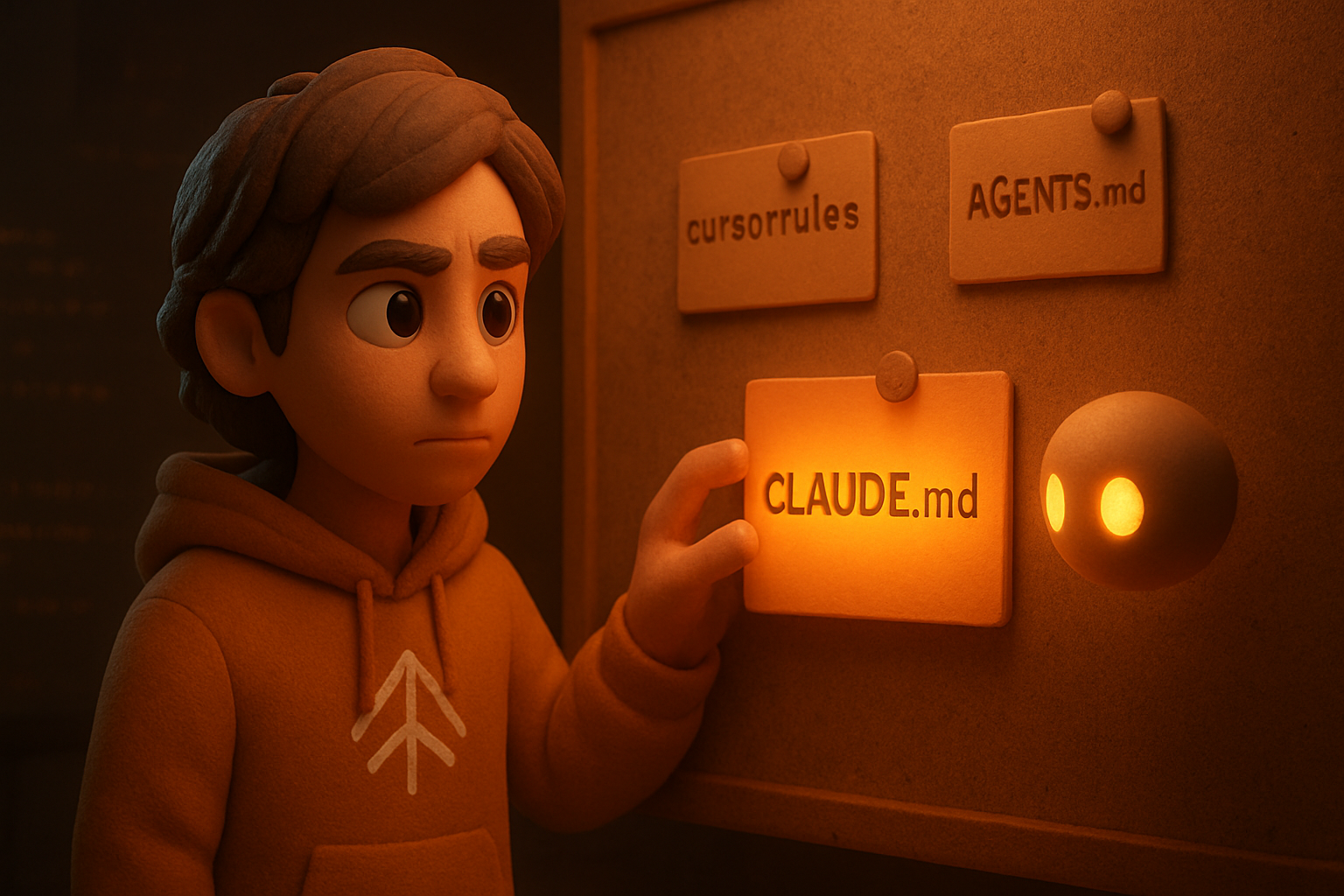
CLAUDE.md— for Claude Code.cursorrules— for CursorAGENTS.md— for Antigravity / agent-mode editors
They're hand-maintained right now. They share a structure:
- Stack table — what tools and at what versions
- File map — top-down where things live
- Patterns — 5-10 lines of code per recurring shape
- Conventions — strict TypeScript, Tailwind tokens only, no comments unless
// Why: ... - Deploy — exact command
Without this, opening the kit in Claude Code and asking "add a new screen" produces something that almost-works but uses a different naming convention than the rest of the codebase.
5. Tokens, not hex
We never put a hex color outside the tokens package. Every component reads --background,
--primary, --card, etc. — variables defined by @otfdashkit/tokens.
This sounds like a cosmetic choice. It isn't. When an AI asks "make this button red" and
the codebase has hex everywhere, the AI guesses a hex. When the codebase has only tokens,
the AI either asks ("which red — destructive?") or reads the token file and picks
hsl(var(--destructive)). Either is better than a hardcoded color drifting into the
codebase.
We enforce this with @otfdashkit/eslint-plugin-otf-design — it lints out hex literals and
inline style={{ background: '...' }} outside the tokens package.
6. Strict types are AI ergonomics, not just code quality
We turned on strict and noUncheckedIndexedAccess. Every prop is typed. Every hook return
is typed. No any, no as casts unless commented.
The reason: when an AI tool generates a call like useProjects().data.find(p => p.title),
TypeScript catches the missing null check at edit time. The AI sees the error and adapts.
Without strict mode, the bug ships.
7. Comments only for why, never for what
Almost every comment in the OTF kits starts with // Why: or doesn't exist. We don't have
"// fetch the user" above const { data } = useUser() — that comment is just noise. A model
reading the file already knows it fetches the user.
But this:
// Why: Tamagui's defaultConfig pins every weight slot to 300 (thin), which makes
// <H1> headings render drastically lighter than `Text fontWeight=700` elsewhere —
// visually inconsistent. We override only the weight ramp via createFont.
const headingFont = createFont({ ... })
— this is gold for an AI tool. It encodes a design decision that's not derivable from the code alone. If someone later asks Claude "should we drop this createFont override?", Claude reads the comment and pushes back: "no, removing this would regress the heading rendering".
8. The deploy script is in the repo
Every OTF kit has a scripts/deploy-railway.sh that owns the deploy. The hook in our
.claude/hooks/check-deploy-script.sh blocks raw railway up so AI tools can't reinvent
the deploy flow.
The script:
- Sources
.env - Links to the right Railway project + service
- Runs
railway up --detach --ci - Restores anything it changed via
trap
When Claude is asked to deploy, it runs the script. It doesn't construct its own railway up
invocation that might miss the env-source step or the trap. Convention beats configuration.
9. lessons.md saves you from rediscovering the same fix
Every time we hit a non-trivial bug — Metro can't resolve a workspace package, dual-React
crashes inside a webpack bundle, Tamagui's peerDeps don't auto-install — we append a lesson
to docs/lessons.md:
## Symptom: `Unable to resolve "@otfdashkit/ui-native"` from a kit

**Cause**: Metro doesn't follow workspace symlinks across the monorepo by default
**Fix**: `npm install --install-links` in the kit's directory before `bun dev`
**Reference**: lessons.md ~line 375
Our master AGENTS.md has a hard rule: before reaching for a custom resolver / Metro config /
plugin, grep docs/lessons.md for the symptom. If it's there, use the documented fix.
Don't rebuild from scratch.
This rule applies to AI agents too. When Claude hits "Unable to resolve" for the third time in three months, it grep's lessons.md, finds the fix, applies it, and doesn't rebuild a metro.config.js from scratch.
What this gets us
Watch a Cursor session in a kit set up this way. The user types "add a payments screen with a Stripe checkout button". Cursor:
- Opens
.cursorrules, sees the "When you add a screen" pattern - Reads
src/pages/home/dashboard.tsxto copy the structure - Reads
src/hooks/useProjects.tsto copy the optimistic-update shape - Reads
server/routes/projects.tsto copy the route shape - Generates the new files, all naming-consistent with the rest of the codebase
- Suggests adding
STRIPE_PUBLISHABLE_KEYto env
No invented utilities. No hex colors. No new naming convention. The output looks like the existing codebase wrote it — because that's what was specified.
What's coming
Phase 6 of the OTF roadmap ships @otfdashkit/ai — a CLI that takes one otf.config.ts and
generates CLAUDE.md, .cursorrules, AGENTS.md, and lovable.md from a single source.
Until then, we hand-maintain.
If you're starting a project from scratch, lifting these conventions wholesale will save you weeks of "why is the AI making things up" friction. If you want a working example, the SaaS Dashboard kit and the Fitness & Wellness kit are the canonical implementations.
Stop wiring. Start shipping.
- Login, database, and backend already connected — nothing to set up
- iOS + Android + web from one codebase
- AI configs pre-tuned + 40+ tested prompts included