
OTFotf
All posts
General

UI Skills: Opinionated Constraints for Your Coding Agent

U
ui-skills.comAuthor
12 min
UI Skills: Opinionated Constraints for Your Coding Agent

A tutorial by ui-skills.com. Featured in the OTF curated resource library.

The Generic UI Problem

Ask any AI coding agent to 'build a dashboard' and you'll get the same thing every time: a white background, blue buttons, Inter font, centered cards with basic shadows. It works, but it looks like every other AI-generated interface.

The root cause is lack of constraints. AI agents optimize for 'correct and working' by default. Without opinionated design instructions, they produce the statistical average of all UIs they've seen — which is, by definition, generic.

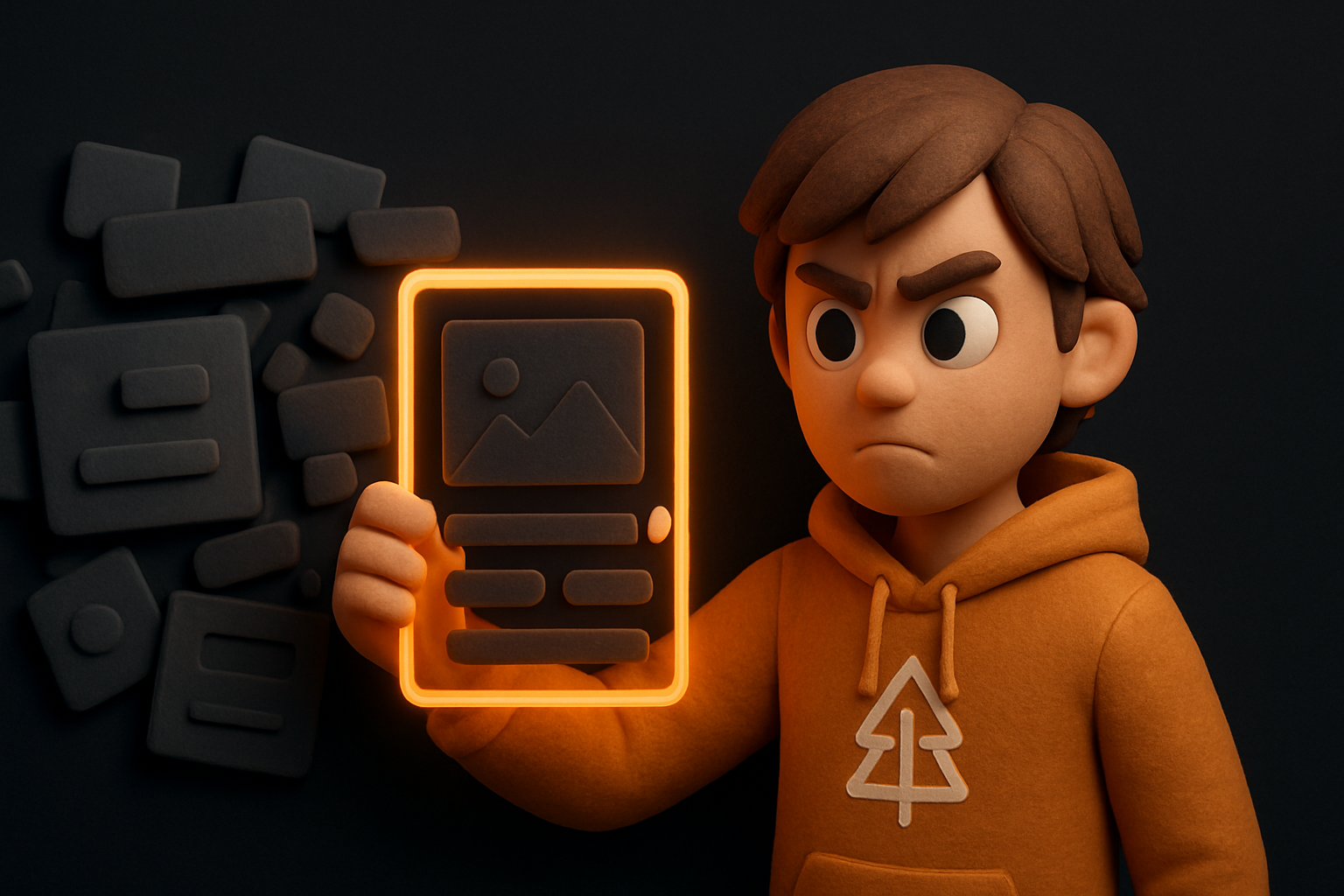
UI Skills flip this dynamic. They provide the opinionated constraints — specific colors, typography rules, spacing systems, component patterns, and visual treatments — that force the AI to produce distinctive, cohesive interfaces.

What Are UI Skills?

A UI Skill is a structured instruction document that teaches an AI agent your visual design language. Unlike generic 'make it look good' prompts, UI Skills encode specific, enforceable rules:

- Color system: Exact HSL values, not 'use a nice blue'
- Typography: Font families, size scales, weight hierarchies
- Spacing: Grid units, padding values, section gaps
- Component patterns: How buttons, cards, inputs should look and behave
- Animation rules: Timing functions, duration ranges, interaction feedback
- Anti-patterns: Explicitly forbidden visual choices

The key insight: constraints enable creativity. When the agent knows it must use your specific teal accent color, 8px grid, and Space Grotesk headings, it produces unique, cohesive designs instead of generic defaults.

Building Effective UI Skills

Create a UI Skill that transforms your agent's design output.

1

Define your color palette in exact values

Specify colors as HSL values, not Tailwind defaults. Include: primary accent, secondary, background, foreground, muted, border, and at least one gradient. Anti-pattern: never use bg-blue-500 or similar default colors.

css
## Colors (MANDATORY - never use Tailwind defaults)
--primary: 168 76% 36%    /* Custom teal */
--secondary: 25 95% 53%   /* Custom amber */
--background: 224 71% 4%  /* Deep dark */
--foreground: 210 20% 92% /* Off-white */
2

Lock in typography rules

Specify exact font families, size scale, and weight hierarchy. The most impactful rule: use TWO fonts — a distinctive heading font paired with a clean body font.

3

Define spacing and grid

Lock your grid unit (4px or 8px), card padding, section gaps, and consistent margins. Spacing consistency is what separates amateur from professional UI.

4

Include anti-patterns explicitly

List what the agent must NEVER do: no Tailwind default colors, no single-font designs, no flat cards without shadows, no hero sections without visual depth. Anti-patterns are as important as patterns.

Before and After

Without UI Skills:
- White background, blue-500 buttons
- Inter font throughout, same weight
- Cards with basic rounded corners and light shadows
- No animations, no hover states
- Looks like every AI-generated dashboard

With UI Skills:
- Custom dark theme with teal accents and amber highlights
- Space Grotesk headings (bold, tight tracking) + DM Sans body text
- Cards with glass effect, grain texture overlay, and glow borders on hover
- Staggered entrance animations, scale+shadow hover states
- Looks like it was designed by a human with specific aesthetic opinions

The difference isn't complexity — it's intentionality. The UI Skill forces every design decision to be deliberate rather than default.

More resources

On this page