
GitHub push protection for Anthropic keys: check repo coverage

When an AI coding agent commits a generated configuration file, an API key can end up in Git before anyone notices. GitHub’s new Anthropic detectors add another chance to stop that push, but the protection only works where secret scanning is enabled. Check repository coverage before relying on it.
On October 13, GitHub added two Anthropic key types—service API keys and user API keys—to push protection defaults. Commits containing those patterns are blocked in repositories where secret scanning is enabled, including free public repositories. That is useful coverage for teams whose agents create or edit configuration, but it does not mean every private repository is protected automatically.
The practical question is not only “Does GitHub know this key pattern?” It is “Is secret scanning enabled for the exact repository where our agent pushes?” Start by checking that boundary, then test the workflow without exposing a real credential.
What the new detection changes
The GitHub announcement names anthropic_service_api_key and anthropic_user_api_key as newly detected types and includes both in the set of patterns covered by push protection by default. When scanning is active, GitHub can reject a push that contains a matching key before the commit is accepted.
That is a prevention step at the Git hosting boundary. It can catch an accidental commit from a developer, a code generator, or an AI agent using the same Git remote. It does not prevent a key from being written to a local file, copied into a prompt, printed in a build log, or sent to another service before the push. Treat it as one control in a wider secret-handling process.
GitHub’s wording has an important condition: the repository must have secret scanning enabled. Public repositories get secret scanning automatically at no charge. Organization-owned private and internal repositories need GitHub Secret Protection enabled on GitHub Team or GitHub Enterprise Cloud. An organization that assumes the new default covers every private repo may have an unprotected gap.
Check the repository before you depend on the block
Start with the repository’s owner and visibility. A personal public repository, an organization-owned public repository, and an organization-owned private repository may have different eligibility and settings. For an organization-owned private or internal repository, verify the organization’s plan and whether Secret Protection is enabled; do not infer coverage from the fact that a code host offers the feature.
Then open the repository’s security settings and look for secret scanning and push protection. Confirm the feature is enabled for this repository, not merely available in the organization’s plan. If you manage many repositories, use the organization’s security overview or policy tooling to identify coverage gaps and make the check repeatable.
The announcement adds these Anthropic patterns to push protection defaults, but a repository still needs the underlying scanning feature enabled. Check that the policy applies to the repositories where agents can push. If your team uses internal forks, sandbox repositories, or personal workspaces during development, include those in the review rather than checking only the production repository.
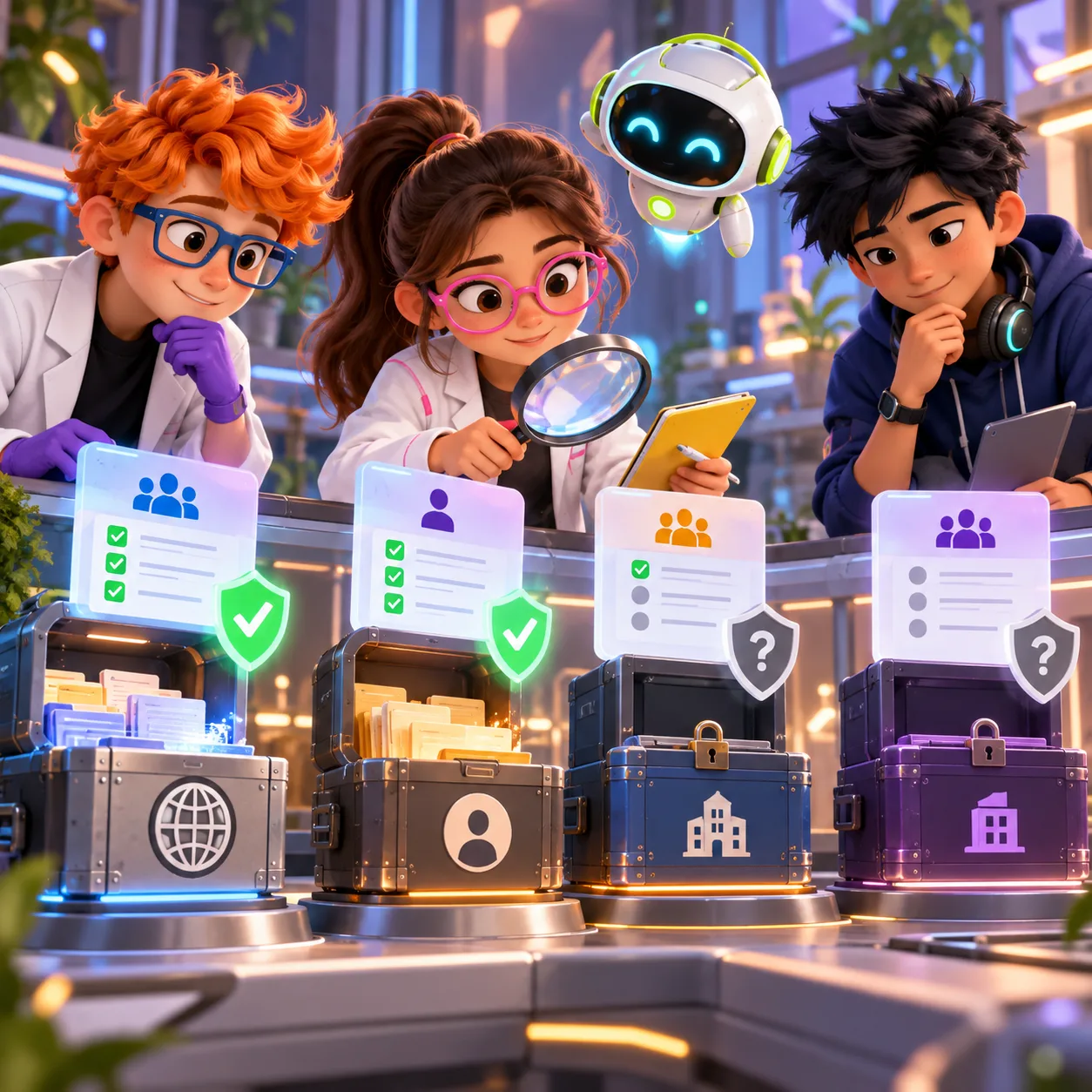
Visibility, owner, plan, and settings affect coverage. Verify the feature on each repository instead of assuming all private repositories are protected.
Do not paste a production key into a test commit to see what happens. Use GitHub’s documented test procedure or a disposable test repository and a non-secret test value that GitHub explicitly supports. Confirm that the push is blocked and that the alert or remediation flow is understandable to the person or agent who receives it. If the expected block does not happen, stop and verify the repository settings before treating the control as active.
11 production screens. Login and database wired.
The SaaS Dashboard Kit includes login, a database, and a working dashboard. Live demo at saas.otf-kit.dev.
Make agent-created changes safer
AI coding agents often touch .env examples, deployment configuration, test fixtures, and scripts. Decide which files and environments the agent may edit, and keep actual credentials in a secret manager or deployment environment rather than in the working tree. Add safe placeholder values to examples; avoid asking an agent to copy a live key into a file just to make a demo work.
Before an agent pushes, check the same repository policy that applies to human commits. A local pre-commit scanner can provide faster feedback, and CI can add another check, but neither proves that GitHub push protection is enabled. Conversely, a successful push only tells you that the host accepted that commit under its current rules; it does not validate every secret-handling path in your build and deployment system.
Give the agent a clear recovery path for a blocked push: remove the secret from the proposed change, load it from the approved secret store at runtime, and retry. Do not instruct the agent to bypass protection just to clear the error. If a real key has already been committed or exposed, rotate or revoke it even if a later commit removes it. Removing a value from the latest tree does not erase it from Git history or from copies already made.
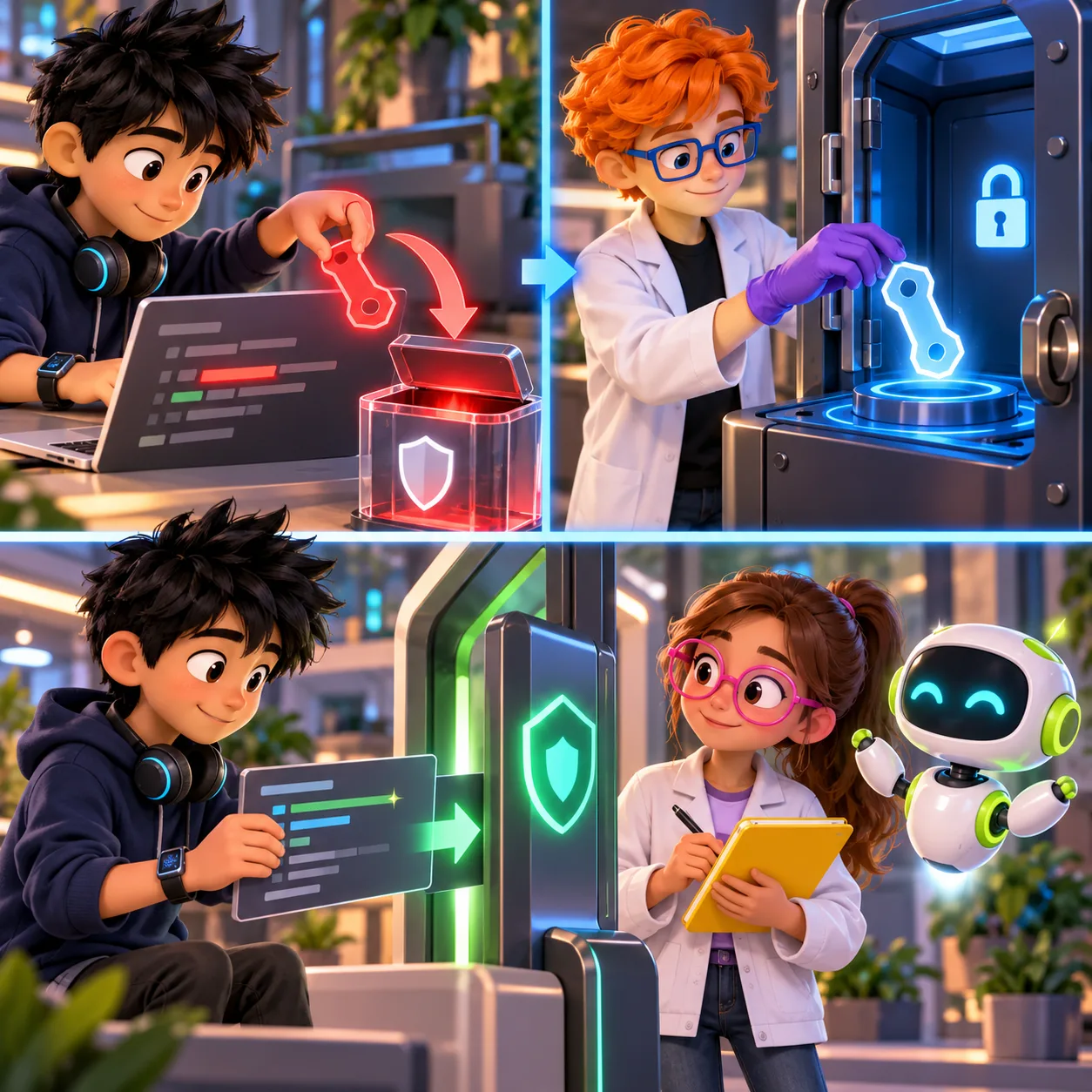
Remove the exposed value from the proposed change, rotate or revoke it in the approved secret store, then retry with a clean patch; do not bypass protection.
Our secret rotation guide covers the response after a credential has escaped. This GitHub update addresses an earlier point in the workflow: whether a matching key is stopped at push time.
Roll out the setting across teams
Use a small rollout rather than assuming that one repository’s result applies everywhere:
- List the repositories where agents or automation can push, including development and internal repositories.
- Record repository visibility, owner type, plan eligibility, and whether secret scanning and push protection are enabled.
- Enable Secret Protection for eligible organization-owned private and internal repositories where the risk justifies it.
- Test the expected block with GitHub’s documented safe test method in a disposable repository.
- Tell developers and agent operators how to remove the secret and retry without bypassing the control.
- Re-check coverage when repositories move organizations, change visibility, or adopt a different plan.
For repositories that do not qualify for GitHub Secret Protection, do not describe the new Anthropic push rule as a control you already have. Use your approved secret-scanning workflow and enforce secret injection at runtime. Keep a written exception list for repositories that cannot be covered, with an owner and a compensating control.
Keep the boundary clear
GitHub’s new default is valuable because it recognizes specific Anthropic key formats and blocks matching pushes where secret scanning is enabled. It is not a universal guarantee that no secret reaches Git, and it does not automatically turn on paid coverage for every private repository. The configuration check is part of adopting the feature.
If your team is building an internal review or operations dashboard around repository checks, OTF’s SaaS Dashboard kit is an optional editable app starting point. It includes dashboard and account UI; it does not include GitHub Secret Protection, Anthropic key detection, or a secret-scanning integration.
Sources
- Secret scanning blocks Anthropic keys by default — GitHub Changelog, October 13, 2026; checked October 14, 2026.
Ship the product, not the setup.
- 11 production screens — auth, team, analytics, and settings
- Login and a real database are wired in
- AI configs pre-tuned so your agent extends instead of regenerates