
Should a fitness app require an account before the first workout?
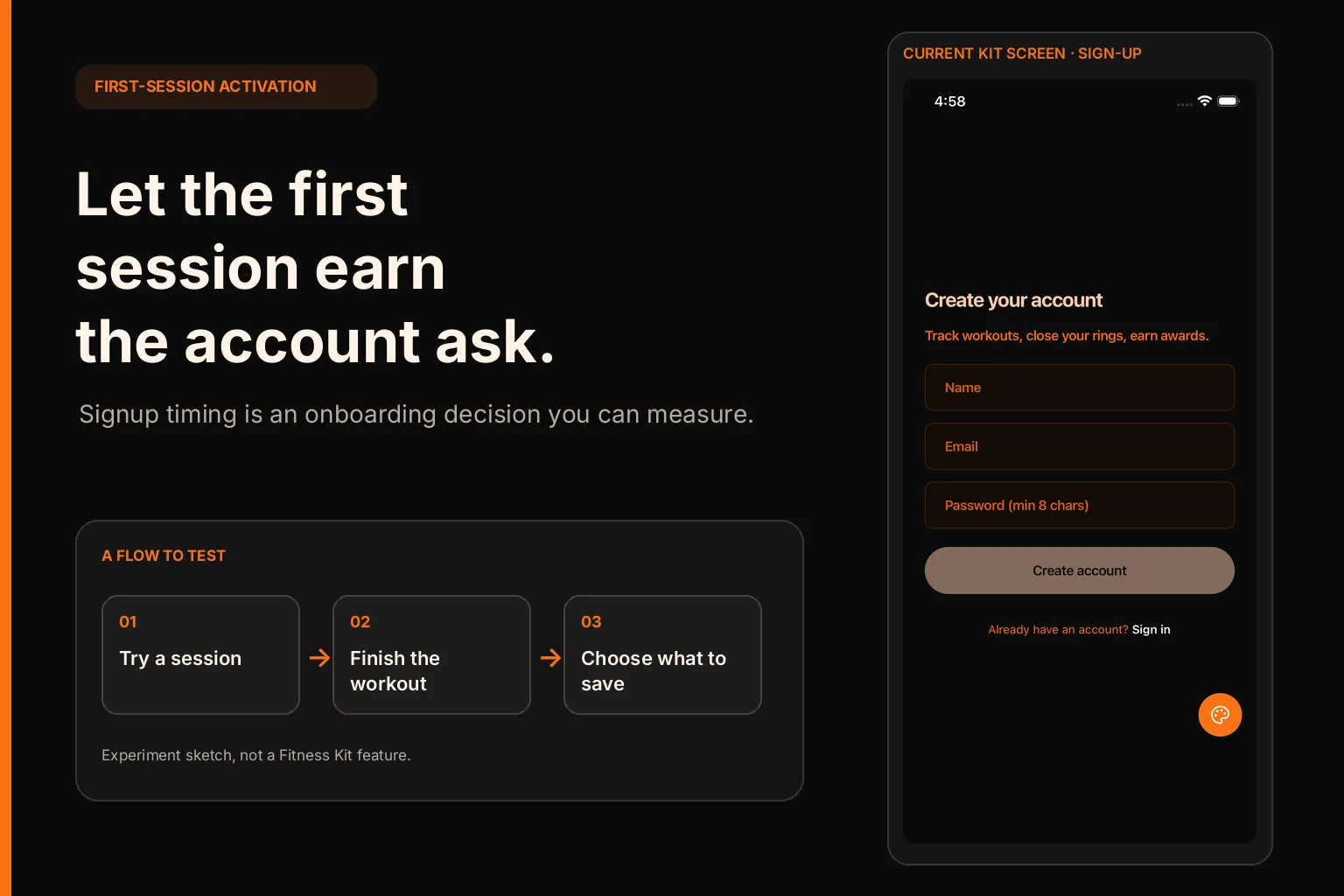
If a fitness app needs a durable account for sync or recovery, explain that before asking someone to create one. If the first workout can be useful without an account, let people reach it first and ask for sign-in when they choose to save or sync.
That is a product decision about what must persist, where it must live, and what the user gets before you request their details.
Decide what the first workout needs to keep
Start with the promise, then name the data
Write down the first outcome the app promises. It might be “finish a short strength session,” “save a run,” or “see a week of activity.” Then list the smallest pieces of information needed to complete that action. A first workout may need an exercise, a set count, repetitions, a duration, or a completion state. A coach-led plan may also need a program assignment. Avoid treating the entire future account model as a prerequisite for this first action.
For every field, ask three questions: does the action fail without it, does the user need it right now, and must it be available on another device? If the only reason to collect a birthday, goal, or email is that it may help later personalization, do not put it in front of the first workout by default. You can ask when the user opens the feature that needs it, and explain the benefit at that point.
An account can be necessary from the start when the app must attach the session to a coach, enforce a paid membership, or fetch a plan that already belongs to a user. It can also be the honest choice when losing the data on uninstall would violate the product promise. The useful distinction is not “account good” versus “account bad.” It is “what breaks if this person begins before we know who they are?”
Choose the first-session data boundary
If a guest can complete a meaningful session, decide where guest data lives and what happens to it. A local-only session keeps the first action independent of a server account, but it needs clear behavior after app deletion, device change, or a later sign-in. A temporary server-side session can support recovery or multi-device use, but it creates a security and lifecycle problem: the server needs a way to limit access, expire abandoned records, and avoid mixing one person’s activity with another’s.
Keep the first version narrow. You might persist only a workout draft and its completed sets, then offer account creation to back it up or carry it to another device. Do not imply that “guest” means anonymous forever, secure recovery, or automatic migration. Each of those is a separate behavior that needs implementation and tests.
Before building the path, sketch the states rather than only the screens:
- A person opens the app and can inspect enough of the workout flow to understand it.
- They start a session and record a small amount of work.
- They can complete the session without losing the data already entered.
- The app explains which actions need an account, such as backup, cross-device history, or a saved plan.
- If they sign in, the app either attaches the guest record to the new account or states clearly that it will not.
That last transition deserves its own design. Define what happens if the person signs into an existing account that already has a workout with the same date or plan. Pick a predictable rule—merge, keep separate, or ask—and explain it before the action. A progress spinner followed by an unexplained empty history will undo the trust created by a low-friction start.
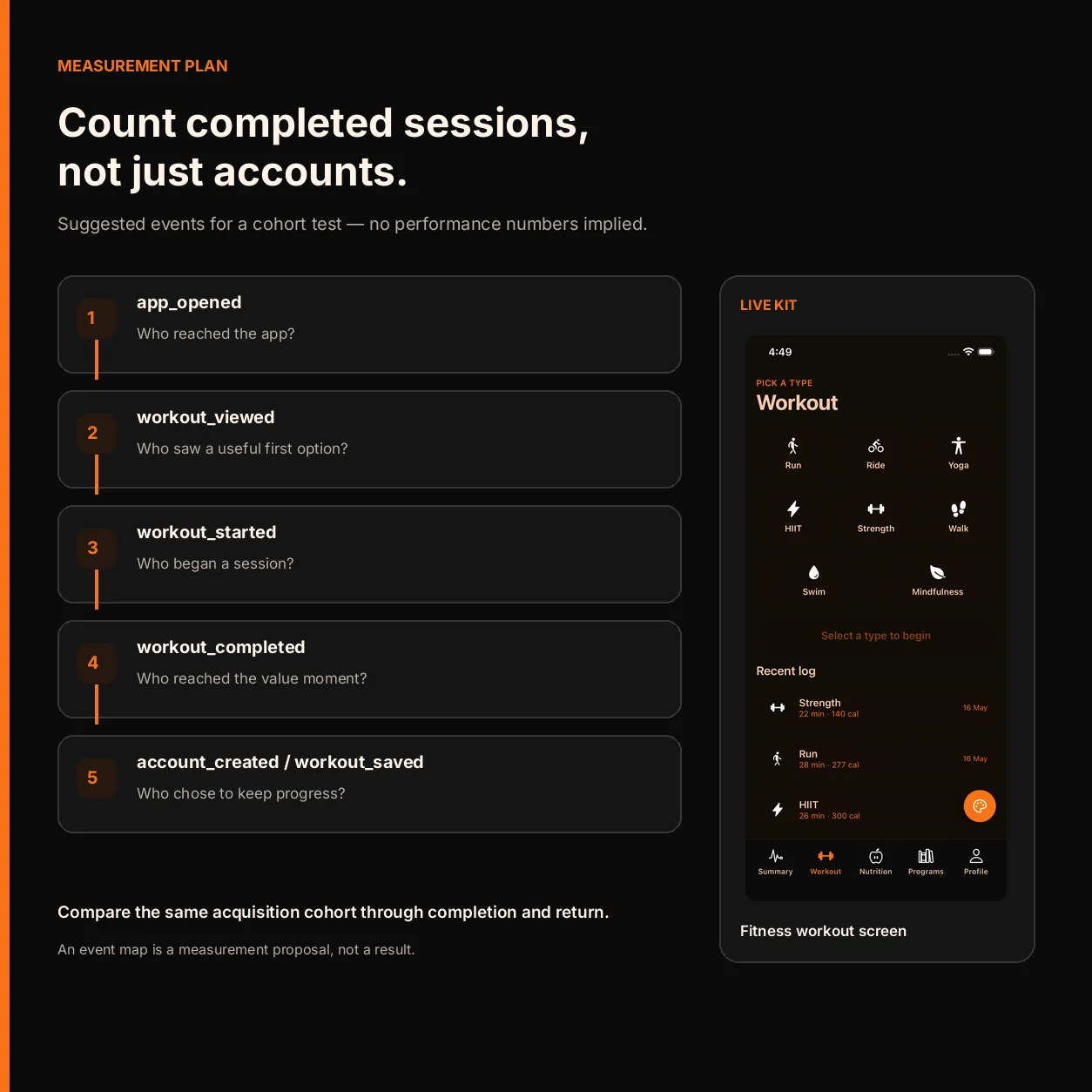
Put the account request at the point of value
Make the prompt explain the exchange
When the app asks for an account, pair the request with the reason. “Create an account” is a task. “Save this workout so you can see it on your next device” explains the user benefit. Keep the choice close to the action that needs it: when someone taps backup, invites a coach, saves a plan, or opens history on another device. If the app blocks the first workout, state the actual requirement before collecting fields.
Make the alternatives visible. If a person can continue without an account, label that path plainly. Do not style “continue as guest” like a disabled or secondary escape hatch while making account creation the only visually clear choice. If the app truly cannot proceed without identity, say why in the screen itself. Do not promise guest access if the current build cannot preserve a guest workout.
An account-first flow can still be respectful. Keep the form to the information required for sign-in, defer goals and measurements until they improve a specific part of the experience, and say what is saved. If the product uses a coach, team, or subscription relationship, tell the person what the account connects them to. Collecting fewer fields is useful only when the product can still deliver what it promised.
Treat recovery and permissions as separate decisions
Do not bundle account creation with every later permission. A workout log, a health-data connection, push notifications, and a cloud backup answer different questions. Ask for a permission when the person chooses the feature that needs it, give a short explanation, and keep the rest of the first session usable when the feature is optional. If a permission is required for the core workout, name that constraint before the system prompt appears.
The same separation applies to onboarding questions. A goal or activity level can personalize recommendations, but the app should be able to explain what changes because of the answer. If there is no immediate consequence, ask later or make the choice optional. This keeps the first session focused on the product’s central job rather than a survey that the user cannot yet evaluate.
Measure the first useful action, not the form alone
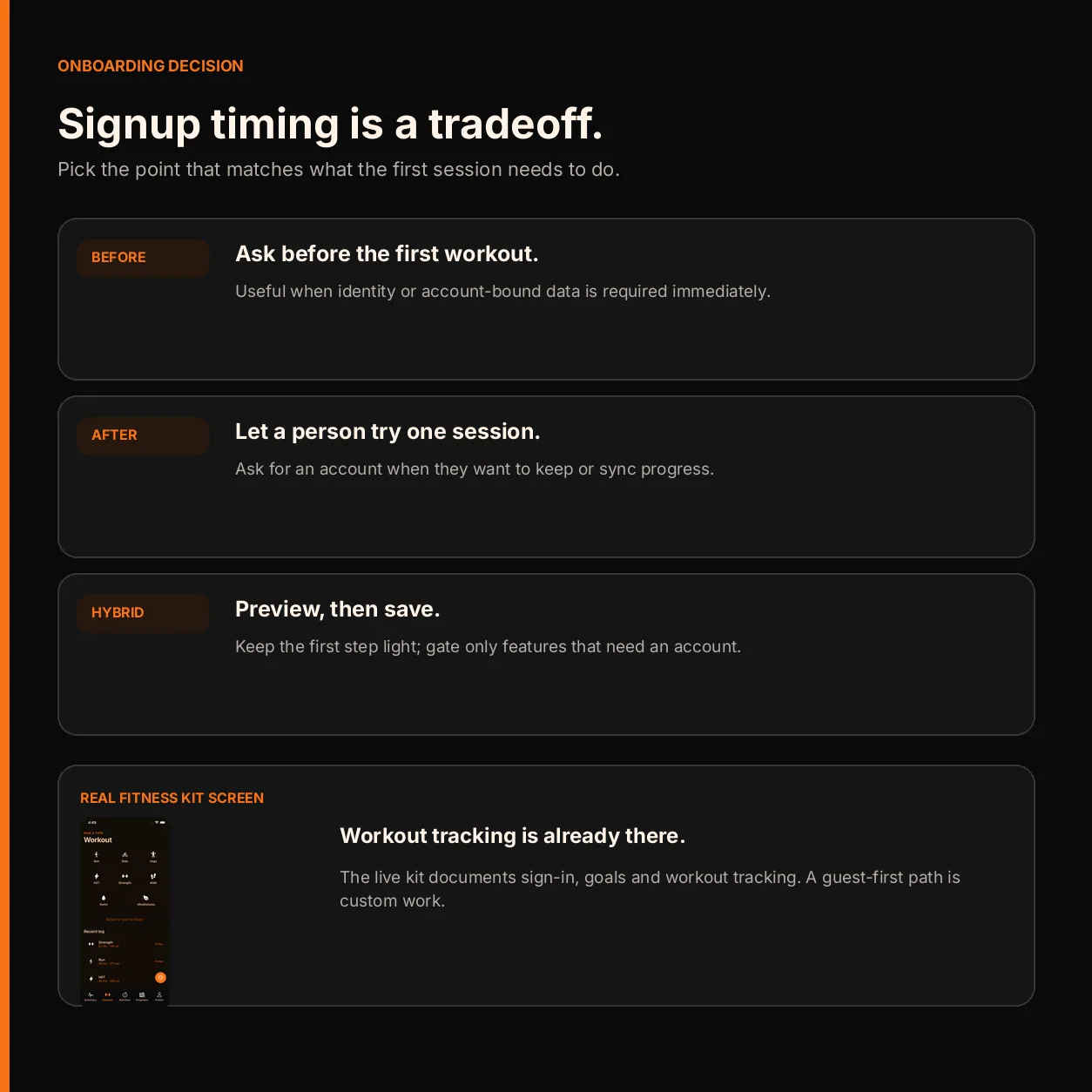
Define a small event path before changing the flow: first open, workout started, workout completed, account prompt shown, sign-in completed, and guest data attached or discarded. Keep the event names and properties consistent with the app’s privacy policy. Do not store workout details in analytics unless the product has a clear, approved reason to do so.
Compare the paths by cohort, platform, and app version. A large number of sign-ups is not proof that the account-first design helped if fewer people reach a completed workout. A guest-first flow can raise starts while leaving completion, return use, or recovery worse. Watch the whole sequence and define in advance what would make you keep or undo the change. Small cohorts are too noisy for strong conclusions; report the actual counts and wait for enough observations before claiming a lift.
Also test the failure cases. Close the app after the first set. Lose network access. Sign into a different account. Reinstall. Try the same flow on a second device if the product claims sync. These checks reveal whether the guest path has a real boundary or is only a screen that postpones an error until later.
Keep the starter’s scope honest
The OTF Fitness Kit page shows workout tracking, an exercise library, activity rings, onboarding, and authentication, and the live demo lets a builder inspect those screens. It does not advertise a guest-first or local-first workout mode. A team choosing it still needs to design and implement the guest data boundary, the account prompt, and the attach-or-discard behavior that their product requires. Preview the kit and demo to judge the included starting point; do not assume that a screen labeled “onboarding” already implements this policy.
For a broader example of modeling workout history and its data sources, see how to bring lifts, runs, and steps into one fitness app history. That is a separate data-modeling problem from deciding when a person must sign in.
One codebase. iOS, Android, and web.
The Fitness Kit is a mobile starter with its own API, with sign-in and a database. Live demo at fitness-preview.otf-kit.dev.
Sources
Sources checked 17 October 2026.
- Setlane builder’s account-before-first-workout feedback — the builder reports that a tester uninstalled after being asked to create an account before trying the app, then describes adding guest mode. This is one builder’s account of feedback, not a measurement of how fitness-app users behave in general.
- OTF Fitness Kit — current product page for the included workout and authentication features.