
Booking calendars: keep date overrides on the right day across time zones
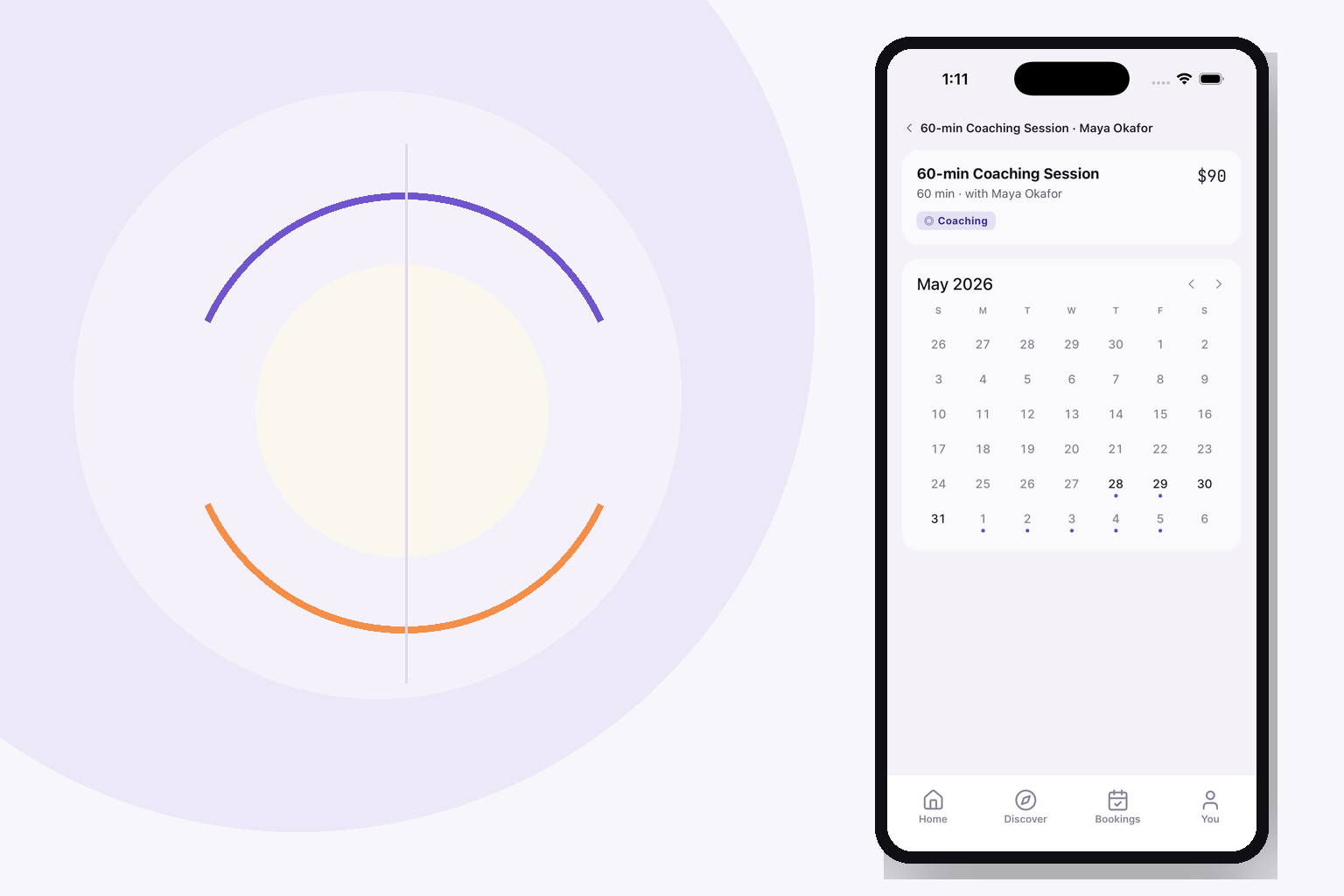
A booking date override is a calendar date, not a timestamp. Keep that date in the calendar’s intended time zone, keep the selected time zone explicit, and test the same override with the server running in UTC and a non-UTC zone before relying on the availability page.
If “today” disappears or one day’s exception splits into duplicate rows after deployment, check how the app groups and compares dates at the API boundary. A date that represents a calendar day can shift when code formats a UTC-midnight timestamp in the server’s local zone.
Start by separating the day from the instant
A booking system handles at least two different kinds of time data. A date override such as “closed on 10 October” names a day on a calendar. An appointment such as “09:30 with this provider” names a time on a particular day in a particular zone. They can be displayed together, but they are not interchangeable values.
If the database stores a date-only override by encoding it as midnight UTC, the value is still being used to represent a calendar date. Formatting that timestamp in another time zone can produce the previous local day. Comparing that formatted string with a local time range can then make values for the same intended date look different.
That is the failure described in Cal.com’s open issue about date overrides: with a New York server, an override stored at UTC midnight formats as the previous local date, so it no longer groups with the intended day’s availability ranges. The issue also reports that a same-day override can be filtered out when the server zone differs from the schedule zone. Those are two symptoms of one boundary mistake: application code is letting the process time zone decide what a calendar date means.
Decide which time zone owns the calendar
Before changing a comparison or a formatter, make the product rule explicit. A provider’s schedule may belong to the provider’s time zone. A customer-facing calendar may display the viewer’s local time. A date override might be authored as a date in the provider’s calendar. Each choice can be reasonable; mixing them silently is the problem.
Record the owner zone with the schedule or provider, and keep it available when generating slots. If a business changes its time zone, decide whether existing overrides remain attached to the same local dates or move with absolute instants. That is a product decision, not something to infer from the server’s TZ setting.
For a date-only field, preserve a stable date key such as YYYY-MM-DD according to the calendar that owns the rule. Do not convert it into a local date by formatting a timestamp in whichever zone happens to run the API. For a timed slot, retain the instant and the relevant zone information needed to display it to the customer. Keep these data paths separate even if the client uses one calendar component for both.
One codebase. iOS, Android, and web.
The Fitness Kit is a mobile starter with its own API, with sign-in and a database. Live demo at fitness-preview.otf-kit.dev.
Group each override before rendering availability
An override can contain several ranges for one day—for example, two open windows separated by a break. Build the data so one override date owns its complete list of ranges. Avoid treating each time range as an independent date entry.
At the API boundary, normalize the override key and the range keys using the same declared calendar zone. Then group all matching ranges under that key. Keep the zone decision close to the conversion code instead of relying on ambient server settings. If you cannot explain which zone a conversion uses by reading the function call, the code is difficult to verify in production.
The issue’s reproduction is useful because it isolates the failure: one override date contains two UTC ranges; under a non-UTC process zone, the ranges are split rather than kept together. A second case checks an override for the current day. Reproduce these shapes in your own test fixture before changing the UI. A calendar can render cleanly while the server has already returned an incomplete schedule.
Test the boundary, not only the default server
A test that runs only with a UTC process can make a zone-sensitive bug look correct. Add focused cases for at least one server zone west of UTC and one schedule zone that differs from it. Keep the schedule date and range instants fixed while changing the process zone; the returned date override should remain attached to the intended calendar date.
Use a small matrix:
| Case | Override | Expected result |
|---|---|---|
| Multiple windows on one day | One date, two ranges | One override entry containing both ranges |
| Override for the schedule’s current day | Date equals today in the schedule’s zone | The override remains present |
| Server and schedule zones differ | Same stored schedule, different process TZ | Same date grouping and eligibility |
| Daylight-saving transition nearby | Date around a zone offset change | No accidental previous-day or next-day grouping |
Assert the API response as well as the calendar. Check the date key, number of override entries, range membership, and whether “today” is retained. Then render the same response in the client and verify the displayed local times follow the product’s stated rule. This separates a server grouping defect from a display conversion defect.
Verify the full availability path
Trace one request from the saved schedule through the repository or service layer to the public availability response. Inspect where date strings become timestamps, where timestamps become date strings, and which zone is passed at each conversion. Check filtering and grouping separately: a correct grouping step cannot restore an override already discarded as “past.”
After a fix, replay the original reproduction with the server configured outside UTC, then run the same fixture under UTC. Compare both outputs. If the results differ, the implementation still depends on the deployment environment. Finally, try the actual provider and customer view across midnight in the provider’s zone; a “today” label can refer to a different day for the viewer without making the provider’s rule disappear.
For additional context on a related availability failure, see how booking systems prevent double-booking. The date-override issue is different: it concerns which day’s ranges are returned, while double-booking protection concerns whether two bookings can claim an overlapping slot.
Where a starter kit fits
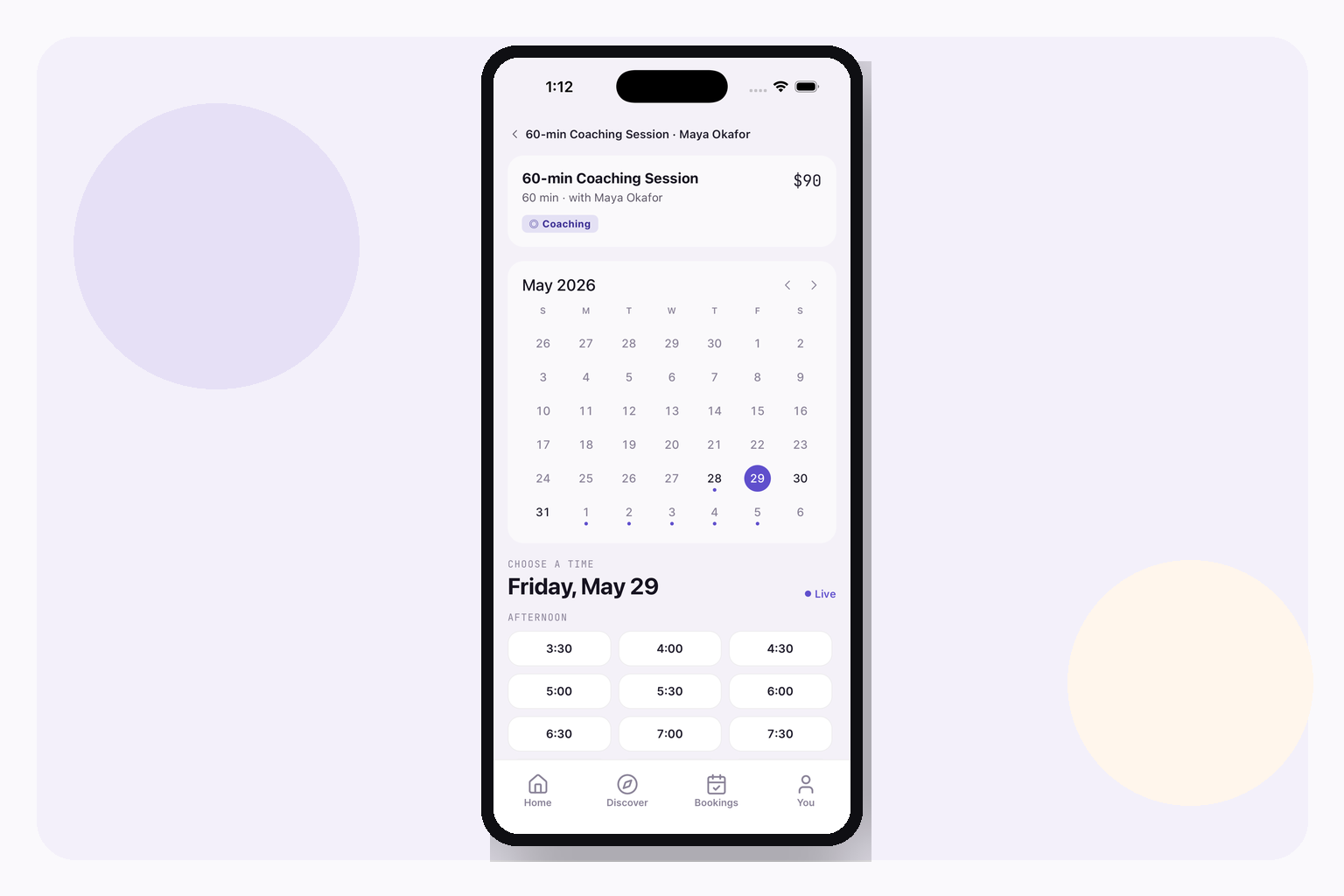
A starter can save time on the booking screens and flows, but it does not decide which time zone owns a schedule or prove that an application’s availability API is correct. The Booking kit includes a month calendar, a realtime slot picker, provider schedules and booking flows. You still need to verify the timezone policy and server behavior in the product you build from it.
Building a booking app? See the Booking kit for the app foundation, then try its live demo to inspect the calendar and slot flow. The Everything Bundle comes after the matching kit if you are comparing several starters.
Sources
- Cal.com, “Date overrides split into duplicate days, and today's override disappears, when the server TZ is not UTC,” issue #30271, opened 29 September 2026; read 20 October 2026. The issue documents the New York server reproduction, UTC-midnight date storage, duplicate range grouping and missing same-day override. It is an open issue report, not proof that every booking system has this behavior.
Stop wiring. Start shipping.
- Sign-in and a database wired in, with its own API
- iOS + Android + web from one codebase
- AI configs pre-tuned + 20+ task prompts per kit included
Ship your first screen tonight — free starter in your inbox
The quickstart, the SDK repo and the live kit demos, on this screen and in your inbox.
No spam. Unsubscribe any time.