
Write the First Prompt in a New Repo

A new repository gives a coding agent little local guidance. A short request such as ‘add a settings page’ leaves important choices open: where the page belongs, which components to use, what data it can change and how to verify it. The agent may make plausible choices, but plausible is not the same as consistent with the project you intend to build.
The first prompt is a chance to set boundaries. It does not need to specify every line of code. It should give the agent a concrete goal, ask it to inspect the repository before editing, and define what evidence will show that the change works.
Start with the repository, not a guessed scaffold
If the repo already has files, ask the agent to inspect them before proposing a change. Point it to the package scripts, the nearest existing page or component, and the project guidance files that apply. Ask it to summarize the pattern it found before it edits.
That step prevents a common mismatch: the prompt describes the feature, while the repository already answers questions about routing, styling, data access or form handling. When there is no comparable example yet, say so. Then ask the agent to recommend a small, consistent pattern and list any assumptions that need your approval.
Give the first task a narrow shape
A useful first task is small enough to review but real enough to reveal how the project is organized. For example, instead of asking for a complete account system, ask for a settings screen with one preference and a clear persistence boundary.
Be explicit about the outcome and the limits. Say which user can see the screen, what the preference changes, and whether the first pass should use mock data or connect to an existing backend. If you do not know the persistence choice, ask the agent to inspect the repo and present options before it changes the data model.
Avoid sneaking unrelated work into the request. Authentication, billing, email delivery and deployment each add decisions that can obscure whether the basic feature fits the repo. Break those into separate tasks with their own acceptance checks.
11 production screens. Login and database wired.
The SaaS Dashboard Kit includes login, a database, and a working dashboard. Live demo at saas.otf-kit.dev.
Make ‘done’ observable
A page that renders may still have broken loading, empty or error states. Describe the states that matter for the task and how a person should be able to reach them. Name the checks that fit the change: a relevant type-check, focused test, lint command, or a manual route and interaction. Ask the agent to report the exact checks it ran and any that it could not run.
Do not request a blanket ‘production-ready’ result. That phrase hides choices about security, reliability, accessibility and operations. State the boundary you actually need. For a settings preference, that might mean: existing signed-in users can open the page; the control reflects the saved value; saving has a visible pending and error state; and the existing focused checks pass.
A first-prompt template
Use this as a starting point, then replace the bracketed details with facts from your repo:
Inspect the repository guidance and the nearest existing example before editing. Summarize the pattern you plan to follow. Build [one specific feature] for [the user and route]. Reuse the project’s existing [components/data pattern] where it fits. Do not add [out-of-scope integrations or dependencies]. Include [the relevant loading, empty, success and error behavior]. Run [named checks] and report their results. If the repo does not establish a needed choice, list the assumption and ask before making a broad or hard-to-reverse change.
The template separates discovery from implementation. It also makes review easier: you can compare the result with the stated route, behavior and checks instead of evaluating an open-ended claim that the agent ‘built the feature.’

Keep project guidance close to the code
A prompt is temporary context. Repo-level guidance can help future sessions start with the same conventions. Keep it short, specific and verifiable: explain the architecture that exists, point to representative examples, list the commands that work, and note boundaries that are easy to violate. Update it when the code changes.
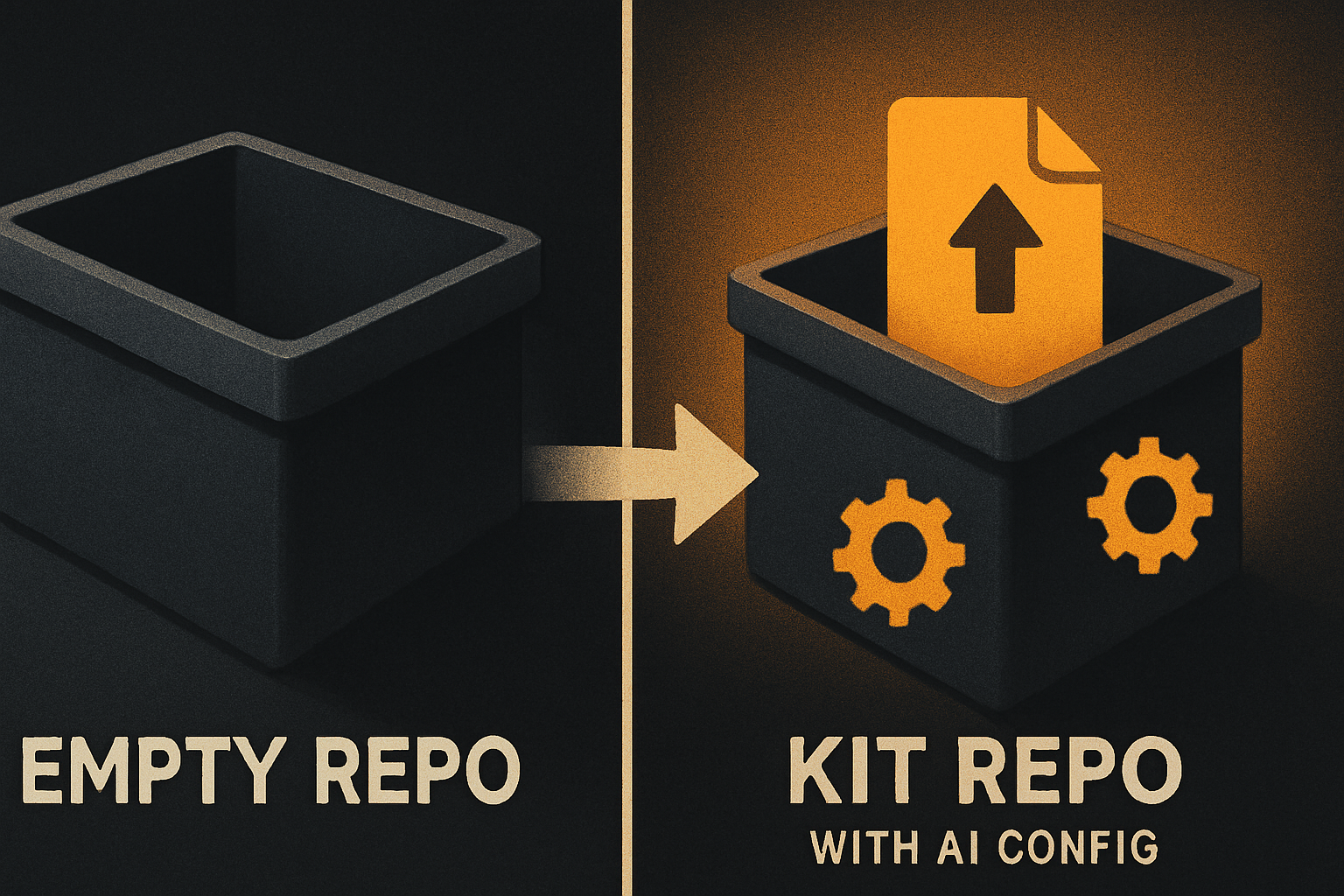
The delivered SaaS Dashboard, Fitness and Arcade kits include AGENTS.md, CLAUDE.md, .cursorrules and between 22 and 27 task prompts, checked 15 October 2026. Those files provide starting context for supported coding tools; they do not guarantee that an agent will follow every instruction or that an example fits a different project. Review generated changes and run the checks that matter to your application.
OpenCode reads AGENTS.md; the OpenCode setup guide describes the tested setup. Its dated check is narrow: on 13 October 2026, the kit’s own type-check passed in a fresh install, and the test change added no type errors. Treat that as one documented check, not a guarantee for every prompt, tool or application.
When a starter repo helps
A starter can reduce the number of decisions in a first task when its framework and conventions match your project. The SaaS Dashboard is an editable app shell; it does not include payments. Its current list price is $99, checked on 15 October 2026 on the pricing page. Inspect the product details and repository before choosing it, and treat any feature integration you add as your own work.
If you already have a repository, keep the first prompt grounded in that code instead of forcing it into a starter’s structure. For a practical way to make an existing repo easier for an agent to navigate, see a repo an agent can navigate.
Sources
- SaaS Dashboard kit documentation — checked 15 October 2026.
- OTF pricing — checked 15 October 2026.
- OpenCode for OTF kits — dated type-check statement from 13 October 2026; checked 15 October 2026.
Start with one bounded change, make the expected behavior visible, and ask the agent to show its work. Explore the kits if you want a repo with documented starting conventions.
Ship the product, not the setup.
- 11 production screens — auth, team, analytics, and settings
- Login and a real database are wired in
- AI configs pre-tuned so your agent extends instead of regenerates
Ship your first screen tonight — free starter in your inbox
The quickstart, the SDK repo and the live kit demos, on this screen and in your inbox.
No spam. Unsubscribe any time.