
enable 5-Minute Screen Additions: Kit Structure Secrets for Coding Agents

A coding agent reads a 200-file tree in two seconds. The slow part is figuring out which twenty files it actually needs to touch. If your repo doesn't make that answer obvious, the agent won't fail loudly — it'll fail slowly, generating plausible-looking code in the wrong place, and you'll spend the next twenty minutes cleaning up its enthusiasm.
I've watched this happen. "Add a settings screen" turns into fifteen file edits, two new directories nobody asked for, a half-migrated import path, and a button that re-implements the one the kit already shipped. The agent wasn't confused. The repo was.
The five-minute prompt is a property of the repo, not the model. A kit that ships with a flat src/, three named top-level folders, and zero dead branches will get an "add a screen" task back from a coding agent in a single shot. A kit that ships with seven legacy migration paths and a components-old/ directory won't, no matter how good the model is. This is the audit. Not what the model can do — what the repo has to be so the model can do it.
The three things that make a repo agent-navigable
Audited across the kits we ship, the difference between a five-minute prompt and a twenty-minute one collapses to three properties. Everything else is decoration.
One obvious place per concern. A coding agent does not "explore" your repo in the human sense — it pattern-matches against its prior and follows imports. If state lives in src/store/, state/, redux/, and lib/state-helpers.ts, the agent will read all four before writing one. The rule: each concern gets one canonical directory, and that directory's name is the term the agent is most likely to search for. screens/, components/, lib/, routes/, db/, auth/. No aliases. No "but we also have it in app/_internal/ for legacy reasons." If you can't delete the legacy path, delete its contents.
Predictable file names, named after what they are, not where they came from. A file called useUserAuth.ts is findable. A file called useAuth.ts is fine. A file called auth-context.tsx is fine. A file called context.tsx is a trap. A file called index.tsx is a graveyard. The agent will guess that index.tsx is the entry point, read it, find a re-export of seven other files, and read those. Every file in the repo should answer the question "what is this?" from its name alone, without the agent having to open it.
No dead code paths. Commented-out files, half-migrated utilities, two competing form libraries, three button components, a legacy/ folder nobody dares to delete. The agent does not know these are dead. To the model, every file is a candidate. The fix is not "comment the dead code better" — the fix is git rm. If you can defend keeping the file in the repo, you can defend shipping it. If you can't, the file is a tax on every prompt the repo will ever see.
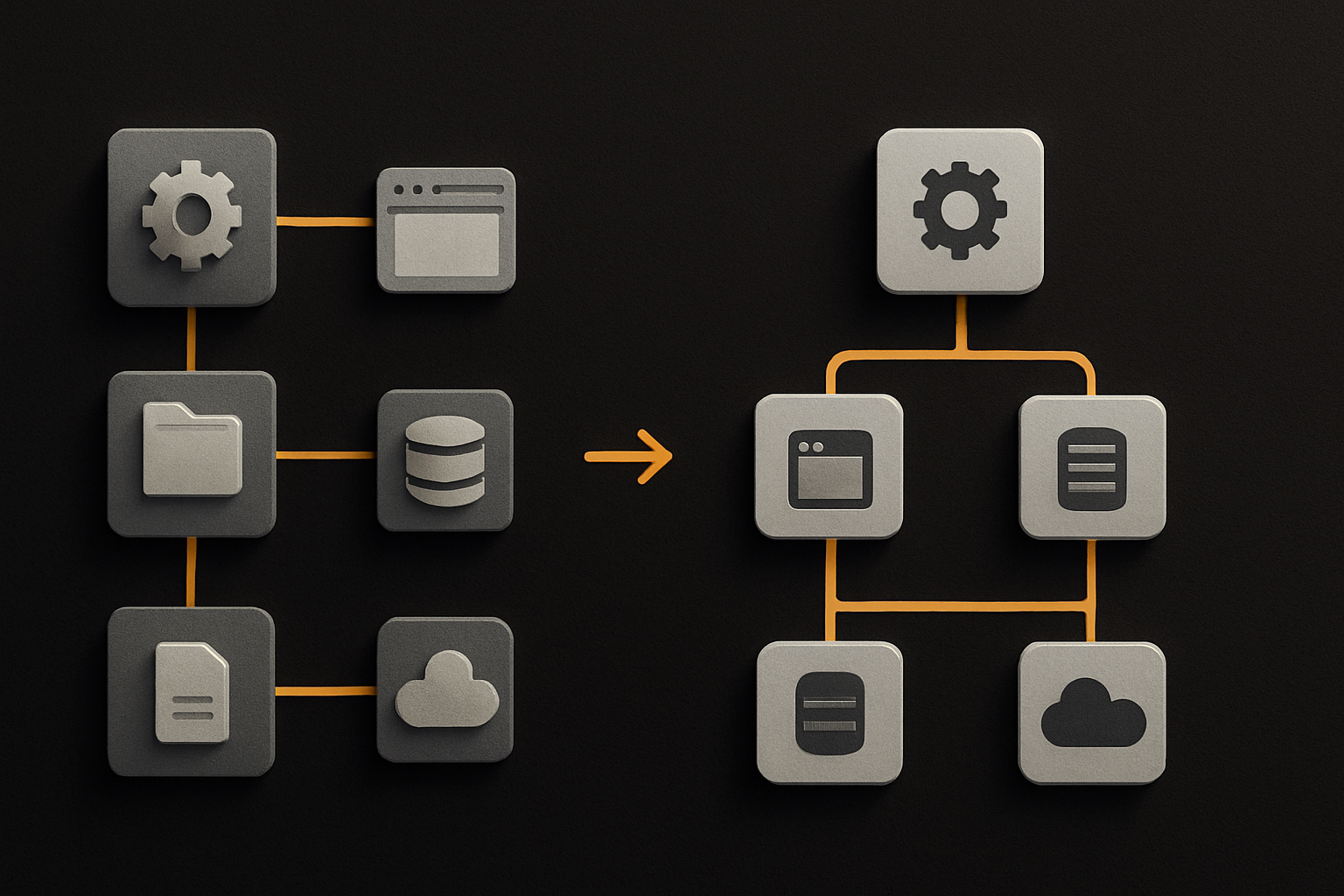
Where the agent actually looks first
The agent's first three reads, on a fresh prompt, are almost always: the project root, the most recently touched file in the same area, and any AI config file it can find. If those three reads don't give it what it needs, it falls back to a recursive tree walk, which is where the twenty minutes start.
This is why the root matters more than any other directory. The root is the agent's INDEX.md. It should contain:
- A
CLAUDE.mdor.cursorrules(or both) that names the conventions in plain language — where screens go, where shared components go, how to add a route, what the form library is. - A short
README.md(one screen) that states the stack outcome in two sentences and links to the AI config. - A
package.jsonwhosescriptsblock is short, named after verbs the agent will search for (dev,build,test,db:migrate), and free of legacy aliases.
If a coding agent can read the root, then read CLAUDE.md, then read one directory, and find every place it needs to touch — the prompt is five minutes. If it has to read the root, then read CONTRIBUTING.md, then read docs/architecture.md, then grep the tree, then guess — the prompt is twenty minutes.
11 production screens. Login, database, payments — all wired.
The SaaS Dashboard Kit ships everything already connected. Nothing to set up. Live demo at saas.otf-kit.dev.
Conventions the agent already knows
A coding agent's priors are not arbitrary. They're the priors of every repo the model was trained on. Use them.
src/
  screens/          # one folder per screen
  components/       # subfolders by feature, not by file type
  lib/
    state/          # one place, one library
    auth/           # one file, one pattern
  routes/           # one file per route, flat
  db/               # schema + migrations, nothing else
Screens are in screens/ or app/ or pages/. Pick one. Components are in components/, subfolded by feature — components/settings/, not components/forms/. State is in lib/state/. Routes are in routes/ with one file per route, not nested four deep in app/(authenticated)/dashboard/[id]/. Auth is one file. Not a directory tree.
These aren't aesthetic preferences. They're the keys the agent is most likely to try first. Every deviation costs a file read. Every deviation also costs you the next agent, and the one after that, and the one after that.
The half-migrated pattern is the worst offender
A repo with one legacy pattern is more expensive than a repo with ten fresh ones. The agent sees useAuth.ts next to auth-context.tsx next to useUserAuth.ts and does what any reasonable model would do: reads all three, picks one based on which has the most recent edit, and mirrors it. If the most recent edit is the legacy one — which is common, because someone was mid-migration — the agent extends the legacy pattern. You now have two patterns in the repo, and the next agent will see three.
The fix is the boring one: pick a pattern, migrate everything to it, delete the rest. Migration is a one-time cost. Carrying the migration in your repo's structure is a forever cost, paid in agent confusion on every prompt that touches that area.
The same applies to:
- Competing component libraries. Ship one. Delete the others from the lockfile and from the import graph. If a kit ships you a
Button, don't also ship aCustomButtonfrom three months ago. - Commented-out code. It's not "documentation." It's a file the agent will consider reading.
- Empty directories with a
.gitkeep. The agent reads the directory, finds nothing, and now has to consider whether the directory is a placeholder for future work or a leftover. - Two
utils/. Autils/and alib/utils/. The agent will read both and not know which to extend.
What a kit's AI configs actually do
The single highest-use thing a kit can ship for a coding agent isn't a clever prompt — it's a CLAUDE.md that names the conventions in the kit's own directory layout. The agent reads the file, internalizes "screens go in screens/, components in components/<feature>/, state in lib/state/," and the next prompt lands in five minutes instead of twenty.
# Kit conventions

Screens: `src/screens/<Name>.tsx` — one file per screen.
Components: `src/components/<feature>/<Name>.tsx` — subfolder by feature.
State: `src/lib/state/` — one library, exported from `index.ts`.
Routes: `src/routes/<path>.ts` — flat, one file per route.
Auth: `src/lib/auth/session.ts` — single source of truth, no contexts.

Form library: the kit ships one. Use it. Do not introduce a second.
Adding a screen: drop a file in `screens/`, register it in `routes/`,
import components from `components/<feature>/`. That's it.
A CLAUDE.md is not a doc. It's a contract. It should name the directory for each concern, name the entry point of each concern, name the form / state / auth library — one each — and state the one rule a contributor (human or agent) most often gets wrong.
A .cursorrules is the same contract, in a different file, for a different agent. Ship both. The cost is one afternoon; the payoff is every prompt for the life of the kit.
A ai/prompts/ directory of tested prompts — "add a screen," "add a route," "add a billing tier" — is the third leg. Each prompt is a worked example the agent can pattern-match against. Run them as a smoke test, so a regression in a prompt is caught before the kit ships.
What this gets us
The five-minute prompt is not a model capability. It's a repo property. The model is the fast part — it reads, generates, and edits in seconds. The slow part is the agent figuring out the shape of the tree it's working in. A repo that gets the three things right — one place per concern, predictable names, no dead paths — and ships the right AI configs at the root turns every "add a screen" prompt into a single-shot task. A repo that doesn't turns every prompt into a 23-file read followed by a clean-up pass.
The audit is short. Walk your repo top-down. For each concern — screens, components, state, routes, auth, db, billing — is there exactly one directory, with one obvious entry point, and no half-migrated alternative? If yes, the kit is agent-navigable. If not, the next "add a screen" prompt is going to cost twenty minutes you didn't budget for.
The repo is the durable layer. The model changes every quarter. The structure doesn't.
Ship the product, not the setup.
- 11 production screens — auth, billing, team, analytics, settings
- Real database, payments, and login — all wired on day 1
- AI configs pre-tuned so your agent extends instead of regenerates