
enable Perfect App Extensions with Structured Context, Not Longer Prompts

The agent that extends your app on the first try isn't the one with the longest prompt
It's the one with a real directory structure, a documented naming convention, and two worked examples it can pattern-match against. Prompt length is the wrong knob. Context shape is the right one.
Two weeks ago I shipped a screen with Claude Code against a codebase that had a CLAUDE.md describing the convention, three named variants of the screen already shipped, and a tokens file enumerating the color and spacing scale. The agent read the convention, matched the example, dropped in a new variant. Zero drift from the existing UI. One pass.
Same week, same model, same task — pointed at a freelance client's freeform codebase. No CLAUDE.md, no .cursorrules, no documented convention. One sentence in chat: "make the dashboard look like the settings page." The agent invented a components/dashboard/v2/Cards.tsx, used a hex value that wasn't in the codebase, named three props that don't match anything else in the app. Three passes, then a revert, then a manual cleanup. Same model. Same prompt. The variable wasn't the prompt — it was what the agent could read on disk before it started.

That's the whole post. The rest is the mechanism.
1. Why a longer prompt doesn't fix it
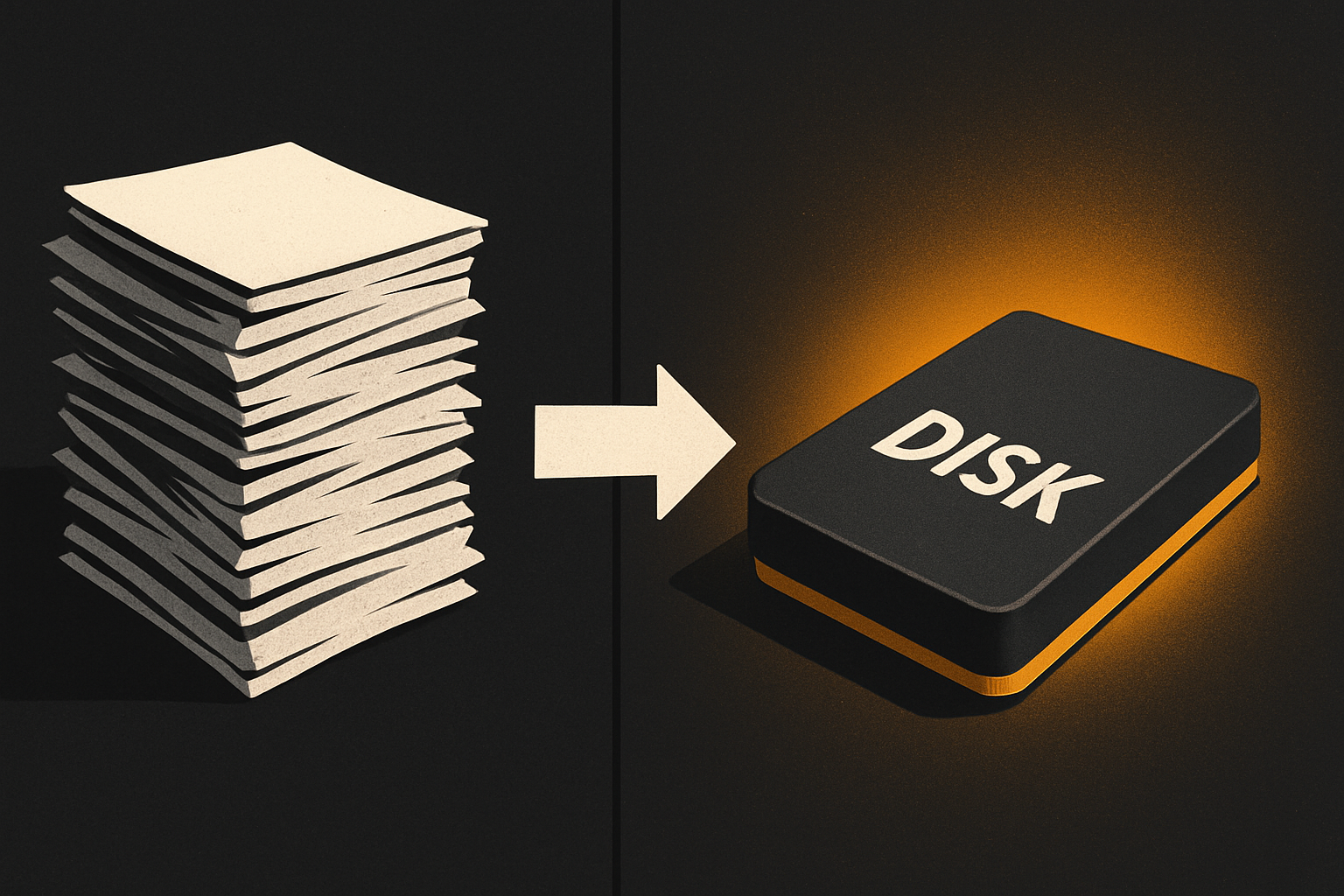
A prompt is a single string. It gets one round-trip through the model's context window. The model reads it once, holds it for the whole session, and forgets it when the session ends. A CLAUDE.md on disk gets re-read every time the agent navigates back to the repo root. A *.example.tsx file gets re-read every time the agent opens a sibling. A tokens file gets re-read every time the agent picks a color.
Three concrete failure modes when you only ship a long prompt:
- Naming drift. You write "use the same conventions as the existing screens." The agent invents a convention because there's nothing on disk to copy. Six months later,
BillingCard.tsx,billing-card.tsx,BillingCardNew.tsx, andbill_card.tsxall live in the same tree. - Token tax. A 4,000-token essay explaining the design system eats your working context for the entire session. By turn 40 the model is summarizing your rules instead of following them. The prompt becomes a cost, not a tool.
- Impossible reuse. Your teammate opens the same project tomorrow. The long prompt is gone. The convention is gone. The next session reinvents the wheel.
A CLAUDE.md on disk is re-readable, shareable, and effectively zero-cost at session start. The same 4,000 tokens of convention that would eat your chat context are loaded fresh by the agent on every command.
11 production screens. Login, database, payments — all wired.
The SaaS Dashboard Kit ships everything already connected. Nothing to set up. Live demo at saas.otf-kit.dev.
2. The three things an agent actually pattern-matches against
When an agent extends your codebase, it does three lookups, in this order:
- Where do files like this live? A
features/billing/directory versus a route-basedapp/billing/page.tsxlayout versus a flatcomponents/— these are different architectures. The agent picks based on what it sees. - What's this file called? A
BillingCard.tsxadjacent toBillingCard.test.tsxadjacent toBillingCard.stories.tsxtells the agent the co-location convention. The agent copies it. - What does the smallest existing version look like? The agent opens the smallest similar file, copies its shape, then mutates. If the smallest existing
*Card.tsxis 40 lines, the agent's first attempt is ~40 lines. If it's 400, the first attempt is ~400. Shape carries.
If any of those three is missing, the agent guesses. Guesses are where drift starts.
3. The directory structure as machine-readable spec
A directory tree is a spec the agent reads in one shell call. No parsing. No NLP. No hallucination. tree -L 3 -I node_modules is the entire API.
app/
  src/
    features/         # one folder per product surface (auth, billing, …)
      billing/
        screens/      # route-level components
        components/   # feature-local pieces
        hooks/        # feature-local logic
        schema.ts     # data shape, validated
        index.ts      # public surface — what other features import
    ui/               # cross-feature primitives
    lib/              # infra (db, auth, http, env)
    tokens/           # design tokens — colors, type, space
  tests/
    features/
      billing/
        *.test.ts     # co-located test convention
When the agent sees features/billing/, it knows where the new features/usage/ folder goes. When it sees screens/, components/, hooks/, schema.ts, index.ts, it knows the five-file shape. It copies the shape. No prompt required.
4. The naming convention as a 200-byte file
A CLAUDE.md doesn't need to be long. It needs to be specific. The single most useful section is the naming convention, written as rules, not prose:
# Naming
- One feature = one folder under `src/features/`.
- Screen = `src/features/<feature>/screens/<ScreenName>.tsx`.
- Component = `src/features/<feature>/components/<ComponentName>.tsx`.
- Hook = `src/features/<feature>/hooks/use<Thing>.ts`.
- Schema = `src/features/<feature>/schema.ts` — the source of truth.
- Public surface = `src/features/<feature>/index.ts` — re-export only.
- Cross-feature imports go through `index.ts`, never directly to a sibling file.
Twenty lines. Re-read by the agent on every repo-root navigation. Cheaper than one sentence of your chat context per turn. When you say "add a usage screen" in the chat, the agent knows: src/features/usage/screens/Usage.tsx, with a components/, hooks/, schema.ts, and index.ts beside it. First pass matches the convention.
5. Worked examples beat prose rules
Rules tell the agent the grammar. Examples tell it the dialect.
Ship a small set of reference files inside the kit — examples/ at the repo root, three to five of them, each one the smallest correct version of a common pattern. A billing screen. A settings page. A form with validation. Each one ~80 lines, fully working, following the convention from §4 line-for-line:
// examples/billing-screen.tsx — smallest correct version
// copied verbatim into src/features/<new>/screens/<New>.tsx and mutated

import { useBilling } from "../hooks/useBilling"
import { schema } from "../schema"

export function BillingScreen() {
  const { isLoading, data } = useBilling()
  if (isLoading) return <Skeleton />
  return (
    <Screen title="Billing">
      <BillingCard data={data} />
    </Screen>
  )
}
The agent's first attempt on a new screen is to copy this file, rename three identifiers, adjust the schema import. That's pattern matching. It works.
6. What the kit ships so the agent has this on message one
Every OTF kit — the free MIT SDK and the paid full-stack kits at $99 each, the Everything Bundle at $149 — is built around this idea: the kit is a starting codebase, the agent is a tool that extends it, the two are designed to talk to each other. The kit ships the context; you ship the feature.
Concretely, a kit contains:
| File / Folder | What it gives the agent |
|---|---|
CLAUDE.md | Naming convention, import rules, schema location |
.cursorrules | Same rules, Cursor's native config slot |
ai/prompts/*.md | 20+ tested prompts — "add a feature", "add a screen", "add a hook" |
src/features/ tree | The convention, made visible on disk |
examples/ | 3–5 reference files the agent can pattern-match |
tokens/ | The single source of truth for colors, type, space |
That last row is the one most teams miss. A tokens file flips the theme and the agent now knows which color is primary, which is surface, which is muted. No more invented hex codes.
The distribution is either npx otf init <kit> (copy-paste CLI, you own the files immediately) or npm install @otfdashkit/<kit> (traditional). Either way, the agent's working directory is the kit, the kit is the spec, and the agent extends it instead of regenerating it.
7. What this looks like on a Monday morning
You want to add a usage screen to the SaaS Dashboard kit. The chat is short:
you: add a usage screen using the existing billing screen as the reference.That's it. The agent reads CLAUDE.md, sees src/features/usage/screens/Usage.tsx, copies examples/billing-screen.tsx, swaps the imports, drops in the schema. Twenty seconds. Matches the rest of the app. Ships.
Same task against a freeform codebase — no CLAUDE.md, no examples — same model, same prompt — is the failure mode from the open: invented directory, invented color, invented prop names, manual cleanup at the end.
The variable isn't the model. It isn't the prompt length. It's what the agent can read.

A coding agent is a very fast junior engineer with no memory between sessions. It needs the same onboarding doc you'd hand a new hire: where things live, what they're called, what the smallest correct version of a thing looks like. That's a CLAUDE.md, a .cursorrules, a directory tree, and three example files. None of it is AI-specific. All of it is the codebase your team should have been writing anyway.
Use whichever model you want — Claude, GPT, the next one. The model changes every six months. The convention doesn't.
Ship the product, not the setup.
- 11 production screens — auth, billing, team, analytics, settings
- Real database, payments, and login — all wired on day 1
- AI configs pre-tuned so your agent extends instead of regenerates