
ChatGPT Work and Codex Usage Limits Lifted by OpenAI

Three things happened in one afternoon from OpenAI, and they compound. The 5-hour usage cap on ChatGPT Work and Codex is gone — temporarily — for Plus, Business, and Pro plans. Your usage counter reset to zero within the hour of the announcement. And GPT-5.6 Sol is about to start drawing less of that allowance per task. This is the most generous Codex window in recent memory, and the right move is to use it now, not to wait and see if it sticks.
Three hours into a refactor, deep in a multi-file change, the limit message lands right when the agent is about to nail the last edge case. Context is fine. Model is fine. The cap was the only thing between you and shipping. OpenAI's July 13 update is a real, if temporary, reprieve — and the smart move is to spend it on the work that was actually bottlenecked.
The three pieces, and why they stack
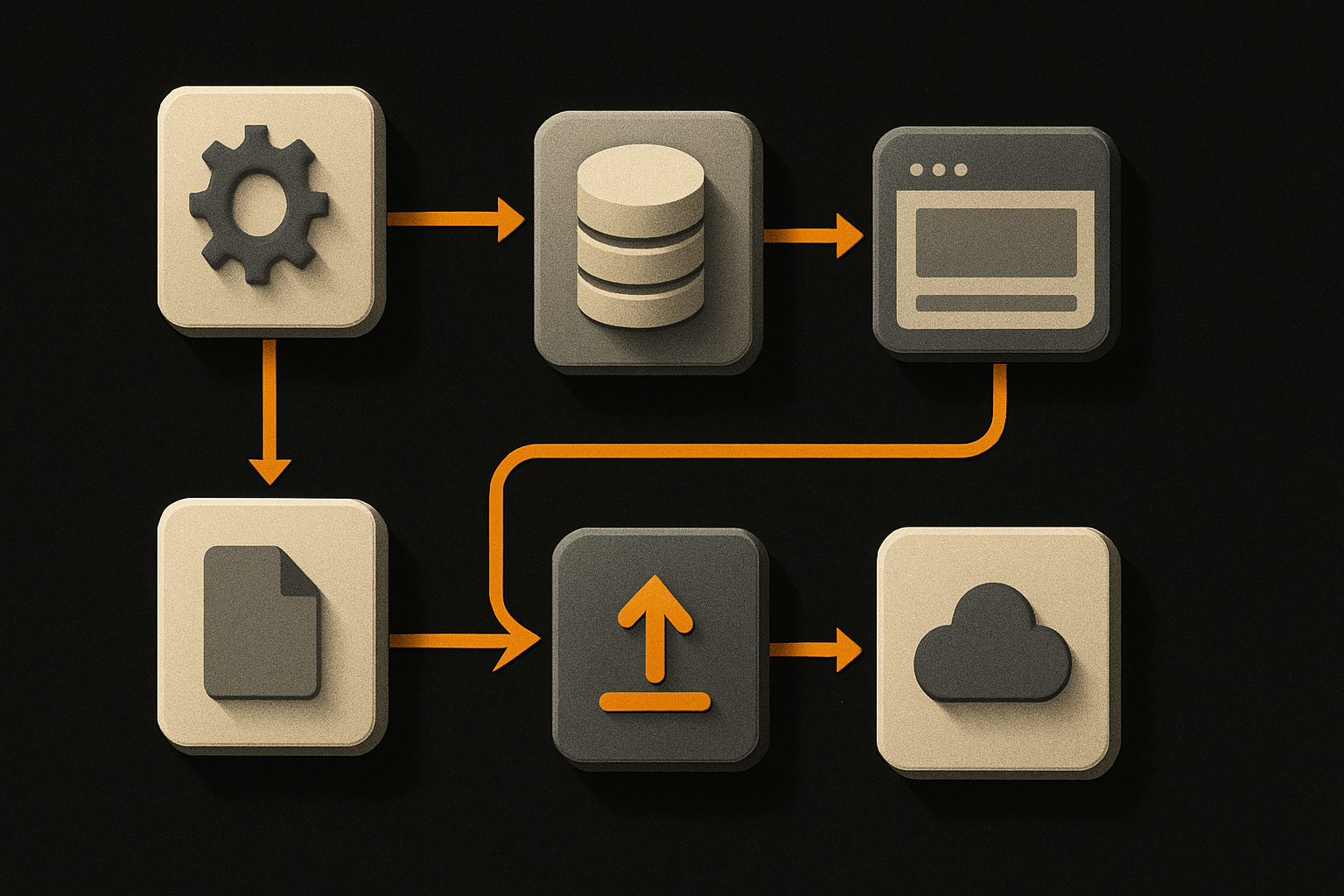
The update isn't a single change. It's three moves that compound, and reading them as a list understates the effect.
- The 5-hour usage cap is temporarily removed on ChatGPT Work and Codex for Plus, Business, and Pro plans. That's the headline. It's the cap that cut long refactors in half and forced test runs to span multiple sessions.
- Efficiency improvements are rolling out to GPT-5.6 Sol — same task, fewer tokens consumed. The direction is confirmed; the magnitude isn't public.
- Everyone's usage counter resets within the hour of the announcement. If you already burned through your allowance today, this is a fresh start.
Stacked, those three mean a long, uninterrupted Codex session is actually possible this afternoon, tomorrow morning, and for the duration of the window OpenAI decides to keep open.
What we know about GPT-5.6 Sol — and what we don't
GPT-5.6 Sol is one of three models OpenAI shipped to the general public days before this update, alongside Terra and Luna. Sol is the one targeted by the efficiency rollout, and it's the one Codex users will feel first.
OpenAI says Sol is "more efficient across the board." That's the company's own framing, posted by Tibo, a Member of Technical Staff, on X. The exact impact is still being quantified and will be shared later. So: no multiplier, no benchmark, no percentage. Just direction.
What that means in practice:
- Every call draws fewer tokens from your allowance.
- Long sessions extend further before any cap resumes.
- The efficiency change ships in parallel with the cap removal — you don't have to wait for it.
Don't write "GPT-5.6 Sol is X% cheaper" into any planning doc. The number isn't public yet. Treat the gain as "less usage for the same work" and adjust when OpenAI ships the figure.
The model id itself matters. Codex defaults may still pin to an older version. If you're optimizing for the efficiency win, you want to explicitly target Sol in your CLI calls and config.
11 production screens. Login, database, payments — all wired.
The SaaS Dashboard Kit ships everything already connected. Nothing to set up. Live demo at saas.otf-kit.dev.
How to actually use this window today
A celebration with no commands is fluff. Here is the concrete move.
Pick the session you've been deferring. The long refactor. The multi-file migration. The test suite you've been avoiding because it would blow the cap. Today it won't.
# Codex CLI — pin to the Sol variant explicitly
codex --model gpt-5.6-sol "migrate the auth module to the new API"# Confirm your plan tier is in scope
# Plus, Business, and Pro are all covered by the temporary removal# Watch your usage in real time so you know when the window closes
codex usage --watchIf you already burned through your allowance today, the counter reset is a fresh start. Stack that with the lifted cap and the efficiency trim, and the math is on your side for the next several hours at minimum.
One rule: pick one high-value task, not three. The whole point of a temporary window is to spend it on the work that was actually bottlenecked by the cap.
The tasks that were bottlenecked by the cap
Not everything is worth burning the window on. The wins concentrate in the work where the 5-hour cap was the only blocker.
| Task | Why the cap hurt | Why the window helps |
|---|---|---|
| Large multi-file refactors | Batched across sessions, losing context each time | Agent runs end-to-end |
| Test coverage across a big surface | Usage-heavy by nature; first thing to get cut | Coverage pass in one shot |
| Long-form documentation generation | Doc passes measured in hours, not minutes | One session, one output |
| Migration scripts with verification | Each iteration costs; cap cut the loop short | Full run + verify |
These are the tasks where efficiency improvements compound hardest. Less usage per call, over hundreds of calls, adds up to something the cap never allowed.

Caveats worth pinning to your planning doc
Three things to keep in mind while you use this:
- It's temporary. OpenAI used that word in the announcement. Don't architect your workflow around it staying open forever.
- No published efficiency numbers. The Tibo post confirms improvement but withholds the magnitude. Your mileage will vary by task type.
- The counter reset is a one-time event. Don't expect another reset tomorrow. Use what you have now.
The catch, as the source puts it, is we don't know how long this window stays open. Plan for it to close.
The part that doesn't change when the model does
A temporary window closes. That's the honest framing, and it's the only one worth planning against.
GPT-5.7 will ship. The cap will return. A new model will roll out with different efficiency characteristics, and another post will be written about how to use that one. That's the churn cycle of working with frontier models, and it isn't slowing down.
What doesn't churn is the application surface you're shipping. The UI layer. The cross-platform component set. The auth flow. The data model. None of that flips when a model id changes or a usage cap comes back. That's the layer underneath the tool churn, and it's the part you actually own.
So: run the long sessions. Ship the refactors. Generate the docs while the window is open. And know that when the 5-hour cap comes back, the surface you've built is still there, still working, regardless of which model version is behind it.
The tool churn is the surface. The durable layer is what you ship.
Three tailwinds, one afternoon, one window. OpenAI removed the cap, reset the counter, and shipped an efficiency improvement to the model at the same time. That combination won't repeat often. Spend it on the work that was actually bottlenecked by the cap — not on low-value chat — and watch your usage counter so you know when the window closes. The cap will be back. The window won't.
Ship the product, not the setup.
- 11 production screens — auth, billing, team, analytics, settings
- Real database, payments, and login — all wired on day 1
- AI configs pre-tuned so your agent extends instead of regenerates