
Uniwind and Gluestack put shadcn on React Native, but you still copy-paste per platform
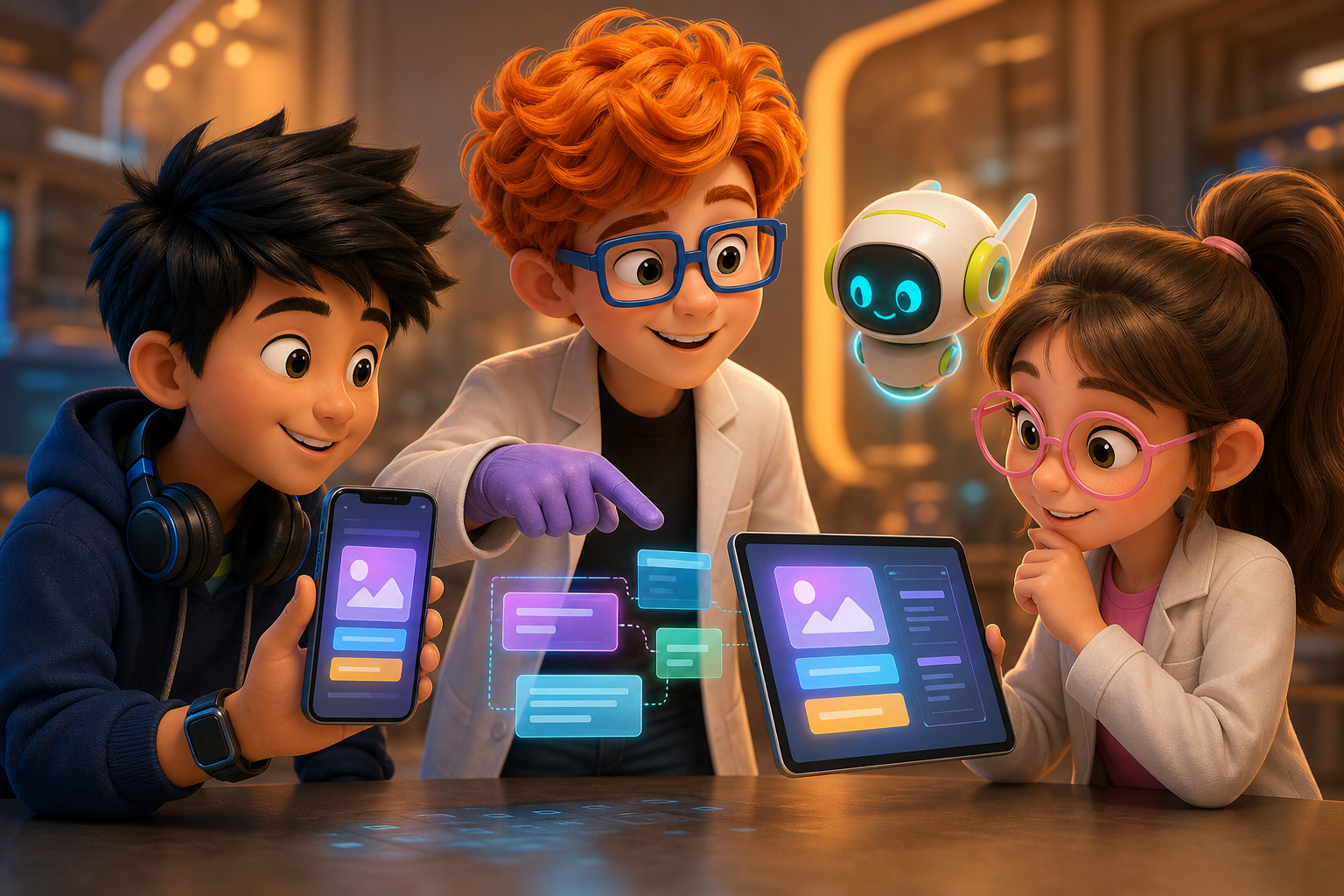
shadcn won the web by inverting the component-library model: do not install a black box, copy the source into your repo and own it. That model has now reached React Native. Uniwind brings Tailwind-style utility ergonomics to native (Uniwind), Gluestack ships copy-paste UI components crafted for React Native (Gluestack), and shadcn's own MCP server lets assistants browse, search, and install registry components in natural language (shadcn MCP docs). If you wanted shadcn-style ergonomics on a phone, you can now have them.
So the gap is closed, right? Not quite. You can put shadcn-style components on web and on native — but you do it twice, with two different registries that share no API. The gap moved; it did not close.
What Uniwind and Gluestack actually give you
Credit where due: this is real progress, not vaporware.
- Uniwind, from the creators of Unistyles, brings Tailwind CSS ergonomics to React Native — the same
classNamefeel web developers already know, compiled to native styles (Uniwind). - Gluestack is a components library for React and React Native with copy-paste UI components styled with Tailwind CSS — the familiar primitives (button, dialog, input) built for Expo and native (Gluestack).
- shadcn MCP means an agent can pull registry components into your project on command, on either platform, by browsing and installing in natural language (shadcn MCP docs).
For a mobile-only project, this is great. You get the copy-paste-and-own ergonomics that made shadcn pleasant, now on iOS and Android. If that is your whole world, stop reading and go use them.
The trouble starts the moment you need the same product on web and native. For how we think about design systems as agent-readable context, see design system is agent context.
Copy-paste's superpower becomes a liability across platforms
The thing that makes the copy-paste model great on web — the code is yours, in your repo, no dependency — is exactly what makes it painful across two platforms. Because now you own two copies that have to stay in lockstep:
web/    ->  components/ui/button.tsx   (shadcn-style — web primitives, DOM)
native/ ->  components/ui/button.tsx   (gluestack-style — RN primitives, native)
Same name, two files, two registries, two upstreams, no shared API contract. When you add a loading prop to the web button, nothing reminds you the native button needs it too. When one registry ships a fix, it lands on one platform; the other side is a separate project on a separate release cadence. You are the synchronization layer, by hand, forever.
This is the cross-platform version of the .ios.tsx / .web.tsx fork — except worse, because the two implementations come from two different vendors with two different design philosophies. You are not maintaining one component on two platforms; you are maintaining two components and hoping they look the same.
One codebase. iOS, Android, and web.
The Fitness Kit ships with auth, a database, and a backend already connected — no setup. Live demo at fitness-preview.otf-kit.dev.
The part that breaks for AI agents
There is a second cost that was not obvious in the web-only era: a coding agent cannot reason about a component whose two halves live in two unrelated registries.
Ask an agent to "add a destructive variant to Button everywhere." On a unified API, that is one change reflected on both platforms. With two registries, the agent edits the web button, finds no matching contract on the native side, and either skips it or invents a different prop name. Now your destructive button works on web and fails on the phone, and you find out in TestFlight.
The agent is not being dumb. It is reading two files that were never designed to agree, with no single source of truth saying what Button is across platforms. This is precisely why a shared component contract matters for agent-driven development — our same component web mobile architecture post goes deeper on the one-mental-model, two-render-paths approach.
The missing middle
There are two stable shapes for cross-platform UI, and the market has both ends:
| Approach | What you get | What it costs |
|---|---|---|
| Two copy-paste registries | Own the code; great per platform | You hand-sync two APIs forever |
| One universal library | One API, both platforms, versioned | A dependency (that you can still eject) |
The missing middle is a library where <Button> is one component contract with two implementations underneath — installable or copy-pasteable, on web and native, from the same source of truth.
That is the shape OTF builds toward: one prop contract with a web implementation (Radix plus Tailwind) and a native implementation, released together against the same API rather than assembled from two vendors you sync by hand:
// Illustrative: one contract, two render paths
import { Button, Card, Input } from "@otfdashkit/ui"; // web
import { Button, Card, Input } from "@otfdashkit/ui-native"; // native// Same contract on both platforms — add a prop once, it exists everywhere:
<Button variant="destructive" loading={saving}>Delete</Button>The exact package inventory evolves with the kits, so treat names above as the current shape rather than a frozen API. The principle is what matters: <Button> has one prop contract, and the web and native implementations agree because they are built and released together. And it ships both ways — install it, or copy the source via a CLI registry if you want shadcn-style ownership. You do not trade the copy-paste ergonomic for the unified API; you get both.
The sync tax, quantified in practice
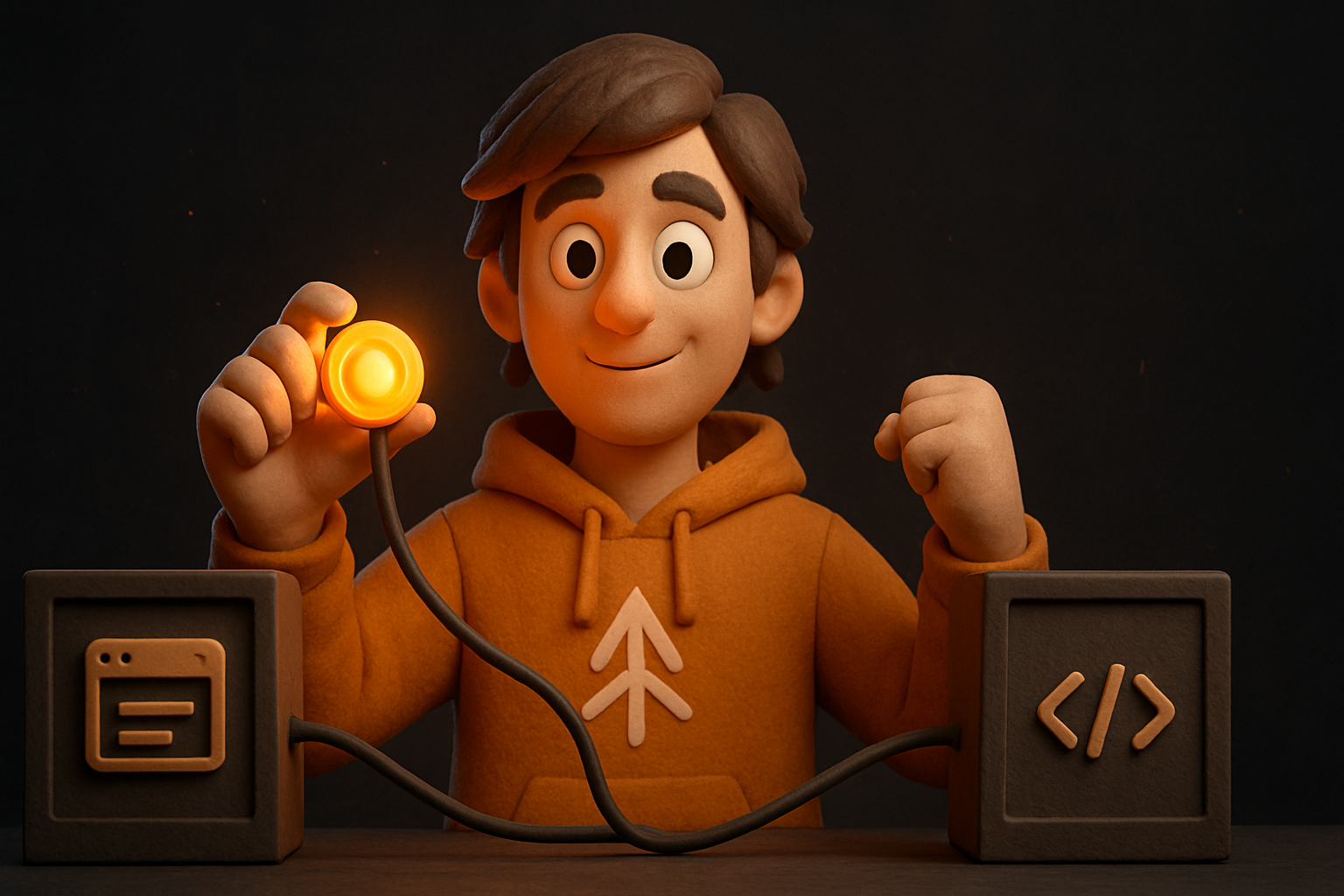
Every shared component carries a small recurring cost under the two-registry model: each new prop, each accessibility fix, each design-token change must be applied twice, reviewed twice, and tested on two platforms with no tooling confirming the two sides match. Multiply by dozens of primitives over the life of a product and the tax compounds — especially when an agent is doing the edits and needs one contract to read. A single API turns that recurring cost into a one-time design decision.
When each option actually wins
Honest tradeoffs, because "use our thing" is not an argument:
- Web only, forever? shadcn copy-paste is excellent. The two-registry problem never bites because there is no second registry. Do not add a cross-platform abstraction you will never use.
- Mobile only? Gluestack plus Uniwind give you the shadcn feel on native. Same logic — no web half to sync.
- One product on web and native? This is where a single-API library earns its keep. The cost of a dependency is far smaller than the cost of being the human diff between two registries for the life of the project — especially when an agent is doing the edits and needs one contract to read. Our one codebase three platforms post lays out the wider strategy.
The shadcn model is one of the best things to happen to web UI. It just does not stretch to two platforms on its own — and the tools bringing it to native, good as they are, leave you owning the stretch. If you are building for both, the question is not "copy-paste or install" — both are fine — it is "one API or two." Two is a tax you pay every time you touch a component for as long as the product lives.
Building for web and native from one repo? Browse the OTF kits →
Sources
- Uniwind — Tailwind CSS for React Native; cited for Uniwind's existence and purpose.
- Gluestack — React and React Native copy-paste UI components; cited for Gluestack's component model.
- shadcn MCP documentation — MCP server for registry components; cited for the agent-pull claim.
- OTF templates — the kit catalog; OTF package-shape claims above are framed as OTF's design position.
Stop wiring. Start shipping.
- Login, database, and backend already connected — nothing to set up
- iOS + Android + web from one codebase
- AI configs pre-tuned + 40+ tested prompts included