Honest time accounting: owning a kit plus your AI agent versus starting fresh

Starting from a clean slate feels like freedom — pick the stack, the design, every pattern. But when the real task is "ship a product solo and own it," not just get a demo working, every missing piece burns time in ways an agent cannot solve for you.
Using a high-quality, full-stack kit you own — paired with whichever agent or AI tool you prefer — is not just about skipping a landing page. It buys days of real-world shipping pace: the boring, costly infrastructure, design, and plumbing that no agent generates at production level today. But a kit is not magic. This is not a tenfold multiplier. The agent speeds the finish line, not the starting grid. What follows is a blunt accounting of what gets faster, what hits a wall, and what actually survives shipping.
Most time in a solo build is not building features — it is scaffolding the runway
A solo product is not a clever CRUD loop. It is everything sitting under real usage:
- user authentication and account flows
- subscription and Stripe payments
- database wiring and migrations
- production deployments (domain, TLS, mobile builds)
- design system, accessibility, tokens, consistency
You can ask an agent to "add Stripe payments" or "make auth work" and you will get a plausible-looking pile of config, half-remembered code, and docs links. None of it is drop-in. No agent generates a tested, end-to-end flow with real edge cases wired in at today's reliability. Even the best agents hallucinate settings, invent package names, and miss required webhooks or config.
A kit ships these things production-ready. The design, the multi-platform flows, the default themes — already enforced. If you want the full checklist of what "production-ready" actually contains, our ship-to-production checklist lays out the last mile most demos skip.
Takeaway: the agent is force-multiplied by a real kit — it edits what is there, not conjures missing layers.
Real week-to-week: greenfield plus agent versus kit plus agent
Baseline: a solo builder shipping a SaaS that needs sign-up, payments, account editing, and a canonical dashboard. Agent: any capable coding agent with the "extend this app" prompt pattern.
Blank slate (no kit):
- Project init, settings, tsconfig: 1 hour
- User auth (sign up, reset password, sessions): 2-4 days, including rewiring agent hallucinations
- Stripe payments (subscribe, cancel, webhooks, DB states): 2-3 days of setup, testing, failure modes
- Database setup (schema, migrations, CRUD): 1-2 days initial plus bugs
- Dashboard skeleton (routes, state, auth protection): 1 day
- Design system (buttons, lists, spacing, tokens): 2-4 days
- Mobile build (if needed): 2-3 days of tooling, native quirks, design mismatches
- Prod deploy (domain, TLS, mobile store): 1-2 days of DNS lag, certificates, app review
No agent at today's reliability wires Stripe plus real database roles plus user sessions end to end out of the box. Each "just add payments" prompt produces a partial script with missing settings and days of missing context. You debug, reading stack traces for config files that never existed until the last reply.
With a kit you own (all code editable):
- Project setup: 20 minutes (install or CLI copy, 2-3 shell commands)
- Auth, Stripe, DB: 0 days (shipped ready, just wire API keys)
- Dashboard, design tokens, UI logic: 0 days (components plus tokens, nothing to design or align)
- Extension (custom screens and flows): agent-driven, hours per screen
- Deploy: 1-2 hours (run the kit's deploy script; on a Cloudflare zone it attaches your domain and Cloudflare issues TLS)
- Mobile: 1-2 hours (mobile config done; app builds, just test)
The free days: all base infrastructure, the design system, multi-platform style tokens. The non-free part: your real features, the agent's edits, wiring your own data.
Takeaway: the kit crushes plumbing and design setup to near-zero. The agent turns the remaining custom logic into an edit loop, not a full build.

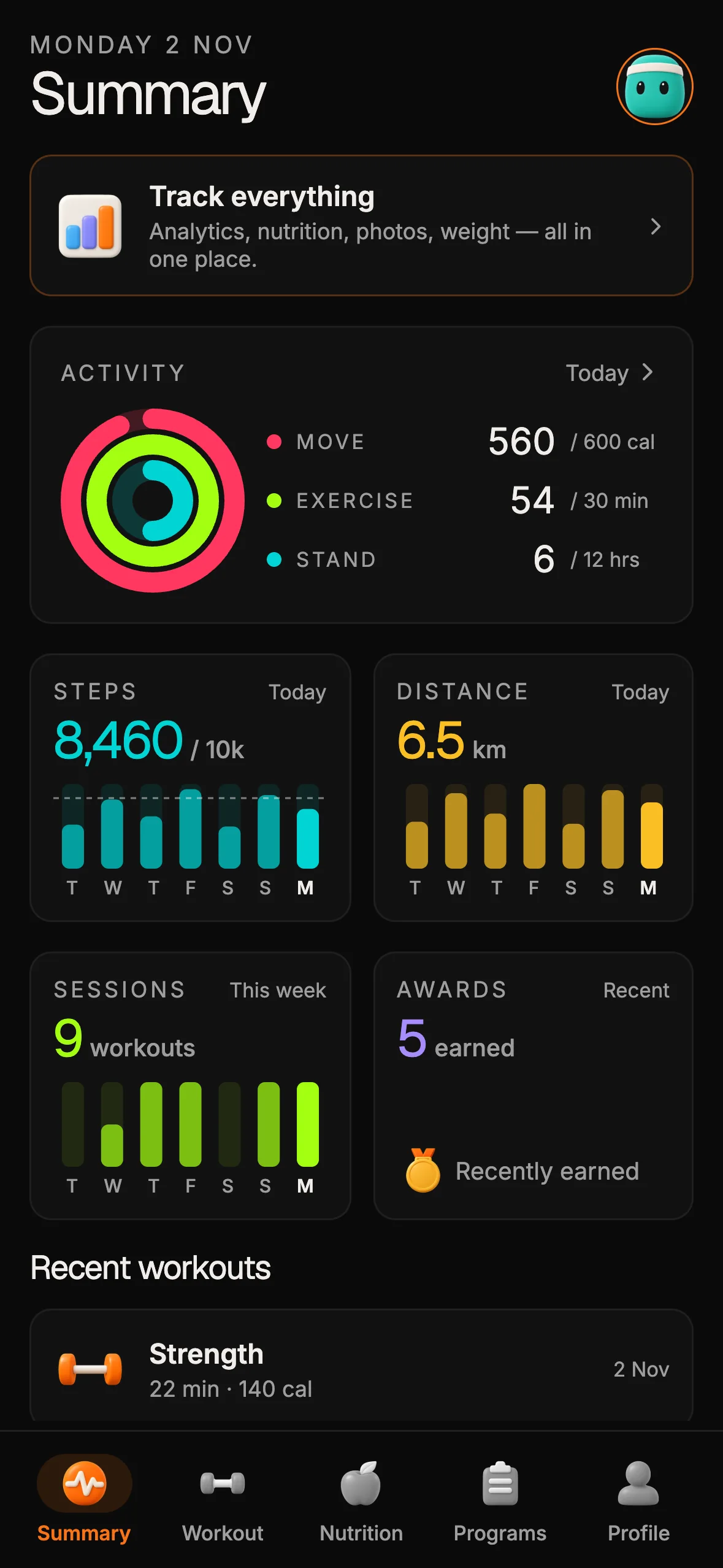
12 production screens. Login and database wired.
The SaaS Dashboard Kit includes login, a database, and a working dashboard. Live demo at saas.otf-kit.dev.
Where AI agents break on greenfield — hallucinated convention, code drift, broken flows
Today's agents are impressive coders but still weak on large-scale assembly:
- They invent package names and settings that do not exist.
- They cannot wire a dashboard from scratch — they invent gaps and "TODO" sections.
- Production accretions ("add SSO," "add cards to user settings") cause drift or collide with prior hallucinations.
Prompting for a whole auth plus payment plus protected dashboard in one go produces pseudocode or a dozen "to be filled in" blocks. The same prompt grafted onto a real, working kit produces a patch — and a working review target.
Illustrative example (a composite, not a quoted transcript):
# Greenfield hallucination pattern:
npm install superauth-pro-plus
# Reference to 'useSuperAuth' (not a real package),
# config key 'magicSecret' (not in any docs).
You lose two hours debugging what does not exist.
Kit baseline:
// Pages/SignIn.tsx from the kit already exists; the agent adds "Continue with SSO" here
<Button variant="secondary" onPress={handleSsoLogin}>Continue with Google</Button>
The agent patches tested code instead of inventing it. Hallucinations drop by an order of magnitude — not because the agent got smarter, but because the repository gives it something true to read. That is exactly why an agent-readable repository structure matters: agents edit well and invent poorly, so the quality of what exists bounds the quality of what they produce.
Takeaway: kits establish a hard floor for "what exists" — agents only edit, not invent.
Kits do not accelerate your core product logic — ownership and modeling is still yours
A kit wires the base, not your real app logic. Dashboard widgets, domain data crunching, external API calls — these are contexts where agents help but cannot own the outcome.
Converting a kit into a calendar product or a fitness tracker is still the hard act of modeling: what goes in which table, which actions are safe, what permissions to check. The agent generates UI stubs, hooks them to kit-provided buttons and tables, and wires actions. But it defers to the builder on "what does this button actually trigger" and "how does this data relate."
Takeaway: the kit plus agent loop accelerates every general app layer, but your domain logic stays authorial. You author, the agent assists — the kit does not conjure this work away.
Deployment and mobile builds: "done in an hour" is real, but only with field-tested scripts
Deploying a vanilla project is an exercise in YAML and error logs: domains misconfigured, TLS certs lagging, mobile builds stalling on native hooks. Each platform's production deploy expects different scripts and manifests.
A field-tested kit closes most of the loop: its deploy script handles the web app, custom domain and TLS on Cloudflare, and its EAS build profiles cover the mobile binaries as a separate step. The agent helps with tweaks ("change domain," "add deep link callback"), but you are not laying the tracks.
Concrete before and after:
| Task | Blank project | Kit with deploy script |
|---|---|---|
| Web deploy | 2-3 deploy attempts | 1 run, prod TLS live quickly |
| iOS and Android | Days fighting builds | Hours, working mobile build |
| DNS and certificates | Manual via dashboards | Custom domain and TLS attached by the deploy script on a Cloudflare zone you own |
Takeaway: deployment eats days when it does not match a field-tested script. Kits cut this to hours.
Design: the flat cost of component consistency — and the real cost of skipping it
No solo builder has time to build a design token system, platform-consistent buttons, error boxes, input styles for web and mobile, dark and light modes, and spacing that holds up to professional scrutiny. Left to an agent, you get generic knockoffs or hallucinated style variables, and the result looks unprofessional within minutes.
A kit with enforced tokens and a real design checklist lands you at "shippable on web and mobile with no extra theming." The agent does not invent this consistency — at best it copies what is there, and it often breaks consistency when generating new screens. Codified conventions such as cursor rules that actually hold are the mechanism that keeps both humans and agents inside the system.
Takeaway: good design tokens and tested UI are a free shipping multiplier — but only if the kit wires them in for every component, page, and dialog by default.
The honest bottom line
Own the foundation, rent the acceleration. A kit you can read, edit, and deploy turns your agent from an inventor into an editor — and editors ship. Your domain logic, your modeling, your product judgment: still yours, still the hard part, still the part worth your hours. Everything else — auth, payments, tokens, deploys — is a solved problem you should buy once in source form and never rebuild. Start from a kit your agent can actually ship.
Sources
This page is analysis and opinion, not vendor reporting: it makes no launch, pricing, or benchmark claims about third-party products, so there are no external factual claims to source. The time estimates are planning heuristics drawn from shipping experience, not measured studies. The hallucination snippet above is an illustrative composite, not a transcript. Internal references: the ship-to-production checklist, agent-readable repository structure, and cursor rules.

Ship the product, not the setup.
- 12 production screens — auth, team, analytics, and settings
- Login and a real database are wired in
- AI configs pre-tuned so your agent extends instead of regenerates
Ship your first screen tonight — free starter in your inbox
The quickstart, the SDK repo and the live kit demos, on this screen and in your inbox.
No spam. Unsubscribe any time.