How to test two-account data isolation before sharing an AI-built SaaS
The login page works. That still does not tell you whether one account can read another account’s records. Before sharing an AI-built app, test the boundary with two accounts and data you created for that test.
The moment an app moves from “works for me” to “a few people can use it,” authentication is only one part of the check. A successful sign-in proves that the app recognized an identity. It does not prove that every page, API route, query, export, or background task limits that identity to the right records.
The original question in this ClaudeAI discussion is concrete: can one person see another person’s data, and how should a builder check before sharing? A useful first pass is a small, repeatable negative test. Create two accounts, put distinct records behind each one, and try to cross the boundary through both the interface and the app’s request layer.
This is a smoke test, not a penetration test or guarantee of safety. It catches mistakes a single logged-in walkthrough can miss.
Decide what “belongs to an account” means
Before testing, write down the ownership rule for each record type. A personal note might belong to one user. A project could belong to a workspace, with several members allowed to read it. A file may inherit access from its parent record. If the rule is unclear, a test cannot tell you whether the response is correct.
For each important object, answer three questions:
- Which authenticated identity or workspace owns it?
- Which operations should that identity be allowed to perform?
- Where is that permission enforced: in a server-side check, a database policy, or both?
Do not treat a hidden button, an unguessable ID, or a client-side filter as authorization. OWASP’s API1:2023 guidance on broken object-level authorization says an endpoint that receives an object ID must check that the logged-in user is permitted to act on that object. The ID can be a number, UUID, or string; changing its format does not replace the permission check.
There is also an important distinction between a personal app and a shared workspace. If Alice and Bob are both members of one workspace, they may be allowed to see the same project. Your test should verify the intended rule, not assume that all cross-user visibility is wrong. For a B2B product, first define which organization owns a record and how memberships grant access; our guide to modeling SaaS organizations and memberships explores that separate design decision.
Create two test identities and unmistakable records
Use a development or staging environment and synthetic data. Create Account A and Account B with separate browser sessions. Add a record to each with a unique, harmless marker, such as alpha-only-note and bravo-only-note. Keep the records otherwise similar so you can tell whether a difference comes from the identity boundary rather than the page layout.
Record the expected result before you start:
| Requesting identity | A’s record | B’s record |
|---|---|---|
| Account A | Read and update if intended | Deny or return no matching record |
| Account B | Deny or return no matching record | Read and update if intended |
Use the same matrix for every operation the app supports. If attachments, comments, exports, or deletes exist, add them as separate rows. Avoid production customer data; this test needs only records you created for it.
In a clean session for Account A, confirm that A can see the A marker and that the expected actions work. Then sign out fully and start a separate session as Account B. Confirm B sees the B marker. Do not reuse one tab and assume that changing the visible account label changed the underlying session. A stale cookie or cached client state can make the result misleading.
Try the boundary through the interface and API
First, use the app normally. Open each account’s list, detail page, search, dashboard summary, and any recent-activity view that includes the test records. Account A should never see B’s marker, and vice versa. Check counts and autocomplete too: a page can hide a record while a count, search result, or suggestion still reveals that it exists.
Next, inspect the requests made by your own app in the browser’s network panel or use your documented API client. While authenticated as A, take the identifier for B’s test record and substitute it into the read request. Repeat as B using A’s identifier. This is an authorized test of your own staging app and synthetic data; do not try it against a service you do not own or have permission to assess.
Run the same check on writes. From A’s session, try to update or delete B’s record; from B’s, try to change A’s. The expected result is a clear denial or a response that exposes no protected data. Then fetch the record again as its owner and confirm it is unchanged. A response that says “success” while silently changing zero rows can be ambiguous, so verify the owner’s view of the stored record as well.
If the app uses Supabase, test the database policy as well as the page. Supabase’s Row Level Security guide explains that grants and RLS policies work together: grants decide whether a role can run an operation, and policies decide which rows it applies to. The guide recommends writing allow-and-deny policy tests for the operations and roles the app exposes. A frontend-only test cannot prove that a direct request is constrained by the same rule.
Check the paths that do not look like record pages
The obvious detail route is only one path to data. Search your app for every place the same record can appear:
- dashboard totals, charts, and “recent” panels;
- search, filters, autocomplete, and pagination;
- attachment URLs, thumbnails, and download endpoints;
- comments, activity feeds, notifications, and email previews;
- exports, reports, scheduled jobs, and webhooks;
- cached responses and background tasks that run after the user signs out.
For each path, repeat the test while signed in as the other account. A signed download URL or a cached response may have a different lifetime from the page that created it. A background job may run with broader permissions than a normal user request. Treat each as a separate access path and verify its own authorization behavior.
Also test state changes. If Account A can create a record, confirm the server assigns its owner from the authenticated session rather than trusting an ownerId supplied by the browser. Try changing that field in the request body on your test app. If A can update a record, verify it cannot reassign ownership or move it into B’s workspace unless that is an explicit, authorized operation.
Make the check repeatable before inviting people
Keep the test data and expected allow/deny results in a small automated suite. For each resource, test an allowed operation and a denied cross-account attempt. Run the suite against a disposable local or staging database after changes to authentication, schema, policies, API routes, or generated code.
When a test fails, trace which identity the server derived, which object ID the request supplied, which query loaded the row, and where authorization ran. Fix the server-side or database rule that owns the decision. A client-side redirect is not access control.
For a Supabase app, add policy tests for the operations and roles your client uses, and verify grants as well as policies. For a custom API, write route tests that authenticate as A and B and assert both response and stored state. The test harness depends on your stack; the invariant is the same: an identity that should not own a record cannot read, change, delete, export, or infer it through another route.
What a starter does and does not prove
An editable starting point can give you screens and application scaffolding, but your product’s access rules still need to be designed and tested. OTF’s SaaS Dashboard kit includes a dashboard, email sign-in, projects, teams, analytics screens, its own API, and a Postgres database. It is an optional UI and app starting point. It does not include tenant-isolation policies or prove that your specific product is secure. You must implement and test the authorization boundary for your own schema and routes.
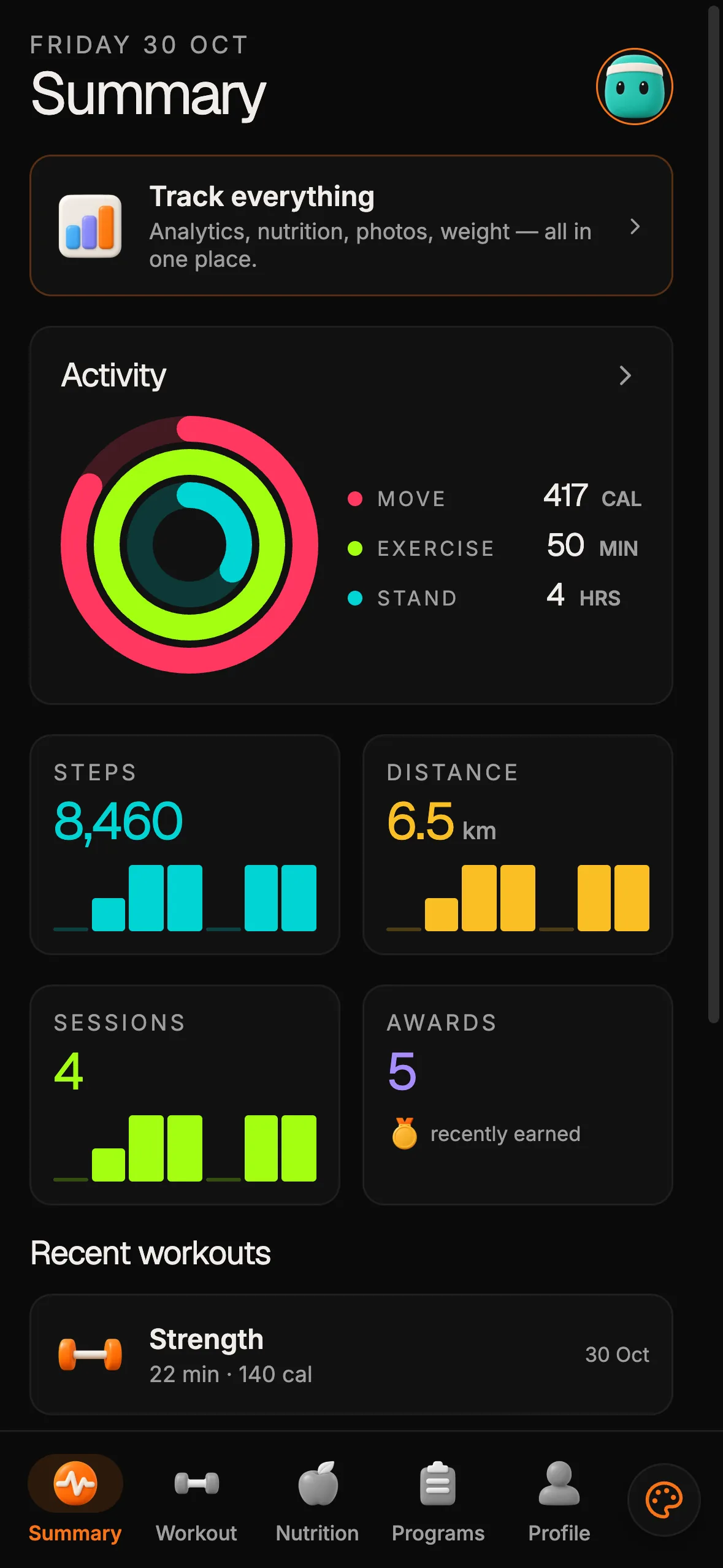
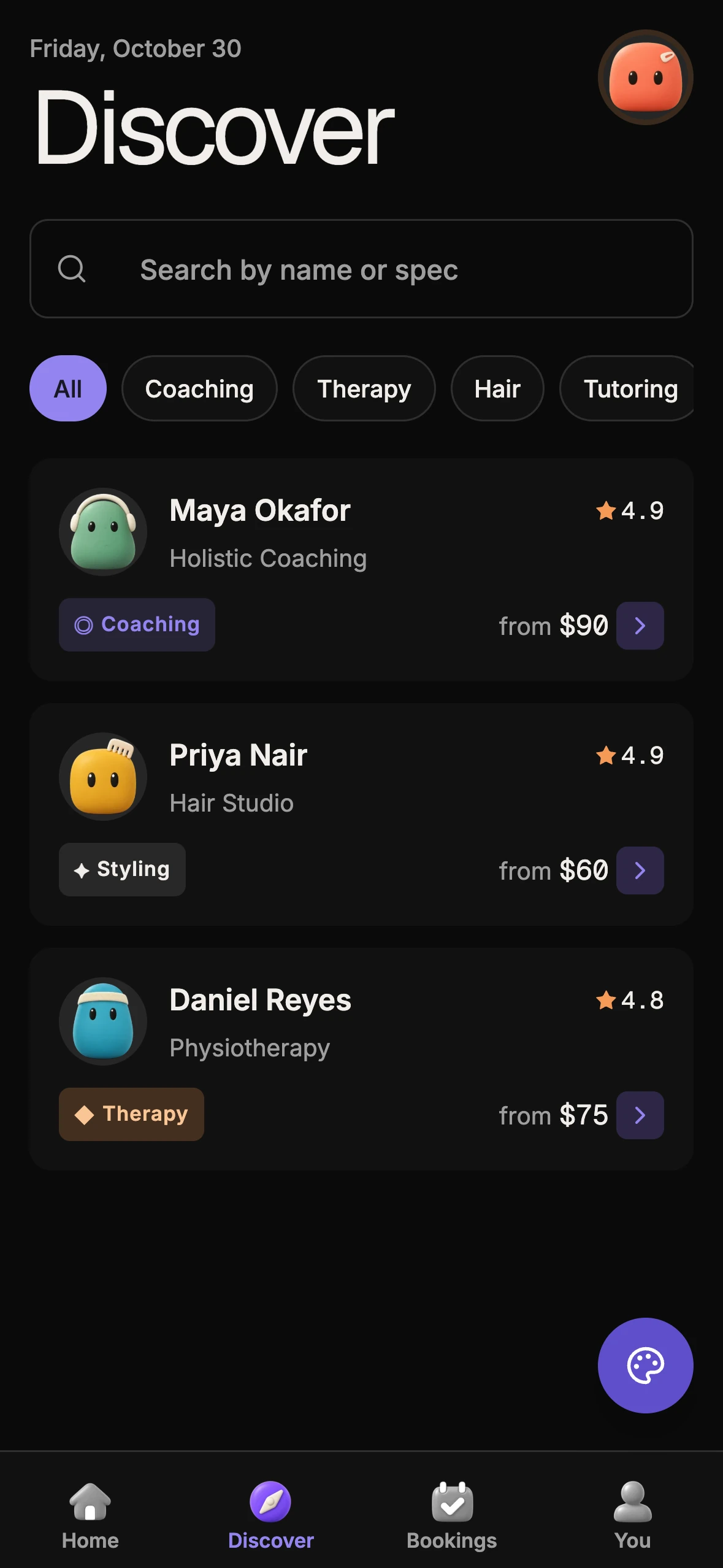
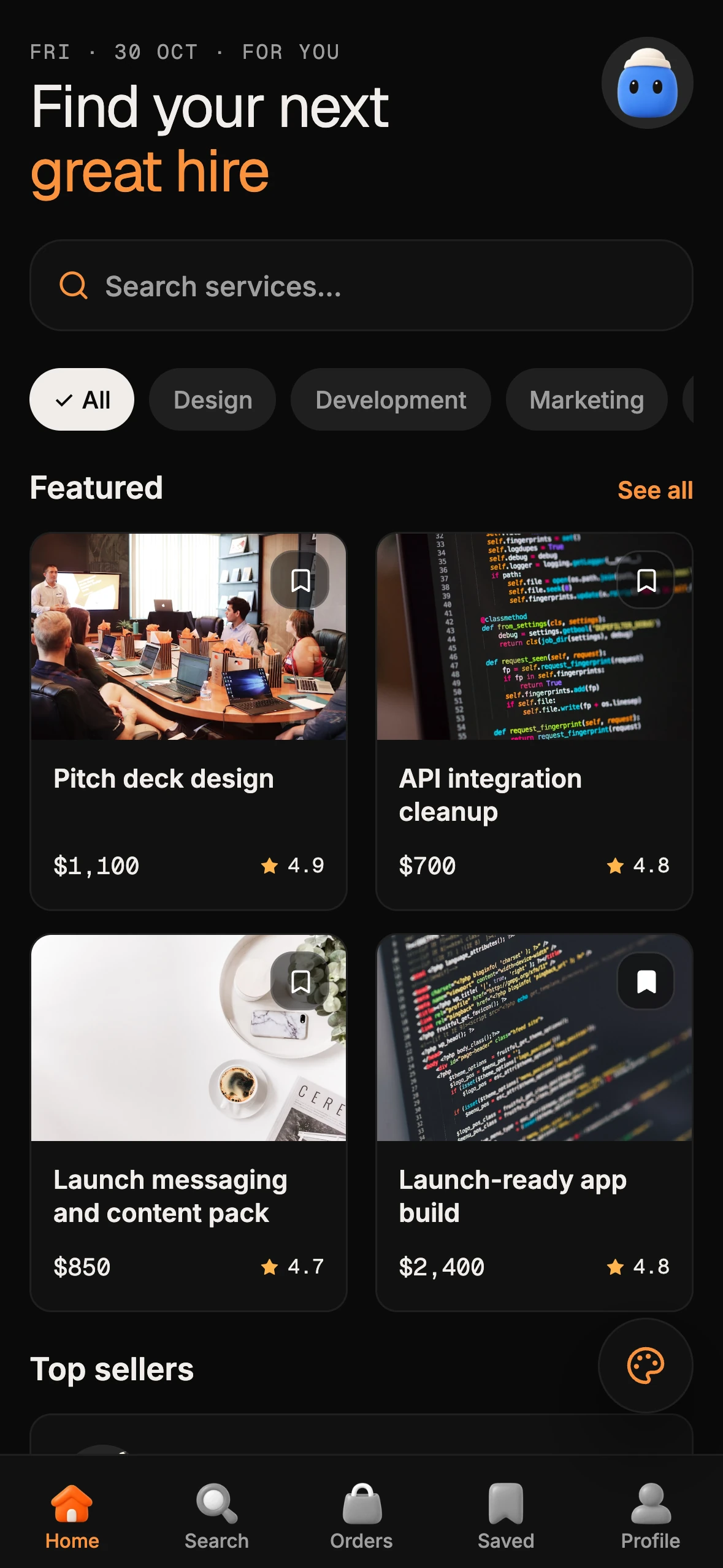
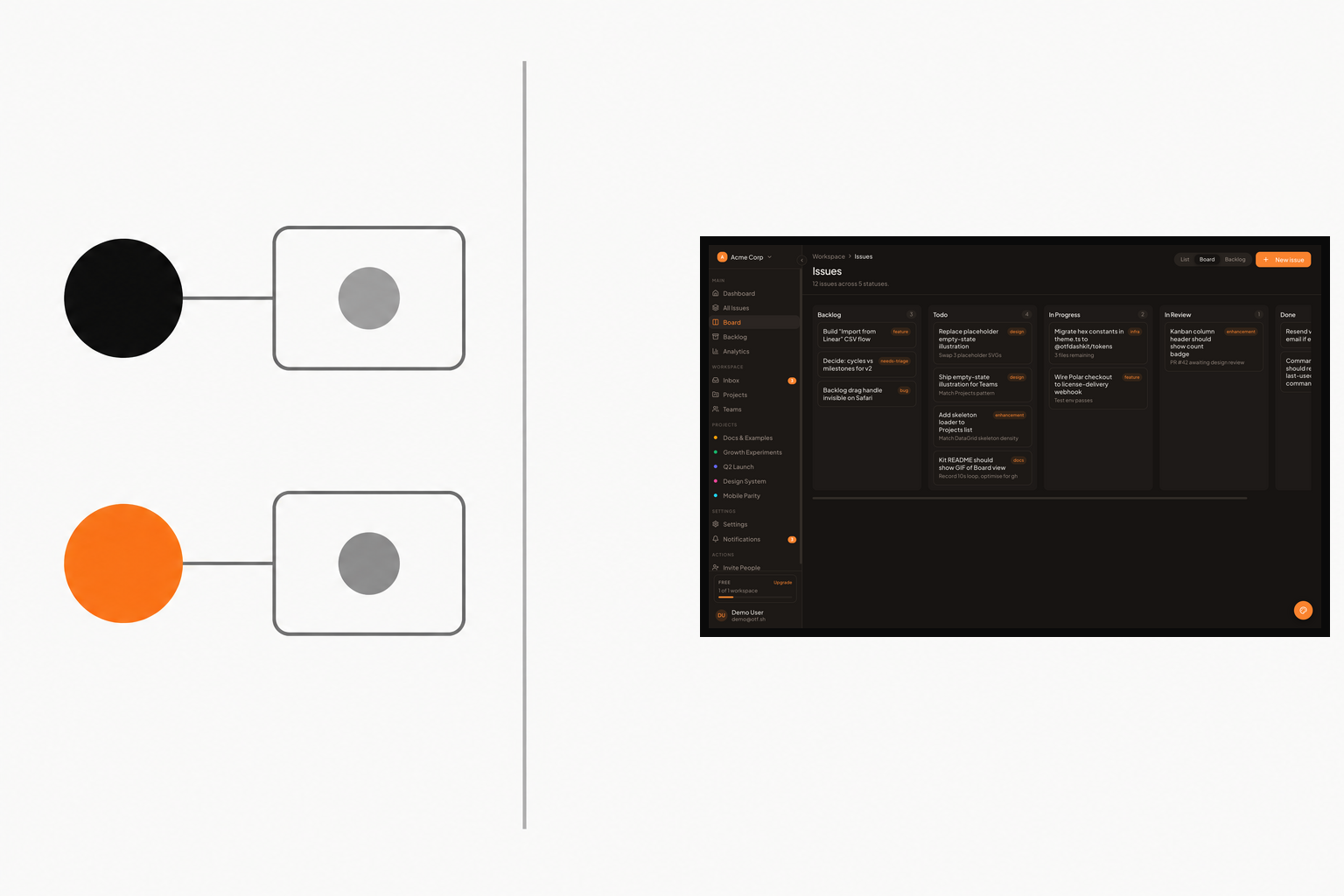
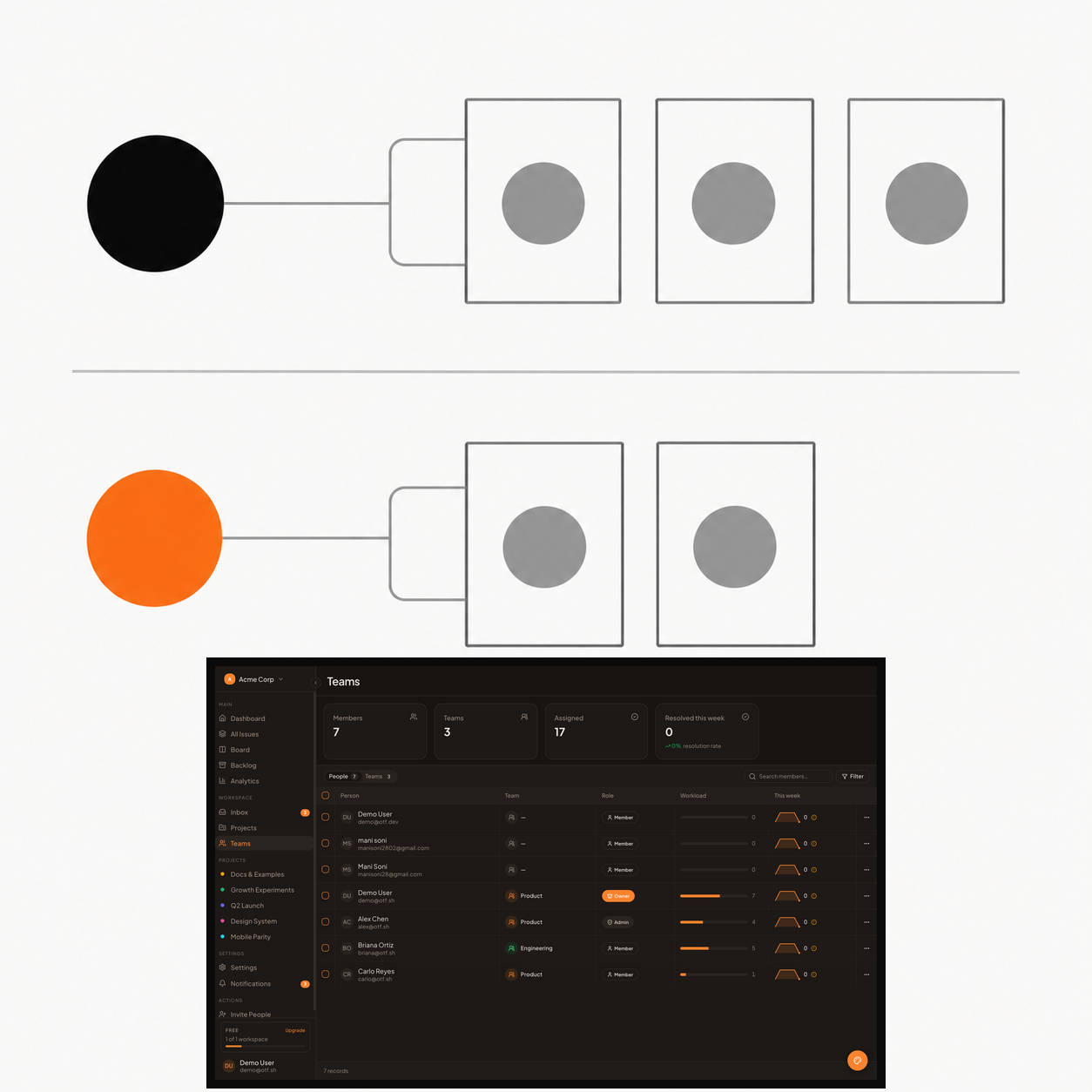
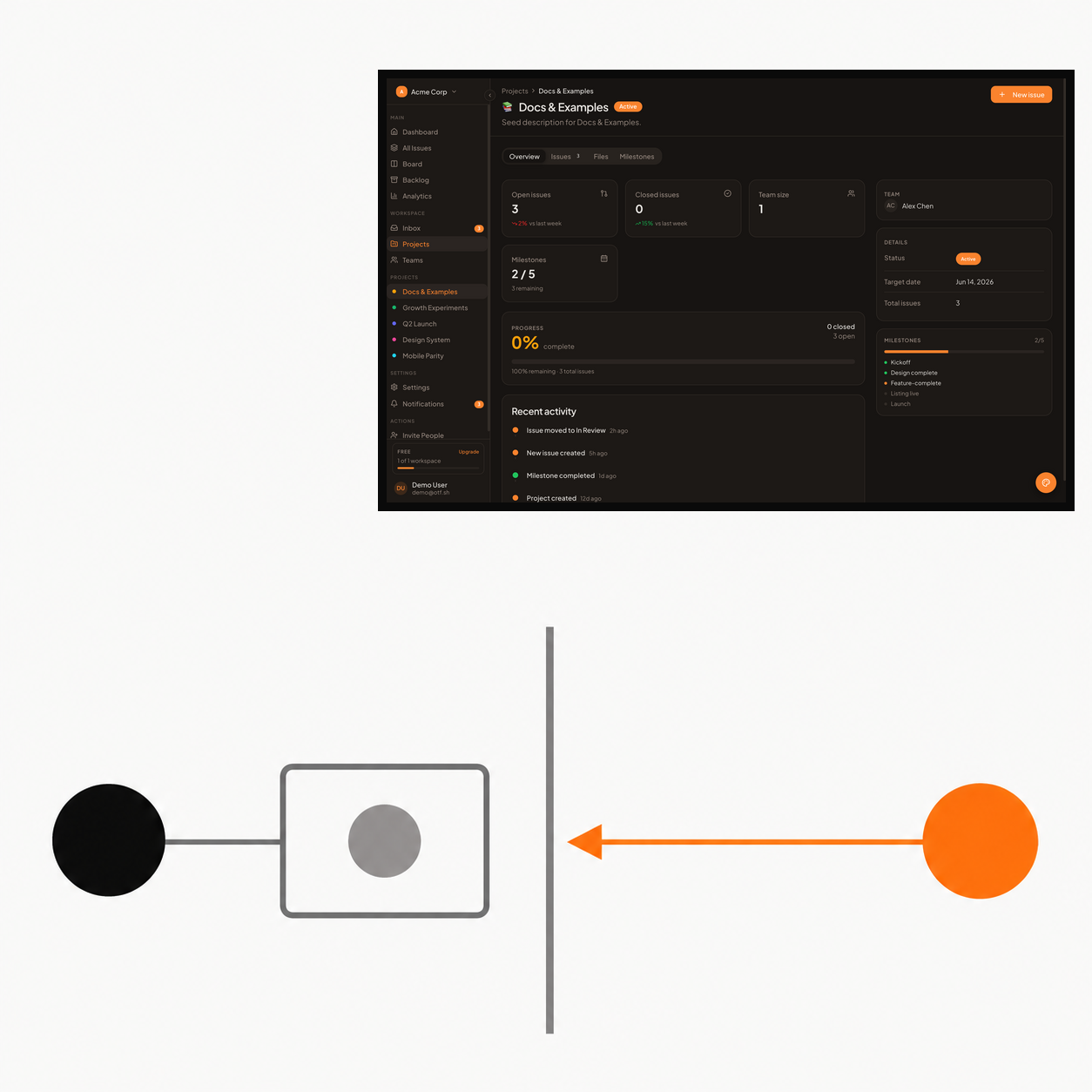
The three sample SaaS Dashboard panels in this article show demo interface content only. They are not an isolation test, a customer result, or evidence that the kit enforces the boundaries described here.
Before you share a private app, do the two-account check with synthetic data. If either identity can cross the boundary through a page, request, export, or background path, keep the app closed to outside users until you have fixed the rule and repeated the test.
Sources
- Original question: “What happens after you share an app you built with AI?” — accessed October 30, 2026.
- OWASP API1:2023 Broken Object Level Authorization.
- Supabase Row Level Security.
- OTF SaaS Dashboard Kit — product details checked October 30, 2026.
Ship your first screen tonight — free starter in your inbox
The quickstart, the SDK repo and the live kit demos, on this screen and in your inbox.
No spam. Unsubscribe any time.