What should booking availability do when one Microsoft Graph calendar check fails?

No. If any calendar selected for a booking check returns an error, the app does not know whether that time is free; it should mark availability unknown and stop offering the affected slot until it can check again.
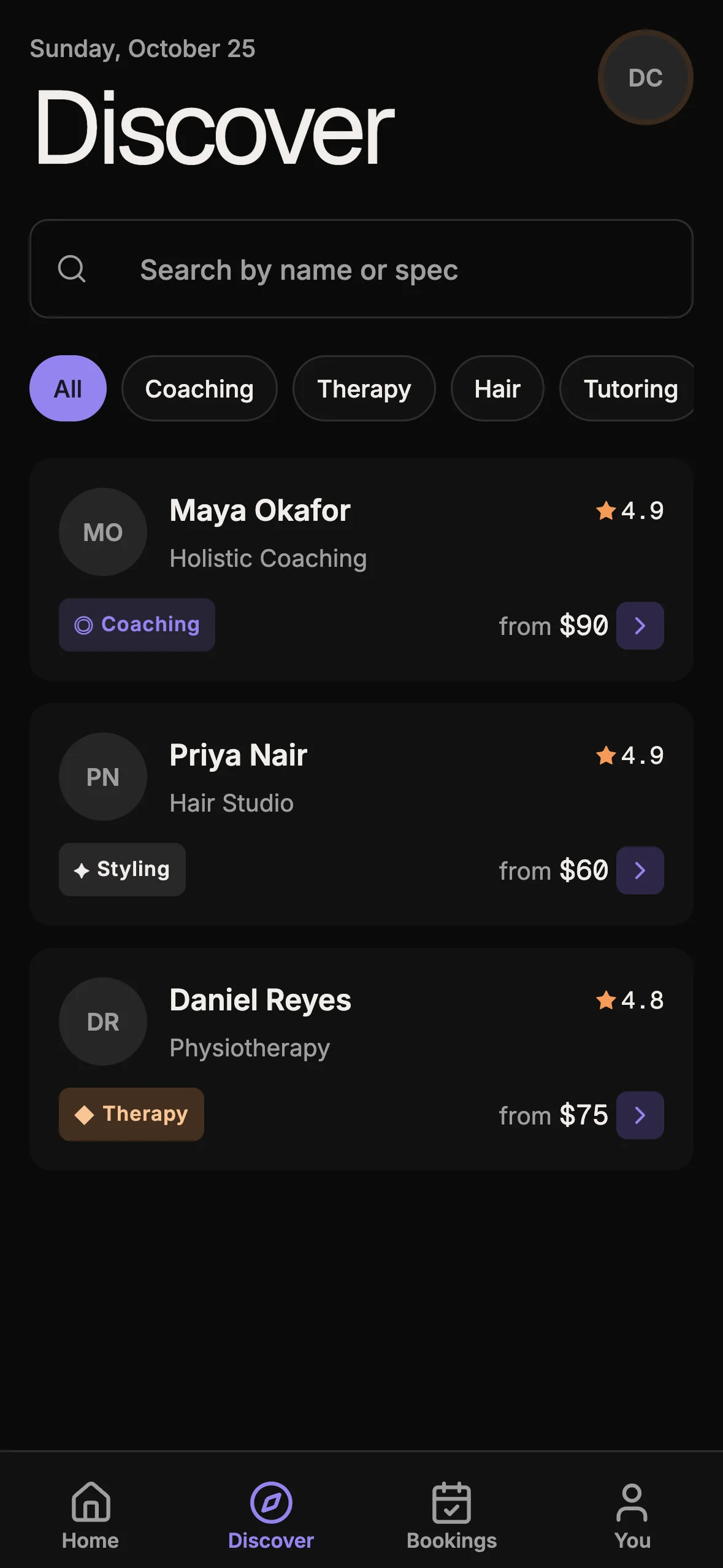
If you are building an appointment product, the Booking Kit gives you the app foundation; open its live demo to inspect the booking flow. It does not include Office 365 integration, Microsoft Graph requests, or the failure handling discussed below.

A successful batch can still contain a failed calendar
Microsoft Graph JSON batching can return HTTP 200 for the outer $batch request while an individual request inside it has failed. The response includes one status for each subrequest. A caller that checks only the outer response can mistake “the batch was parsed” for “every calendar was checked.”
That distinction matters at booking time. Busy-time lookup is a safety check: the system asks whether a requested interval intersects an event. If one calendar’s answer is missing, the result is not “no conflict.” It is “conflict status unknown.” Returning an incomplete set of busy times can make a genuinely occupied time appear bookable.
Cal.diy issue #30382 describes this exact failure in its Office 365 integration. The issue author reports that a non-429 error in a Microsoft Graph batch subresponse can be skipped, after which availability resolves successfully using only the calendars that did answer. With one selected calendar, the reported result is an empty busy-time list. The issue includes tests for 503 responses and an expected fail-closed behavior.
The issue remains open, but its evidence changed after it was first filed: a contributor linked commit 04ec3c2 on 23 October with a proposed change and tests. That is evidence of a proposed fix, not confirmation that it has merged or that every affected path is resolved. Check the issue and repository state again before applying this report to a current Cal.diy deployment.
Model availability as known, unknown, or conflicting
A simple boolean such as available: true hides an important state. A safer model separates three outcomes:
| Check result | Meaning | Booking action |
|---|---|---|
| Every required calendar responds and no busy interval overlaps | Availability is known and clear | Offer the slot, subject to the normal booking-time recheck |
| Every required calendar responds and at least one busy interval overlaps | Availability is known and occupied | Do not offer the slot |
| A required calendar or page fails, times out, or is incomplete | Availability is unknown | Do not offer the affected slot; show a recoverable error |
“Unknown” should not silently collapse into “clear.” This is the same conservative choice used when the whole calendar request fails: without the data needed to make a safe decision, the app cannot promise the slot is free.
The scope of the block should match the missing data. If one selected calendar fails, you may still show unrelated availability that does not depend on that calendar, provided the user can clearly see which sources were checked and which were not. For a combined booking decision that requires all selected calendars, fail the combined decision closed. Do not discard the failed calendar and present the remaining calendars as a complete result.

Treat batch subresponses as independent requests
Match each response to its request by the batch item’s id, not by array position. Microsoft Graph says batch responses can arrive in a different order from their requests, and each subresponse carries its own HTTP status. For a busy-time check, validate that every requested calendar has a successful response with the expected event data before returning a complete result.
Pseudocode for the boundary:
```ts const responseById = new Map(responses.map((response) => [response.id, response]));
for (const request of requests) { const response = responseById.get(request.id);
if (!response || response.status !== 200 || !Array.isArray(response.body?.value)) { throw new CalendarAvailabilityUnknown(request.calendarId); } }
return collectBusyIntervals(responses); ```
This is a shape for the decision, not drop-in Microsoft Graph client code. Validate the response schema used by your SDK, preserve request IDs for diagnostics, and avoid logging event titles or other calendar contents unless your privacy policy and support needs justify it.
Do not treat every failure as the same retry. Microsoft Graph recommends honoring Retry-After for 429 throttling. A 503 or 504 may merit a delayed retry with bounded backoff. A 403 usually needs a permission or consent repair, not a rapid retry. A 404 may mean a calendar was removed or its identifier is stale; tell the operator to reconnect or deselect that calendar rather than quietly treating it as empty. Decide these policies explicitly, but none should turn a failed check into a confirmed free slot.
Include pagination in the same safety boundary
One successful page does not prove the calendar was completely checked. Microsoft Graph uses @odata.nextLink when a result spans multiple pages; the client must follow the link until there is no next page. If a later page fails, the event list is incomplete even though the first page returned valid data.
Treat pagination errors like batch-subrequest errors. Do not return the events from the successful pages as a complete calendar result. Either retry the failed page under a bounded policy or mark the calendar unavailable for this check. Keep the cursor or next-link handling tied to the same date range and calendar request, and avoid reporting a successful check until every required page has been read.
Recheck at the point where a booking is created
Availability is a snapshot, not a reservation. Another event can be added after a user sees a slot and before they confirm. A solid booking flow therefore needs two separate protections:
- Read-time safety: fetch busy times from every required calendar, handle errors and pagination, and offer only slots supported by a complete result.
- Write-time safety: recheck the chosen interval immediately before creating the booking, then persist the booking under whatever concurrency control the product uses.
The second check narrows the race window; it does not make an external calendar and your database one atomic transaction. If the external provider cannot reserve the time atomically, explain the possibility of a conflict and define a recovery path. Do not claim that a local database constraint alone prevents a simultaneous event from being created in Microsoft 365.
Log a safe reason code, the affected calendar identifier, failed status, and correlation ID; avoid storing full event payloads. Tell the user, “We could not confirm this time against one connected calendar. Try again, or ask the organizer to reconnect it.” Do not expose raw Graph errors or imply the time is free.
Test the failure cases, not only the happy path
Build fixtures for a failed subresponse among successful ones, a failure on the only selected calendar, a missing response ID, a failed nextLink page, and a throttled response that succeeds after waiting. Assert that unknown availability cannot reach the create-booking path as clear.
Include a regression case where the batch envelope is HTTP 200 but one item is 503. Also verify that retry exhaustion produces a recoverable error, not an empty busy list. If a deleted calendar can be skipped, require an explicit operator choice and show the remaining coverage.
Keep this concern separate from database double-booking protection. A database overlap constraint protects bookings already stored in your system; it cannot infer events that were omitted from an incomplete external-calendar response. For the database-side race between two users booking the same provider interval, see how a booking kit can stop two bookings from claiming the same slot.
Where the Booking Kit fits
The Booking Kit provides its own appointment app flows, provider schedules, and booking foundation. It does not connect to Office 365 or claim to implement Microsoft Graph availability. A team extending it would still need to add the integration, permission model, event retrieval, failure policy, and provider-specific tests described here.
If you need an app foundation for appointments that your team will extend, review the Booking Kit page and its live demo. If you are comparing several starters, the Everything Bundle is a separate option; choose it only if the broader catalog fits your project.
Sources
- Cal.diy, issue #30382: a failed Office 365 Graph batch subrequest can be treated as no busy times, opened 21 October 2026; checked 27 October 2026. The issue is open. Its reproduction and behavior description come from the reporter; a linked 23 October commit proposes fail-closed handling and tests, but is not evidence of a merged or maintainer-confirmed fix.
- Microsoft Graph JSON batching documentation, accessed 27 October 2026: batch items have individual status codes, IDs correlate requests and responses, and a successful outer batch does not mean each item succeeded.
- Microsoft Graph throttling guidance, accessed 27 October 2026: batched requests are throttled individually; retry failed 429 items using their Retry-After values.
- Microsoft Graph paging documentation, accessed 27 October 2026: continue through @odata.nextLink until no next page remains.
- OTF Booking Kit, product page, accessed 27 October 2026. Product scope for the kit; it does not document Office 365 integration.
Ship your first screen tonight — free starter in your inbox
The quickstart, the SDK repo and the live kit demos, on this screen and in your inbox.
No spam. Unsubscribe any time.