
When meetings move your workout, should the plan move too?

A training plan can fit real schedules when it treats calendar availability as an input and moves only the sessions that still make sense after a conflict. Give people a clear rule for what changes, what stays fixed, and when the app asks before reshuffling their week.
A calendar-aware fitness app has two jobs that are easy to conflate: finding a plausible time for the next workout, and keeping the training plan coherent when life changes that time. The second job is where a schedule becomes product behavior instead of a row of calendar blocks.
A builder on r/SideProject described a workout app that reads calendar gaps, offers to move a session when a meeting conflicts, and rebuilds the rest of the week when a workout is missed. The interesting design problem is not simply inserting a workout into an empty slot. It is deciding which sessions can move, what the user has promised themselves, and how to avoid turning one disruption into a confusing cascade.
Start with constraints, not empty slots
Before searching a calendar, represent each planned workout as a session with constraints. A simple model can include duration, eligible days, a preferred time range, required recovery after the previous session, and a priority or order. The user can also mark a session as fixed, flexible, or optional.
Calendar events provide candidate busy periods, not a complete description of availability. A gap that looks long enough may be too far from home, conflict with a commute, or fall outside the user's preferred hours. Ask for a small set of explicit preferences, such as the earliest and latest acceptable start time, the minimum gap before a meeting, and whether a session can be shortened. Avoid inferring sensitive details from event titles when free/busy data is enough.
Then generate candidate slots and filter them through those constraints. If a workout needs 45 minutes, a 30-minute opening is not a valid slot unless the user has chosen a shorter version. Keep the candidate list explainable: “Tuesday at 7:00 works because it is within your evening window and leaves a recovery day before the next session.” That lets the user correct the rule instead of fighting a mysterious scheduler.
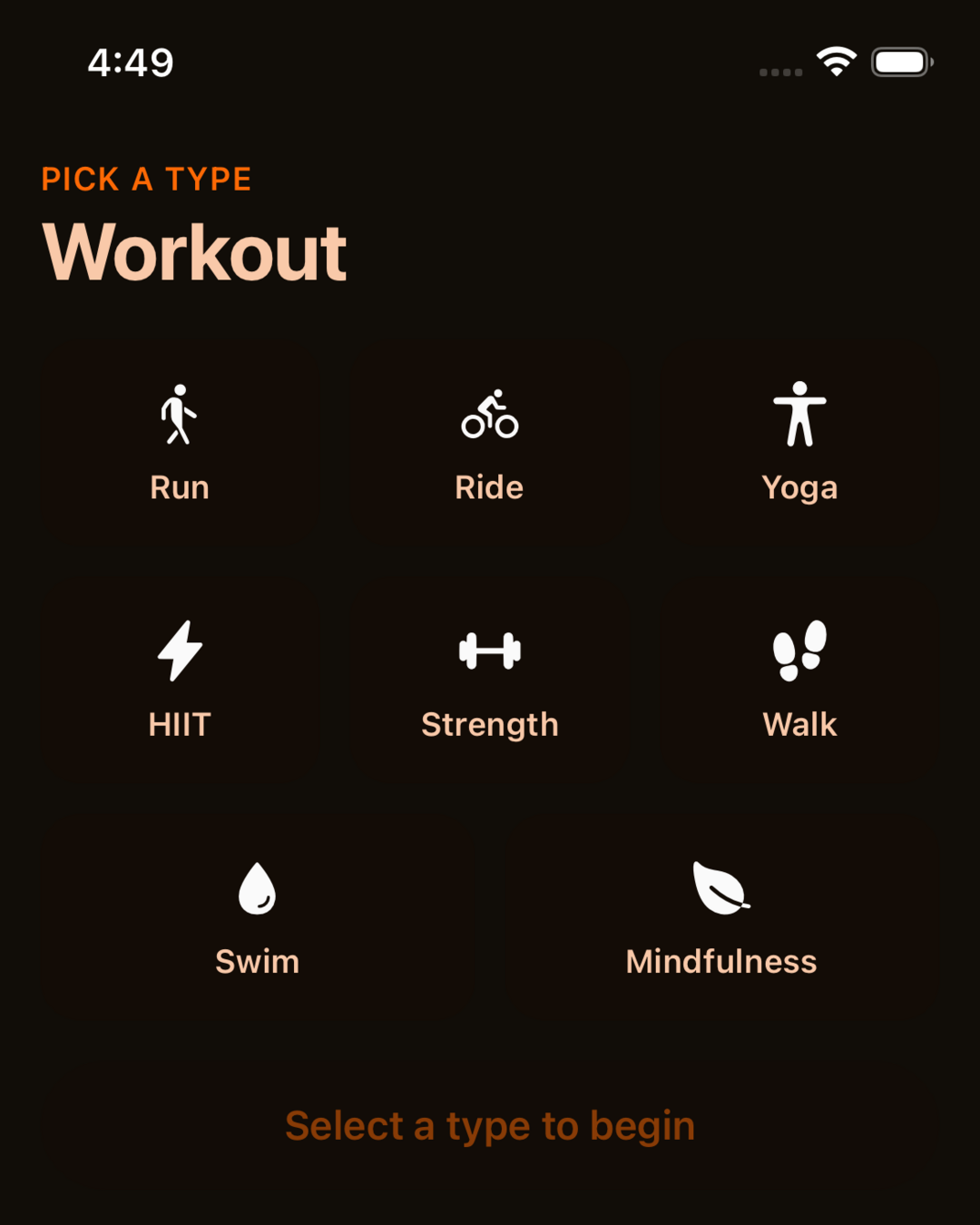
The current Fitness Kit workout choice screen is an example of a workout flow to customize; it does not show calendar sync or automatic rescheduling.
Decide what a conflict is allowed to change
When a meeting overlaps a workout, the app should not immediately rewrite the whole plan. First, identify the smallest affected unit: the conflicting session. Search for a replacement within a bounded horizon, such as the next few days, while preserving the plan's order and recovery constraints.
If a valid replacement exists, show it as an offer. A user who connected a calendar may expect the app to notice a conflict; they may not expect it to move several sessions without asking. Make the proposed change visible before applying it, and show the consequence: “Move strength day from Tuesday to Wednesday; Thursday's run stays put.” A one-tap accept and an easy keep-as-planned option make the app feel predictable.
If the conflict cannot be resolved without breaking another constraint, say so plainly. Offer a small choice: keep the original workout, use a shorter version, or move it to a later day. Do not label a missed session as a failure. The user's next useful action matters more than preserving a perfect-looking calendar.
One codebase. iOS, Android, and web.
The Fitness Kit is a mobile starter with its own API, with sign-in and a database. Live demo at fitness-preview.otf-kit.dev.
Reflow the remaining week after a missed session
A missed workout is different from a calendar conflict. The user may have skipped it, run out of time, or decided to rest. Those cases should not automatically produce the same schedule change. Ask whether they want to reschedule when the reason is unclear, or offer a setting that defines how the plan handles missed sessions.
For a reflow, start from the sessions that remain. Preserve their sequence and the recovery intervals that matter. Move only what is necessary to make the remaining plan feasible. If the week is already full, let the user carry one session forward, shorten it, or skip it. Never compress several workouts into consecutive days just to make the original plan fit on paper.
A good rescheduling rule can be summarized before it is enabled: “When a session is missed, keep its order, move it to the next available day, and do not change sessions marked fixed.” Keep a short change history as well. If a reflow surprises someone, they should be able to see what moved and undo it without reconstructing the old week manually.
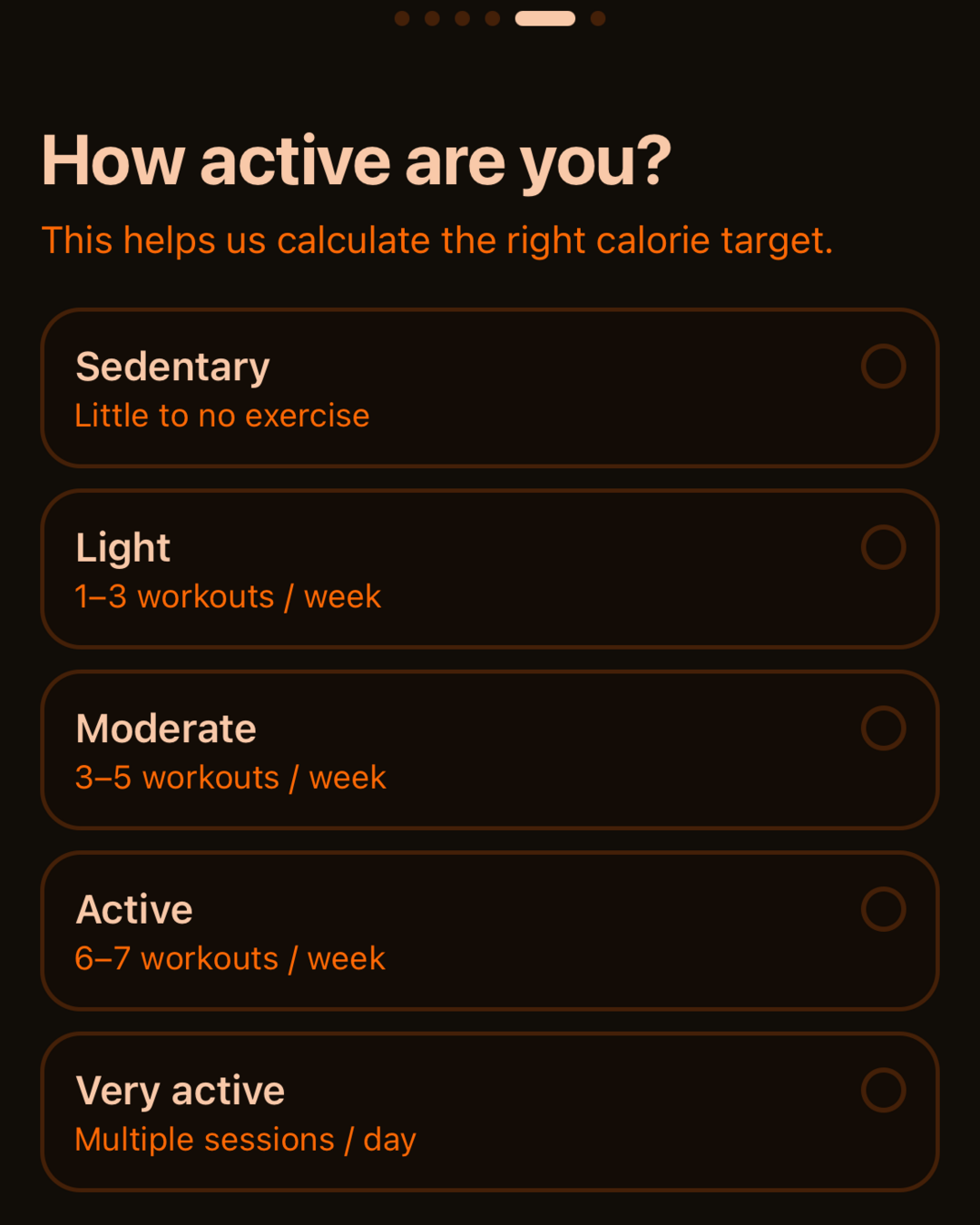
This onboarding screen shows a current Fitness Kit interface. It is illustrative of the app foundation, not evidence that the kit includes calendar permission or scheduling features.
Keep calendar access narrow and recoverable
Calendar integrations need a clear permission story. Explain why access is needed, request only the level of access the scheduling feature requires, and allow the user to disconnect it. If the app can schedule from free/busy data, avoid reading event titles and descriptions. Do not make calendar access a prerequisite for basic workout logging.
Plan for ordinary integration failures. A calendar may be unavailable, permission may be revoked, or a sync may return stale data. Keep the workout plan usable with the last confirmed availability and show when the calendar was last checked. Before applying a schedule change based on stale information, ask the user to confirm. A retry should not silently create duplicate workouts or move the same session twice.
Test the awkward week, not only the happy path
A scheduler can look convincing with a tidy Monday-to-Friday example and still fail in a real week. Test at least these cases: a meeting overlaps a fixed workout; a flexible session has two plausible replacement slots; a missed session leaves no feasible slot; the user changes a meeting after accepting a move; calendar permission disappears; and a timezone or daylight-saving change shifts an event.
For each case, check three outcomes: the app preserves the user's stated constraints, the explanation matches the actual change, and the user can keep or undo the plan. Also test that a reflow does not duplicate sessions or erase completed workouts. Those checks turn “it moved the workout” into a measurable product behavior.
Choose a starter that matches the work you want to customize
If you need an editable fitness-app foundation, the OTF Fitness Kit provides workout and progress screens you can inspect before building. Open the live Fitness demo to tap through its current flows. Calendar sync and automatic rescheduling are not verified features of the kit; treat them as custom work to design, implement, and test for your app.
The Fitness app first-session flow article covers the onboarding decisions that help a new user reach a useful first workout. If you are comparing several OTF starters and landing pages, the Everything Bundle details are available after reviewing the Fitness path.
A practical first version
For a first release, build one predictable loop: let the user define availability, detect an overlap, suggest one valid replacement, and ask before changing anything else. Add missed-session reflow only after the basic conflict flow is understandable and recoverable.
The test is not whether the calendar looks full. It is whether someone can miss a workout, understand the next suggestion, and continue the plan without feeling that the app has taken control away from them. That is the contract a calendar-aware fitness app needs to keep.
Sources
- 2026-10-21 — r/SideProject, “I built a fitness app that plans your training around your actual calendar, then moves it when your week blows up.” The author describes calendar gaps, proposed moves after conflicts, and reflow after a missed workout: https://www.reddit.com/r/SideProject/comments/1w3xcmq/i_built_a_fitness_app_that_plans_your_training/
- 2026-10-21 — OTF Fitness Kit page, for the current verified screen and feature claims: https://otf-kit.dev/templates/fitness-kit
Stop wiring. Start shipping.
- Sign-in and a database wired in, with its own API
- iOS + Android + web from one codebase
- AI configs pre-tuned + 20+ task prompts per kit included
Ship your first screen tonight — free starter in your inbox
The quickstart, the SDK repo and the live kit demos, on this screen and in your inbox.
No spam. Unsubscribe any time.