How to Test an Expo App on a Small Team Before You Buy a Starter

How can a small team decide what to test on real iOS and Android devices without maintaining a device lab or a brittle test suite? Use a risk-based matrix: run fast component checks on every change, keep a short set of end-to-end journeys on iOS and Android simulators, and reserve physical-device checks for behaviors that simulators cannot represent. Buy a starter only after checking whether its actual flows fit that matrix.
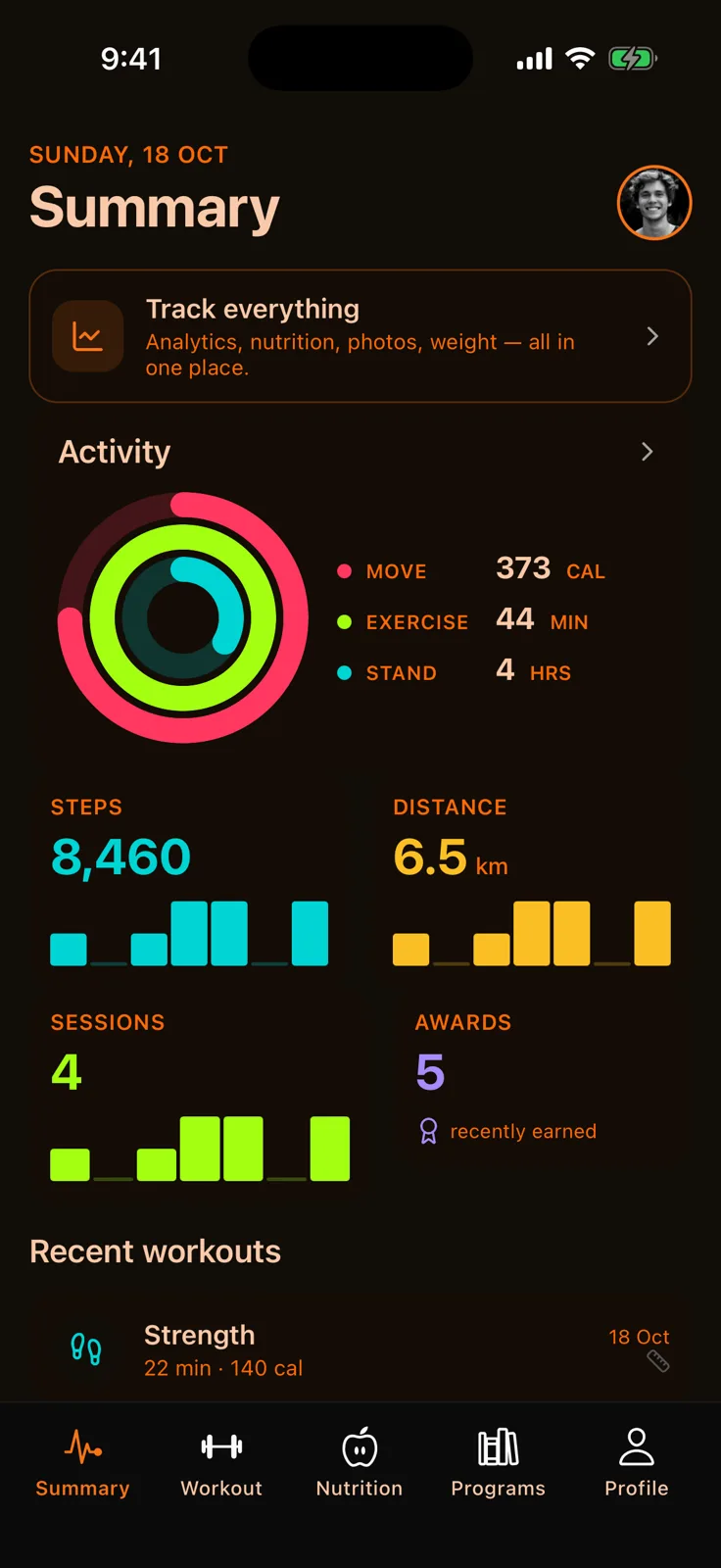
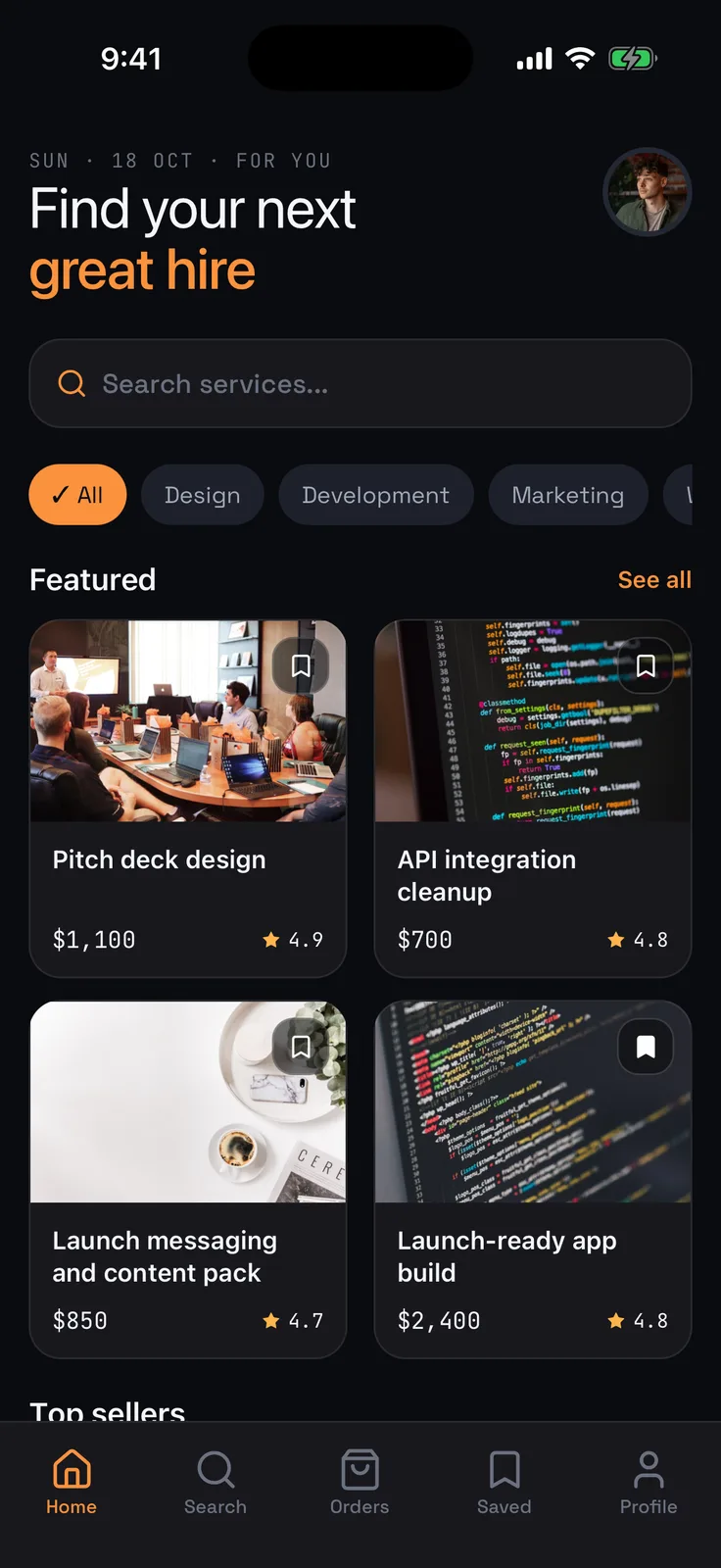
If you are evaluating an Expo foundation for a fitness product, start with the OTF Fitness Kit, then inspect the live Fitness demo and compare its actual flows with your support matrix.
Start from user risk, not a phone count
A device matrix is a list of combinations you intend to support and the behaviors that matter in each one. It is not a promise to test every screen on every phone. A two-person team can make a useful first matrix by writing down the supported platforms, the minimum OS versions the product will claim, the top journeys, and the failure cost for each journey.
For a fitness app, the high-cost journeys might be: open the app, start a workout, record one activity, leave and return, and recover the saved session. If the product uses sign-in, add the account boundary. If it sells a subscription, add the purchase and restore paths only after confirming the payment stack and test setup. These examples are a planning checklist, not a claim that every starter kit implements those features.
The first decision is what deserves a repeated automated check. A broken navigation transition or a screen that crashes can block a user regardless of device model. A typo in low-traffic explanatory copy usually does not justify an end-to-end test on every pull request. Rank journeys by user impact and failure likelihood, then automate the shortest path that gives a reliable signal.
Use each test layer for the question it can answer
A component or unit test can catch logic errors quickly. Expo's Jest guide describes unit tests for small code units and React Native Testing Library for component behavior. The same guide recommends end-to-end tests for UI testing rather than relying on snapshot tests to prove the experience works. That suggests a practical split: use unit tests for calculation and state transitions; use UI E2E checks for important journeys; treat snapshots as a narrow visual-structure aid, not as evidence that a tap flow works.

Keep the E2E list small enough that someone investigates failures instead of rerunning a large, noisy suite. A good first list could include app launch, one primary navigation path, one save-and-reopen flow, and a permission or sign-in edge if the product depends on it. Make the test state explicit: a test should know which account, data, and app build it uses. Otherwise a failure may reflect stale state rather than a product regression.
Expo's current Maestro E2E guide shows flows running against Android emulator and iOS simulator development builds. Its example checks visible screen content and navigation. Expo also notes that the Maestro job type in EAS Workflows is alpha. That is useful capability information, but it is not a guarantee that a hosted workflow fits every team's budget or reliability needs. Start locally or in the workflow you already use, and confirm the support status before making it a release gate.
One codebase. iOS, Android, and web.
The Fitness Kit is a mobile starter with its own API, with sign-in and a database. Live demo at fitness-preview.otf-kit.dev.
Choose a representative matrix
For each supported operating system, choose one development environment that runs the main E2E flow. Add a physical-device pass only for risks a simulator cannot reproduce well, such as camera behavior, push delivery, biometrics, Bluetooth, background execution, or a specific hardware constraint your app relies on. Do not add these checks because they sound comprehensive; add them when the feature is actually in scope.
When the team has actual usage data, use it to decide which OS versions and screen sizes deserve coverage. Before launch, write a provisional support range and revisit it after seeing real installs. If the app has accessibility or large-screen requirements, include at least one focused pass for them rather than assuming a general phone run covers those needs.
The matrix should state the owner and the evidence for each check. For example: “iOS simulator: workout start and save, every release candidate; Android emulator: workout start and save, every release candidate; one physical device per platform: permissions and background-resume, before public launch.” Change that example to match your app. If the feature does not exist, do not carry its test burden.

Evaluate a starter against the matrix
A starter can shorten the work of building common screens and flows, but it cannot make an unsupported test setup reliable. Before choosing one, inspect the real app, identify its platform targets, and check whether you can run the relevant flows in the development build you plan to ship. For the broader buy-versus-build decision, see Expo app kit vs building from a blank React Native project. Verify navigation, state persistence, and any native integrations that matter to the product. Then decide which tests you will keep and who will investigate a failure.
Ask three practical questions during evaluation:
- Can the starter run through the primary user journey on both target platforms?
- Can your team change the flow and data model without fighting the starter's structure?
- Are the platform-specific features in scope supported by the starter, or will your team add and test them?
A “yes” to the first question is only a starting point. It does not establish production quality, store acceptance, accessibility, performance, or security. Those require their own evidence. A credible starter decision includes a short build-and-run exercise with one representative flow before you commit to adapting the rest of the app.
Keep the release gate proportionate
For a tiny team, the gate can stay simple: run fast logic checks for every change, run the stable E2E journeys when navigation or core flows change, then use the platform-specific physical-device list before a release that changes those behaviors. Keep failures visible and actionable. If a test flakes repeatedly, fix its setup or remove it from the gate until it earns trust; a red build that everyone ignores is not protection.
Review the matrix when the app adds a new platform feature, changes minimum OS support, or sees a real incident. A device list grows from evidence. It should not grow because a chart says there are many phone models.
After the matrix is written, run one representative journey in the starter you are evaluating and record what it covers and what it does not. A starter can give you a place to begin; the team still owns its release checks and device support decisions.
Sources — 24 October 2026
- Expo, “Unit testing with Jest,” last updated 13 October 2026: https://docs.expo.dev/develop/unit-testing/ . Supports the distinction between unit/component and UI testing and Expo's recommendation to use E2E tests for UI rather than snapshots.
- Expo, “Run E2E tests with Maestro on EAS Workflows”: https://docs.expo.dev/tutorial/cicd/e2e-tests/ . States Maestro runs flows against Android emulators and iOS simulators, describes navigation/content checks, and labels the EAS Maestro job type alpha.
r/reactnative, “What’s your mobile testing process like??,” observed on 23 October 2026: https://www.reddit.com/r/reactnative/comments/1xbnx78/whats_your_mobile_testing_process_like/ . The author asks about device coverage, the cost of buying devices, and maintenance of Appium/Detox tests.
Stop wiring. Start shipping.
- Sign-in and a database wired in, with its own API
- iOS + Android + web from one codebase
- AI configs pre-tuned + 20+ task prompts per kit included
Ship your first screen tonight — free starter in your inbox
The quickstart, the SDK repo and the live kit demos, on this screen and in your inbox.
No spam. Unsubscribe any time.