From generated screens to shipped SaaS: choose a full-stack starter
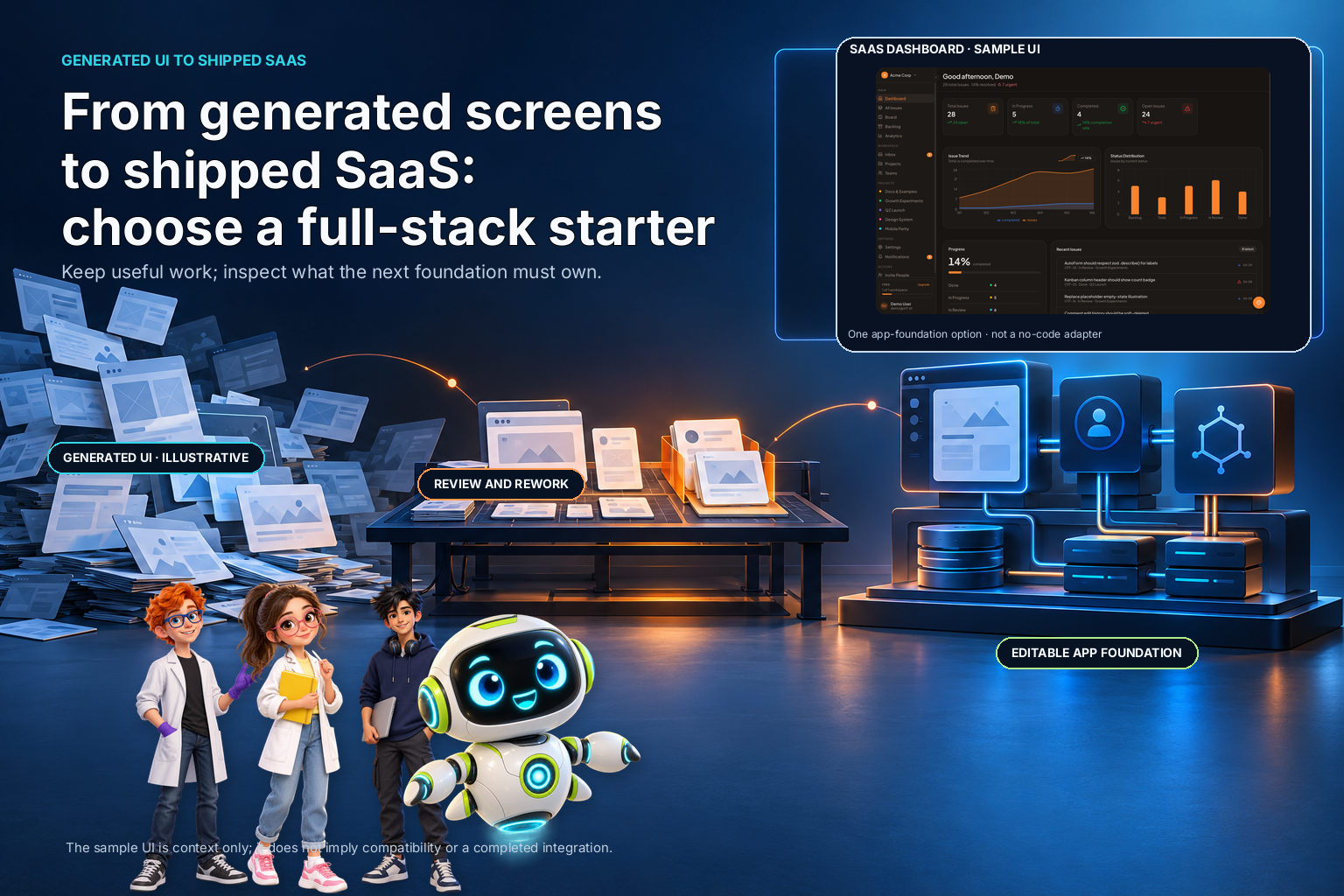
Generated screens can make a product feel close to launch while the hard parts remain: accounts, data ownership, error handling, deployment configuration, and the decisions that connect them. When that gap appears, the next purchase should be based on the work still missing, not on how polished the first screen looks.
A builder in a recent no-code community discussion asked whether wiring a database, handling authentication, and shipping to real users remain bottlenecks after generating an interface. That is one person's question, not a survey of no-code users. It is still a useful decision point: should you keep extending the current tool, connect it to services you already own, adopt a full-stack starter, or bring in implementation help?
Inventory what already exists
Before comparing tools, write down what the current project contains. Separate visible interface work from the application behavior behind it. A screen may be complete as a design and still have no persistent data, permissions, loading state, or recovery path.
Make a small inventory:
- Which screens and user journeys are already implemented?
- Where does each piece of data live, and who can read or change it?
- How does a user sign in, recover access, and leave the product?
- Which operations must happen on a server rather than in the browser?
- What must be configured to deploy a test version and a production version?
- Which external services are already part of the project?
Mark each answer as verified, incomplete, or unknown. "Unknown" is not the same as "missing," but it still needs investigation before you choose a foundation. A preview that looks finished cannot answer how data is stored or whether one user can access another user's records.
Choose the path that preserves valuable work
There are four common directions. None is automatically best.
Keep extending the current builder when the project already supports the integrations and control you need, and the remaining gaps are within its documented capabilities. Verify the data model, access rules, deployment process, and ownership terms before building more on top of it.
Connect the generated interface to your existing backend when your team already owns a stable API, database, and authentication model. This can preserve useful screens and avoid moving data. First confirm that the generated code can call your API safely, that server-side authorization remains authoritative, and that the project's license and export terms allow the changes you plan.
Adopt a full-stack starter when you need a coherent application foundation and are willing to adapt its conventions. A starter can give you source code and connected scaffolding, but it may bring its own API, database, and sign-in assumptions. Compare that architecture with the services you already use before committing.
Hire or pair with an engineer when the missing work includes security-sensitive authorization, complex data migration, payment state, or a deployment system your team cannot yet review. A tool purchase does not replace the judgment needed to design those boundaries. Define a narrow deliverable and acceptance test before asking for an estimate.
The best choice is the one that retains the most valuable completed work while making the missing behavior understandable and testable. Do not restart from scratch merely because the infrastructure is unfamiliar; do not keep extending a tool simply because the screens are already there.

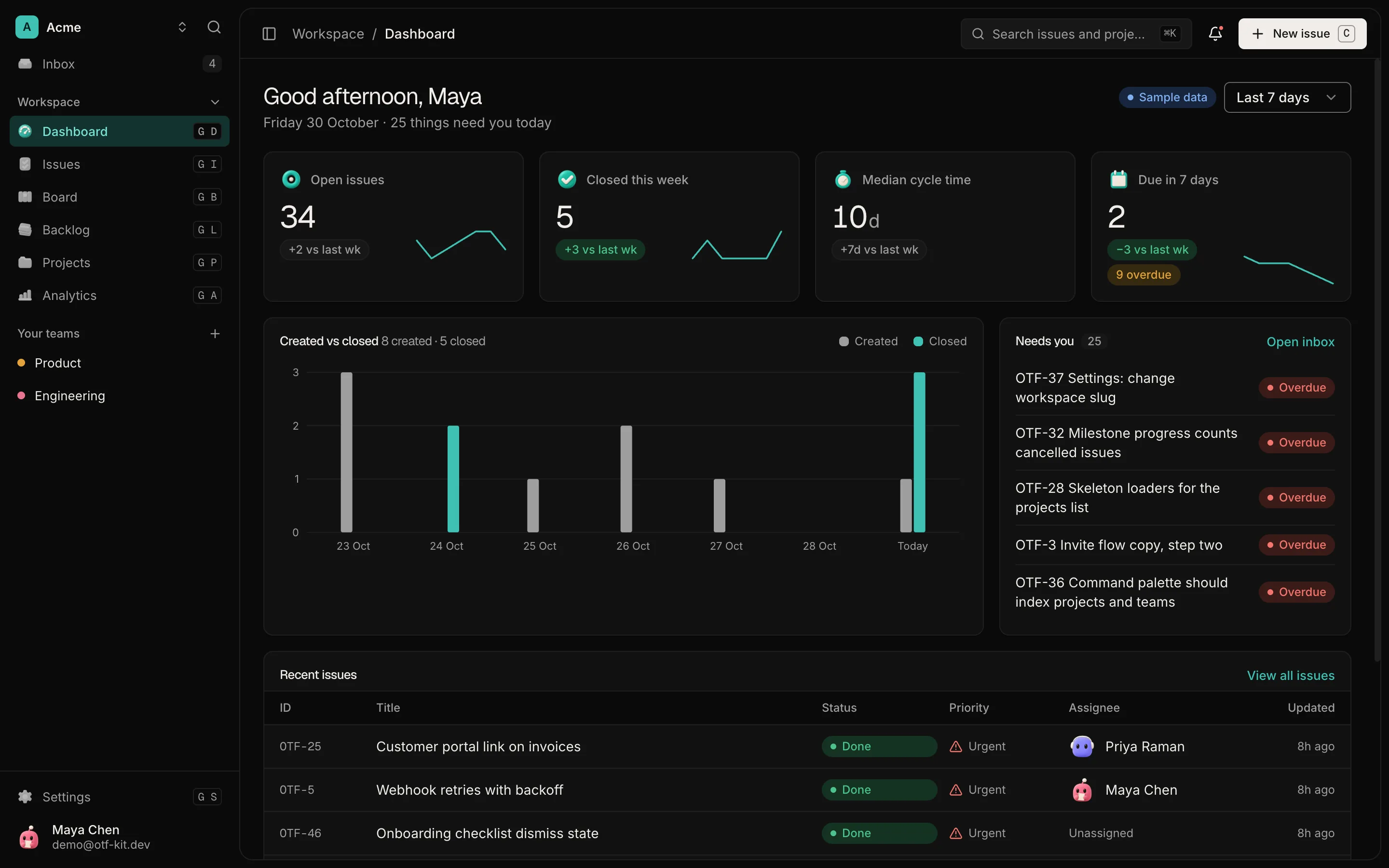
Four illustrative options (keep current tool, connect existing backend, adopt a starter, or get implementation help), with no scoring. SaaS Dashboard inset is sample UI only; no compatibility or outcomes claimed.

12 production screens. Login and database wired.
The SaaS Dashboard Kit includes login, a database, and a working dashboard. Live demo at saas.otf-kit.dev.
Compare the integration boundary
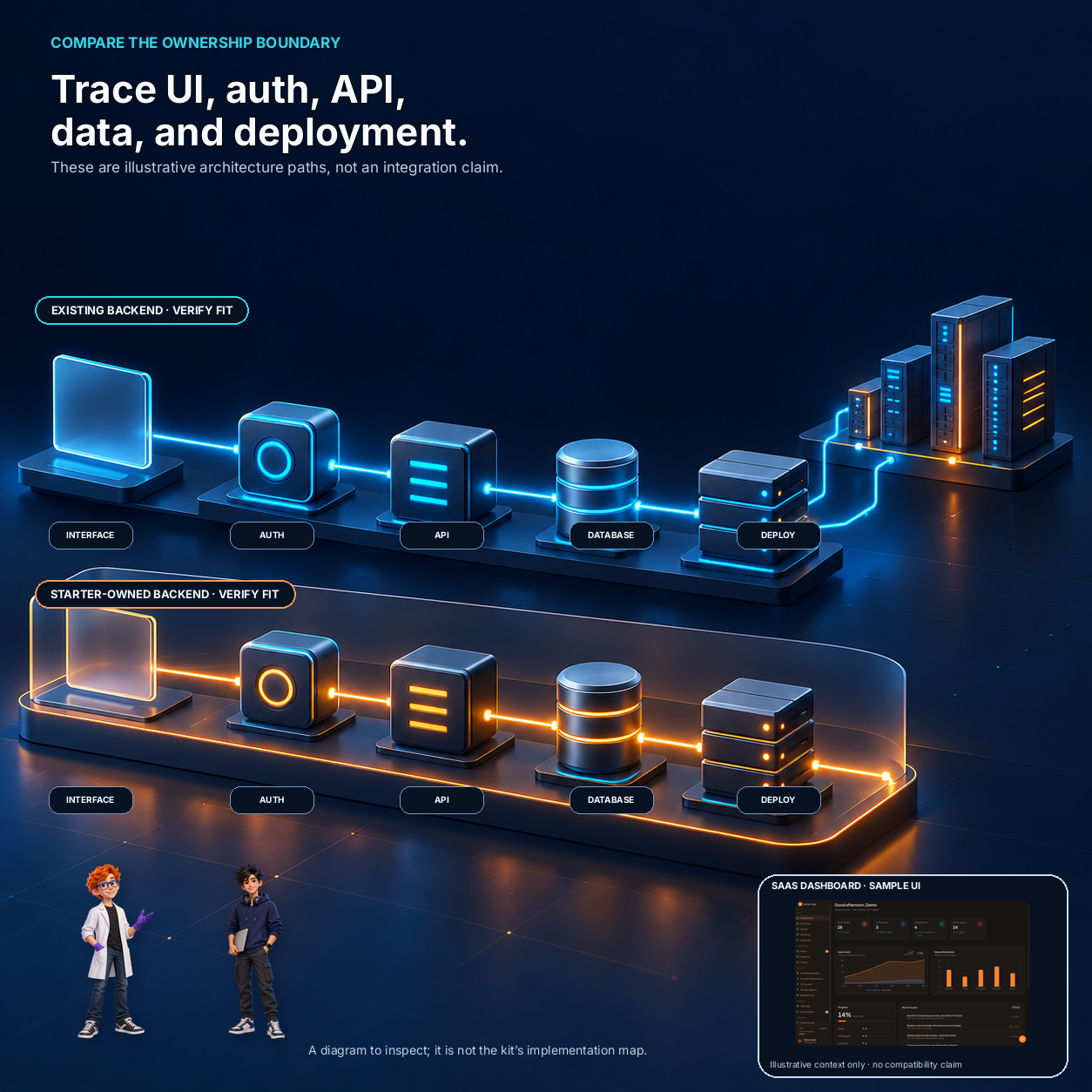
For each option, draw the boundary between the interface, authentication, application API, database, and deployment. Write the name of the owner for each part. If the project uses an existing backend, include how a request is authenticated and how the server checks access to a particular record.
Ask the provider or inspect the source for evidence of the boundary. Can you trace a screen action to a server endpoint and then to a database write? Are privileged credentials kept on the server? Can you find the authorization check? Are migrations and environment variables documented? Can you deploy a test version without changing production?
These are inspection questions, not assumptions about any particular builder. If the code is unavailable before purchase, note that as a risk and request a walkthrough or written technical answer. A feature list that says "auth" does not tell you whether it fits your current identity provider or how record access is enforced.
Run one vertical slice before migrating everything
Pick one representative user journey: sign in, create a record, view it again, edit it, and handle an error. Implement or inspect that complete path in the candidate foundation. Use test data and an account with limited permissions. Then verify the saved state at the server or database boundary, not only in the browser.
Choose a slice that exercises the hardest integration you actually need. If you already have a backend, test one API call from the generated interface. If you are considering a starter with its own backend, test how its data model and authentication fit your intended product. If deployment is the concern, deploy a test build and verify the environment configuration without exposing production credentials.
Write down the time and changes required, but do not turn one experiment into a universal benchmark. A small trial gives evidence about your own project and team. It does not prove that the same choice will be fastest for every product.
Decide what can move and what must stay
An existing interface may be worth preserving even if its backend changes. Conversely, a clean-looking prototype may be cheaper to replace than to retrofit. Compare the cost of keeping the current screens with the cost of rebuilding only the parts that do not fit.
For each important piece, ask whether you can export it, edit it, test it, and deploy it independently. Record dependencies on proprietary services, data formats, generated code, and project-level settings. Check license and usage terms before reusing code in client or commercial work; do not infer permission from the ability to download a file.
Plan data movement separately from UI movement. If records already exist, identify their schema, identifiers, relationships, and access policies before switching databases. Do a small test migration and compare the result. Keep a rollback path. A starter that uses its own database may be a poor fit when preserving the existing data store is a requirement.
Build a decision table for your actual release
Use a short table to compare candidates against the work your first users need. Fill it with observed evidence from documentation, source, a demo, or a small test, not an assumption based on a feature label.
| Decision check | Evidence to collect | Stop or investigate when |
|---|---|---|
| Existing UI | Export, edit, and test one real screen | The source cannot be changed as needed |
| Identity | Trace sign-in and server-side authorization | Your current identity system cannot be retained or migrated safely |
| Data | Create, read, update, and remove a test record | The data model or ownership boundary is unclear |
| Integration | Exercise one required API or external service | The integration depends on unsupported client-side secrets |
| Deployment | Deploy a test build with isolated configuration | Test and production settings can be confused |
| Ownership | Read source, license, hosting, and export terms | Required rights or exit path are unstated |
Weight the rows according to the product you are shipping. If the key requirement is an existing backend, architecture compatibility should outweigh a polished default dashboard. If the missing work is a new app shell and you have no backend to preserve, a starter may be worth evaluating. There is no useful universal score independent of those constraints.
Apply the checklist to a starter candidate
The OTF SaaS Dashboard kit is described as a web app starter with email/password sign-in, dashboard screens, its own API, and PostgreSQL. Its live demo lets you inspect the visible interface. Those product details make it a candidate to evaluate if you want an editable app shell and are open to the included backend architecture.
It is not a no-code builder, and the product page does not say that it plugs into an existing Supabase or Firebase project. It also does not provide a product-specific security review or prove that your application's authorization is correct. If keeping your existing backend is mandatory, test compatibility before deciding; if you want a new foundation, inspect the code and deployment path against your requirements.
For a separate guide to checking a SaaS starter's dependencies and setup before purchase, see the dependency audit checklist. This article addresses a different decision: what to do when the interface exists but the path to a shippable application is still unclear.
Sources
- Original no-code community question — one builder's account of generated UI, database wiring, authentication, and shipping concerns; not evidence of market-wide demand. Checked 2026-11-01.
- OTF SaaS Dashboard kit — current product description and architecture boundary, checked 2026-11-01.
Ship your first screen tonight — free starter in your inbox
The quickstart, the SDK repo and the live kit demos, on this screen and in your inbox.
No spam. Unsubscribe any time.