Reach one paid-worthy result before you polish the SaaS dashboard
How do you scope a SaaS MVP so it can test willingness to pay before you spend weeks polishing features? Pick one job a customer already wants done, define the single result that proves it worked, and put a few target users through that path before you add another screen.
A builder's r/SaaS thread about onboarding, retention, and conversion raises the same tangle this article addresses. When the first version has many screens and no agreed result, every feedback round produces more polish and less evidence. This is one thread, not market research. It still points at a useful sequence: decide what the first paying user gets, then build only the path that delivers it.
Name one job and one observable result
Write the job as a sentence a customer would recognize: "track a client's weekly deliverables," "approve a quote before work starts," or "get a team's open issues into one board." Then write the result you will observe. Good results are specific and visible: a record is created, a status changes, a teammate receives an invite, or a report is shared. A vague result such as "the user feels organized" cannot tell you whether the MVP worked.
Keep the result small enough to finish in one session. If the job needs three roles, two integrations, and a migration before anyone can see a result, split it. The first version is for testing a promise, not for covering every case the future product might need.

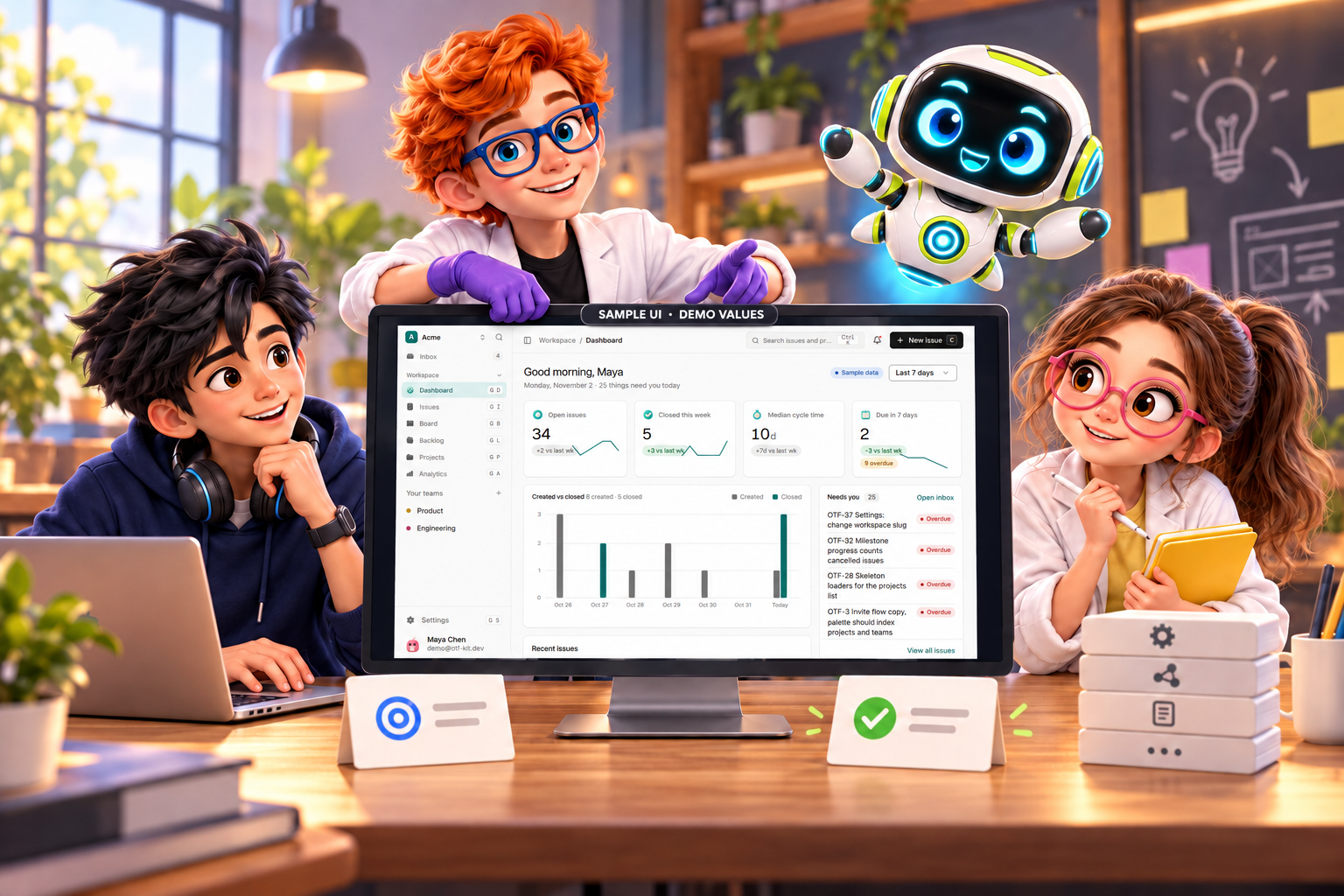
Illustrative MVP path: choose one customer job, observe one result, then ask for a real commitment; this is not an OTF experiment or product workflow.
Run the path with a few target users
Choose three to five people who match the buyer you want. Give each one the same starting point and watch them attempt the job without a tour. Record where they stop, what they expected to happen, and which screen they used instead of the one you designed. Do not treat a friendly comment as evidence unless it names a result they got or wanted.
Use the sessions to decide what to remove, not what to add. If a user never reaches the observable result, the next change should shorten the path to that result. A dashboard with more charts will not fix a path that stops before the first useful action.

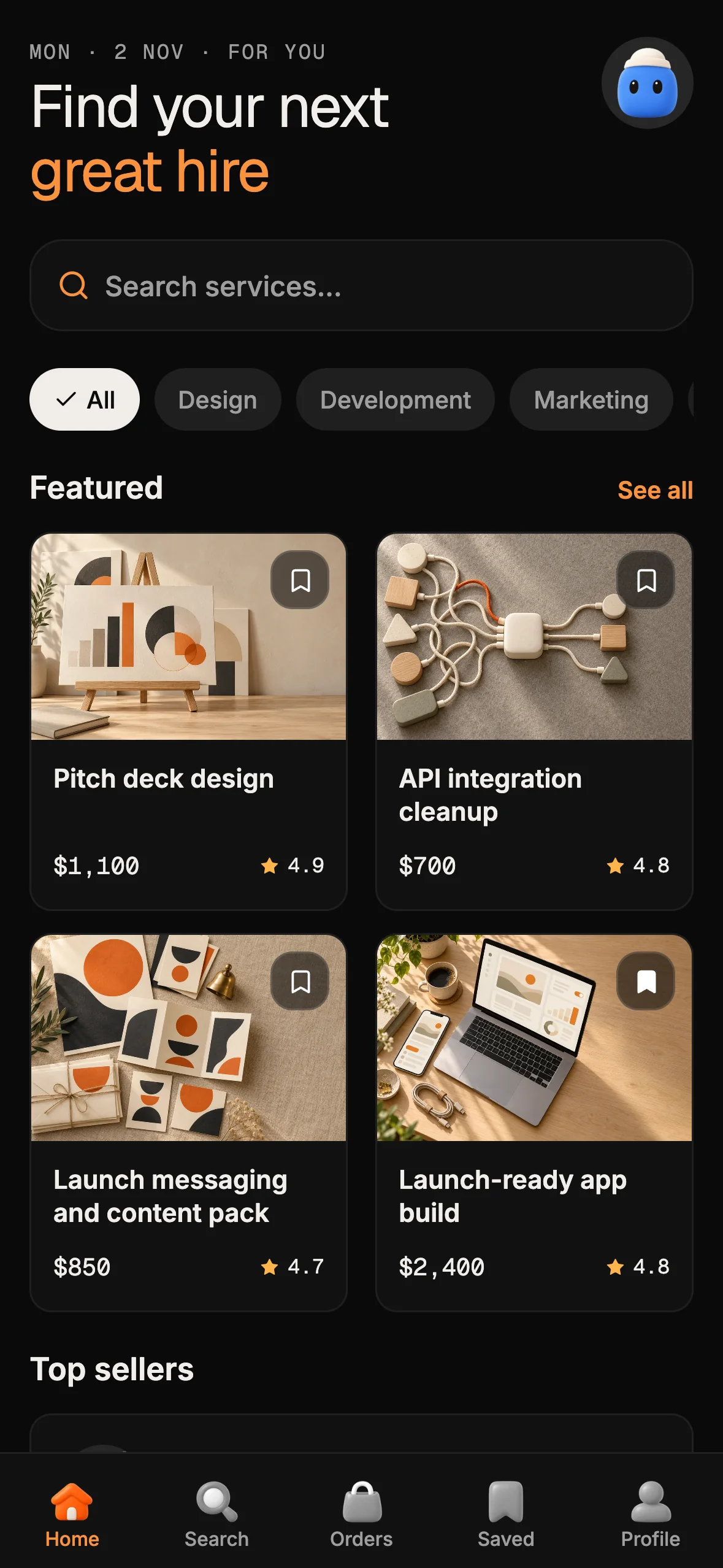
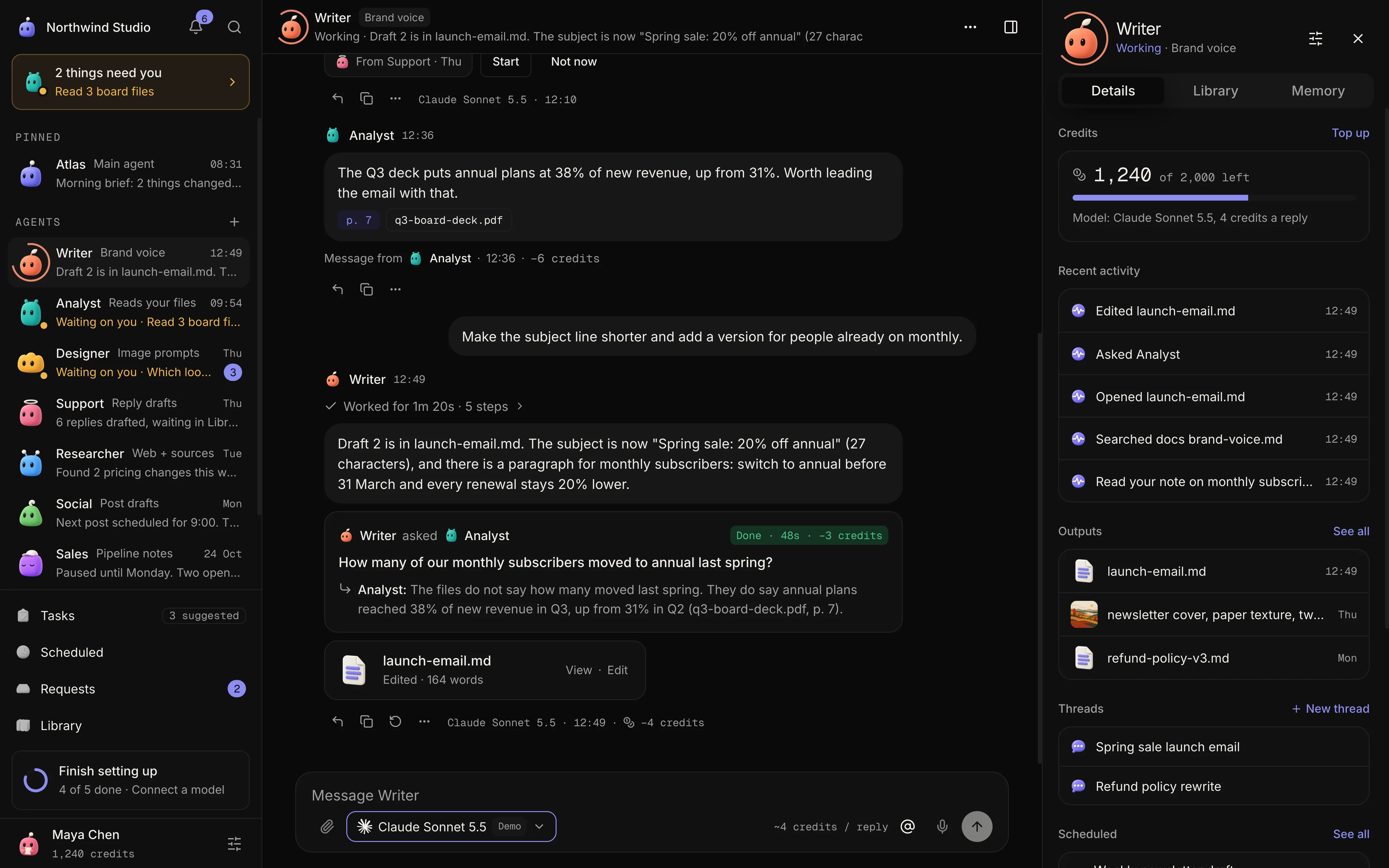
12 production screens. Login and database wired.
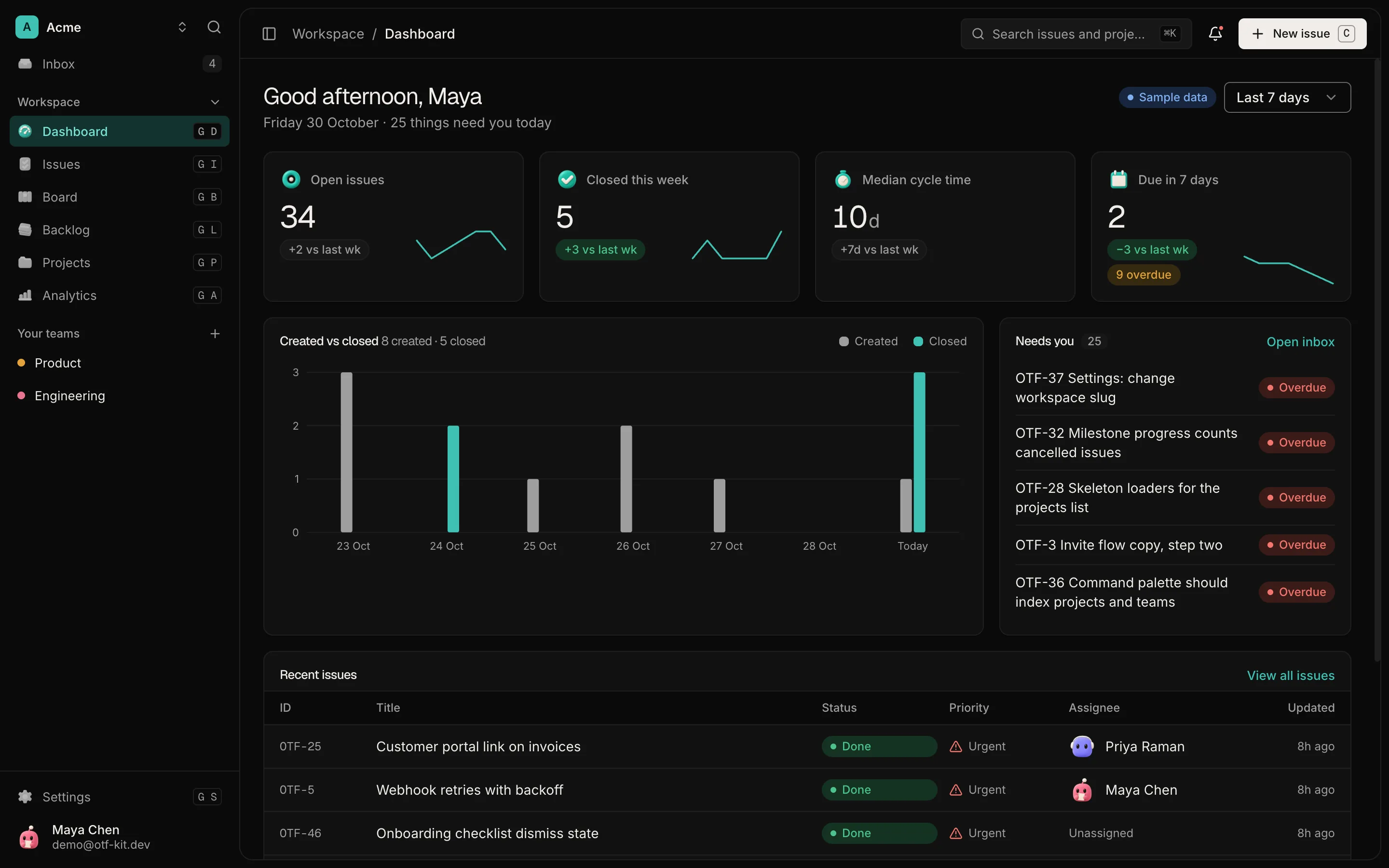
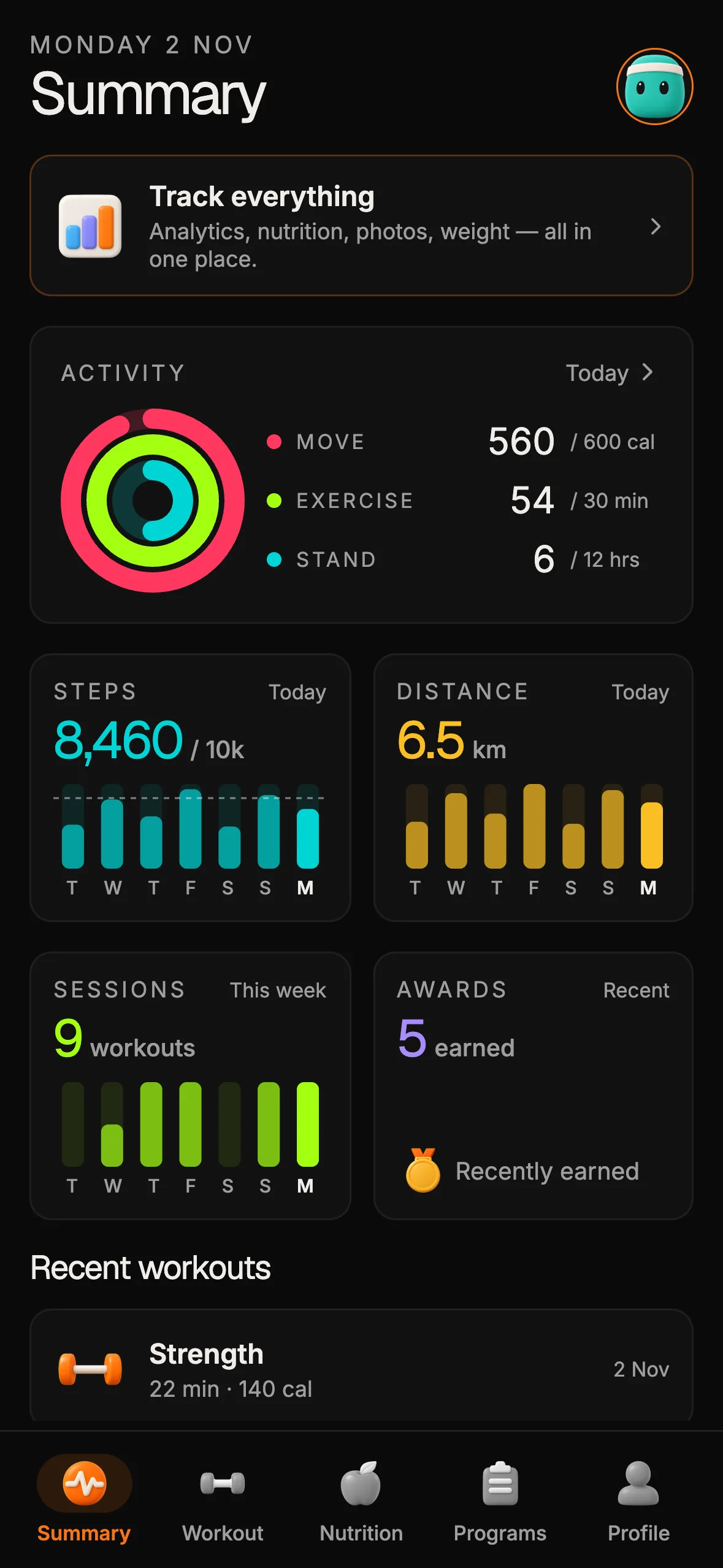
The SaaS Dashboard Kit includes login, a database, and a working dashboard. Live demo at saas.otf-kit.dev.
Ask for a real commitment before expanding
Once the path works for a few people, test a commitment that costs them something. That might be a paid pre-order, a deposit, a signed letter of intent, or a paid pilot with a clear end date. The exact choice depends on your market, but a click on "interested" is weaker than a decision that involves money, time, or a named team.
Set the test up before you build more. Write down the price or commitment, the number of people you will ask, and what counts as a yes. If the answer is no, change the job or the audience before adding features. If the answer is yes, you have a reason to invest in the next part of the product.
Be careful with analytics at this stage. A dashboard template can show charts, but charts are not product events. You still need to define the events that show the result happened, and you need to implement them in your own app before trusting the numbers.
Write down what you will not build yet

Conceptual scope illustration: observe one simple workflow before adding polish; the pictured research practice is not included in the SaaS Dashboard starter.
Scope gets clearer when you list what stays out. Write a short "not yet" list next to the job: settings pages, team roles, reporting, integrations, and any screen that exists only because a competitor has one. The list does not say those features are bad. It says they cannot distract from the first result.
Review the list every time someone asks for a new screen. If a request does not change whether a target user reaches the result, it moves to the later list. This is where most early polish goes wrong: a reasonable idea arrives, gets built, and then the test has to wait for code that does not affect the decision.
Keep the not-yet list visible to everyone who works on the product. A founder, a designer, and a developer can each have a good reason to add something. The shared list lets them see whether the addition helps the first result or only makes the product look more complete.
Decide in advance what the test result will change
A test is useful only if it can change your next step. Before you run it, write two outcomes. If the target users reach the result and a few of them accept the commitment, the next step is to add the one screen that makes the path repeatable. If they stop before the result, the next step is to change the job, the starting point, or the audience, not to add a dashboard widget.
This prevents a common mistake: treating a mixed result as a yes. A few warm conversations, a single early payment, or a request for a demo are signals to investigate. They are not proof that the product is ready to expand. Record the numbers and the reasons people gave, and make the decision from that record.
Set a stopping rule too. If five target users cannot reach the result with the first path, pause and simplify before you build a sixth feature. A stopping rule protects the time you would otherwise spend polishing a version that nobody has finished using.
What a SaaS dashboard starter can and cannot provide
The SaaS Dashboard kit is a web starter with email sign-in, projects, teams, analytics screens, and its own API and Postgres database. The kit is a one-time $99 purchase for the full source. Its live demo lets you click through the running app before you buy.
Those screens give you an editable base for the first job, but they do not decide the job for you. The kit does not supply the onboarding experiment, product analytics, or a subscription billing setup. Its analytics screens are interface components, not instrumentation for your product events. If your test depends on a payment flow, a trial, or an activation metric, you still need to build and verify those parts against your own rules.
A starter also does not remove the need for a clear result. Use the kit to avoid rebuilding login, a data model, and a dashboard shell. Spend your time on the single path that tests whether someone will pay.
For a related question about how to price the first tier, see how to price your first paid tier. For what changes when an early prototype meets real users, see why sandbox MVPs break in production.
A short scope checklist
- Write the job in one sentence a customer would recognize.
- Define the single observable result and how you will see it happen.
- Build only the screens and data needed for that path.
- Run the path with three to five target users and record where they stop.
- Set a real commitment, a price or a named team, and decide what counts as a yes before you test it.
- Add the next screen only after the test changes what you will build.
Sources
- r/SaaS: "Onboarding, user retention, conversion?" — thread dated 31 Oct 2026. One builder thread, not evidence of market-wide demand.
- SaaS Dashboard kit — kit page, checked 31 Oct 2026 (HTTP 200): email sign-in, projects, teams, analytics screens, own API and Postgres, $99 one-time.
- SaaS Dashboard live demo — checked 2 Nov 2026 (HTTP 200).
Ship your first screen tonight — free starter in your inbox
The quickstart, the SDK repo and the live kit demos, on this screen and in your inbox.
No spam. Unsubscribe any time.