How to test a Bolt change before it reaches production safely
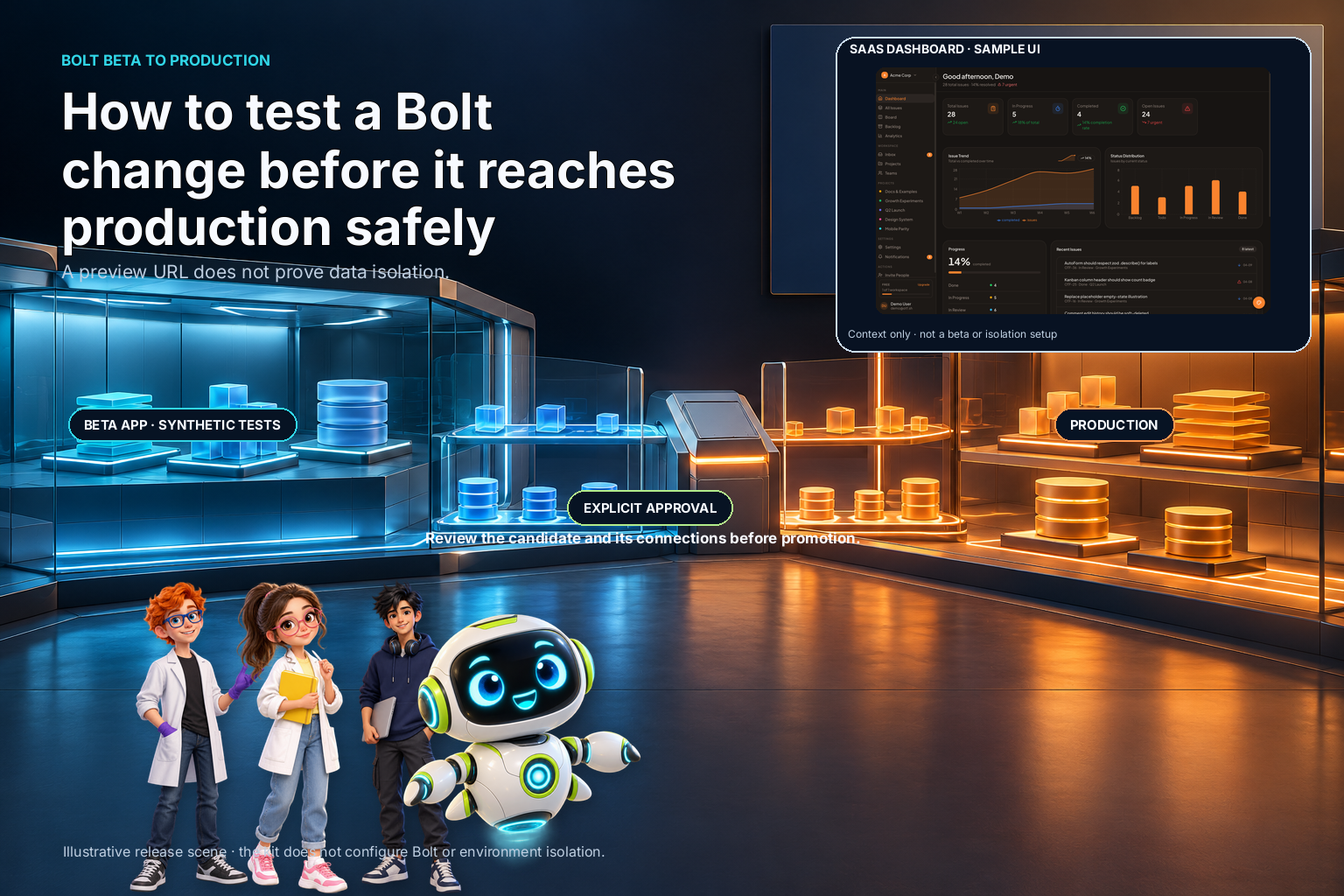
A feature that looks correct in a preview is not automatically safe to show to production users. Before promoting a change, make clear which environment it uses, which accounts and data it can reach, and what action actually moves it to production.
The practical problem is not simply "How do I make a beta?" It is how to test a change with realistic behavior while preventing an unfinished build from using live credentials, writing to customer data, or becoming the production version by accident. One builder in a Bolt community discussion described wanting a Beta step with real account credentials before promoting changes. That is one builder's setup question, not evidence that every Bolt project deploys the same way.
Define what "beta" must protect
Start with the failure you are trying to prevent. A beta environment may be intended to keep unfinished code away from users, to keep test writes out of production data, to verify a release using realistic accounts, or to check a change with a small group before broad release. Those are related goals, but they are not interchangeable.
Write a short statement for the release you are planning. For example: "A tester can sign in, exercise the new invoice flow, and create test records; no action in this environment can charge a real card or modify a production account." The exact statement depends on your product. If you cannot say which boundary matters, you cannot verify that the environment provides it.
List the sensitive things the test could touch: user accounts, personal data, payment methods, external API credentials, email delivery, file storage, scheduled jobs, and webhooks. For each, decide whether beta should use isolated test resources, read-only access, synthetic data, or a disabled integration. A label that says "beta" does not enforce any of those choices.
Separate the release path from the data path
Teams often talk about "staging" as if it were one switch. In practice, there are two separate questions:
- Release isolation: Where does the candidate build run, and who can access it?
- Data and credential isolation: Which databases, user records, secrets, and external services can that build reach?
A separate preview URL can help with release isolation while still using the production API. A cloned database can protect customer records while a deployment pipeline still sends an unfinished build to the public domain. Draw both paths before changing configuration.
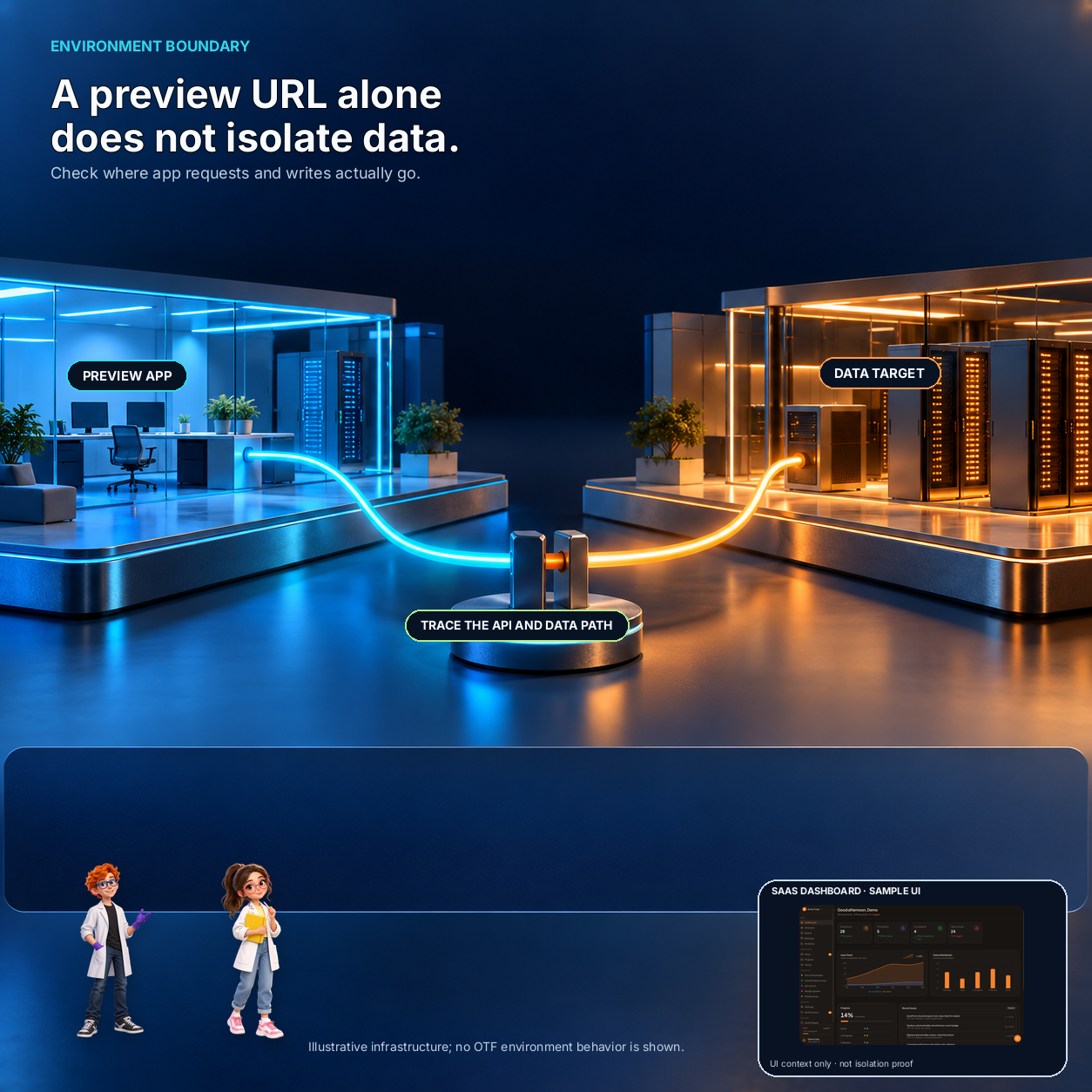
For each environment, record its application URL, API endpoint, database, identity provider, payment mode, outbound email behavior, file bucket, and webhook destinations. The exact list varies, but the point is to make every connection visible. Mark the owner of each setting and where it is configured. Do not paste secret values into a diagram or checklist; use variable names and the secret manager's location instead.
If a service cannot be isolated, decide whether the test can safely use it. You might use a provider's test mode, disable the integration, or restrict the test to synthetic accounts. If none is safe, the test plan has a gap. Record that gap rather than assuming a different hostname fixed it.

12 production screens. Login and database wired.
The SaaS Dashboard Kit includes login, a database, and a working dashboard. Live demo at saas.otf-kit.dev.
Make the environments hard to confuse
Use distinct names and visible cues for development, beta, and production. Those cues can include the domain, deployment label, account badge, or a persistent banner. They help a human notice a mistake; configuration is still the real boundary.
Keep environment-specific settings explicit. A deployment should select a known set of endpoints and credentials, not inherit whatever happened to be configured in a developer's local session. Review which values are public and which must remain server-side. A client bundle is visible to its users, so a value that grants privileged access must not be placed there.
Give beta its own database or a deliberately isolated test dataset when the application writes data. Use accounts created for testing, and define how they are reset or removed. Avoid copying production personal data into beta unless you have a reviewed, necessary process to minimize and protect it. A test that depends on real customer records may be convenient, but it expands the consequences of a mistake.
Also inspect side effects. A beta action can send email, trigger a background job, notify a real team, or call a third-party service even when the UI is on a preview URL. Use test destinations or a deliberate block for external effects. Then test that the block itself works.
Put promotion behind a visible gate
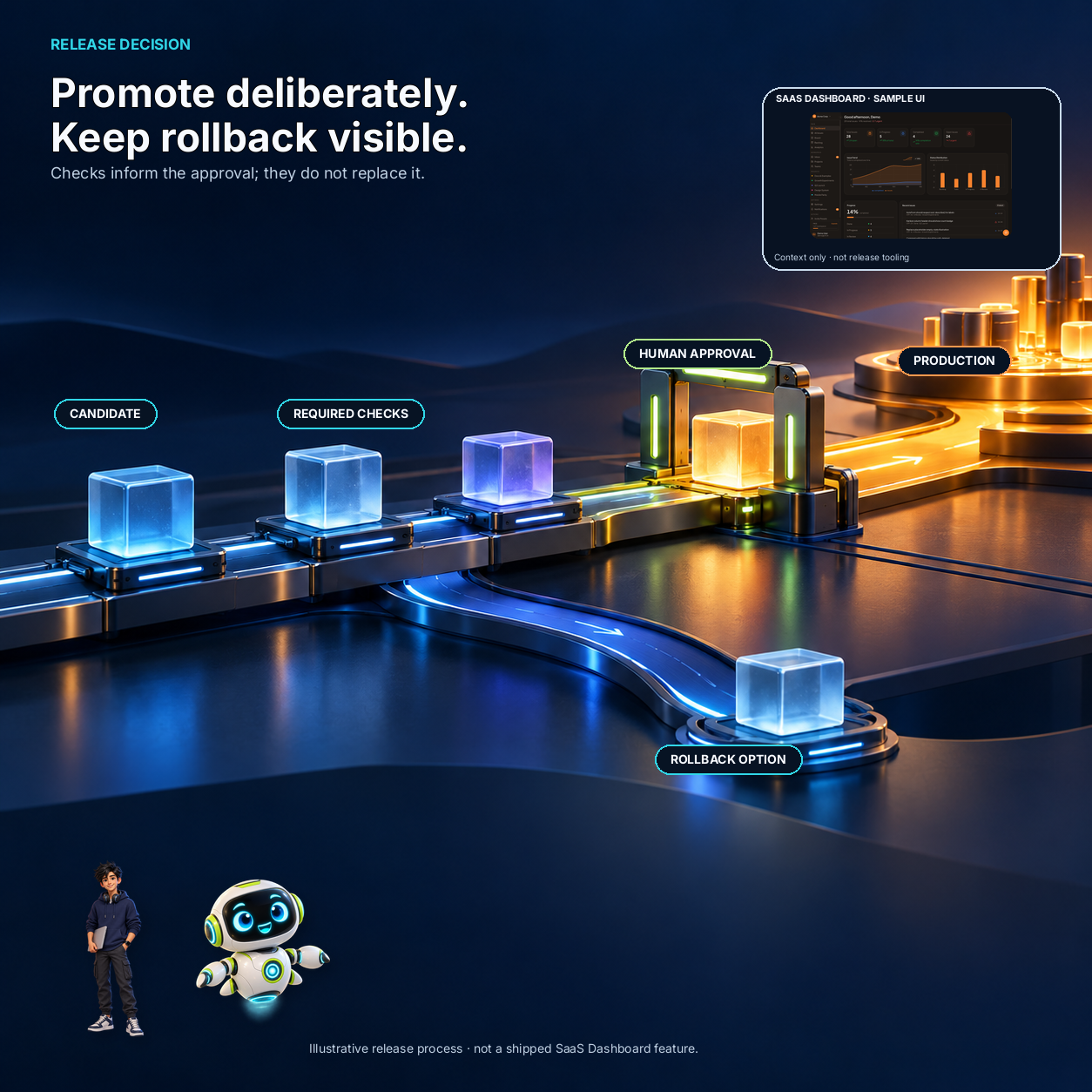
A safe release path has an explicit point where a person or approved automation chooses to promote a candidate. Before that step, check the candidate identity, the environment settings, the test result, and the rollback method. Avoid a workflow where saving or previewing a change silently changes the public version.
The gate can be a small checklist rather than a large process. For a modest application, it might ask:
- Is this the intended commit or version?
- Did the required checks pass against the candidate?
- Are beta credentials and data separate from production?
- Have payment, email, and webhook effects been tested or safely disabled?
- Does the production configuration use the intended endpoints and secret names?
- Who can approve promotion, and how can the previous version be restored?
Write down what a pass means. "The page loads" is not enough if the change affects saved data or account access. A test should exercise the path that changed and inspect the resulting state. If a test cannot cover a risk, say so explicitly and decide whether manual review or a limited release is appropriate.
Test with accounts that expose boundary mistakes
Create separate beta and production test accounts. Use a simple matrix: account, environment, action, expected result, and observed result. Confirm that the beta account can complete the intended test while a production account remains unchanged. If the app has roles or teams, include a case that checks one account cannot see another account's records.
Check direct routes as well as navigation through the interface. A hidden button is not an access-control rule. If an action changes persistent data, inspect the server-side authorization and the stored result. If the product delegates identity or permissions to another service, verify the configuration there too.
Test the failure and cleanup paths. What happens when the beta credential expires? Does a failed promotion leave the current production release intact? Can test records be removed without deleting a real user? Can you disable an integration without leaving a queue of messages to send later? A beta that is safe only on the happy path is not yet a useful release boundary.
Keep a compact release record
For each promotion, record the candidate version, who approved it, which checks ran, any known gaps, and the rollback instruction. Keep the record free of secret values and unnecessary personal information. This makes a later incident easier to trace and helps the next person repeat the process.
Do not overbuild the process before you know what needs protection. A solo developer may need a separate test account, isolated data, and a deliberate production promotion. A team handling payments or sensitive records may need more review, access controls, and audit evidence. Let the data and side effects determine the process.
Where a starter fits
A starter can provide screens and application scaffolding, but it does not automatically create a safe beta or promotion workflow. The OTF SaaS Dashboard kit is a web application scaffold with sign-in, dashboard screens, its own API, and PostgreSQL. It does not configure Bolt environments, branch previews, isolated test data, or deployment promotion. Treat it as an app foundation to inspect, not as a substitute for environment design.
Before choosing any starter, compare its source and deployment instructions with the boundary checklist above. If the beta workflow is the hard part, verify that workflow independently. The dependency audit checklist covers the source and setup checks to run before buying. Payment cutover from test mode to live mode is a related but separate release risk, and it needs its own checklist.
Sources
- Bolt community question about beta/testing environments — one builder's description of wanting a beta step before production; not a universal statement about Bolt behavior. Checked 2026-11-01.
Ship your first screen tonight — free starter in your inbox
The quickstart, the SDK repo and the live kit demos, on this screen and in your inbox.
No spam. Unsubscribe any time.