How a CEO built an app with Cursor and the cleanup that followed

A weekend dashboard that looked production ready
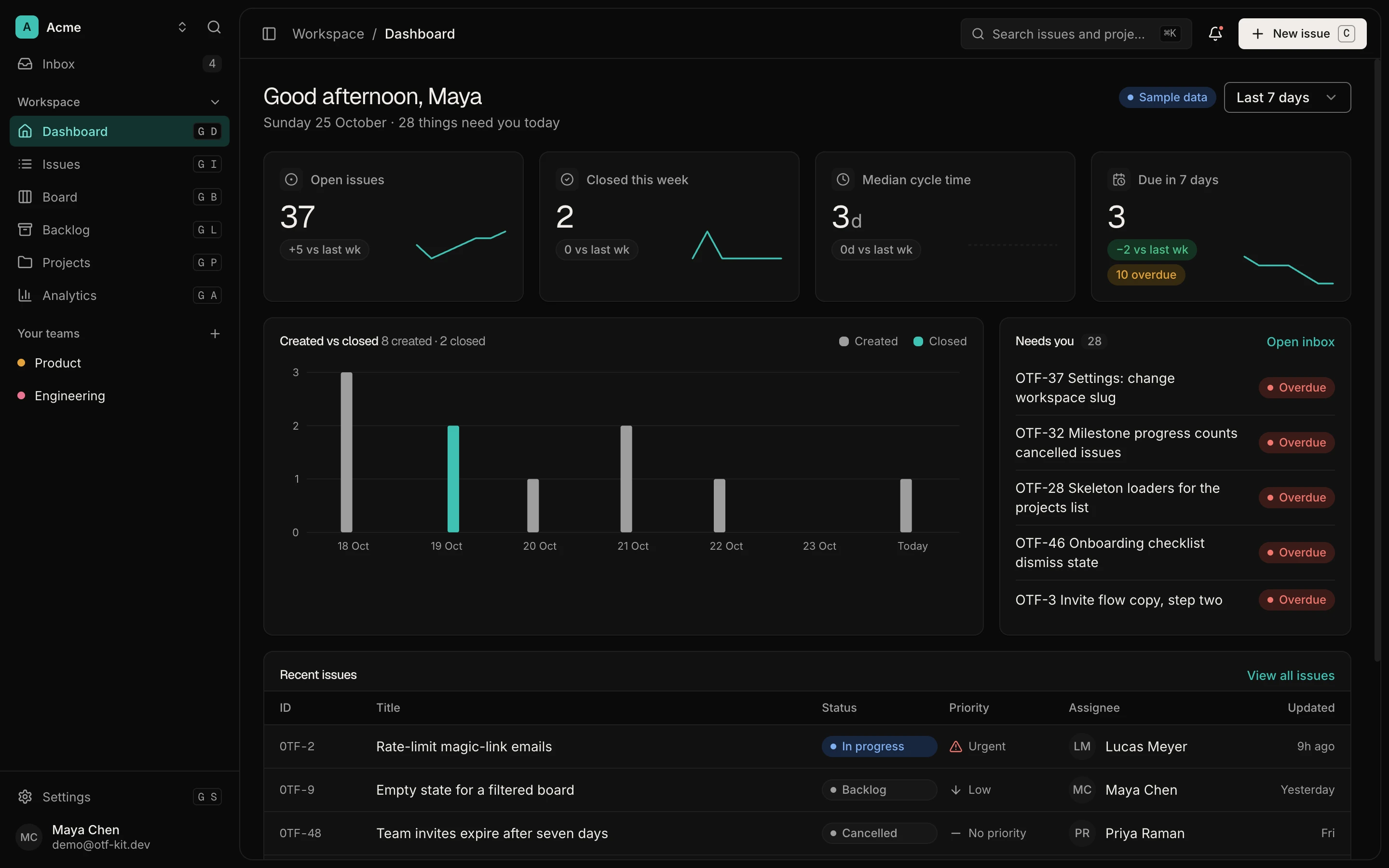
A CEO with no recent coding experience spins up an internal analytics dashboard over a weekend with an AI-assisted builder, connects it to the production database, and posts it in engineering Slack on Monday morning: "pretty much production ready, can someone just do a quick pass?"
The fast audit that followed found classic SQL injection in the dashboard's search box, credentials with broader access than the app needed, and no input validation anywhere. The UI worked beautifully. The queries underneath did not.
Note: the weekend-build story below is an illustrative composite drawn from a pattern we see repeatedly in AI-assisted internal tools — not a named company's audit. The vulnerability class, the fix, and the review checklist are all real.
Why AI-built internal tools fail the same way
AI builders optimize for the happy path: charts render, filters filter, pages load fast. Unless you explicitly ask for adversarial handling — malice, garbage input, over-broad permissions — the generated code will not include it. Most tutorials and docs for these tools measure success in time-to-working-UI, not in time-to-defensible-queries.
Three structural reasons this keeps happening:
- Internal-only is treated as low-risk. Teams skip pen testing and code review for internal tools, forgetting that an internal app wired to the production database has the same blast radius as a public one — sometimes larger, because it runs with trusted credentials.
- Visual correctness masks data-layer flaws. When every chart loads and every filter works, nobody looks at how the queries are constructed. Injection vulnerabilities are invisible in a demo.
- Credentials are over-scoped by default. The fastest way to connect a dashboard to a database is with an existing credential that already works — which usually means write access to tables the dashboard never touches.
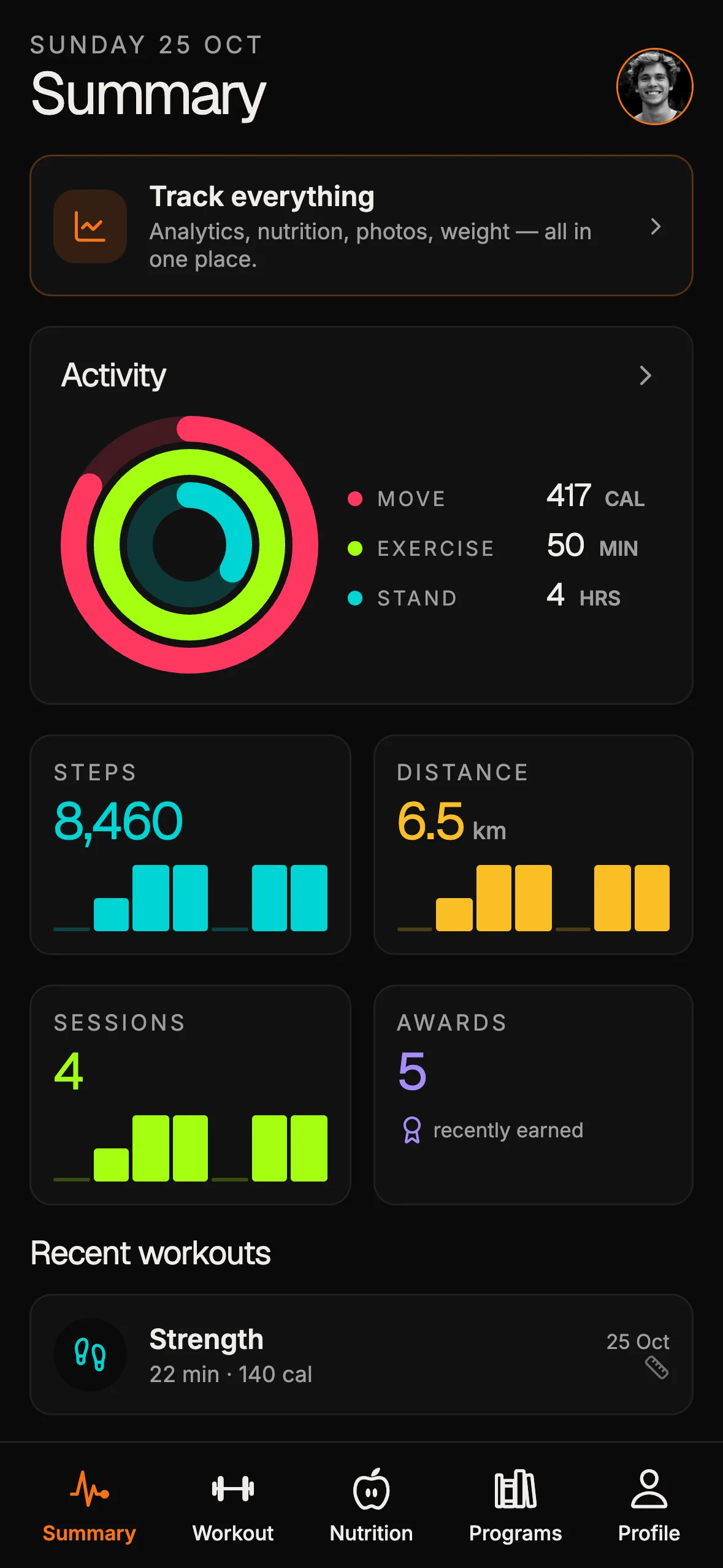
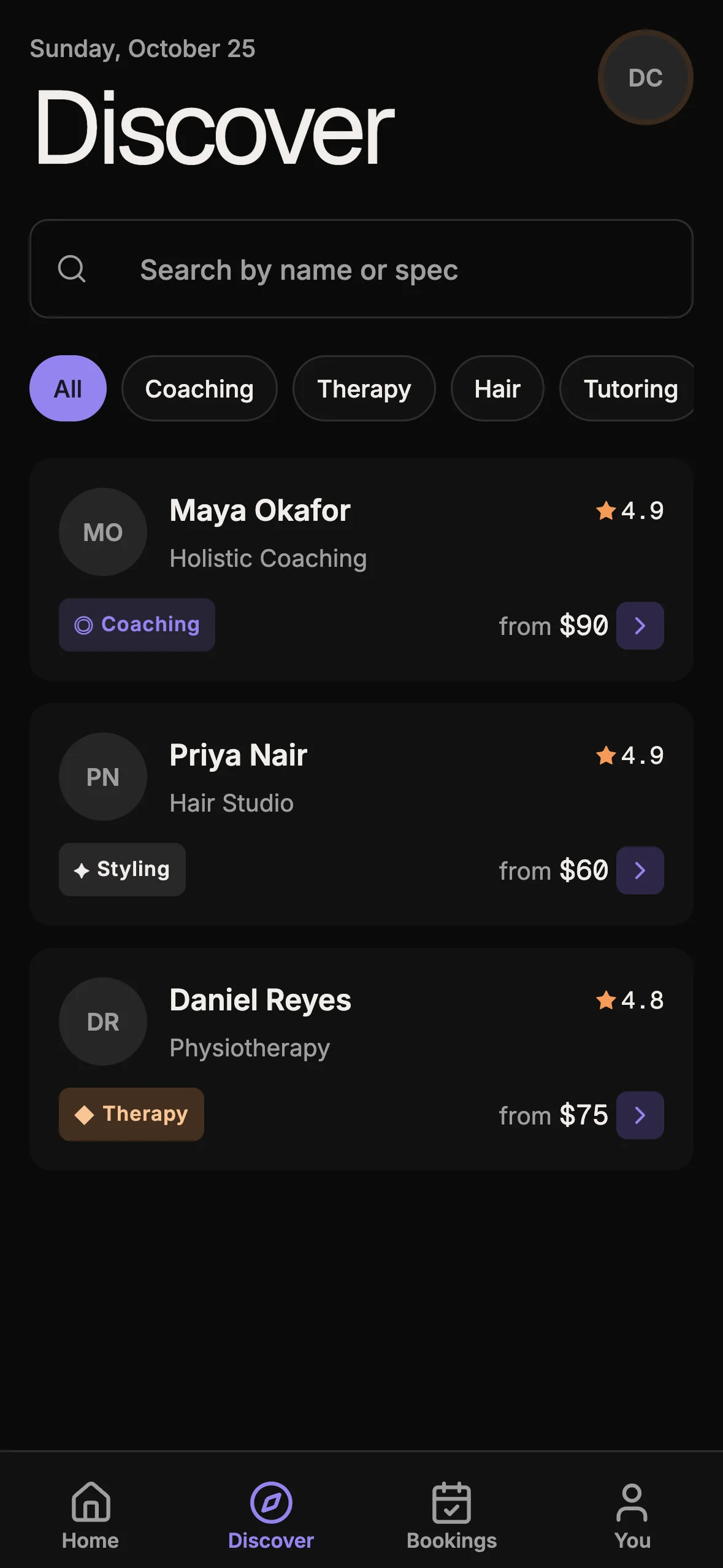
12 production screens. Login and database wired.
The SaaS Dashboard Kit includes login, a database, and a working dashboard. Live demo at saas.otf-kit.dev.
The flaw: string-interpolated SQL
The dashboard's team search built its query with direct string interpolation:
query = f"SELECT * FROM activity_logs WHERE team_name = '{search_input}'"
cursor.execute(query)
No parameterization, no input validation. Typing ' OR '1'='1 into the search bar returns every record instead of the intended ones, and a more creative payload can modify or destroy data. This is the exact weakness behind most high-profile database breaches of the last two decades: untrusted input concatenated straight into a SQL command.
The Open Worldwide Application Security Project defines SQL injection as the insertion of a SQL query via input data from the client to the application, noting that a successful exploit can read sensitive data, modify database contents, execute administration operations, and in some cases issue commands to the operating system (OWASP SQL Injection reference). The dashboard's search box was a textbook instance — user-controlled text flowing unsanitized into query construction.
The fix is two lines:
query = "SELECT * FROM activity_logs WHERE team_name = %s"
cursor.execute(query, (search_input,))
Parameterized queries separate code from data so input can never be interpreted as SQL. That single change moved the app from weaponized to defensible. Every database driver in every mainstream language supports this; there is no stack where string interpolation is the only option.
How to audit generated data-layer code in thirty minutes
The review that catches this class of bug is mechanical, not creative. Clone the generated repo and run these checks before the app keeps any credential:
- Search for query construction. Grep for
execute(,query(,raw(, andtext(across the codebase, then read every call site. Any call where user input reaches the SQL string through formatting or concatenation is a finding. In JavaScript and TypeScript codebases, also grep for template literals containingSELECT,INSERT,UPDATE, orDELETE. - Trace every user input to its sink. List the app's inputs — search boxes, filters, URL parameters, CSV uploads — and follow each one to the database call. An input that reaches a query without passing through a validation function or a parameterized binding fails the audit.
- Read the database grants. Connect as the app's credential and list its permissions. If it can write to tables the app only reads, or read tables the app never displays, the credential is over-scoped regardless of how clean the queries look.
- Check what the framework does by default. Some builders parameterize automatically and the risk sits in the one "custom query" escape hatch the developer added. Others interpolate everywhere. Knowing the default tells you whether you are hunting for one exception or reviewing every query.
Thirty minutes against those four checks would have caught everything in the weekend dashboard: the interpolated search query, the write-capable credential, and the missing validation. Put the checklist in your team's launch runbook so it runs on every AI-generated tool, not just the ones that already look suspicious.
The hardening checklist before any AI-built tool touches real data
The parameterized query was the critical fix, but the audit surfaced a full checklist worth running against every AI-generated internal tool. If your team ships AI-assisted dashboards, steal this list — it maps closely to the production review in our AI app security checklist:
- Parameterize every query. Grep the generated code for string formatting near SQL calls — f-strings, template literals, concatenation. Each one is a finding until proven otherwise.
- Scope credentials to least privilege. The dashboard ran with write access to unrelated tables. Create a dedicated read-only role for reporting tools; if the app only reads
activity_logs, that is the only grant it gets. Our Supabase RLS production checklist walks through row-level enforcement for exactly this pattern. - Validate inputs server-side. Client-side validation is UX, not security. Length limits, allow-lists, and type checks belong where the attacker cannot remove them.
- Separate prod credentials from dev. The weekend build used a credential that worked — which meant production. Internal tools should start against a scrubbed staging copy and earn production access through review.
- Log queries, not just page views. The audit found no record of what the dashboard had executed. Query-level logging turns the next incident from archaeology into a search, a practice our Sentry error-tracking guide for production apps covers for the observability side.
- Require one technical review before launch. "Internal only" exempts nothing. A single engineer reading the generated data layer for thirty minutes would have caught every finding above.
Speed is good, review is mandatory
AI-assisted builders genuinely compress the time from idea to working internal tool — a weekend dashboard that tracks activity, revenue, and team performance is a real win for a team short on engineering cycles. The failure mode is treating generation as the whole job and skipping the review that turns generated code into production code.
The rule that survives every one of these audits: build fast, review slow. Generation speed never reduces the need for classic disciplines — parameterized queries, least-privilege credentials, validated inputs, and a second pair of eyes. Anyone can now build a capable internal tool in a weekend; make sure someone qualified reads it on Monday before it keeps its production credentials.
Sources
- OWASP — SQL Injection — definition, impact, and why injected input must never reach query construction unparameterized.
- AI app security checklist — the production review checklist this audit's findings map to.
- Supabase RLS production checklist — row-level enforcement for least-privilege data access.
- Sentry error tracking for production apps — query and error observability so the next incident is searchable.
Ship AI-generated tools on a foundation your agent can extend safely — browse the OTF kits.
Ship the product, not the setup.
- 12 production screens — auth, team, analytics, and settings
- Login and a real database are wired in
- AI configs pre-tuned so your agent extends instead of regenerates
Ship your first screen tonight — free starter in your inbox
The quickstart, the SDK repo and the live kit demos, on this screen and in your inbox.
No spam. Unsubscribe any time.