Retool and Appsmith fit internal tools; a SaaS dashboard kit owns the product repo
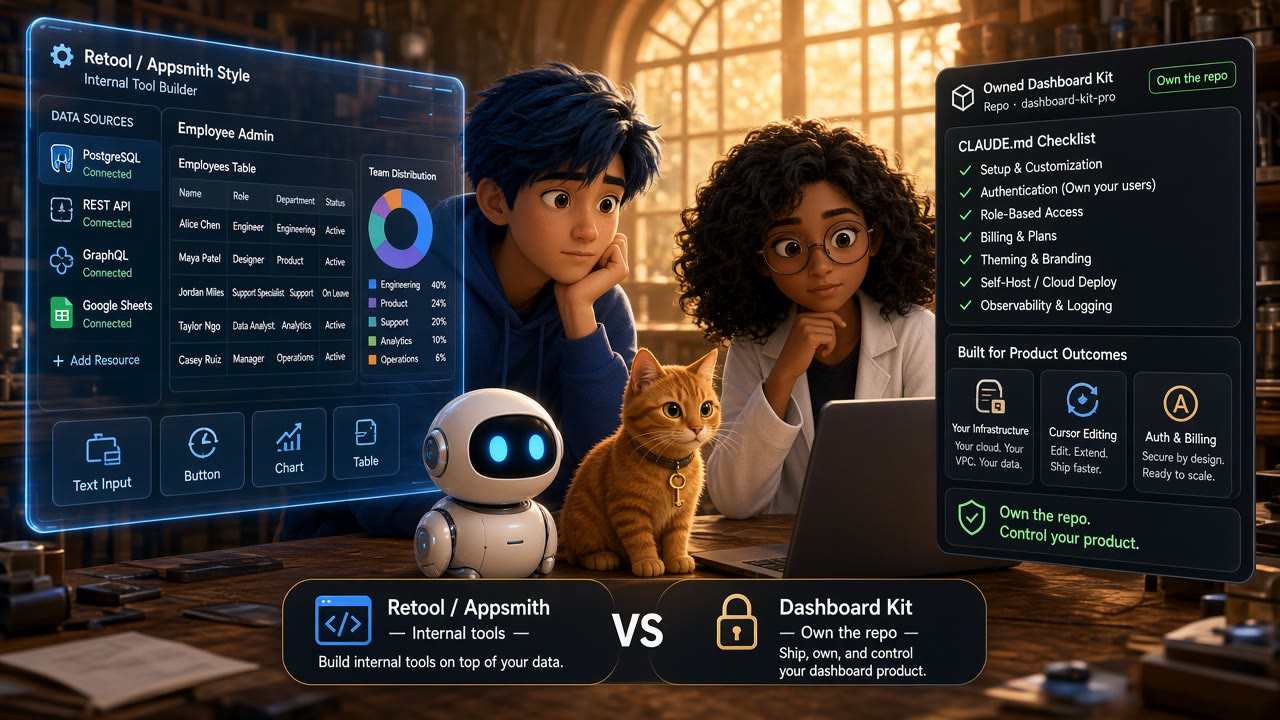
Two different jobs get collapsed into one shopping cart
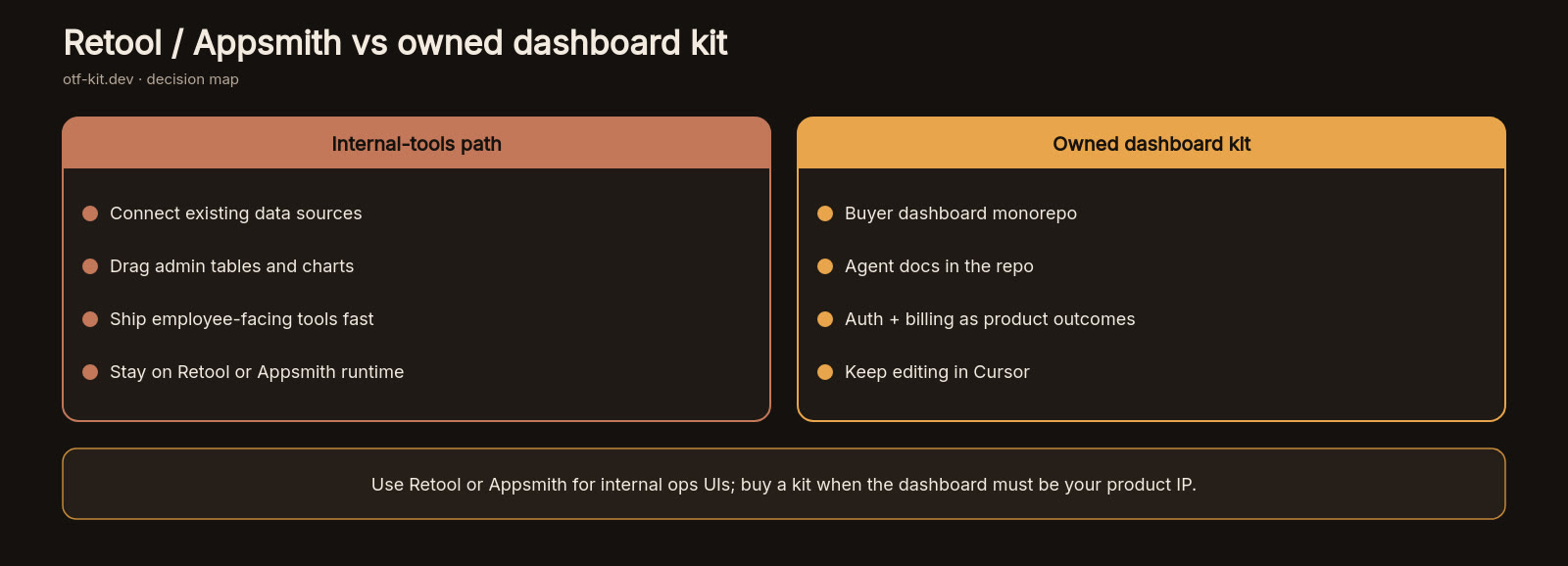
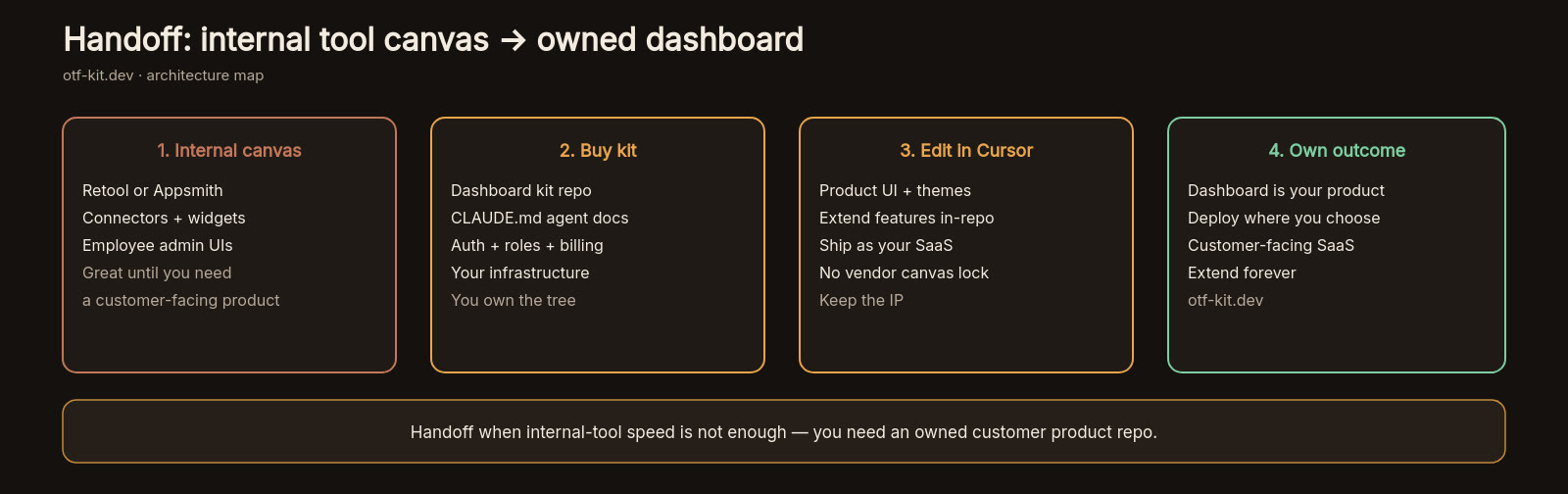
Retool and Appsmith are built to ship internal tools: admin panels, ops dashboards, and data-backed screens that sit on top of databases and APIs your company already runs. OTF's SaaS Dashboard kit is built to ship a customer-facing product repository you clone, edit with Claude Code or Cursor, and deploy under your own domain.
That difference matters more than a feature checklist. If you need a governed builder that connects to many resources and publishes tools to employees, Retool or Appsmith is the right shape. If you need auth, a Postgres schema, and agent-readable conventions in a repo your team owns, an internal-tools platform is the wrong abstraction — you will fight the host for code export, customer tenancy, and a ship path that is not "stay inside our runtime."
This post maps the catalog gap Retool / Appsmith vs SaaS Dashboard kit. It is not a claim that Retool or Appsmith are bad products. It is a claim about fit for builders who already live in coding agents and hit the scaling wall when the "dashboard" has to become the product.
What Retool documents about itself
Retool's docs describe a platform for building internal software with resources, permissions, and governance. Builders connect data through resources, assign Use / Edit / Own access through permission groups, and can separate development and production data with resource environments. Retool also documents native mobile app building and Workflows for automation jobs.
Self-hosting is a first-class path. Retool's self-hosted docs split two models:
- Retool-managed on your AWS account: Retool deploys and updates a single-tenant instance; you keep ownership of data and keys while Retool handles more of the instance lifecycle.
- Self-managed: you deploy and operate the instance yourself. Production self-managed Retool is documented on Kubernetes with Helm; Docker on a Linux VM is documented for testing.
Newer Retool "apps" (as opposed to classic apps) are documented as React 19 source with shadcn/ui components, Tailwind CSS, TanStack for tables, and Recharts for charts, with multi-step TypeScript functions that run on Retool's backend. Classic apps keep Retool's older ToolScript model. Both share the same permissions and resource model.
None of that is a SaaS starter kit. It is a hosted development and runtime surface for internal software. Your users are usually employees or contractors, not paying end customers on a public signup URL.
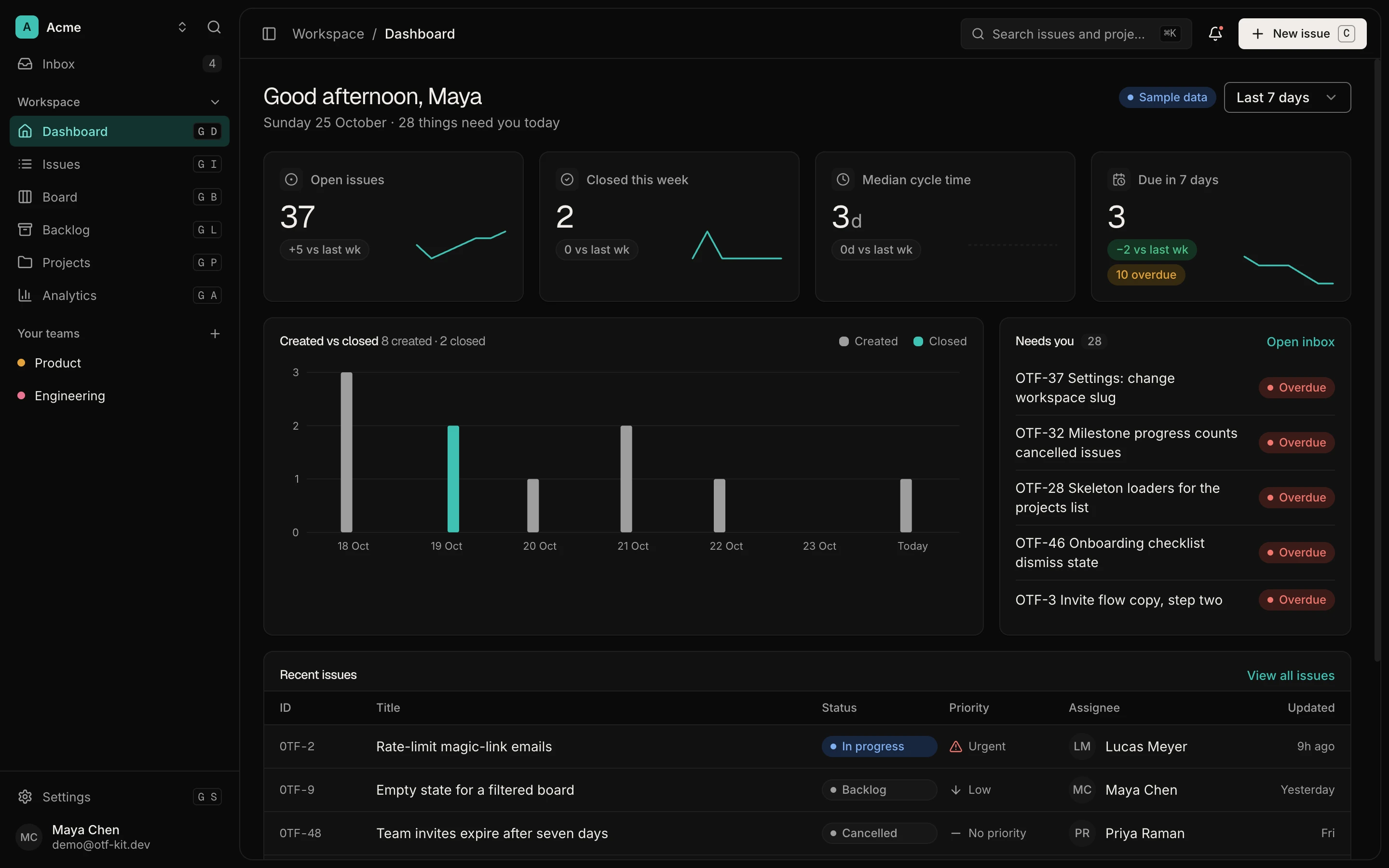
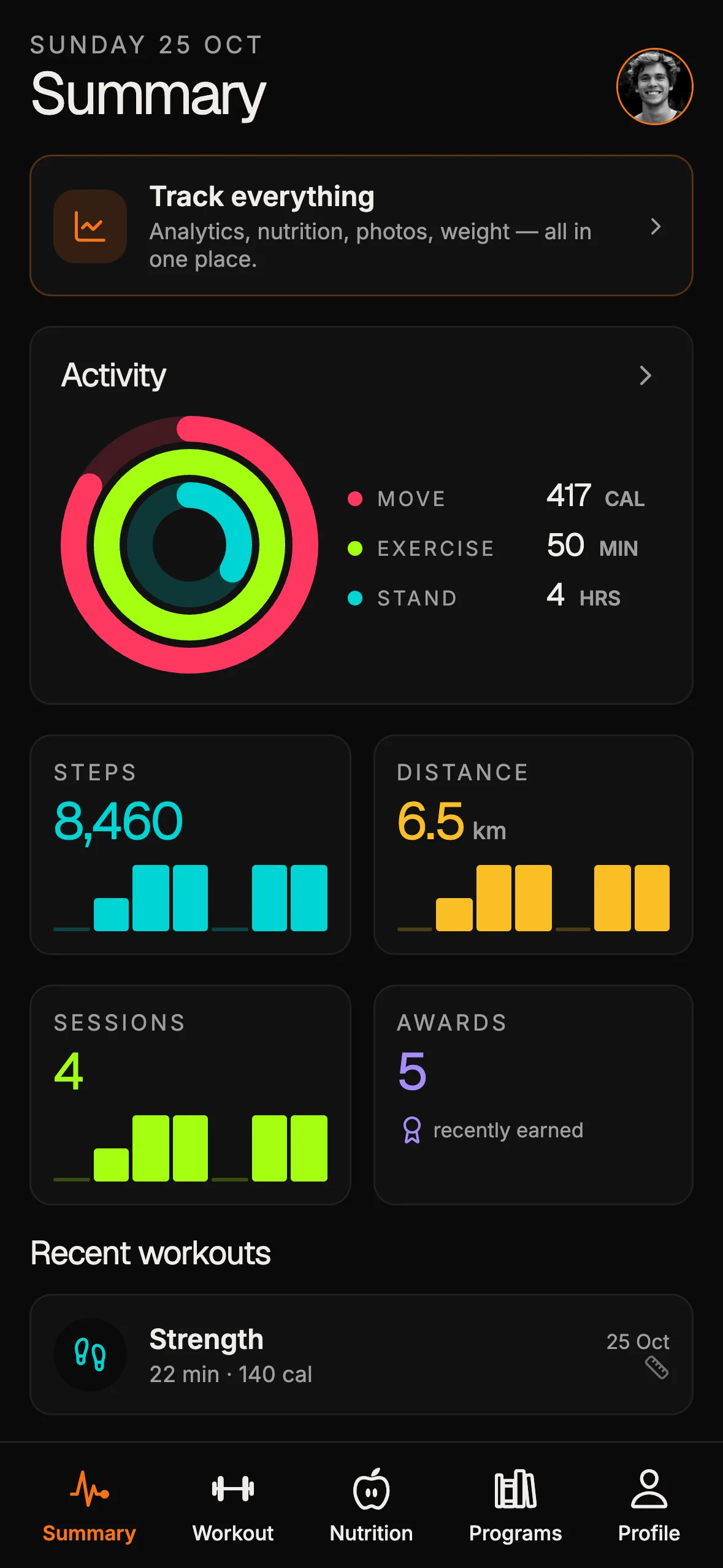
11 production screens. Login and database wired.
The SaaS Dashboard Kit includes login, a database, and a working dashboard. Live demo at saas.otf-kit.dev.
What Appsmith documents about itself
Appsmith's GitHub repository describes the project as a platform to build admin panels, internal tools, and dashboards that integrate with 25+ databases and any API. The public repo reports on the order of 40,000+ GitHub stars at the time of writing this post — useful as a signal of open-source adoption, not as a quality score.
Appsmith's setup docs focus on self-hosting: Docker (recommended) and Kubernetes for higher availability, plus cloud marketplace-style paths such as AWS AMI and DigitalOcean. The certified baseline they publish for getting started is two virtual CPUs and 8 GB of memory, with production sizing left to workload planning. They note that some features expect internet access (templates, Google Sheets, release notes) and point air-gapped buyers to sales.
Again, the product job is internal tools and admin panels. You self-host the Appsmith platform, then build apps inside it. That is a different ownership model from buying a Vite + Hono repository and opening it in Cursor.
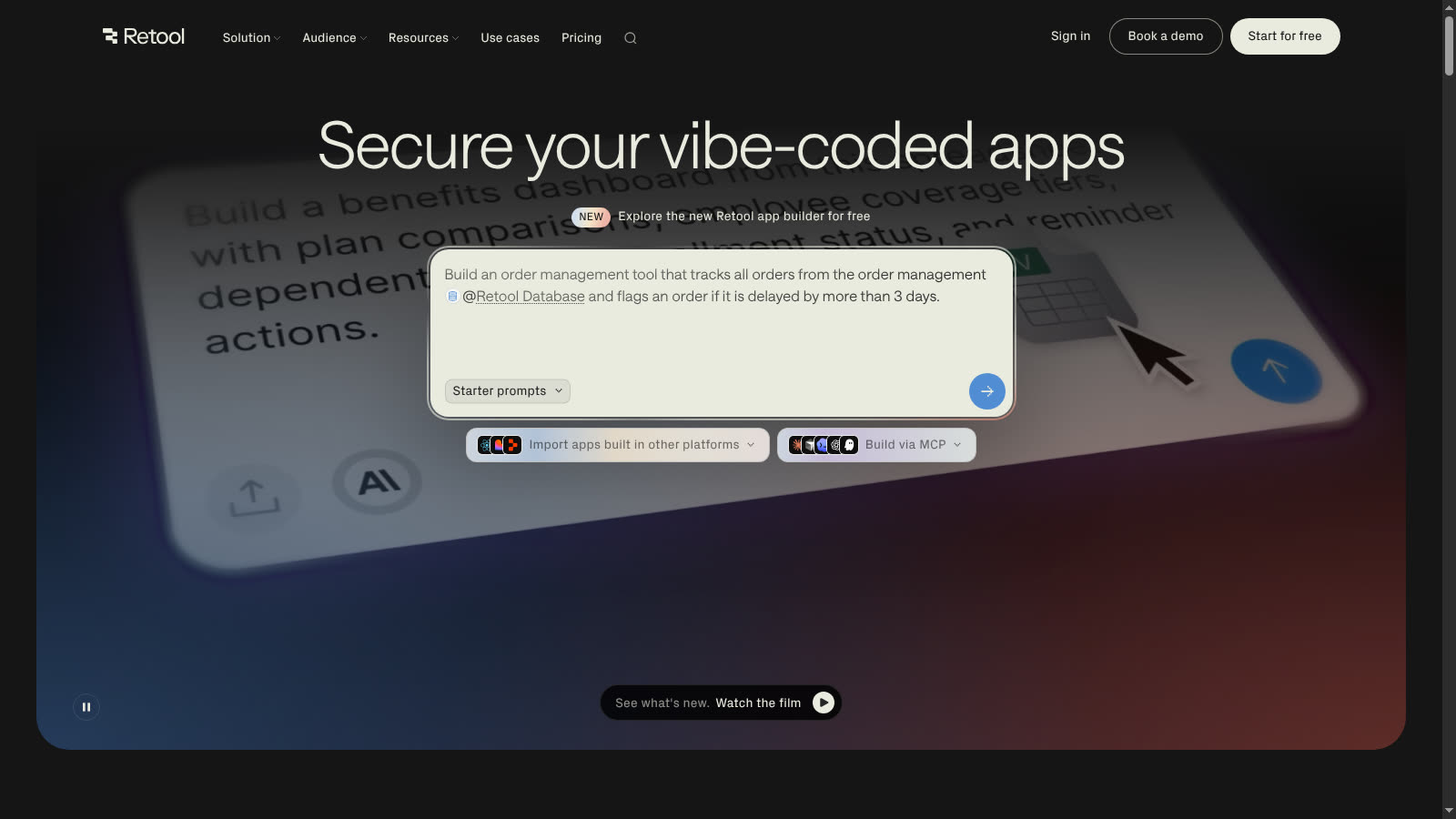
Source: https://retool.com/ — public marketing page captured 2026-09-11.
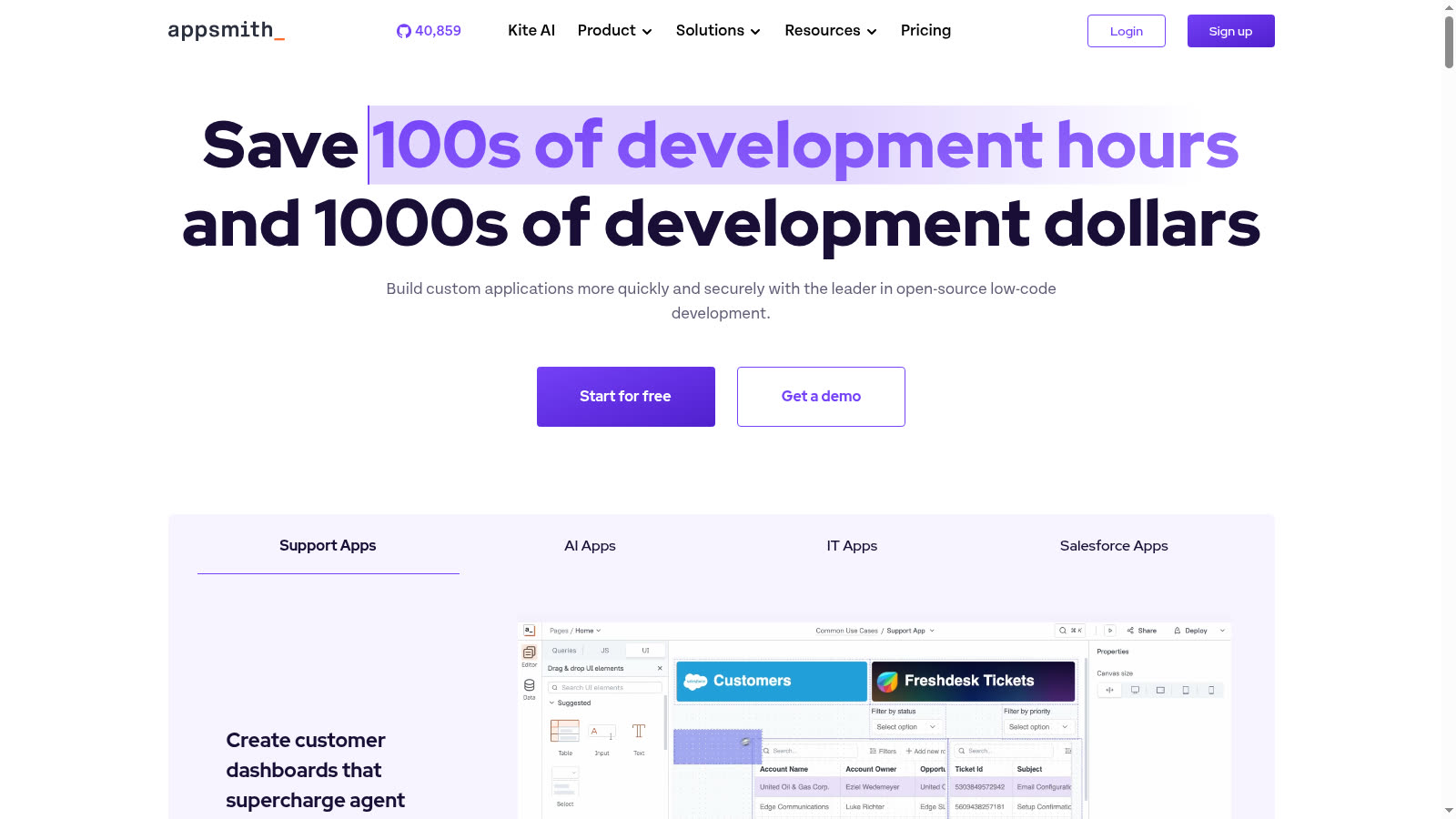
Source: https://www.appsmith.com/ — public marketing page captured 2026-09-11.
What the OTF SaaS Dashboard kit actually ships
OTF's published docs for the SaaS Dashboard kit (/docs/templates/saas-dashboard) describe a deployable SaaS starter priced at $99, with a live demo at saas.otf-kit.dev. The documented stack is concrete:
| Layer | Documented choice |
|---|---|
| Client | Vite 6 + React 19 (SPA) |
| Routing | TanStack Router (hand-wired in src/main.tsx) |
| Client data | TanStack Query (staleTime: 10s, optimistic updates) |
| Server | Hono 4 + Bun 1.3 (API + static SPA in one process) |
| Database | Postgres + Drizzle ORM 1.0-beta |
| Auth | Better Auth 1.3 — email, Google OAuth, demo login |
| UI | @otfdashkit/ui (Radix + Tailwind, token-driven theming) |
| Payments | Not included in the kit; the customization guide documents how to add Checkout and a webhook for per-user plans |
| Deploy | Cloudflare Workers via scripts/deploy-worker.sh, or the Dockerfile on any container host (Fly, Render, Railway, a VPS) |
The same docs list pre-built product screens (landing, auth, dashboard, tasks, kanban board, backlog, inbox, analytics, projects, teams, settings), Better Auth tables plus twelve application tables, seed commands (bun run db:generate, bun run db:migrate, bun run db:seed), and an ai/prompts/ folder with 20+ task prompts for CRUD entities, charts, screens, and provider swaps. Required env vars are documented as DATABASE_URL, BETTER_AUTH_SECRET, and BETTER_AUTH_URL.
A click-through tour of the live demo is already on the blog at Click-by-click tour of saas.otf-kit.dev. The honest Next.js-boilerplate comparison pattern lives at OTF vs ShipFast. Use those when you need proof of the demo or the "owned repo vs starter" framing; this post is specifically about internal-tools platforms vs a SaaS product kit.
Where the products agree
All three assume you already have (or will bring) real data stores and auth concerns. All three expect builders who can read JavaScript or TypeScript. All three can show charts, tables, and CRUD screens that look like a dashboard.
If your only requirement is "a table on top of Postgres by Friday for the ops team," Retool or Appsmith will usually get you there with less ceremony than forking a full SaaS kit. That is their job.
Where the products diverge for AI-assisted product teams
1. Runtime you rent vs repository you own
Retool and Appsmith keep the builder experience inside their platform. Even when you self-host Appsmith or Retool, you are operating their application runtime and authoring model. The OTF kit delivers source into your git remote. Coding agents read CLAUDE.md, .cursorrules, and ai/prompts/ beside the product code — the same context-contract idea OTF markets for Claude Code, Cursor, Codex, Lovable, and Bolt.
2. Employee tools vs customer signup
Retool's permission groups and Appsmith's admin-panel focus optimize for internal users. The SaaS Dashboard kit includes a public landing page, /auth/signup, and workspace settings. Its Payments customization guide documents an optional path to add Stripe Checkout; that integration is not included in the kit.
3. Connectors vs opinionated vertical slice
Retool and Appsmith win when you must bind many existing systems quickly. The OTF kit wins when you want one opinionated full-stack architecture: Better Auth sessions, Drizzle schema, TanStack Query hooks, Hono routers, and a Cloudflare Workers deploy script plus a Dockerfile. You trade connector breadth for a coherent product architecture an agent can extend without rediscovering folder layout every prompt.
4. Export and exit
Internal-tools platforms vary in how much "ordinary React app" you can take with you. Retool's newer apps model moves closer to React source, but the product still centers on Retool resources and governance. Appsmith apps are authored inside Appsmith. The SaaS Dashboard kit's exit is ordinary: it is already a Vite app and a Hono server in a repo. That is the scaling-wall fix for teams who outgrew a sandboxed builder and do not want another builder lock.
A practical decision rule
Choose Retool when you need governed internal apps, resource environments, and (if required) Retool's documented mobile or Workflows surfaces, and your primary users are inside the company.
Choose Appsmith when you want an open-source, self-hosted internal-tools platform with Docker/Kubernetes deployment docs and you accept building inside that platform's model.
Choose the SaaS Dashboard kit when the dashboard is the product: you need owned source, Better Auth, a Postgres schema, and agent configs that travel with the repo, with a documented path to add Stripe Checkout — and you are willing to customize code instead of dragging widgets onto a hosted canvas.
If you are still validating chart layouts only, start with whichever tool your team already knows. If you are past validation and an agent keeps regenerating auth from scratch, stop shopping for another internal-tools canvas and start from a kit that already includes its auth and data layers. Add and test billing separately if your product needs it. For chart-and-table product requirements in general, the financial dashboard feature checklist is a useful companion read; it stays about product features rather than platform runtimes.
What this post is not
It is not a pricing bake-off. Retool and Appsmith publish multiple cloud and self-hosted commercial tiers that change; verify current numbers on their sites before you budget. It is not a claim that you should rebuild Retool inside Vite. It is not permission to treat marketplace-kit as a real shipping kit — that row was removed from the pSEO catalog for a reason.
It is a catalog-aligned comparison for builders who asked "Retool or Appsmith for our SaaS dashboard?" when they actually needed an owned SaaS dashboard repository.
Sources
OTF — SaaS Dashboard Kit docs (stack, screens, env, deploy): https://otf-kit.dev/docs/templates/saas-dashboard
Retool — Self-hosted deployments: https://docs.retool.com/self-hosted
Appsmith — Self hosting setup: https://docs.appsmith.com/getting-started/setup
Ship the product, not the setup.
- 11 production screens — auth, team, analytics, and settings
- Login and a real database are wired in
- AI configs pre-tuned so your agent extends instead of regenerates
Ship your first screen tonight — free starter in your inbox
The quickstart, the SDK repo and the live kit demos, on this screen and in your inbox.
No spam. Unsubscribe any time.