
change software development with AI-powered cloud agents

The split is ending
Something structural is happening in AI tooling: the collapse of two layers into one. Until now, the standard workflow looked like this: a workspace like PageSpace held context — docs, tasks, discussions, decisions, agent work — while local agents like Codex and Claude Code held execution. Two tools, two truths, a constant ferry of requirements back and forth between them. PageSpace's direction — cloud sandboxes where agents run code inside the same workspace where the context already lives — points at the end of that split. (PageSpace)
That's a real architectural move, and worth appraising before it's worth critiquing.
What PageSpace already is
PageSpace's own site describes the product plainly: "Partner for any project, workspace for any team," with Drive, Channels, Files, Tasks, Calendar, Agents, and Pages in one tree. Documents, channels, agents, sheets, task lists, and code are one primitive — "where a page sits is what the AI knows about it." (PageSpace)
In other words, PageSpace isn't a code editor. It's a shared memory and coordination layer for software development — product ideas, requirements, discussions, tasks, decisions, research, documentation, and agent work all living together. That's the underrated pre-history. Most teams already know their context problem. They have it in Notion, in Linear, in Slack, in a wiki nobody reads. PageSpace consolidates that mess into a single recursive workspace where where something lives gives it context. Execution environments attached to that tree turn a coordination tool into something more, without breaking the part that already worked.
The split-brain workflow, and why it was always going to break
For the last couple of years the playbook was clean on paper:
- PageSpace (or Notion, or Linear, or whatever): shared memory. Product discovery lives here. Requirements live here. Decisions live here.
- Codex, Claude Code, Cursor: execution. Code lives here. Builds run here. Tests run here.
The two halves talked through integrations or copy-paste. The agent read a page, wrote code locally, came back with a diff. Sometimes it remembered the decision you made in a discussion thread. Often it didn't.
Code is the easy part of building software. Everything else — discovery, design, coordination, user testing, research, stakeholder alignment — is prerequisite, and carries the context with it. That context shapes what gets built, how it gets built, and whether the result is actually useful. When context and execution live in two systems, the agent is always rebuilding its understanding from scratch. Some days that costs an hour of re-prompting. Some days it costs a feature that shipped wrong. If your repo itself is hard for agents to navigate, that cost compounds — which is why an agent-readable repository structure pays off regardless of which execution layer you pick.
11 production screens. Login, database, payments — all wired.
The SaaS Dashboard Kit ships everything already connected. Nothing to set up. Live demo at saas.otf-kit.dev.
What a workspace-attached sandbox means
PageSpace's site describes the execution side as skills that run code: "Give a skill the sandbox and it executes code, runs programs, and pulls tools from GitHub" — a Pro-tier capability, gated behind permissions you explicitly enable. Their framing is explicit that "capable capabilities like the code sandbox stay off until you turn them on." (PageSpace)
Note what we are and aren't claiming here. PageSpace documents a sandbox where agent-driven code runs with explicit permissions inside the workspace. We have not independently verified a full dev-loop surface (repos, shells, builds, tests, deploys) as a shipped launch, so treat the list below as the architectural pattern this points at — the loop an agent needs to be a junior engineer with read access to the entire project history — not as a confirmed feature checklist:
- clone repositories
- edit code
- install dependencies
- run shell commands
- run tests and builds
- inspect failures
- deploy software
The difference that matters: "diff that came back from the chat" is not the same artifact as "deploy that landed on the page next to the decision that justified it."
"Everything is a page" — why the rest of the product matters too
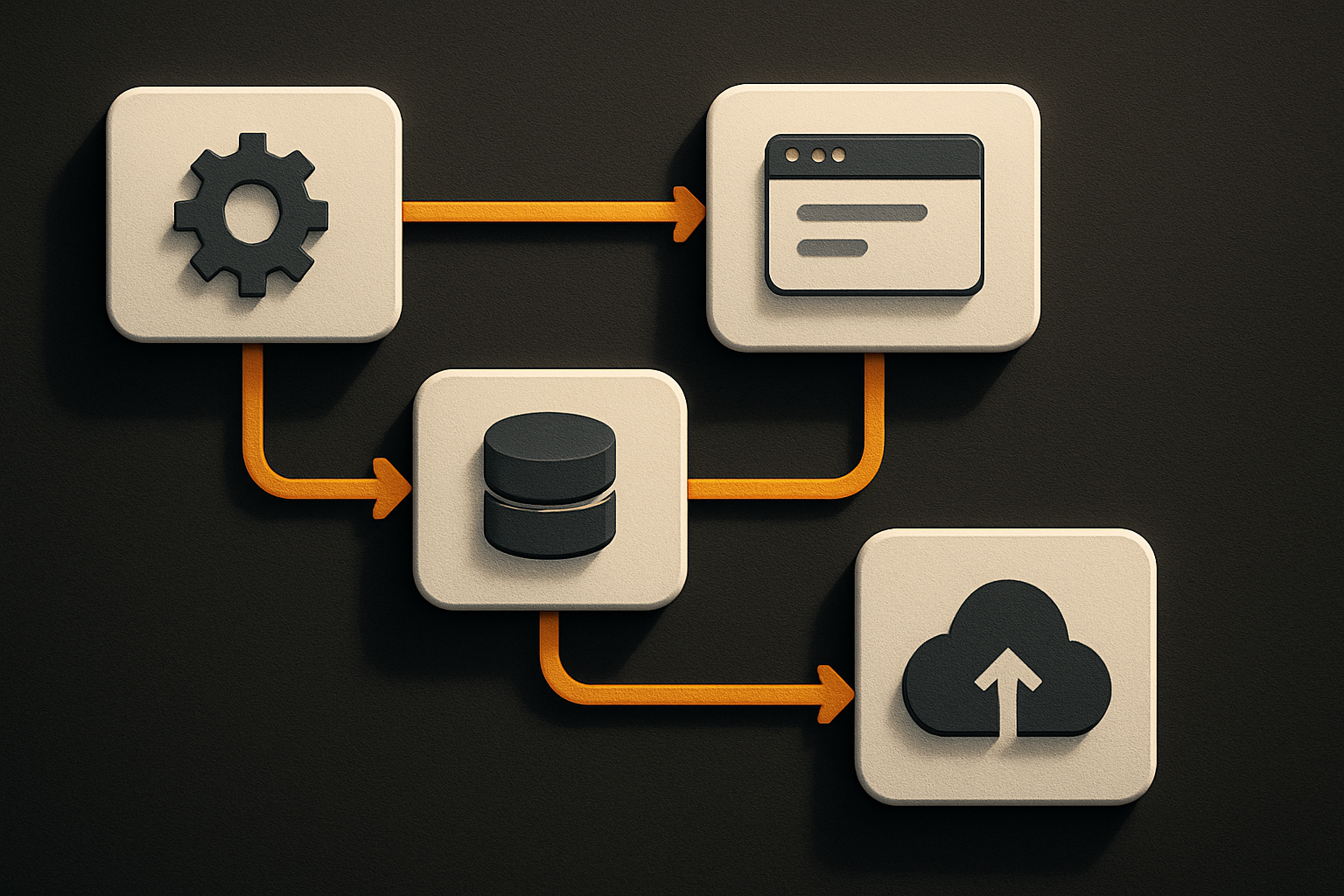
The sandbox attaches to the same recursive workspace where documents, folders, channels, tasks, agents, code, spreadsheets, and files share one structure. Where something lives in that tree gives it context. Agents navigate the workspace to find what they need, the same way a new hire would.
That last sentence is the load-bearing one. The agent doesn't grep a flat filesystem. It walks the same tree a human walks. The requirements doc is a page. The decision is a page. The repository is a page. The sandbox is a page. The build log is a page. The deployed URL is a page. Everything has a URL. Everything has a place. Context is location, and that has always been the underrated part of every workspace tool that worked.
Permissions are the prerequisite, not the headline
PageSpace leads its trust story with the right details: role-based permissions down to the individual page, per-agent scoping of tools and models, no privileged AI bypass ("it fails closed"), restore points before any AI edit, scheduled backups, and a tamper-evident audit trail. (PageSpace)
That's why this pattern is deployable at all. A sandbox without scoped permissions is a liability; a sandbox where every agent gets exactly the reach you grant is infrastructure. If you're evaluating any workspace-attached execution layer, the permissions page matters more than the capabilities list. Read ours the same way you'd read a checklist: our AI app security checklist covers the questions to ask before any agent touches production systems.
How to actually use this pattern today
The concrete steps are short because the product does the wiring for you:
# 1. Open the workspace you're already using
#    Same project as your docs, decisions, and tasks.

# 2. Create a sandbox page
#    Link a repository to it. The sandbox now has the
#    repo as its working tree.

# 3. Link the requirements and decision pages
#    The agent reads them as context before it touches code.

# 4. Hand the sandbox a task
#    The agent edits, installs, tests, builds.
#    Failures land on the page as sub-pages you can comment on.
The loop is the same loop you'd run with a local agent. The difference is that inputs and outputs both live in the same place. The diff is a page. The build log is a page. There's no "where did that file go" step, and there's no second tool to keep in sync with the first one.
The part that doesn't change when the tool does
Here is the honest bit. PageSpace is the right call today. It might not be the right call in six months. The agent that's cleverest this quarter will be beaten by the one that's cleverest next quarter. Codex becomes Claude Code becomes whatever ships at the next launch event. The workspace layer will churn too.
The piece underneath all of it — the UI your users actually touch — is the part that should not churn with the model. The same component, rendered on web, iOS, and Android from one API. That's the durable substrate. The agent reads your docs; the UI renders your product. When the model rotates, the UI does not need a migration. Our one-codebase, three-platforms guide is the practical version of that argument.
So: use workspace-attached sandboxes. Use whichever model is winning this week. Build the product layer once, on a layer that doesn't care which agent is driving it.
What this gets us
Three concrete enables when context and execution share a tree:
- An audit trail you can actually read. Every decision, every diff, every deploy lives on a page with the people who made the call next to it. Six months later, the why is one click away.
- Agents that improve across runs. Because the workspace remembers, the agent on attempt three reads the failure log from attempt two. No re-prompting. No copy-paste of the previous error into a fresh chat.
- Onboarding that takes an afternoon. A new engineer — or a new agent — gets the entire project history by walking the tree, the same way the human team does.
Closing
The hard part of building software was never the typing. It was the remembering. Workspace-attached sandboxes collapse the gap between where the context lives and where the code runs. Use the pattern. And underneath it, build the UI once, on a layer the agents can't churn.
Want that durable product layer? OTF's production-ready templates ship one codebase for web, iOS, and Android — agent-friendly from day one.
Sources
- PageSpace homepage — workspace structure (Drive/Channels/Files/Tasks/Calendar/Agents/Pages), "everything is a page" model, code-sandbox skill capability, and the permissions/audit-trail story. All product claims above are scoped to what this page documents.
- PageSpace pricing — linked from the homepage for what the Pro tier adds; check here for current sandbox availability before buying on the strength of this post.
Ship the product, not the setup.
- 11 production screens — auth, billing, team, analytics, settings
- Real database, payments, and login — all wired on day 1
- AI configs pre-tuned so your agent extends instead of regenerates