Sound stops after a few minutes on Android in your Expo app: release your audio players
Your Expo game or kids' app plays sound on launch. Ten minutes later, on an Android phone, nothing plays at all. Restarting the app brings the sound back for a few minutes, then it dies again. iOS often keeps working, which makes the bug easy to miss in simulator testing.
This is not a problem with the phone's volume or with one file. It shows up when the app keeps creating audio players and never lets go of the old ones.
What one developer found
In a post published on 29 October 2026, Göksel Köktaş described building an offline app for two- to four-year-olds with Expo and Cloudflare. The author reports that in expo-audio each player opens an Android media session. Calling remove() on a player was not enough in their app. The sessions piled up until they reached about 100, and then no sound played.
The fix they describe has two parts: call release() on each player when it is done, and share one player for the short voice lines instead of creating a new one per line.
This is one developer's report from one app. We have not reproduced the ~100 limit ourselves, and the number may depend on the Android version, the device, and the expo-audio release. Treat it as a pattern to test, not a fact about every device.
What the Expo docs say
The current expo-audio documentation is more specific than a single line of advice:
AudioPlayer.remove()removes the player from memory to free resources.- When you use
createAudioPlayer()directly, the docs say it is your responsibility to callrelease()once the player is no longer needed. Without it, the docs warn, you can get memory leaks. - The
useAudioPlayer()hook releases its player automatically when the component unmounts.
So the rule is simple. If you create players yourself in a loop, a sound effect function, or a screen that mounts and unmounts often, you own the cleanup. If you use the hook at the top of a component, the hook does it for you.
Check your app first
Before you change code, confirm the leak on a release build, not in development:
- Install a release build on a physical Android device. Debug builds hide timing and memory behaviour.
- Trigger your most-used sound effect 150 times in a row, with a short pause between plays.
- Note the first time the sound is silent or noticeably late.
- Repeat with the screen that plays the most audio, leaving and re-entering it between runs.
If silence appears after a repeatable number of plays, you have a player-lifecycle problem. If it only appears after backgrounding the app, look at audio focus and session handling first.
The 150-play number is a starting point, not a standard. What matters is the shape of the result. If the failure point stays the same across runs, the cause is probably the count of live players. If it moves around with the device's memory pressure, look at what else the app holds in memory, such as images or a large web view, before you blame audio.
It also helps to count while you test. Add a temporary log line in your audio helper that prints the number of players created and released. If "created" keeps climbing while "released" stays flat, you have found the leak without needing the device to go silent.
Fix how you create players
The fix is about ownership. Pick one of these patterns per sound:
- Long-lived sounds (background music, a menu loop): create one player when the app or screen starts, keep a reference, and release it when the screen goes away.
- Short effects (tap, win, error): create one player per effect at startup and reuse it with
seekTo(0)andplay(). Do not create a new player on every tap. - Voice lines in a learning app: load the clips into one player and swap the source, instead of one player per word.
Whatever you choose, keep the number of live players small and fixed. A counter is a useful guard during development: log every create and every release, and fail the test if the counts drift apart.
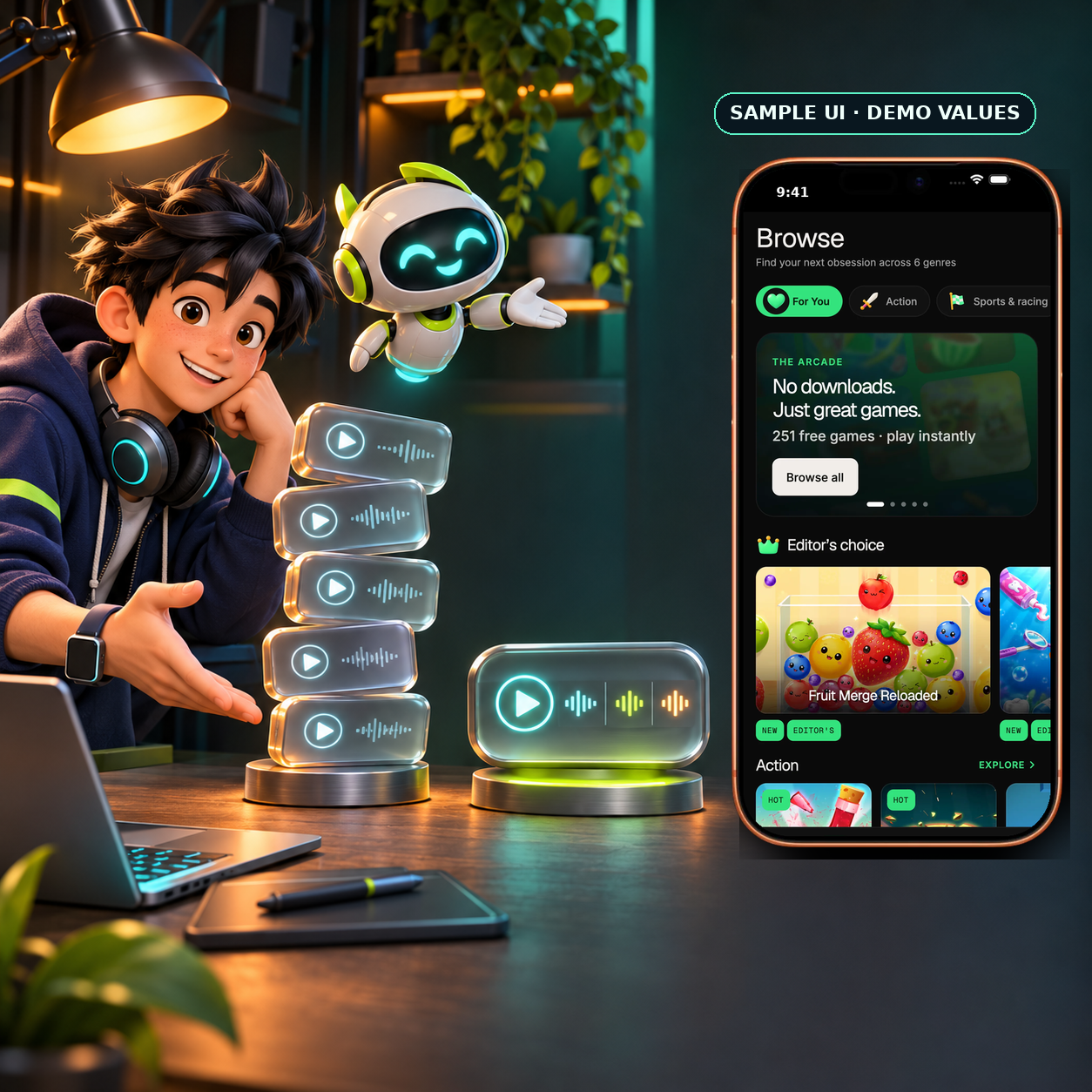
Illustrative only. Framed Arcade screen is sample UI with demo values; it does not claim that Arcade Kit or Expo detects or fixes audio-player leaks.
Here is a small pool for short effects. It creates each player once, reuses it, and releases everything on unmount. The shape is the point; adapt the names to your app:
import { createAudioPlayer, type AudioPlayer, type AudioSource } from "expo-audio";

// One player per effect, created once and reused for every play.
const pool = new Map<string, AudioPlayer>();

export function registerSound(name: string, source: AudioSource) {
  if (!pool.has(name)) {
    pool.set(name, createAudioPlayer(source));
  }
}

export async function playSound(name: string) {
  const player = pool.get(name);
  if (!player) return;
  await player.seekTo(0);
  player.play();
}

// Call this when the app or the audio screen goes away.
export function releaseAllSounds() {
  for (const player of pool.values()) {
    player.release();
  }
  pool.clear();
}
Two details matter here. seekTo(0) lets the same player replay a short effect without a new allocation. And releaseAllSounds() is the only place a player is released, so the create and release counts match by construction.
Where this matters for a kit-based app
The Arcade kit runs its games in web views and keeps local data. Its games are not built on expo-audio, and we did not find a native audio player in the kit that this post applies to. So this is not a bug in the kit.
It matters when you add native sound next to a kit: a game-over sting, a reward chime, or a voice prompt in the app shell. Those are the places where a new player gets created on every event. A game that feels fine for ten minutes can still go silent after a long session, and a player's first test rarely runs that long.
If you are shipping to children or to a small audience that plays for a long time in one sitting, put the 150-play test in your release checklist, not in a one-off debug session. The Expo pre-launch checklist post covers other things to walk through by hand before you submit, such as fonts and menu routes.
Illustrative only. Framed Arcade screen is sample UI with demo values; it does not claim that Arcade Kit or Expo detects or fixes audio-player leaks.
Before you ship
- Every
createAudioPlayer()has a matchingrelease()on the path that leaves the screen. - Short effects reuse a player instead of creating one per event.
- A release build passes the 150-play test on a physical Android device.
- You have checked the current
expo-audiodocs for the SDK version your app uses, because the API changes between releases.
Sources
- Göksel Köktaş, "What I learned building an ad-free, offline app for 2–4 year olds with Expo and Cloudflare", DEV Community, 29 October 2026: https://dev.to/goksel_koktas_4cd92edb6cb/what-i-learned-building-an-ad-free-offline-app-for-2-4-year-olds-with-expo-and-cloudflare-4ma7 (author's own report; not independently reproduced)
- Expo,
expo-audiodocumentation (AudioPlayer,remove(),release(),useAudioPlayer), read 3 November 2026: https://docs.expo.dev/versions/latest/sdk/audio/
Ship your first screen tonight — free starter in your inbox
The quickstart, the SDK repo and the live kit demos, on this screen and in your inbox.
No spam. Unsubscribe any time.