Stripe says Incomplete after a trial card is added: grant access from subscription state
If a free trial asks for a card later, Stripe can show the subscription as Incomplete while a 3DS step is still pending. Do not grant access from the checkout redirect. Map each checkout to your own account ID when it is created, and grant access from the subscription's state after webhooks confirm it.
The buyer question is how to make a no-card trial turn into a paid account without a customer who paid still showing as free. A builder's Stack Overflow question about this exact sequence describes a 14-day trial, a card added later, and a status that stays Incomplete after a 3DS challenge. This article relies on a summary of that question and on Stripe's documentation.
Why the status is the thing to read
Stripe's subscription documentation describes the states a subscription can move through. A trial is shown as trialing. When a trial has a paid price after the trial ends, or the customer must confirm a payment, the subscription can be incomplete instead of active. Stripe's documentation says that if the customer does not pay within 23 hours, the subscription moves to incomplete_expired and its invoice is voided.
That gives you two rules. First, a subscription in incomplete is not a paid account, even if the customer has just been through checkout. Second, incomplete_expired is a state you must handle, not an error to ignore: the customer has to start a new subscription to get access back.
Map the checkout to your account before Stripe is involved
The redirect back to your app is not proof of payment. Create an internal account reference before the checkout session exists, and store it on the session's metadata. When a webhook arrives, use that reference to find the account. Do not match on email address, because the email on the Stripe customer can differ from the one in your app.
Keep the mapping in your own database: account ID, Stripe customer ID, subscription ID, and the last status you saw. A row like this lets you answer the support question "is this person paid?" without opening the Stripe dashboard. For the first-session side of a trial, see turning SaaS trial onboarding into the first useful action.
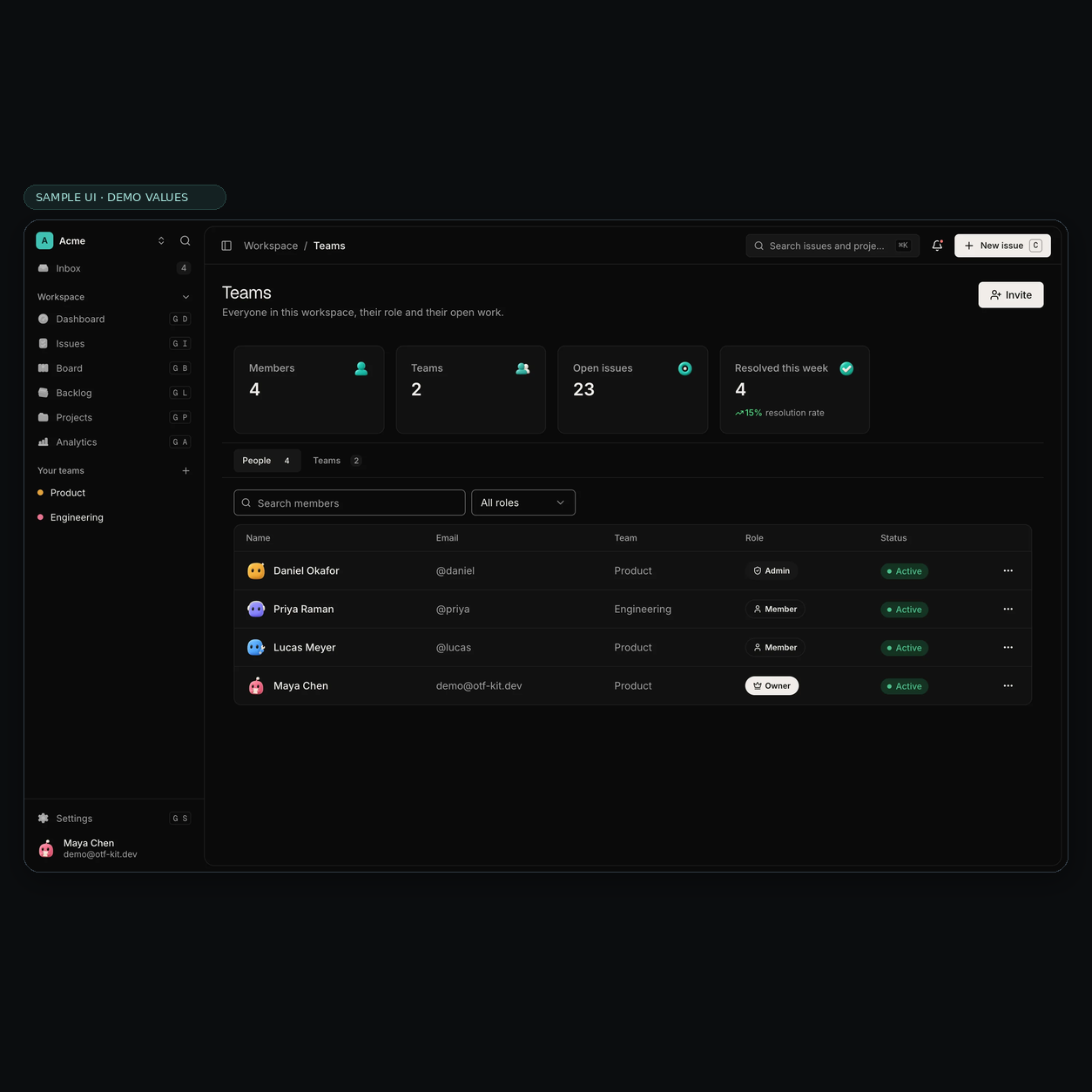
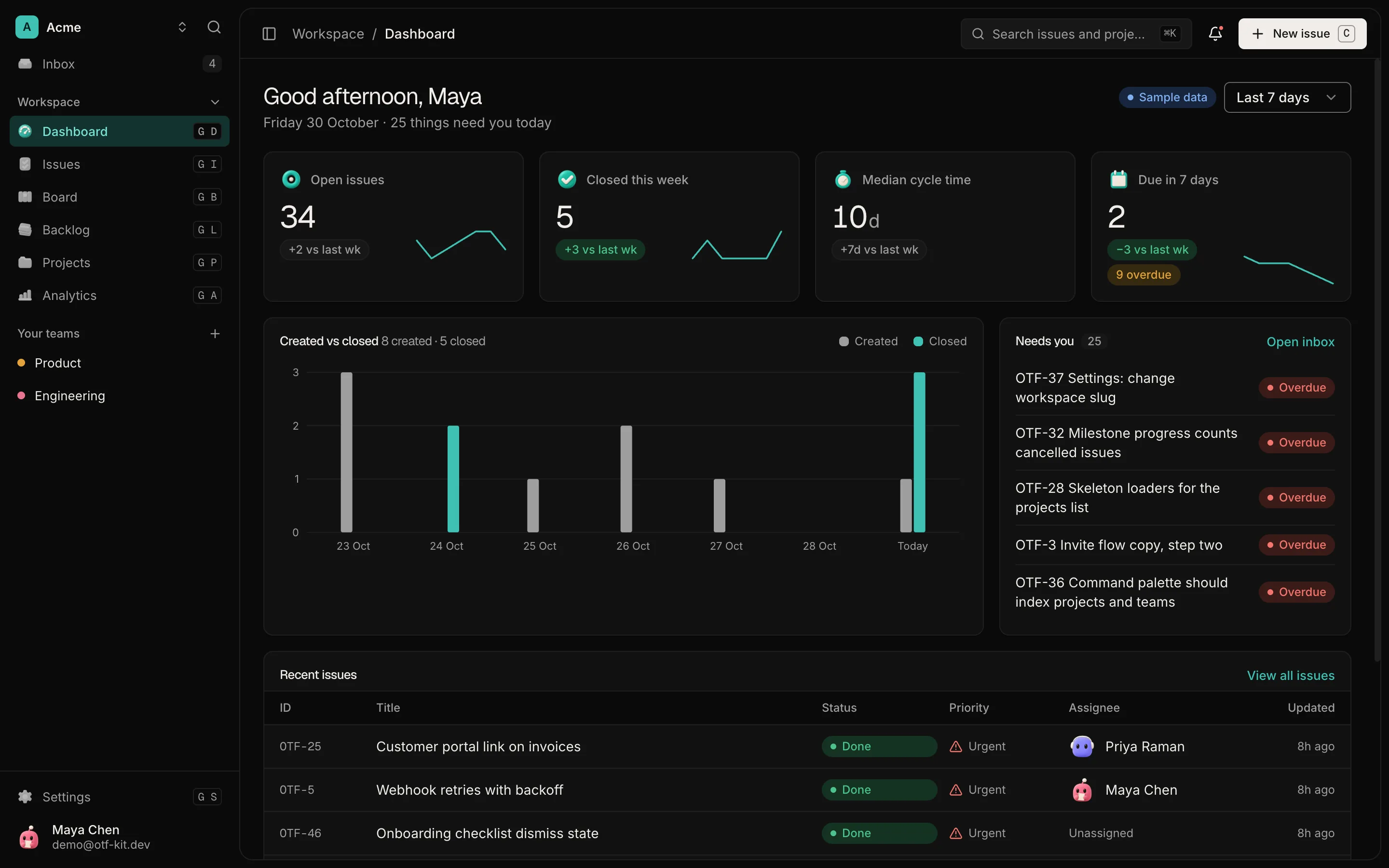
Sample UI with demo values. Shows the screen layout only; it does not show Stripe, billing, a trial, or access rules.

12 production screens. Login and database wired.
The SaaS Dashboard Kit includes login, a database, and a working dashboard. Live demo at saas.otf-kit.dev.
Process webhooks idempotently
Webhooks arrive more than once and not always in order. Record each event ID as you process it, and skip any event you have already applied. Update the stored status from the subscription object in the event, rather than from your own guess about what should have happened.
Then reconcile entitlements from that stored status. Access should follow a single function that reads the subscription state and returns allowed or not allowed. If several code paths grant access, a late webhook can revoke access that a newer event had just granted, so keep one path.
Handle the 3DS step as a state, not a failure
A 3DS challenge can leave the subscription waiting for the customer to finish authentication. Show the customer a clear next step in your app: that the payment needs confirmation, and a button that resumes it. Do not show a generic error, and do not treat the wait as a failed signup.
If the customer abandons the step, the status will eventually move on. Your app should show that state honestly, with an option to start again, rather than leaving the account in a limbo that looks paid.
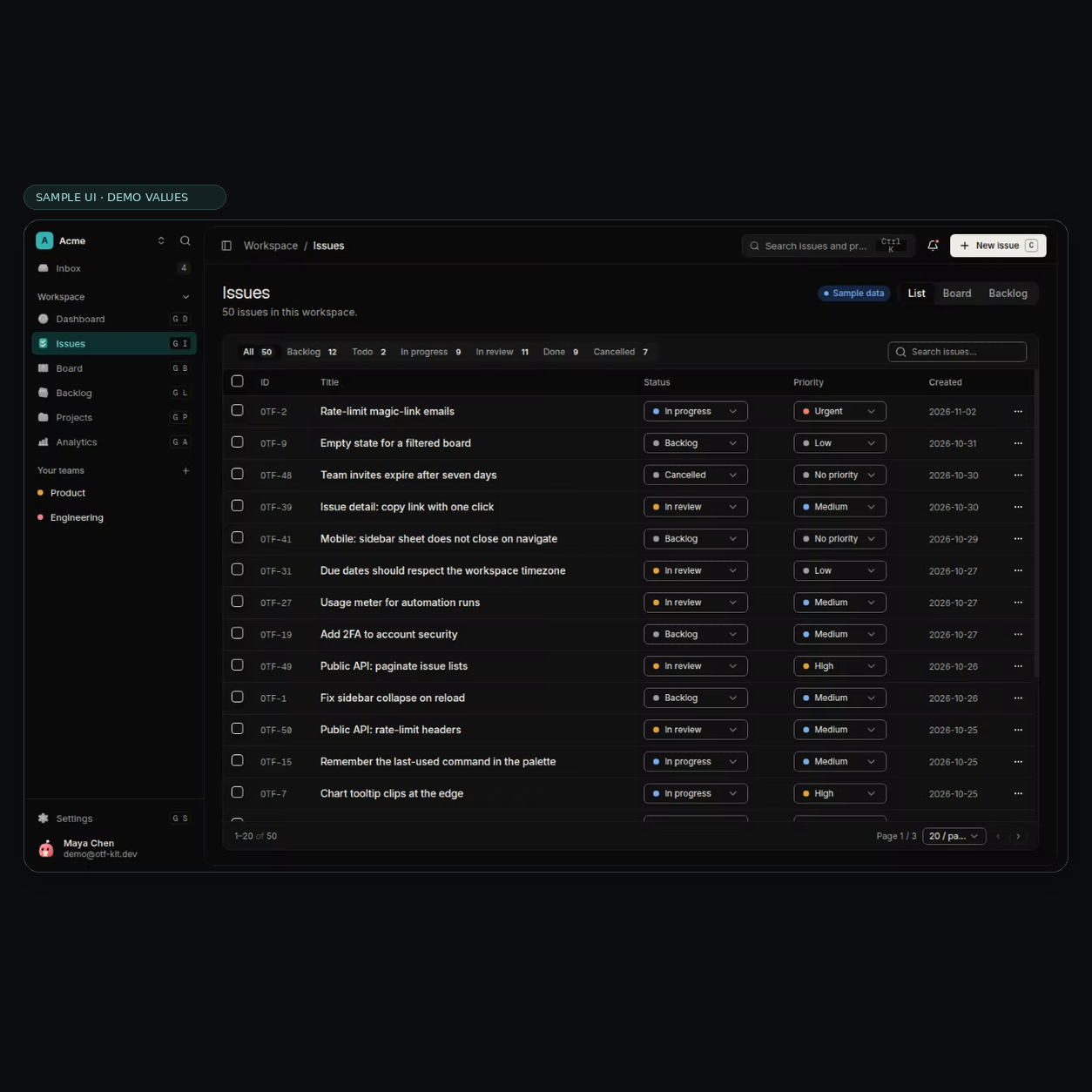
Sample UI with demo values. Shows the screen layout only; it does not show Stripe, billing, a trial, or access rules.
Test the paths in test mode
Run the trial in Stripe's test mode with a card that requires authentication, and walk each path: completed authentication, abandoned authentication, and a replayed webhook. For each path, confirm the stored status and the access result. Then replay the same customer.subscription events in a different order and check that the final access decision does not change.
Keep these tests in CI. A change to checkout or to webhook handling is the usual way this regresses, and the cost of catching it is a few test cases.
Tell the customer what state they are in
A trial that is waiting on payment confirmation is confusing from the customer's side. They added a card, they see a trial badge, and they still cannot use the product. Write the copy for each state directly: "Your trial is active until the date shown," "We need you to confirm this payment to continue," and "Your payment was not confirmed, so your access has ended. Start again to keep going." Each sentence should match a status you actually store, so the screen cannot promise access that the account does not have.
Send one email per state change, not one per webhook. A customer who receives three emails for one checkout will assume the product is broken, even when the sequence is correct.
When the trial ends
The moment a trial turns into a paid subscription is the second place the status can stall. Check what happens when the first invoice fails, not only when it succeeds. A failed payment can move the subscription to past_due while your app still grants full access, which is a common gap. Decide in advance how long a past-due account keeps access, and make that rule a line in the same access function you use for the other states. For the rate-limit side of paid API routes, see rate limiting for an owned API in production.
Refunds and cancellations need the same care. A cancelled subscription should lose access on the date the rule says, not on the date your database last heard from Stripe. Test the cancellation path with the same webhook replay you use for checkout.
Where the SaaS Dashboard kit fits, and where it does not
The SaaS Dashboard kit is an editable web app with email sign-in, projects, teams, issues, and analytics screens, on its own typed API and Postgres database. It gives you the dashboard, auth and app shell to build on.
It does not supply Stripe billing or trial logic. Checkout, webhooks, the subscription mapping, and the 3DS handling described above are yours to wire. The live demo shows the running app before you decide whether its shell fits your product.
A checklist before you grant access
- Create an internal account reference before each checkout session, and store it on the session metadata.
- Store the mapping from account to Stripe customer and subscription in your own database.
- Read access only from the stored subscription state.
- Process each webhook event ID once, and update status from the event's subscription object.
- Show
incompleteas pending, with a resume step for the 3DS challenge. - Handle
incomplete_expiredby asking the customer to start again. - Test completed, abandoned, and replayed authentication paths in test mode.
Sources
- Stripe documentation, subscriptions overview and subscription statuses (trialing, incomplete, incomplete_expired), read 3 Nov 2026: https://docs.stripe.com/billing/subscriptions/overview
- Builder's Stack Overflow question on a no-card 14-day trial, Incomplete status after 3DS, dated 11 Mar 2026: https://stackoverflow.com/questions/79905281/payment-status-shows-incomplete-after-adding-card-during-14-day-free-trial
- SaaS Dashboard kit scope, checked 3 Nov 2026: https://otf-kit.dev/templates/saas-dashboard (HTTP 200).
Ship your first screen tonight — free starter in your inbox
The quickstart, the SDK repo and the live kit demos, on this screen and in your inbox.
No spam. Unsubscribe any time.