When a teammate leaves, what else must lose access? Check more than the seat
Removing a teammate from a team is one step. Their access may still live in places the team list does not show: an open session, a pending invite, a shared link, an integration token, or a project they still own. Make the list of what must lose access before you call the removal done.
When a teammate leaves, the seat is the easy part. Their access can outlive it in invites, shared links, tokens and open sessions. The checklist below covers each of those, based on how access usually works in a team app and on the SaaS Dashboard kit's own screens.
Start with the team, then follow the access
The obvious step is removing the person from the team. Check the team's member list afterwards and confirm the person is gone from it, not just hidden. A removal that only changes a label leaves them with whatever their role allowed before.
Then follow the access rather than the list. Ask what the person could reach through their role: projects, issues, files, reports, and any admin settings. Each of those paths needs a removal rule, and the rule should be the same for every teammate who leaves.
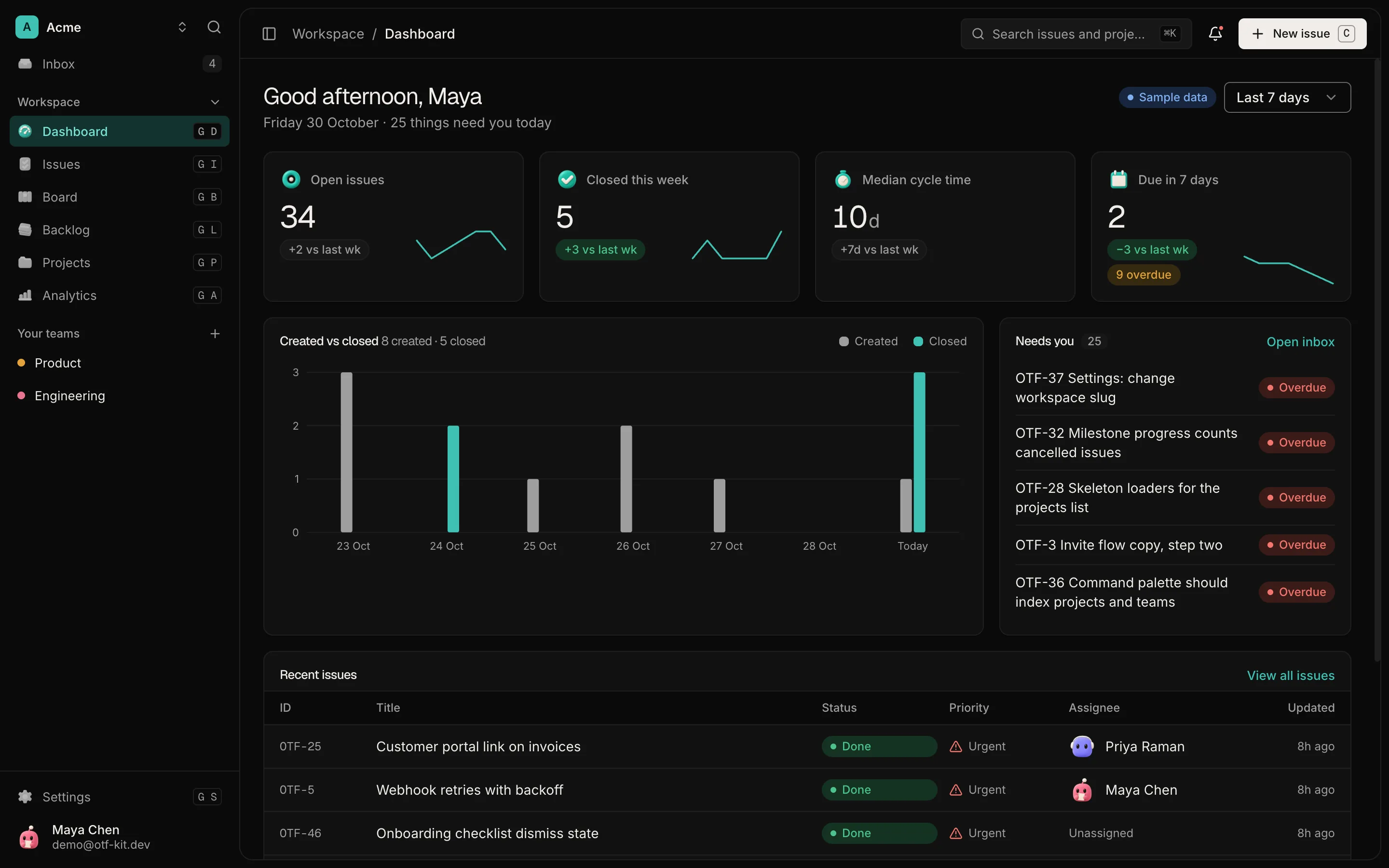
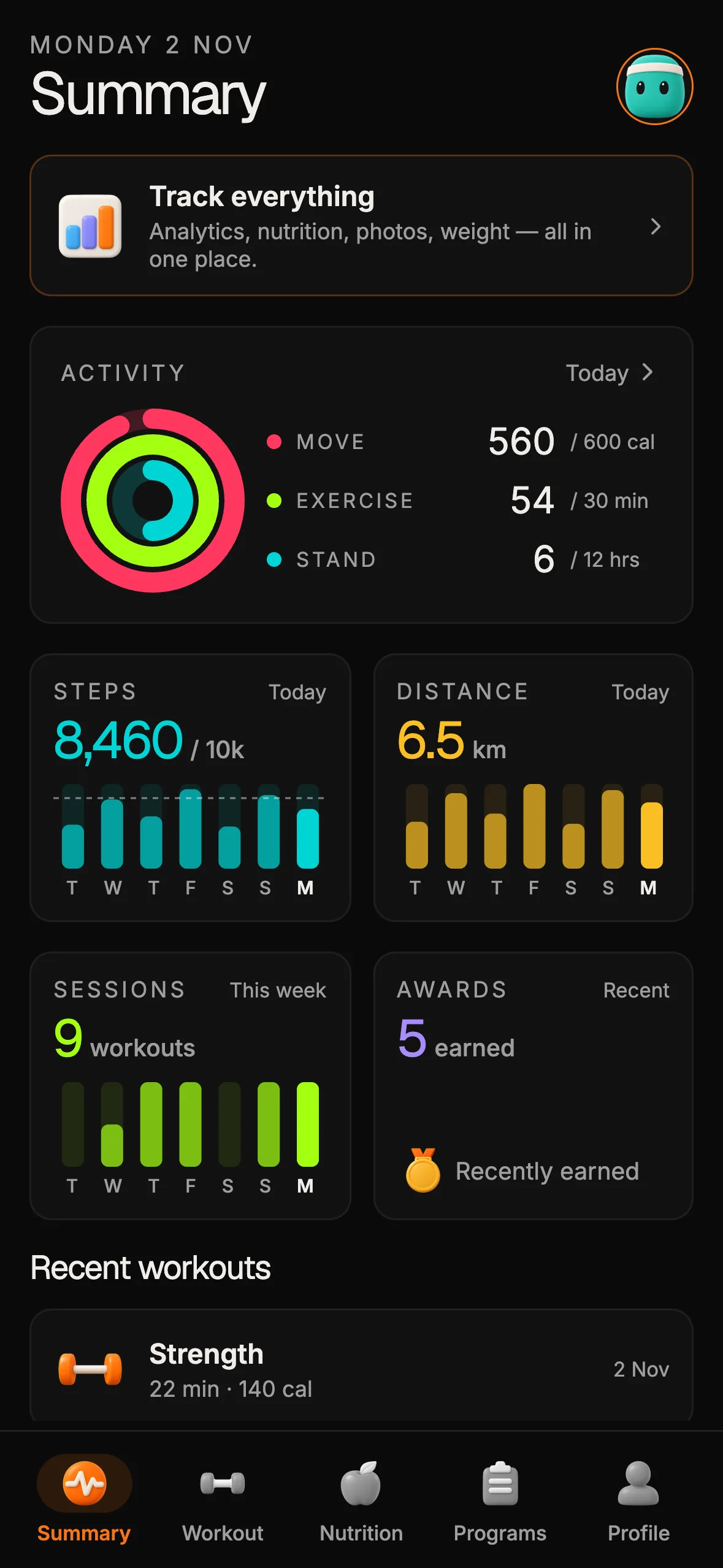
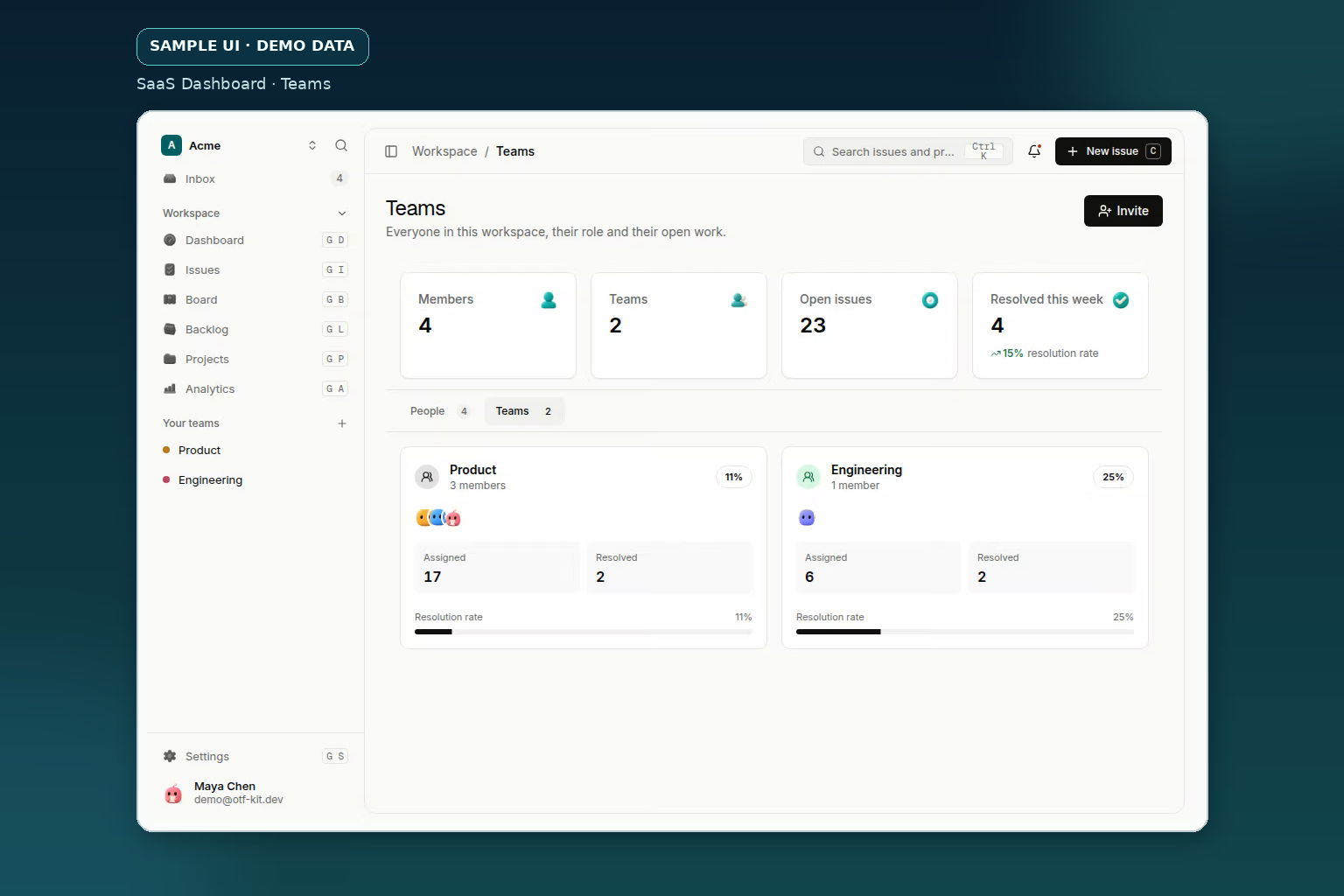
Sample UI with demo data. Shows the screen layout only; it does not show a removal flow or access rules.
Revoke the things a seat does not cover
Invites come first. A pending invite is an open door: someone who was invited but never joined can still accept it. Cancel every invite sent to that person, and check that an invite link cannot be reused after removal.
Shared links come next. A link to a project or a file keeps working for anyone who has it, whether or not the person who created it is still on the team. Decide whether links the person created should be rotated, expired, or handed to someone else.
Integration tokens are the most often missed. An API key, a webhook secret, or an OAuth grant that the person created can keep acting after they leave. Rotate what they set up, and list which integrations were connected from their account.
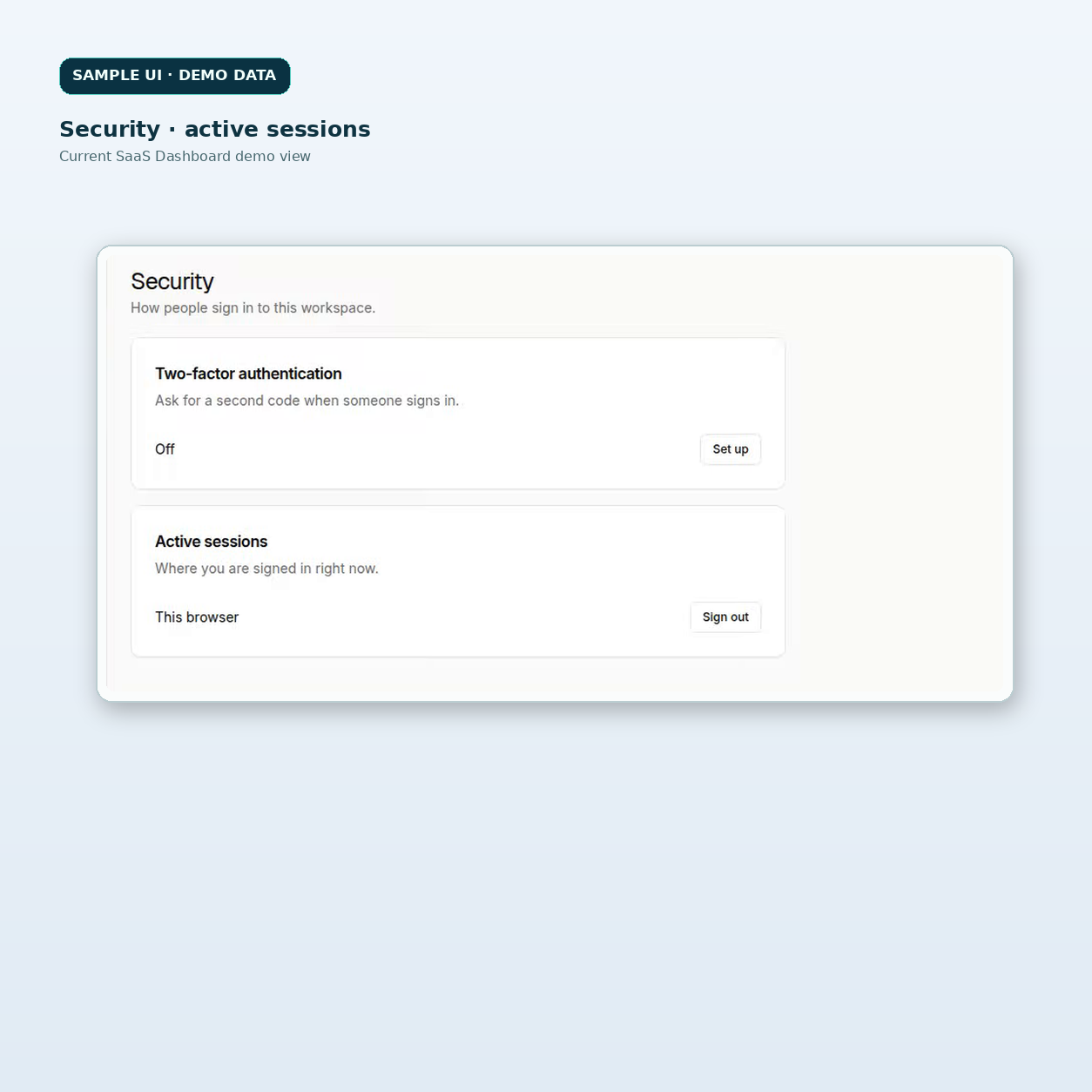
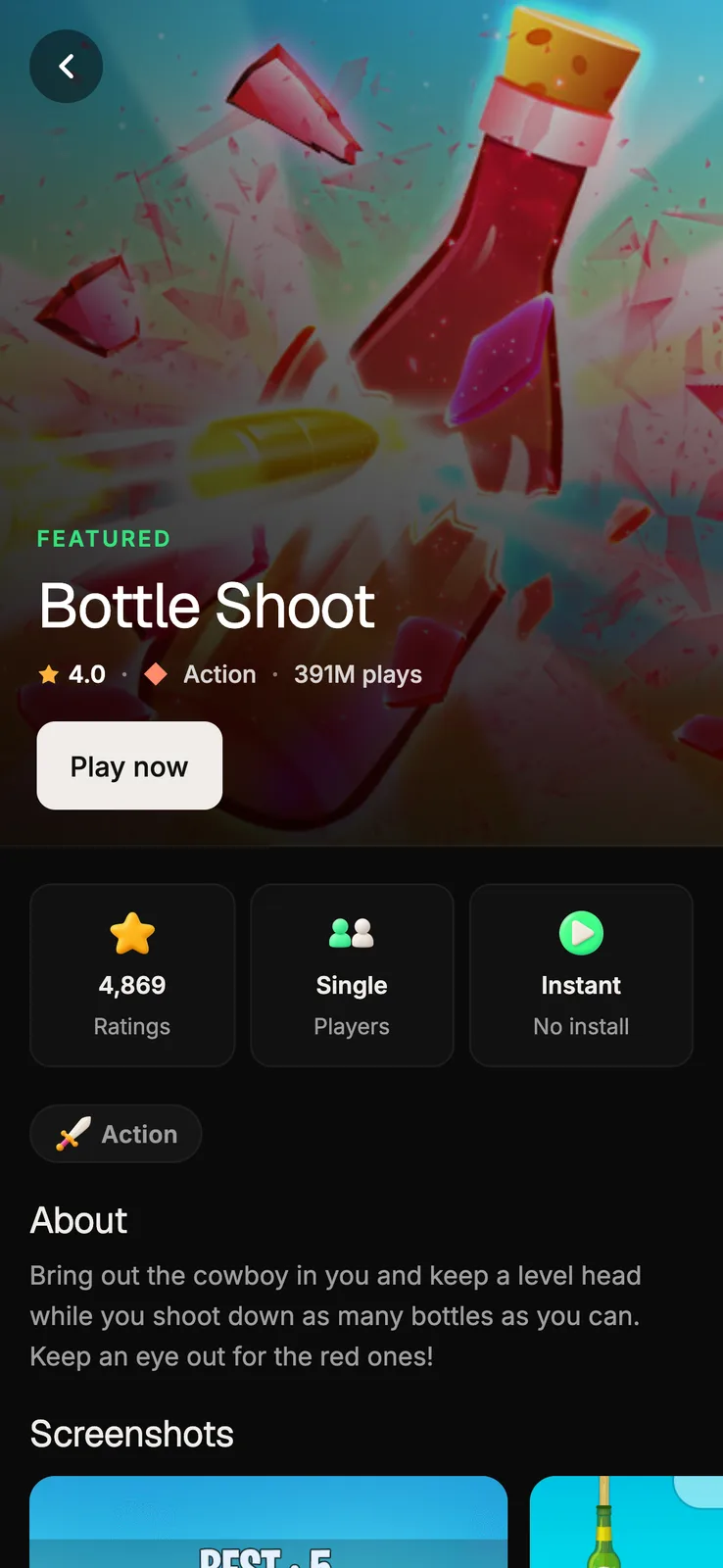
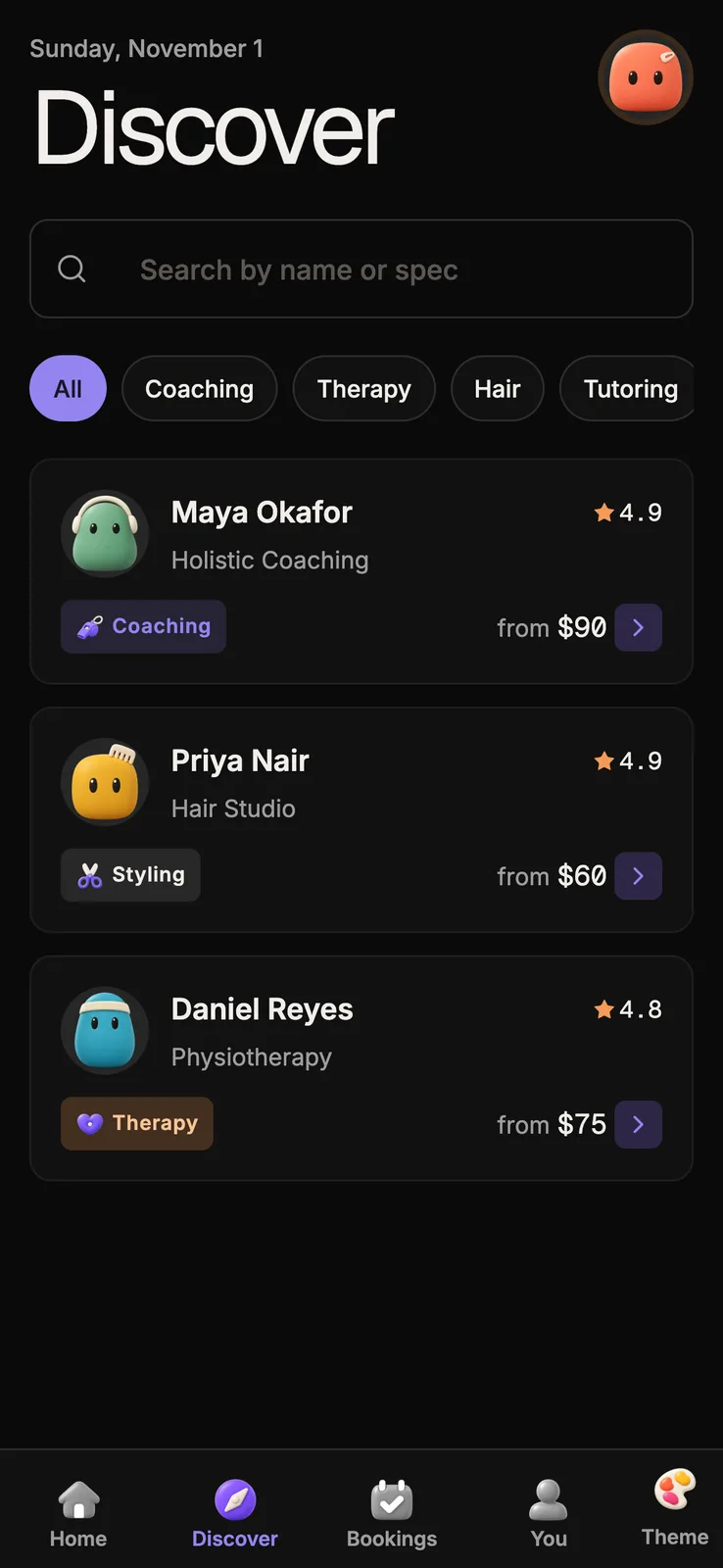
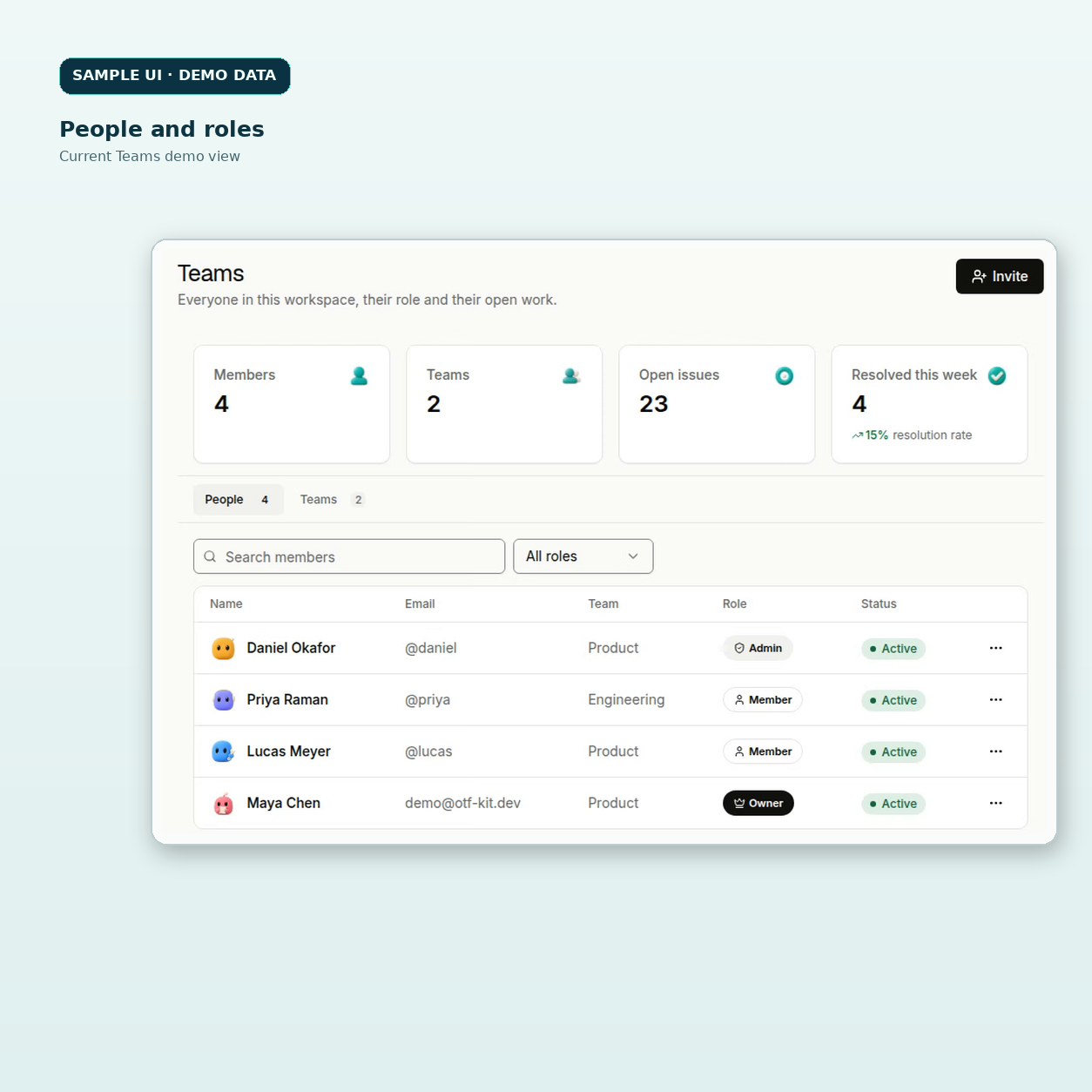
Sample UI with demo data. Shows the screen layout only; it does not show a removal flow or access rules.
Check the sessions they already have
A person who has signed in on several devices has several sessions. Removing the seat does not end sessions that were already open, unless your app ends them. Decide what happens to existing sessions when a teammate is removed: ending them on the next request, ending them immediately, or leaving them alone for a set period.
Be exact about what your interface can show. The SaaS Dashboard kit's Security view lists the session of the browser you are using. It does not list or revoke another person's sessions. If you want a removed teammate's sessions to end, that behaviour is yours to build on the server, and the removal flow should test it.
Decide who owns what they created
Projects, documents and tasks a teammate created need an owner after they leave. A project with no owner can become impossible to manage, and a deleted owner can make a record look abandoned. Pick a rule for reassignment, such as the team lead or a named successor, and apply it at removal rather than later.
Keep the reassignment visible. A teammate should not be able to use the removal to hide work from the people who need it.
Test the removal from the removed person's side
Sign in as the removed teammate in a separate browser and try each path in the checklist. Open the team, a project, a shared link, the invite, and any API call the token allowed. For each one, confirm that access is refused and that the refusal shows a clear message rather than a blank screen.
Repeat the test after every change to roles or invites. A new permission added later can quietly restore a path you closed.
Plan the removal before someone leaves
Offboarding goes wrong when it is improvised on the day. The person leaving is often busy, the manager is not sure what they had, and the removal is done from memory. Write the list above into the product's admin notes, and make the removal a single procedure that someone can run from start to finish.
Keep the procedure short enough to finish in one sitting. A checklist of six items, each with an owner, is easier to complete than a long document that everyone agrees to read later. Review it once a quarter, and after any change that adds a new kind of access, such as a new integration or a new role.
Check the paths that bypass the team list
Some access does not run through the team list at all. An API token works whether or not its owner is on the team, and a route that calls a paid service can run for anyone who reaches it. If your product exposes server routes, list which ones accept a token from a person and which ones check the signed-in user. For the route side of that question, the check for AI routes that a signed-out visitor can reach covers the same pattern.
Rate limits are the other half. A removed teammate's token should stop working, and a token that is still active should not be able to run up a large bill before someone notices. Rate limiting for an owned API in production covers the limits that keep one account from spending more than it should.
What the SaaS Dashboard kit shows, and what it does not
The SaaS Dashboard kit includes team and people screens, and a Security view for this browser's session. The Security view has a sign-out action that affects this browser only. Its two-factor step needs a provider you connect, and it does not revoke other people's sessions.
The kit gives you the screens to attach removal rules to. It does not decide which invites, links, tokens or sessions a removal should end. The live demo shows the team screens before you buy, and the offboarding rules are yours to define and build.
A short offboarding checklist
- Remove the person from the team and confirm they are gone from the member list.
- Cancel every invite sent to them, and make sure invite links cannot be reused.
- Expire or hand over shared links they created.
- Rotate API keys, webhook secrets and integration grants they set up.
- Decide what happens to their open sessions, then test it from their side.
- Reassign the projects and records they own to a named person.
Sources
- SaaS Dashboard kit page and live demo, read 4 Nov 2026: https://otf-kit.dev/templates/saas-dashboard and https://saas.otf-kit.dev (Teams and People screens; Security view with this browser's session only).
Ship your first screen tonight — free starter in your inbox
The quickstart, the SDK repo and the live kit demos, on this screen and in your inbox.
No spam. Unsubscribe any time.