Google and ChatGPT cannot see your Lovable page: the minimum fix before you buy a template

Why can Google and ChatGPT not see my Lovable app, and what is the smallest fix? Check what the crawler gets in the raw HTML first. If your public pages are a single empty container that a script fills in later, most AI crawlers read nothing. The minimum fix is to put real content in the HTML each public route returns, and to give each route its own title and description.
A developer's DEV post on this problem makes the same point, and the fix it describes is the one we would start with. It is one author's account, not a measurement of how crawlers behave across the web.
Check the raw HTML before anything else
Open the page in a browser, then view the source of the page without running scripts. Look for your headline and first paragraph in that source. If they are missing, and you see only an empty root element and a script tag, the content exists only after JavaScript runs.
That matters because the DEV article cites Vercel's analysis of AI crawler traffic, which reports that none of the major AI crawlers it looked at rendered JavaScript. For them, a client-rendered page is close to empty. The same page can look finished to a person and still be invisible to the tools that answer questions about your product.
Do the check on each public route, not just the home page. Pricing, features and the blog are the routes a buyer is most likely to search for, and each one needs its own content in the HTML.
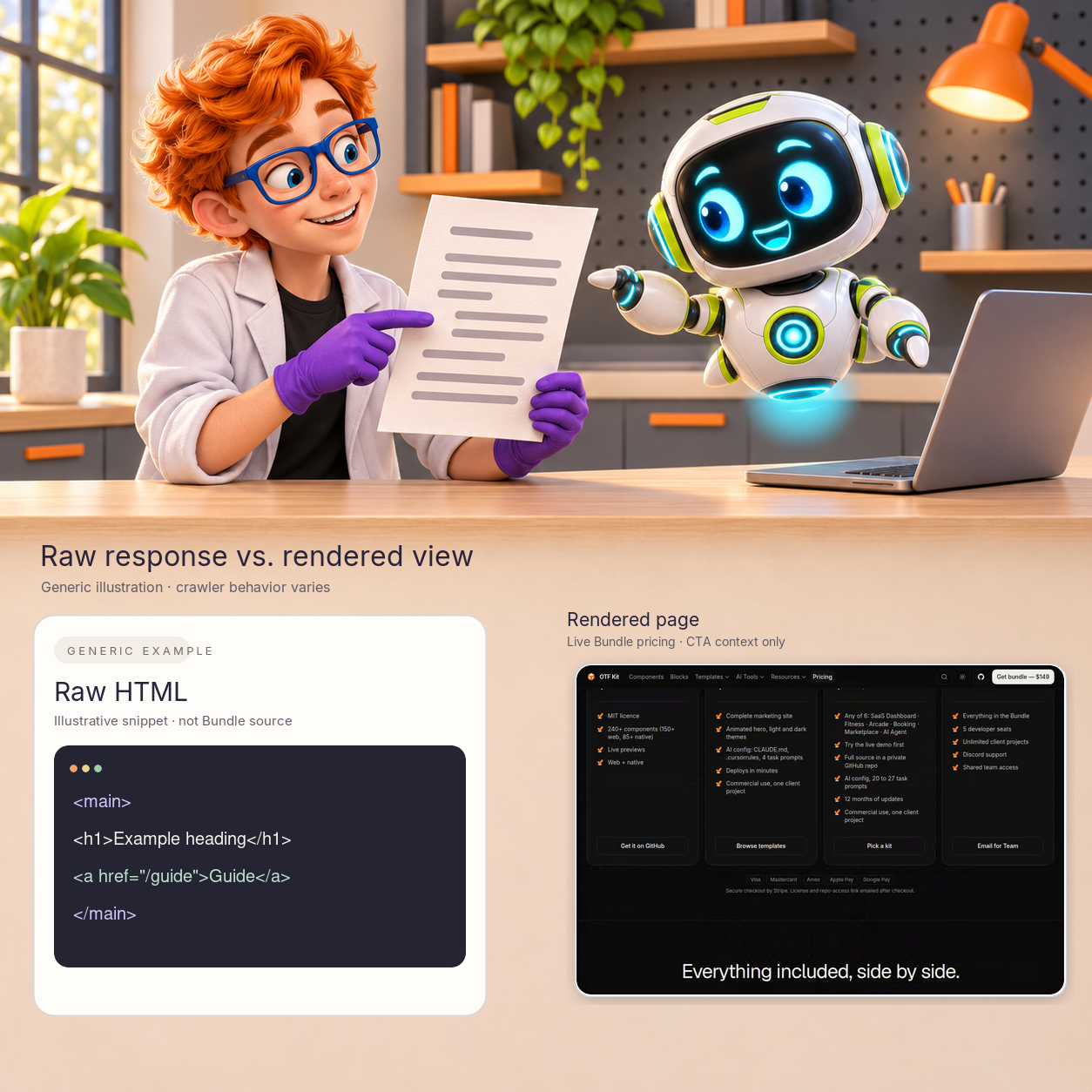
The raw HTML example is illustrative, not the Bundle's source. The live Bundle page is separate CTA context; crawler handling varies.
Put the basics in index.html
A single-page app still has one real HTML file. Give it a proper title, a meta description, Open Graph tags for link previews, and a canonical link. In a Lovable project you can ask the assistant to edit index.html, or change the file yourself and check the result in the raw source.
These tags do not replace real content in the body. They do make the page identifiable when a crawler reads the first response, and they control the preview a person sees when they share the link.
Prerender the public routes
The fix that puts your text into the HTML is prerendering. A prerender step runs the app at build time and saves finished HTML for each public route, such as the home page, pricing, features and the blog. Visitors still get the full app, but crawlers receive real content. For a Vite app like the ones Lovable and Bolt generate, this is usually a plugin plus a list of routes to render.
Keep the list short. Prerender the pages a stranger would search for, and leave the signed-in dashboard alone. A route that needs a session has no public content to show a crawler anyway.
After the change, run the raw-source check again on every prerendered route. The rendered page and the HTML should contain the same headline and first paragraph.
Add a sitemap and robots rules
A sitemap lists the public routes you want found. The robots file tells crawlers what they may read. Both are small files, and both are easy to get wrong when the routes change. Generate the sitemap from the same route list you use for prerendering, so the two never drift apart.
Check that the robots file does not block the pages you want found. A rule copied from a template can hide the whole site without any visible error.
Where a template fits, and where it does not
The Bundle on the pricing page includes the landing templates. They are Vite pages that render in the browser, so their default output has the same empty-container problem described above. Buying the Bundle gives you page structure and sections to adapt. It does not prerender your routes, and it does not make your pages visible to AI crawlers.
If you use a template, do the raw-source check on its pages before you put them in front of search. Then add the prerender step and the sitemap yourself. The template saves design time; the crawler fix is still yours to build and test.
What the crawler does not do
It helps to be exact about the limit. A crawler reads the HTML it receives on the first response. It does not wait for your script to finish, it does not click your buttons, and it does not log in. A signed-in dashboard, a pricing table that loads from an API after the page appears, or a headline that only exists after a fetch will all look empty to it.
That is also why the fix is not a keyword list. Putting a phrase in a meta tag while the body stays empty tells a crawler the subject of a page it cannot read. The content has to be in the body, and the tags have to describe that same content.
Test the fix without guessing
Use three checks. The first is the raw source check described above, run on each public route after a build. The second is a plain-text comparison: copy the headline and first paragraph from the rendered page and search for them in the raw source. If the search finds nothing, the fix is not in place. The third is a look at the sitemap and robots file from the public address, to confirm that the files the crawler reads are the ones you intended.
Keep a short record of each check: the route, the date, the build, and the result. The record makes it easy to see when a later change removed the prerender step, which is a common regression after a dependency update.
Start with the routes that earn the search
Not every route needs the same effort. A buyer finds you through the pages that answer a question, such as a pricing page, a feature page for a specific job, or a comparison. Prerender those first, and make sure each one has a specific title and a first paragraph that states what the page is for.
Leave the rest for later. A settings page, a team invite flow, or an internal admin screen gains nothing from being indexed, so there is no reason to spend build time on them.
Why the tool that built the app matters less than the build output
A Lovable project and a Bolt project can both produce the same kind of Vite output. The question that matters is what the production build sends to the crawler, not which assistant wrote the code. If you move to your own repository, the same checks apply, and the prerender step stays yours to maintain.
For the broader question of moving a Lovable app to your own repo, see how to download a Lovable project and prep the code for agents. For a comparison of the tools themselves, see Lovable alternatives when the MVP tool should not own your repo.
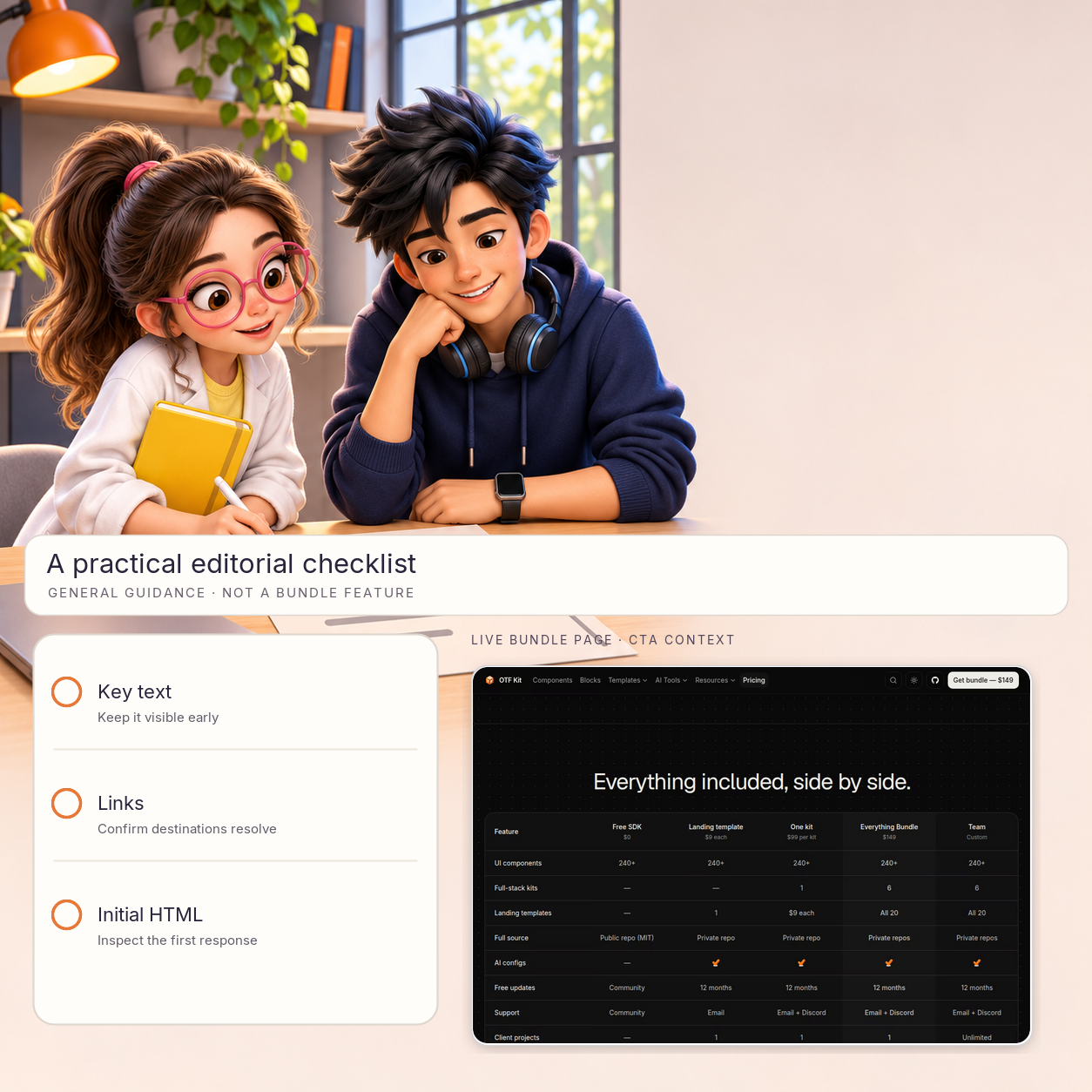
General editorial guidance only: check key text, links and the first response. This does not claim that the Bundle or its templates provide a crawler fix.
A minimum-fix checklist
- Check the raw HTML of each public route for your headline and first paragraph.
- Give index.html a title, a meta description, Open Graph tags and a canonical link.
- Prerender the public routes so each one returns real content in its HTML.
- Generate a sitemap from the same route list, and check the robots file.
- Repeat the raw-source check after each deploy.
- Only then compare templates or pages on design and copy.
Sources
- DEV Community, "Why Google and ChatGPT can't see your Lovable app (and how to fix it)", by watershow, posted 26 Oct 2026: https://dev.to/watershow/why-google-and-chatgpt-cant-see-your-lovable-app-and-how-to-fix-it-3en (one author's account; it cites Vercel's analysis of AI crawler traffic).
- Bundle and landing templates, pricing page, checked 3 Nov 2026: https://otf-kit.dev/pricing#bundle
Ship your first screen tonight — free starter in your inbox
The quickstart, the SDK repo and the live kit demos, on this screen and in your inbox.
No spam. Unsubscribe any time.