Expo Go crashes on Android with 'Failed to download remote update': how to test a games app on a real phone
An Expo Go crash on Android that says it failed to download a remote update, while the same project runs on iOS, is usually a question about where the app is loaded from, not about the game. Test the app you will ship on a real Android phone, and keep the Expo Go session separate from that test.
The buyer question is how to test a games app on a real device when Expo Go fails on Android. A builder's Stack Overflow question describes exactly that: an Expo Go crash on startup on one Android phone, with iOS working, on an SDK release. This article relies on a summary of that question and on the Expo documentation.
Separate the Expo Go session from your build
Expo Go loads your project from a development server, and it can also try to fetch a remote update. Those are two different paths. When the error names a remote update, the first question is whether your phone is trying to load an update at all, or whether it is loading the project from your development machine.
Run a test that removes the update path. Start the development server on your machine, open the project from the same network, and reload. If it works on iOS and fails on Android, compare the Expo SDK version on the phone's Expo Go app with the SDK in your project. A mismatch is a common reason for a startup crash, and the fix is to align the versions, not to change the game code.
Check what the device actually loads
Note the exact error text, the Android version, the Expo Go version, and the SDK in your project. Write these down before you change anything, so the next test can be compared with this one. A crash that happens on one phone model and not on another points at the device or its network path rather than the code.
If the failure is on the network path, check whether the phone can reach the development server at all. A corporate network, a VPN, or a strict firewall can block the connection that Expo Go uses. Switching to a different network is a quick test that separates a network problem from an app problem.
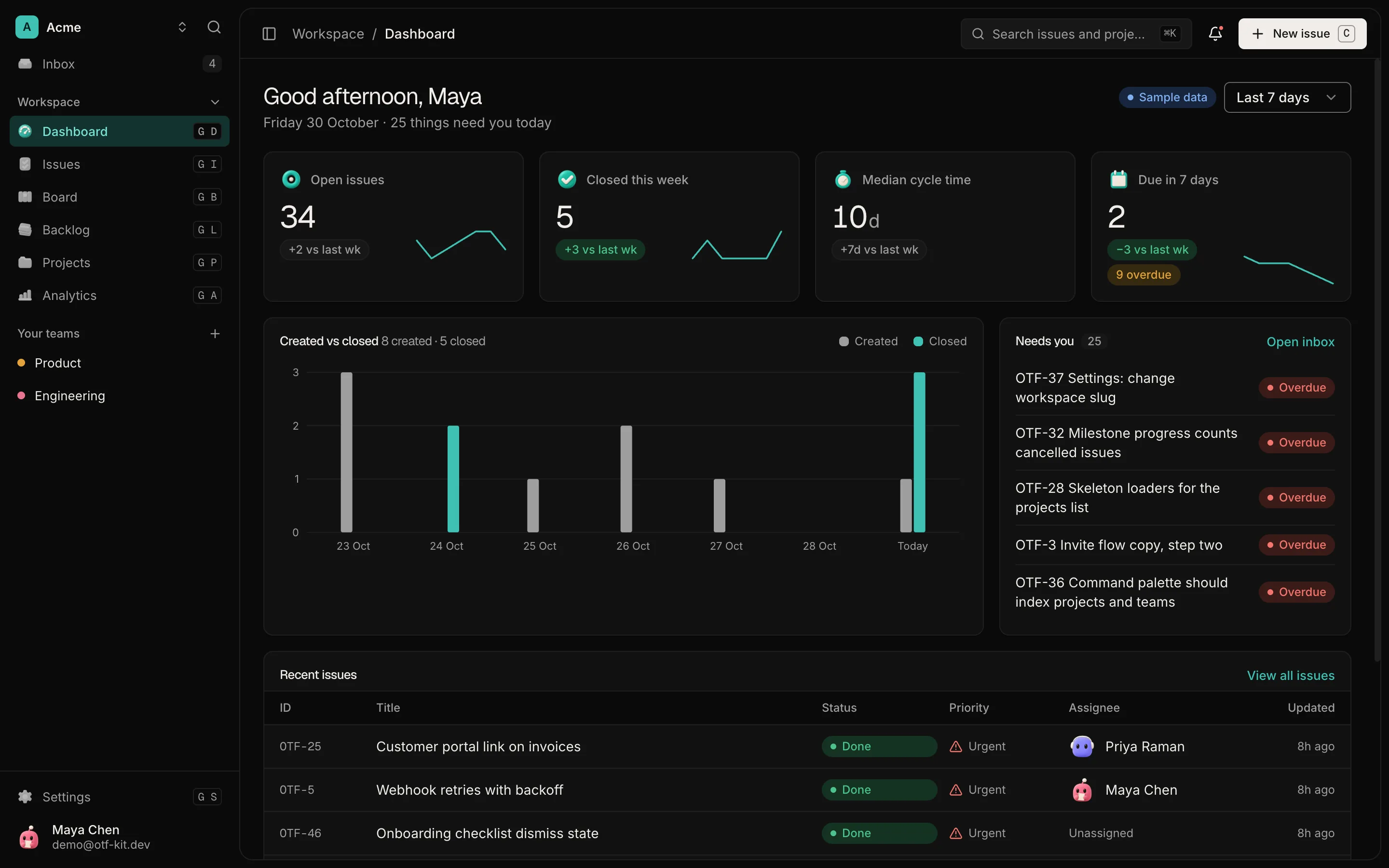
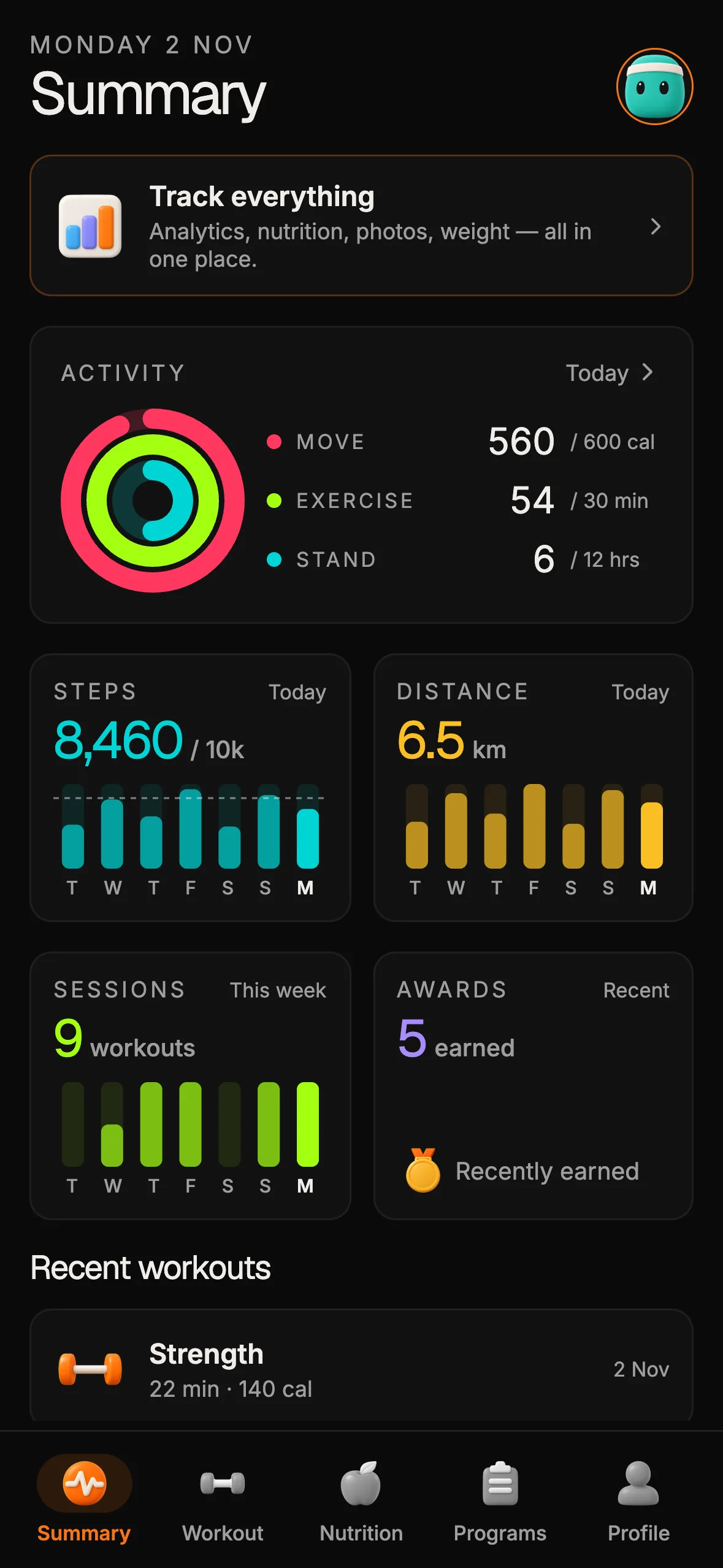
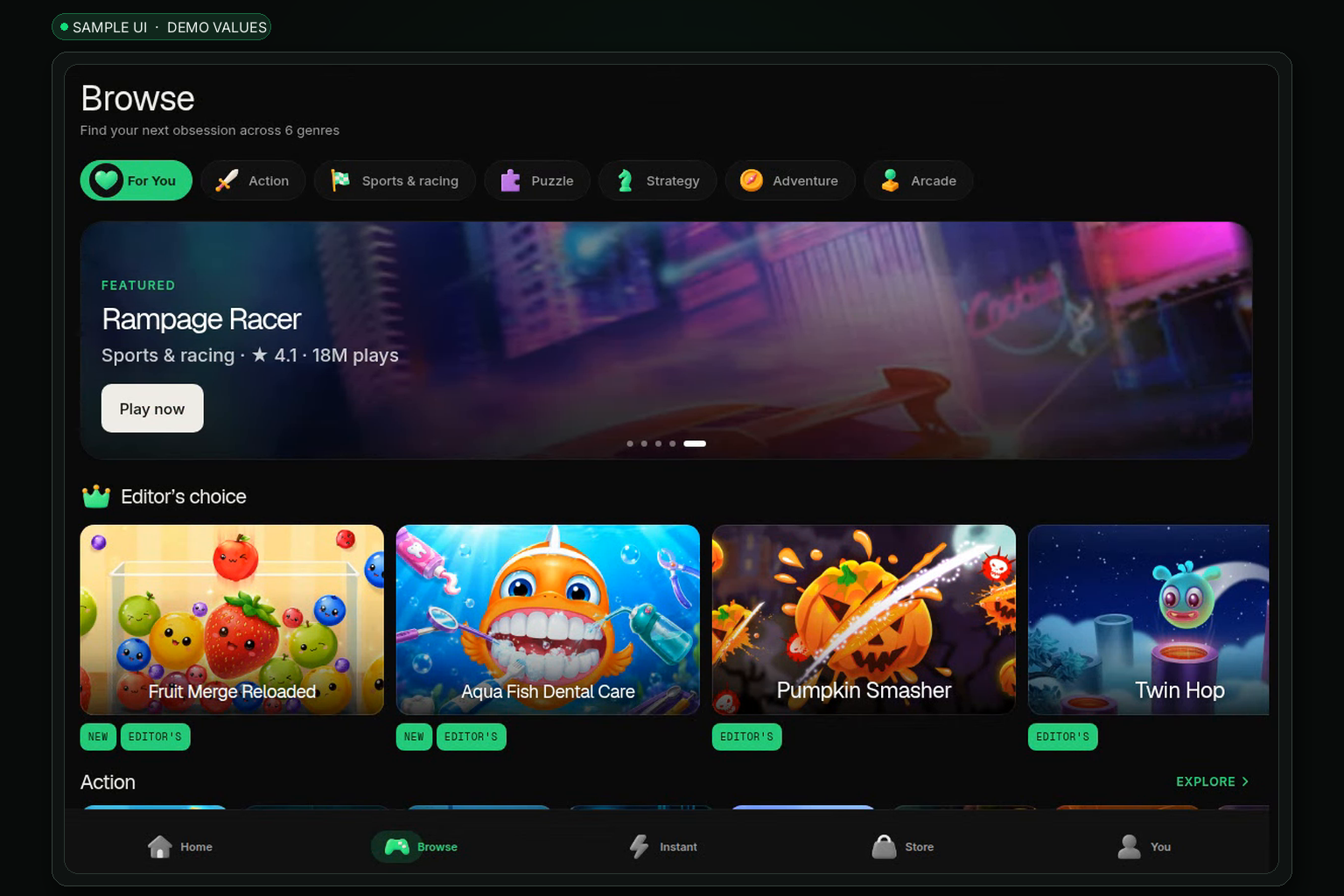
Sample UI with demo values. Shows the screen layout only; it does not show Expo Go, the remote-update error, or a fix for it.
Test the build you will ship
Expo Go is a convenient preview, but it is not your app. When a test needs the same native setup as your release, use a development build or a release-like build installed directly on the phone. That build does not depend on the remote update path in the same way, so a crash that disappears there tells you the problem was in the Expo Go session, not in the game.
For a games app, test the parts Expo Go may not represent: audio, storage, and any native module you added. Run each of them on the device once, then again after the app has been in the background for a while.
Why the error can look like a game bug
A remote-update error appears before your game code runs. The screen can stay blank, or the app can close during startup, and the player sees a failed launch rather than a bad level. That makes the problem easy to misread as a game crash, and it wastes the afternoon you set aside for testing gameplay.
Name the failure stage before you debug the game. A launch failure happens before the first screen, a crash during play happens after it, and a sound or input problem shows up only in a specific scene. Keep the three apart in your notes, so each one gets the right test.
What to test once the app starts
When the app opens on the device, test the games themselves in a fixed order. Start with the menu and the store, then open one game, play for a few minutes, leave the app, and return. A games app is often fine for the first minute and fails after a long session, so the long run matters more than the first launch.
Record the scores, the saved progress, and any local data after each step. Local storage that works on the first launch and is lost after a restart is a bug you can only find by restarting the device.
Keep a test log you can share
Write each run down: the build number, the device model, the Android version, the network, and the result. A short log lets a teammate or a tester repeat the path without guessing. It also makes the difference between an Expo Go session problem and a build problem easy to see at a glance.
Share the log with the people who will test on other devices. A single phone is a sample of one, and the failure may depend on the model, the network or the Android version.
Before you release a games app
Make the device test part of the release checklist, not a one-off step. Run it on at least one physical Android phone and one physical iPhone, using the build you will submit. Repeat it after each dependency update, since a new SDK can change how the app loads.
For a broader list of issues to walk through by hand before a launch, see the Expo pre-launch checklist. For a related case where Expo Go works on iOS but fails at sign-in on a fresh clone, see the Expo Go login article.
What a starter kit gives you, and what it does not
The Arcade kit is a starter with a games store. Its games run in web views and keep local data, and its live preview at arcade-preview.otf-kit.dev runs in the OTF Kits app rather than in Expo Go. The kit does not fix the Expo Go error, and it does not replace a device test of your own build.
Use the preview to see the screens, then test your own build on the phone you care about. The kit's value is the starting structure. The device test is yours.
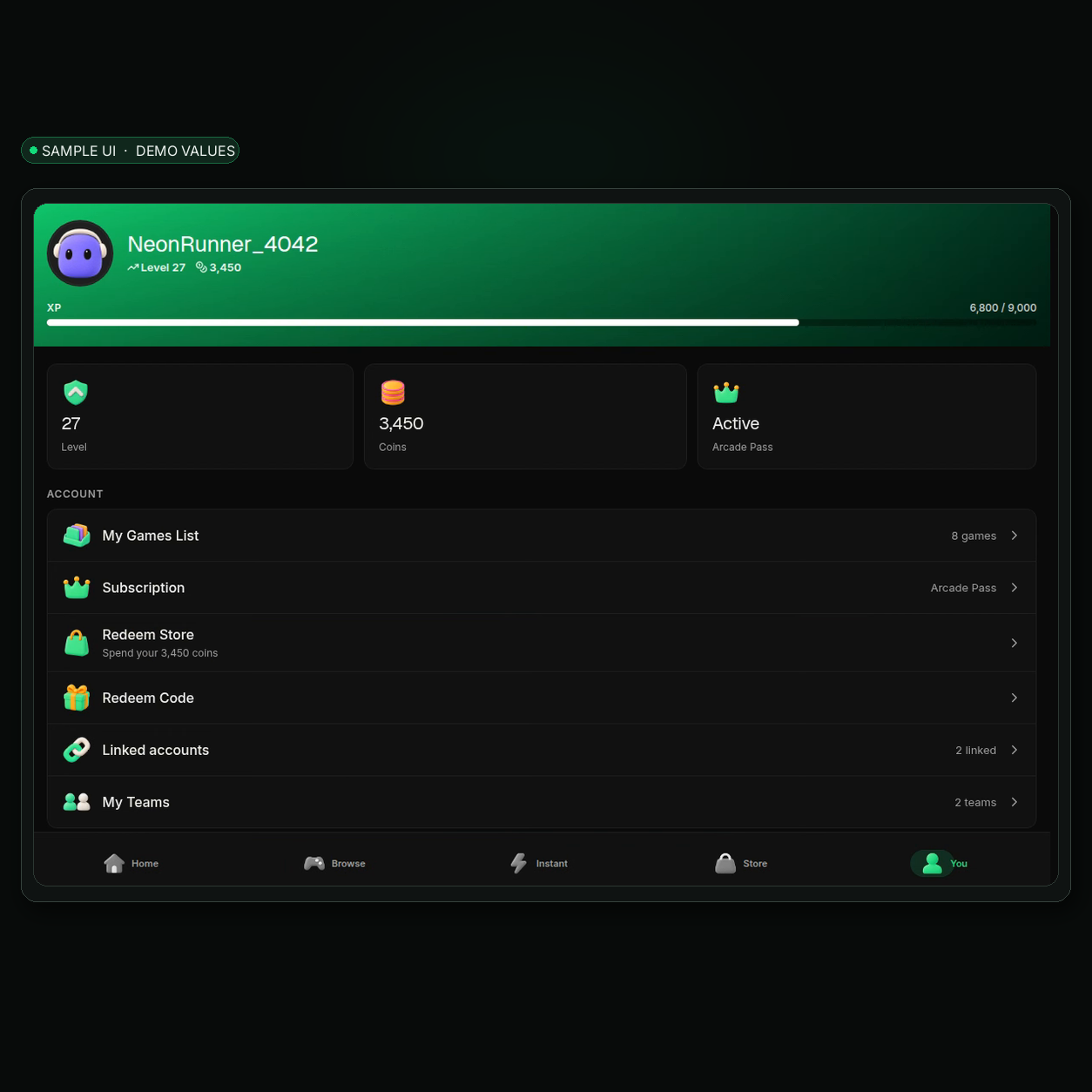
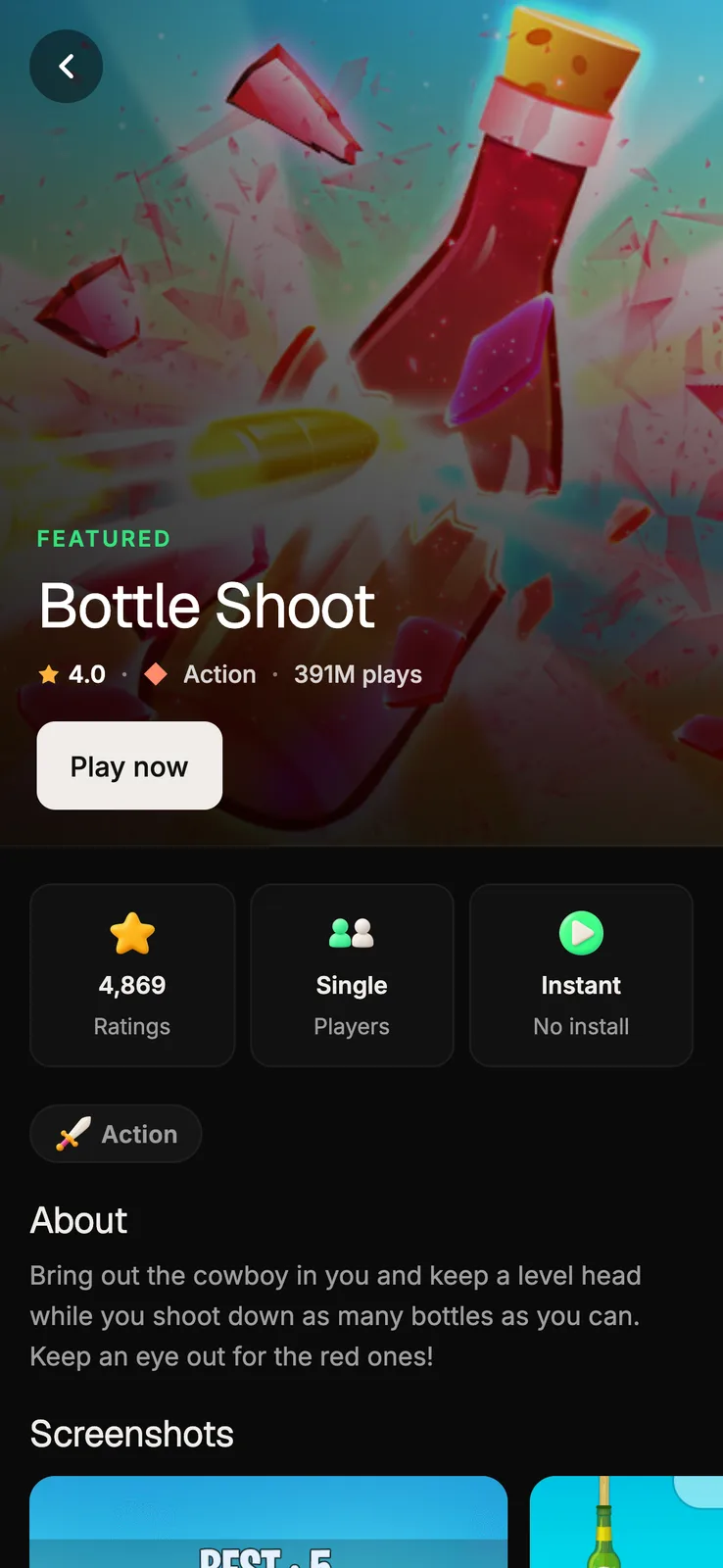
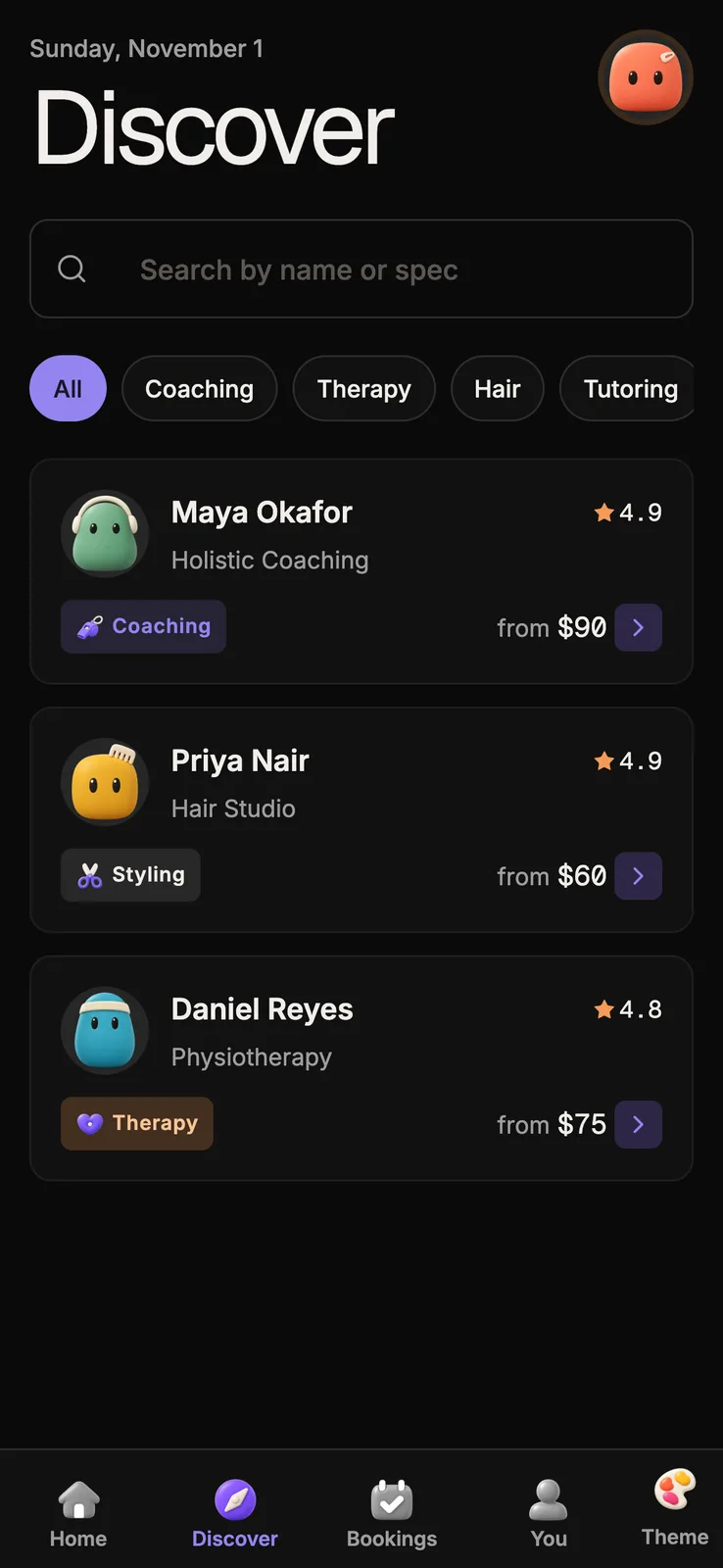
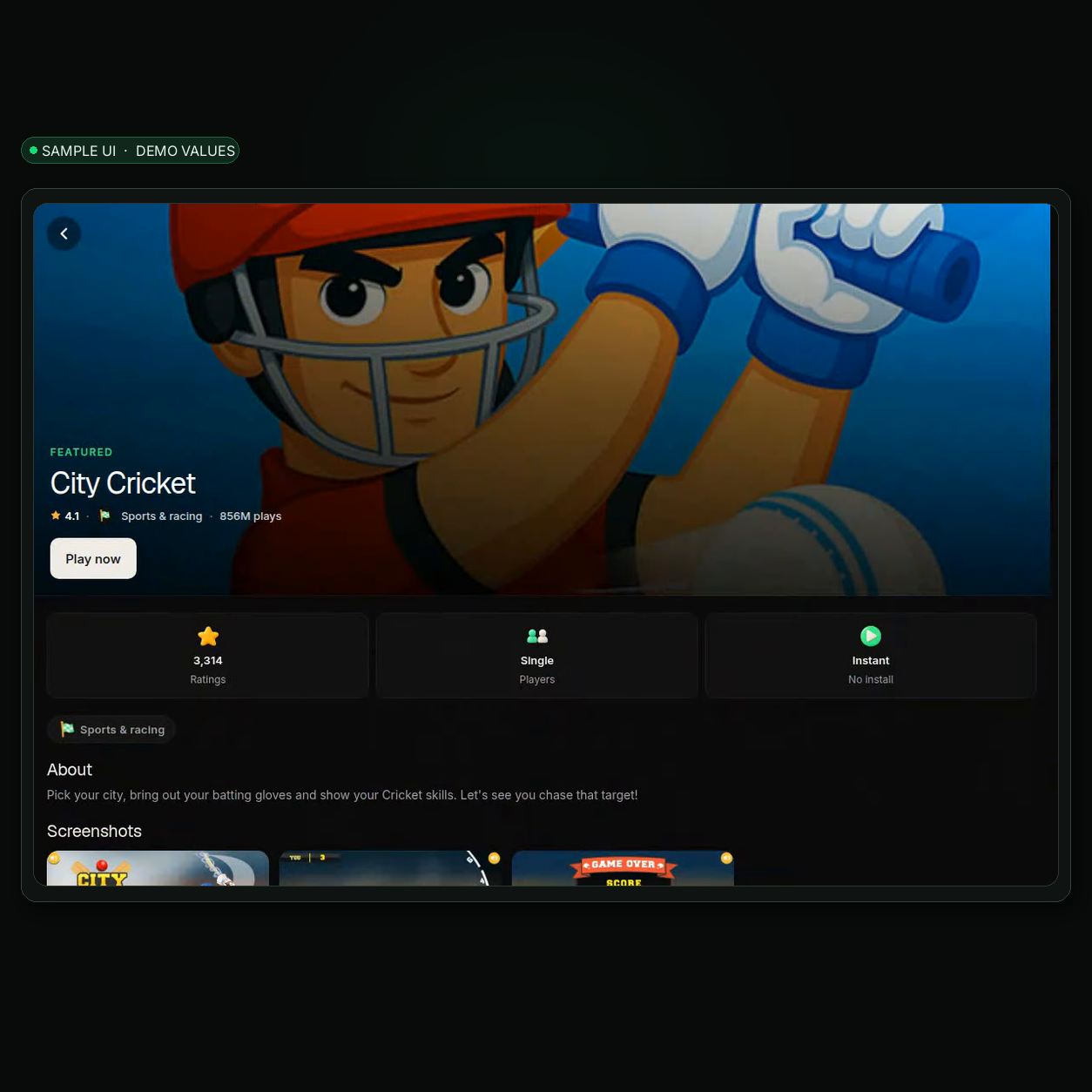
Sample UI with demo values. Shows the screen layout only; it does not show Expo Go, the remote-update error, or a fix for it.
A short device checklist
- Record the Expo Go error text, the Android version, the Expo Go version, and your project's SDK.
- Reload from the development server on the same network and note whether iOS still works.
- Test on a second network to rule out a connection problem.
- Install a development or release-like build directly on the phone.
- Test audio, storage and any native module, then repeat after backgrounding the app.
- Compare the two results and keep the record with the release.
Sources
- Builder's Stack Overflow question on an Expo Go startup crash on Android with iOS working, dated 3 Sep 2026.
- Arcade kit page, checked 3 Nov 2026: https://otf-kit.dev/templates/arcade-kit (HTTP 200).
Ship your first screen tonight — free starter in your inbox
The quickstart, the SDK repo and the live kit demos, on this screen and in your inbox.
No spam. Unsubscribe any time.