Run Claude, Codex, and Gemini in one unified desktop app

Running Claude Code in one window, Codex in another, and the Gemini CLI in a third is fine until the third concurrent session. Then it is not fine. Each agent wants its own working directory, its own auth, its own scrollback, and its own opinion about which model card you should be reading. Patapim — recently listed on BetaList as "Run Claude Code, Codex, and Gemini in one desktop cockpit" — is a desktop app built on the premise that the multi-agent workflow is the workflow, and that tooling should organize around it instead of apologizing for it.
That premise is right. What follows is why, what the app claims to do about it, and what to verify before you commit — because the public listing confirms the product exists and its positioning, not the feature-by-feature detail.
What is actually hard about running three agents at once
The naive version is: open three terminal tabs, paste the same prompt into each, read three streams of output. The first time it works. The fifth time it does not, because:
- Each CLI assumes it is the only one.
cdinto a project, runclaude, and the next tab still thinks it lives in~/. State does not share. - Auth is per CLI. Your Claude subscription, your OpenAI key, your Google API key — three different setup ceremonies, none of which you want to repeat after every reboot.
- Resume is fragile. Each CLI has its own session-continuation story, and none of them agree on what "resume" means.
- Notifications scatter. The agent that needs your attention is on your desktop. You are in the kitchen. Your phone has nothing.
That last one is the real productivity leak. You tab back, the agent has been idle for twenty minutes waiting for a yes/no, and the rest of the day slides.
What Patapim claims to do
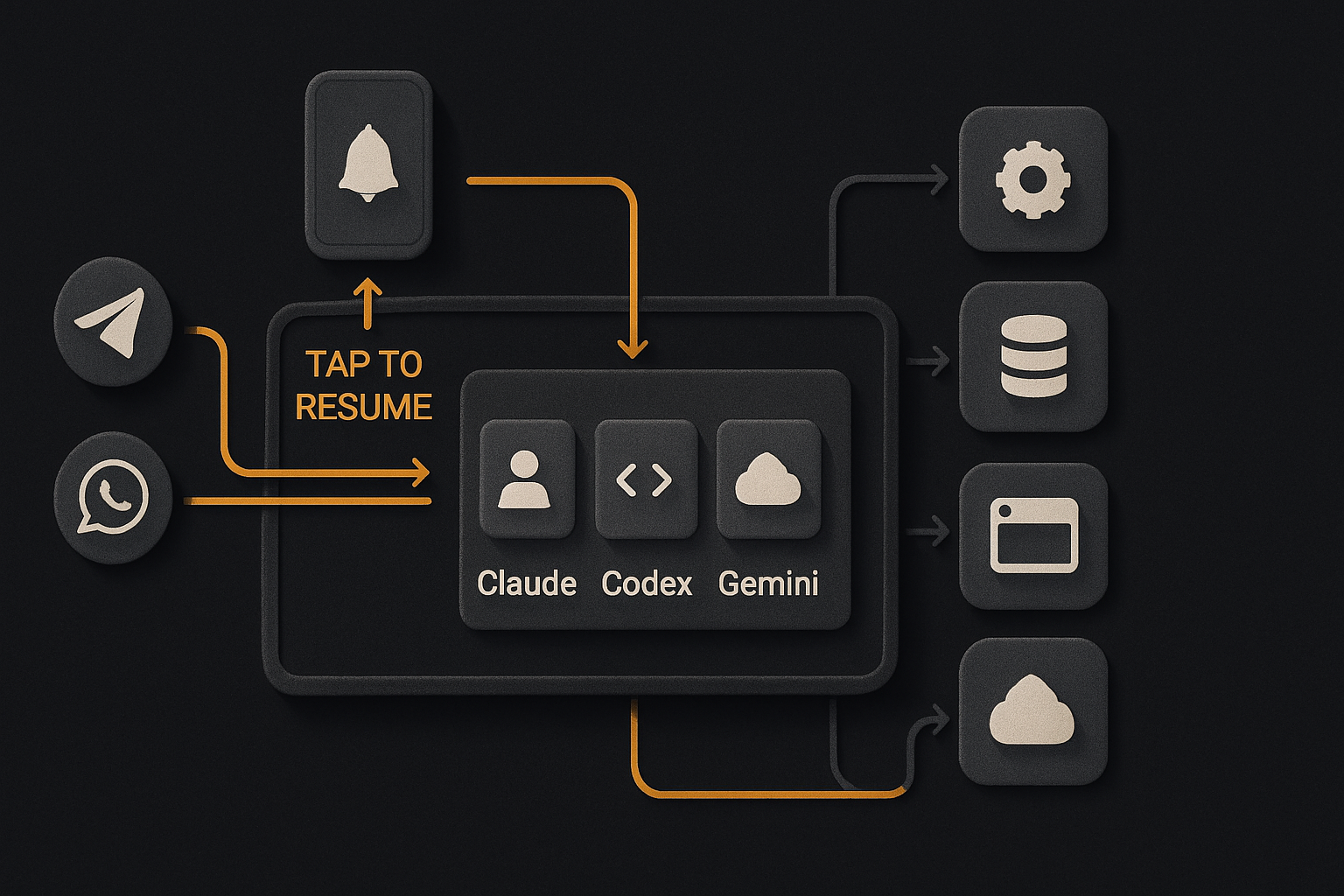
Per its launch announcement, Patapim wraps the three CLIs in a desktop app with project organization at the root. Each project gets its own workspace, its own embedded terminal running the real claude / codex / gemini binary — not a reimplementation — and its own session history. That project-rooted structure, if it works as described, is the headline: the unit of organization is the project, not the terminal tab.
The rest of the announced surface area includes:
- Phone remote control with tap-to-resume — the agent pings your phone when it needs input, and the desktop picks up the same session.
- On-device voice dictation for prompting without typing.
- Cross-device sync of the project tree and session history.
- Telegram and WhatsApp notification bots for lightweight pings.
- An embedded browser with logged-in sessions, so docs and dashboards stay in one window.
- Opt-in computer control with an emergency kill switch.
Treat that list as the vendor's claims, not a reviewed feature set — the public listing page carries the tagline and little else, so hands-on verification is on you before any of it earns a place in your workflow. Every item on it is also, notably, a thing you would otherwise glue together yourself with tmux, a remote-access tunnel, and a custom notification bot. If even half the bundle works, the wrapper earns its place.

One codebase. iOS, Android, and web.
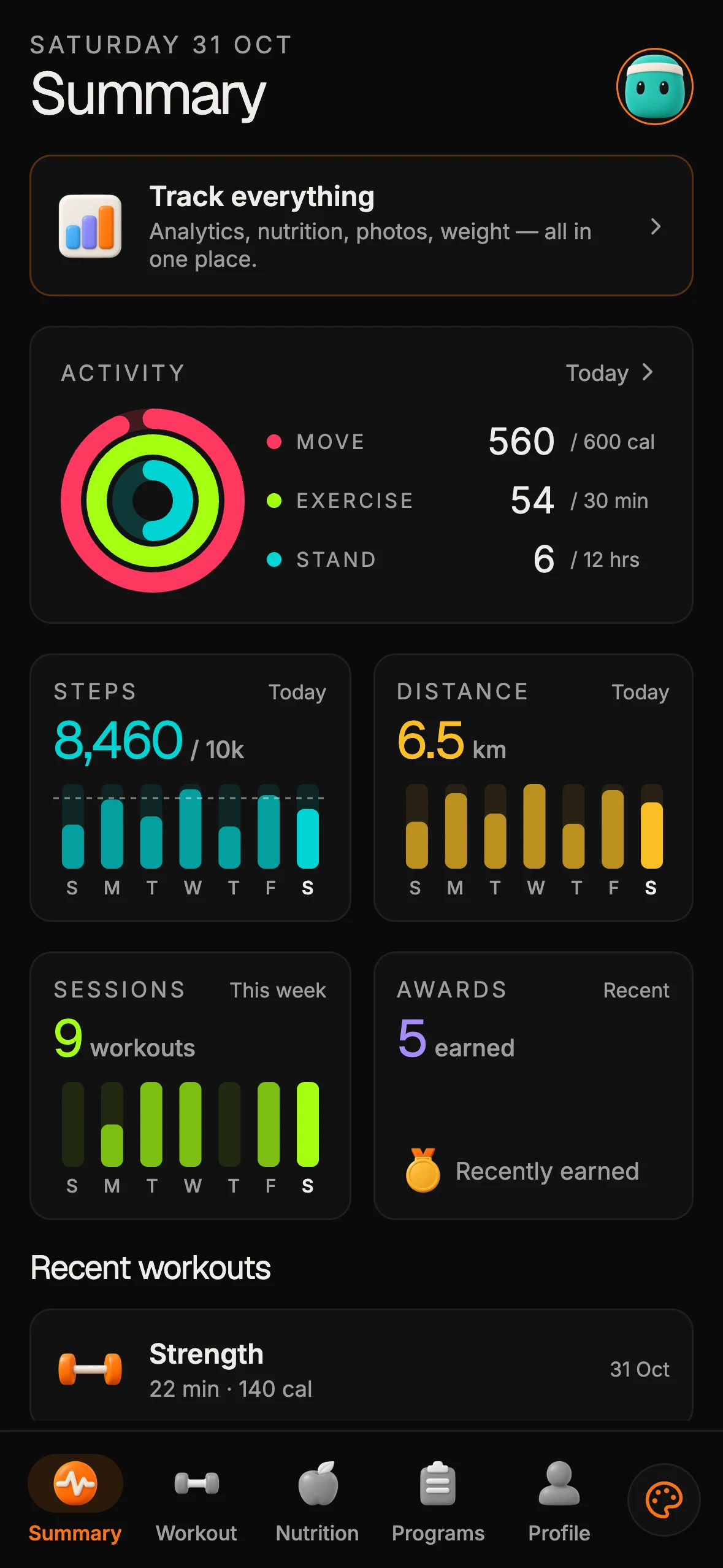
The Fitness Kit is a mobile starter with its own API, with sign-in and a database. Live demo at fitness-preview.otf-kit.dev.
How to evaluate it today
Start from the listing page and follow through to the official download, checking three things the announcement does not settle for you:
# 1. Confirm the app shells out to the real CLIs you already have installed.
#    [Claude Code](https://code.claude.com/docs) is a genuine terminal CLI —
#    install it, point it at a directory, ask questions of it:
which claude      # Claude Code CLI
which codex       # OpenAI Codex CLI
which gemini      # Gemini CLI

# 2. Map one real project to one Patapim workspace before migrating everything:
mkdir ~/work/payments-svc && cd ~/work/payments-svc
git init
# Inside the Patapim project, point the workspace at this folder.

# 3. Verify resume semantics yourself: start a session in each embedded
#    terminal, close the app, reopen, and confirm all three pick up
#    exactly where they left off — same session, same scrollback.
The questions to answer in that trial: does the embedded terminal behave exactly like your standalone terminal (keybindings, env vars, shell plugins)? Where do your tokens actually flow — direct to each model vendor on your existing subscriptions, or through an intermediary? And what does the pricing page say today — tiers, limits, and whether remote features sit behind Pro? Do not take any reviewer's word on pricing or platform support; both change fast at this stage, so read the current download page.
The remote-control idea deserves its own paragraph
The tap-to-resume phone flow is the single announced feature that would justify the download for anyone who runs agents unattended — if it works as described. The pattern it targets is real: you kick off a long refactor at 5pm, you leave the desk, the agent hits an ambiguity at 5:12, and for the next three hours it stares at a prompt it cannot answer.
If that prompt lands on your phone, you tap, and the desktop resumes the same session with context intact, you never lost anything and never opened a laptop. That is the bit editor-embedded agents cannot do, because the moment you close the editor, the agent loses its seam to the rest of your life. A cockpit that makes the agent a first-class citizen of your devices, not a tab, is solving the right problem. Verify the latency and reliability of that handoff before trusting it on a production task.
Keep your sessions resumable regardless of wrapper
Whether or not Patapim becomes your cockpit, the underlying discipline is the same one that makes agent sessions survive context resets: explicit session state, written-down protocols, and resume paths you have tested before you need them. Pin the conventions in rules files your agents actually read, and keep the repository itself structured for agent navigation — no wrapper fixes a repo the agent cannot traverse.
Where this leaves the durable layer
Here is the part that does not change when the agent harness changes. A cockpit manages the conversation loop. It does not — and should not — own the components your agent produces. The UI primitives the agent builds against — the same Card on web, iOS, and Android; the same theme tokens; the same auth-gated route — are a separate concern. They outlive the agent wrapper. They outlive the model.
That is where a cross-platform component kit earns its place: the agent drops in a component and it renders identically in a Next.js route and inside an Expo screen, because the API surface is one and the same. The cockpit is the cockpit. The components are the airframe. You want both, and neither replaces the other.
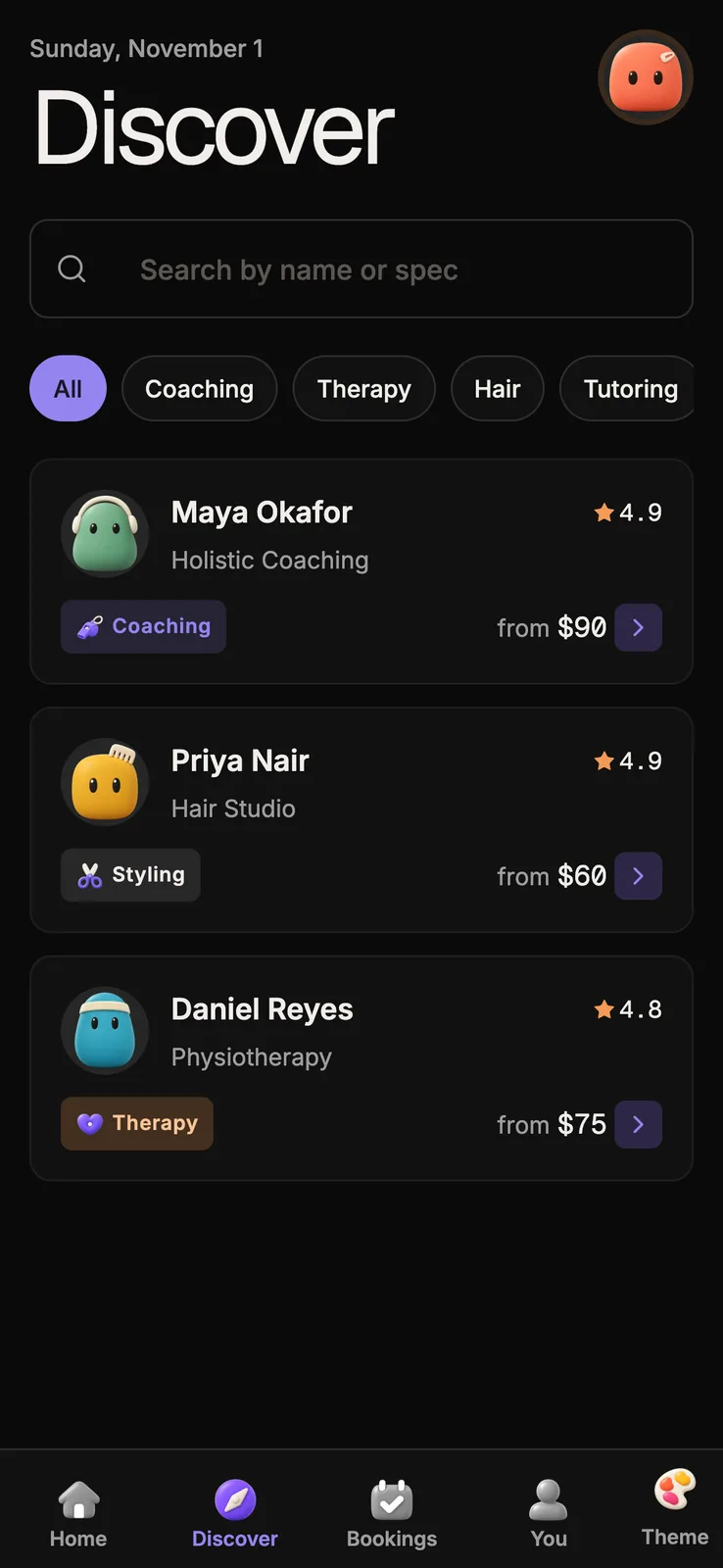
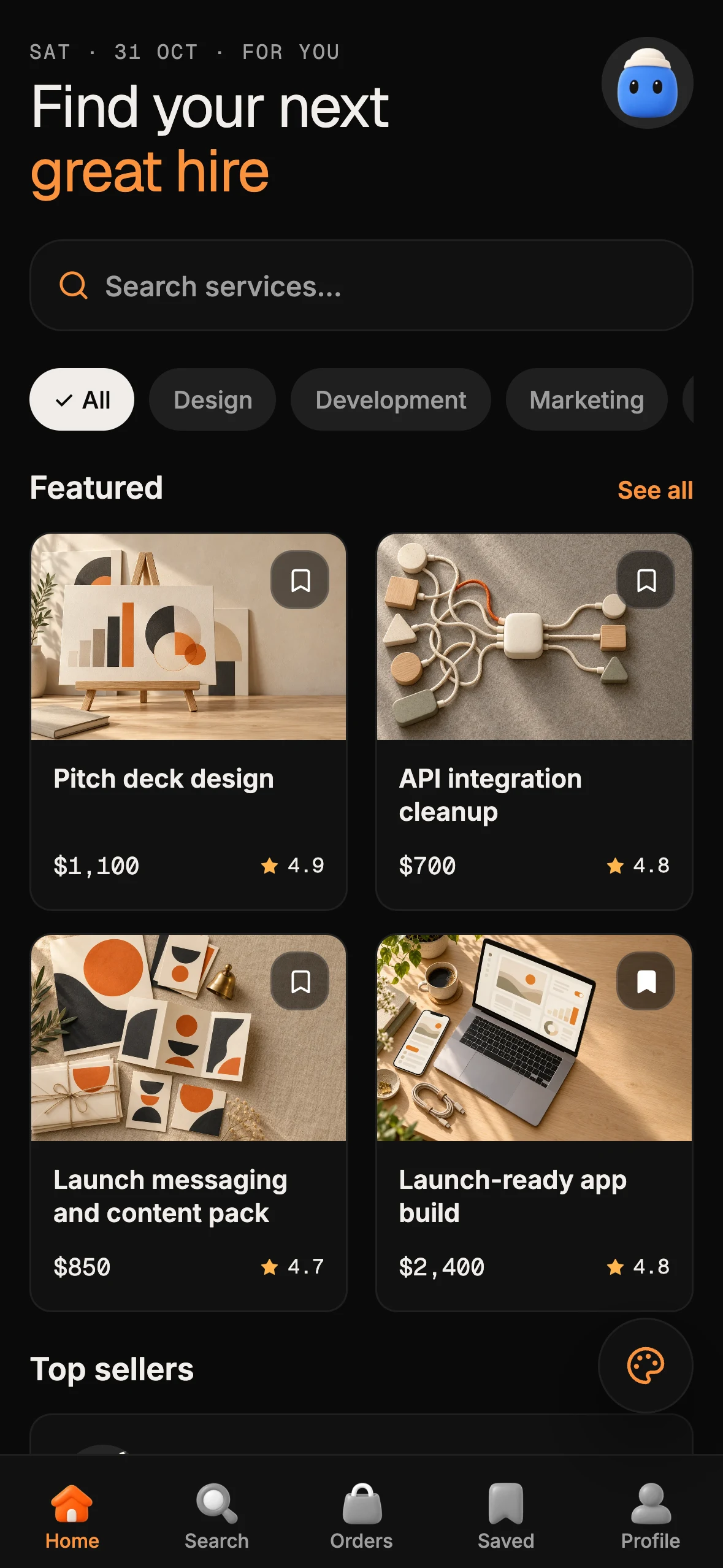
The mistake to avoid is conflating the two. The minute your agent starts hand-rolling div soup because the harness does not know what a Card is, you are back in bespoke-UI territory and the cross-platform story is dead. The agent harness and the design system have to ship together, even if they ship from different repos — which is exactly what OTF's templates are for: separate web and React Native APIs with familiar component names and shared design tokens, so teams can extend both surfaces while everything above them churns.
What to actually watch for
Three open questions, none of which the public listing settles:
- Platform coverage. The multi-agent crowd skews heavily toward Linux. Check the download page for current platform support before assuming your OS is covered.
- The opt-in computer control. A kill switch is good. A kill switch the agent can theoretically suppress is not. Worth understanding the mechanism before flipping that toggle on a long-running task.
- Feature reality vs announcement. The listing confirms existence and positioning. Everything else — remote reliability, sync conflicts, notification latency — needs hands-on testing.
None of those blocks a trial. The premise is correct, the problem is real, and a wrapper that removes genuine glue earns its place. Verify the claims, keep your protocols in version control, and build your UI on the layer that does not move.
Sources
- Patapim on BetaList — listing confirms the product and its "one desktop cockpit" positioning (checked 2026-09-06; feature and pricing detail not on the listing page): https://betalist.com/startups/patapim
- Claude Code documentation — confirms Claude Code is a real terminal CLI, the premise the cockpit builds on: https://code.claude.com/docs
Related guides
- A shared codebase across platforms — see where reusable structure helps and where platform differences remain.
- Design systems as agent context — keep conventions visible to coding agents.

Stop wiring. Start shipping.
- Sign-in and a database wired in, with its own API
- iOS + Android + web from one codebase
- AI configs pre-tuned + 20+ task prompts per kit included
Ship your first screen tonight — free starter in your inbox
The quickstart, the SDK repo and the live kit demos, on this screen and in your inbox.
No spam. Unsubscribe any time.