
Simplify bare React Native testing with Starship and QR codes
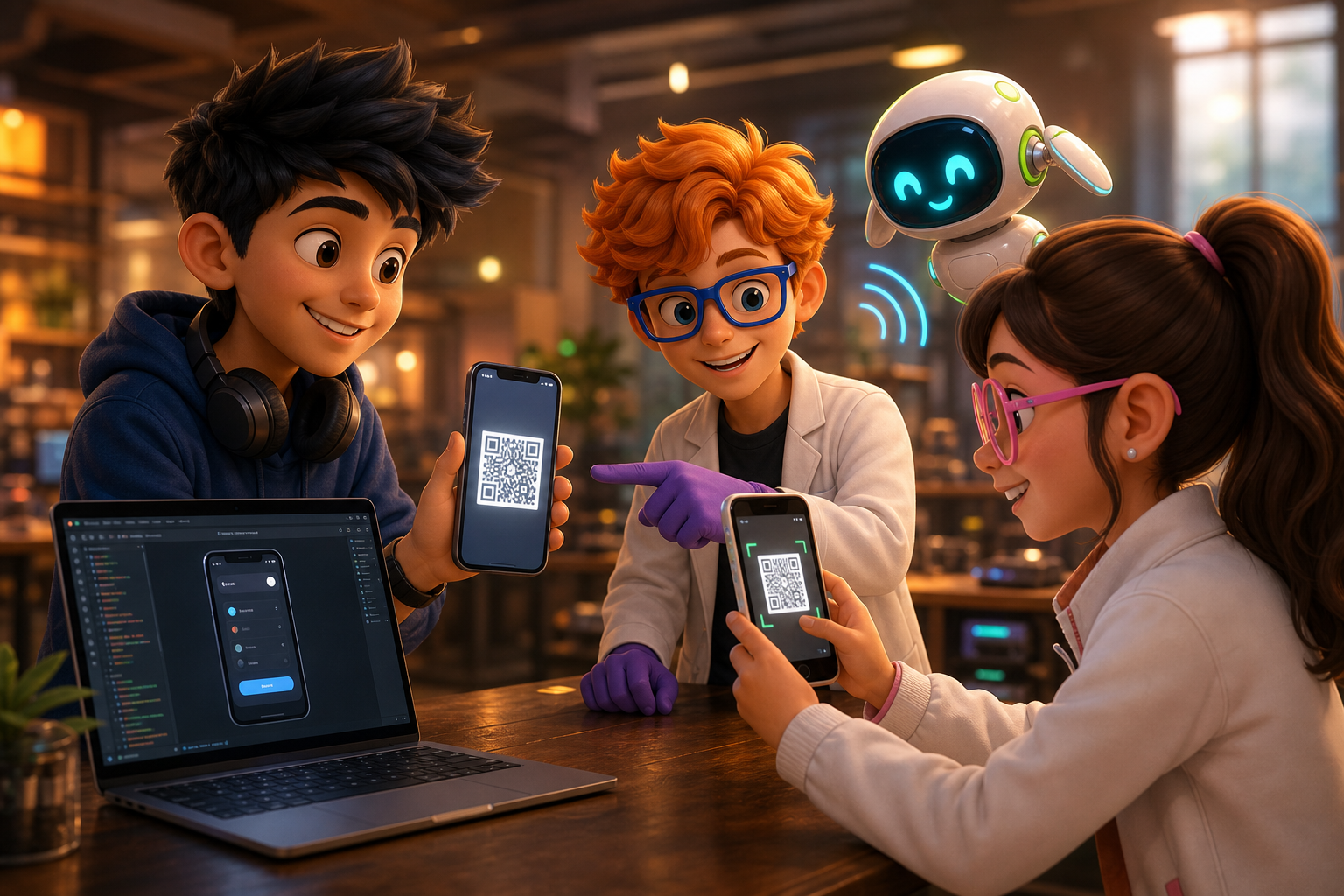
Bare React Native projects with custom native modules have always forced developers into a frustrating tangle of USB cables, IP shuffling, and fragile manual setup just to see code changes on a real device. React Native Starship, an open-source CLI by Hasan Gonen, takes the Expo Go "scan a QR, you're live" simplicity and brings it to bare React Native apps, custom native code and all. The win is real wireless debugging for native-code projects: no Expo lock-in, no device plugging for Android, and a documented one-time-USB path for iOS.
Why bare React Native debugging is still cable-bound
Debugging a bare React Native app with custom native modules, anything beyond Expo Go's vanilla workflow, has always required a stubborn amount of manual, repetitive tinkering. The traditional Android loop:
adb reverse tcp:8081 tcp:8081
cd android && ./gradlew assembleDebug
adb install app/build/outputs/apk/debug/app-debug.apk
Then open the app, usually met with "Unable to load script", shake the device, dig into the dev menu, manually type in your laptop's IP and port for Metro, shake again, trigger reload. If your IP or WiFi network changes, repeat the whole dance. That is at least five manual steps with plenty of places to mistype, forget, or unplug.
Expo Go simplified all of this into "scan, run", but it only works when your app fits inside Expo Go's prebuilt native runtime. As soon as you add a bespoke native module or a library with native Android or iOS code, you are back to the bare-metal grind. For many production teams, that is every day. The project's own README frames it exactly this way: if you use bare React Native CLI with custom native modules or brownfield apps, you lost the wireless development magic that Expo Go provides (react-native-starship on GitHub).
What React Native Starship actually does
Starship bakes your local IP address directly into the debug APK, exposes a QR code in your dev terminal, and manages the install and Metro handshake. The mechanism, per the project README, is a tiny ContentProvider that writes your machine's IP into the built APK's SharedPreferences, so the app knows where Metro lives without any manual entry.
From the terminal, the workflow is a single command. The README documents the global install plus the one-off form:
npm install -g react-native-starship
starship
Or without installing:
npx react-native-starshipThat one command builds your app, shows a QR code, and then the phone scans, installs, and runs with Fast Refresh over WiFi. Subsequent sessions exploit build caching for faster reloads, and the tool supports deploying to multiple devices plus showing device info in the terminal. The comparison table in the README claims parity with Expo Go on wireless install, zero config, and auto Metro connection, while keeping the bare CLI's support for arbitrary native code, and it adds multi-device deploy and build caching that neither Expo Go nor plain RN CLI offers (react-native-starship on GitHub).
The package is published on npm as react-native-starship, which is the canonical install source if you prefer the registry over GitHub (react-native-starship on npm). The original launch write-up walks through the motivation and the QR flow in narrative form (launch post on Medium).
One codebase. iOS, Android, and web.
The Fitness Kit is a mobile starter with its own API, with sign-in and a database. Live demo at fitness-preview.otf-kit.dev.
Setting up Starship in a bare project
Deploying Starship in an existing bare React Native project is CLI-based and takes minutes. The documented workflow:
1. Install Starship
Use the global install for a persistent tool, or the one-off npx form per project:
npm install -g react-native-starship2. Start it from your project root
Make sure the Metro server can start, then launch Starship from anywhere inside your React Native project:
starshipThis builds a debug APK, injects your current local IP into the APK at build time, shows a QR code right in your terminal representing the download URL for your APK, and tracks build time while caching the APK for future incremental reloads.
3. Scan the QR from your device
With your Android device on the same LAN as your dev machine, point the camera at the displayed QR code and accept the download and install prompt. You may need to allow installs from unknown sources on first use.
4. Let Starship handle the rest
The device downloads and installs the custom APK, the app launches, Metro autoconnects via the injected IP config, and Fast Refresh is immediately active. Edits in JavaScript trigger reloads over the air with no cable attached.
If you maintain a shared component library across web and mobile, this kind of inner-loop speed matters twice as much. Our write-up on one codebase, three platforms covers the architecture that makes that sharing work, and same component, web and mobile goes deeper on the component contract.
Starship vs Expo Go vs plain RN CLI
The honest comparison, grounded in the project's own feature table:
- Custom native modules: Expo Go cannot do them; Starship and plain RN CLI can.
- Wireless install via QR: Expo Go and Starship yes; plain CLI no.
- Fast Refresh: all three.
- Zero config: Expo Go and Starship yes; plain CLI no.
- No USB cable: Expo Go yes; Starship yes on Android; plain CLI no.
- Auto Metro connection: Expo Go and Starship yes; plain CLI requires manual IP entry.
- Multi-device deploy and build caching: Starship only, per its README.
So Starship is best understood as Expo Go convenience plus bare CLI power. It does not replace Expo's managed workflow for teams happy inside it, and it does not replace the standard Gradle and Xcode pipelines for release builds. It replaces the cable-and-shake inner loop.
Limits you should know before adopting it
Starship is strictly a development and debug workflow, not a production-signing or distribution path. The APK is a debug build carrying a local-network IP config and expecting a running Metro dev server. For release, revert to your standard Gradle signing pipeline and CI, and keep production crash reporting in place with something like Sentry error tracking for React Native.
Two more caveats. First, Apple does not allow wireless app installation without prior trust, which the README states plainly as a hardware-level restriction no tool can bypass. Starship's answer is a one-time USB step (starship --ios-device detects the connected iPhone, builds with xcodebuild directly to the device, and a free Apple account is enough), after which Fast Refresh runs over WiFi. Second, this is a community open-source project, not a platform vendor feature: pin your version, read the README before upgrading, and treat the feature table above as the author's claims rather than independent benchmarks.
The bottom line: Starship closes the gap for teams building on bare React Native, making QR-powered, zero-USB, instant wireless debugging real even with custom native modules or multi-device test labs. Skip the maze of cables, IP typing, and device juggling. If cable pain or Expo-native lockout is sapping your cycle times, give Starship a run. Faster feedback for every save, on real hardware, no compromise.
Ready to ship the app behind the debugging session? OTF kits give your AI coding agent a production-grade starting point instead of a blank folder: browse the templates.
Sources
- react-native-starship on GitHub — primary source: feature table, install commands, ContentProvider IP-injection mechanism, iOS one-time-USB flow.
- react-native-starship on npm — primary source: canonical package identity and install path.
- Launch post on Medium — secondary background: author narrative of the QR debugging workflow.
- One codebase, three platforms — internal: shared web and mobile architecture.
- Same component, web and mobile — internal: the cross-platform component contract.
- Sentry error tracking for React Native — internal: production crash reporting for the release path.
Stop wiring. Start shipping.
- Sign-in and a database wired in, with its own API
- iOS + Android + web from one codebase
- AI configs pre-tuned + 20+ task prompts per kit included