
Spline V2 change 3D Design with AI Agent Integration

Spline put the 3D editor inside the agent loop
Spline's desktop app ships a bundled MCP server that connects AI coding clients directly to the live 3D editor. Per Spline's desktop documentation, the MCP server is bundled into the macOS and Windows desktop app, so there is nothing separate to install or configure — the app registers itself with the AI clients it finds when it launches. The documented clients are Claude, Cursor, VS Code, Antigravity, and ChatGPT, and the connection only works in the desktop app, not the browser.
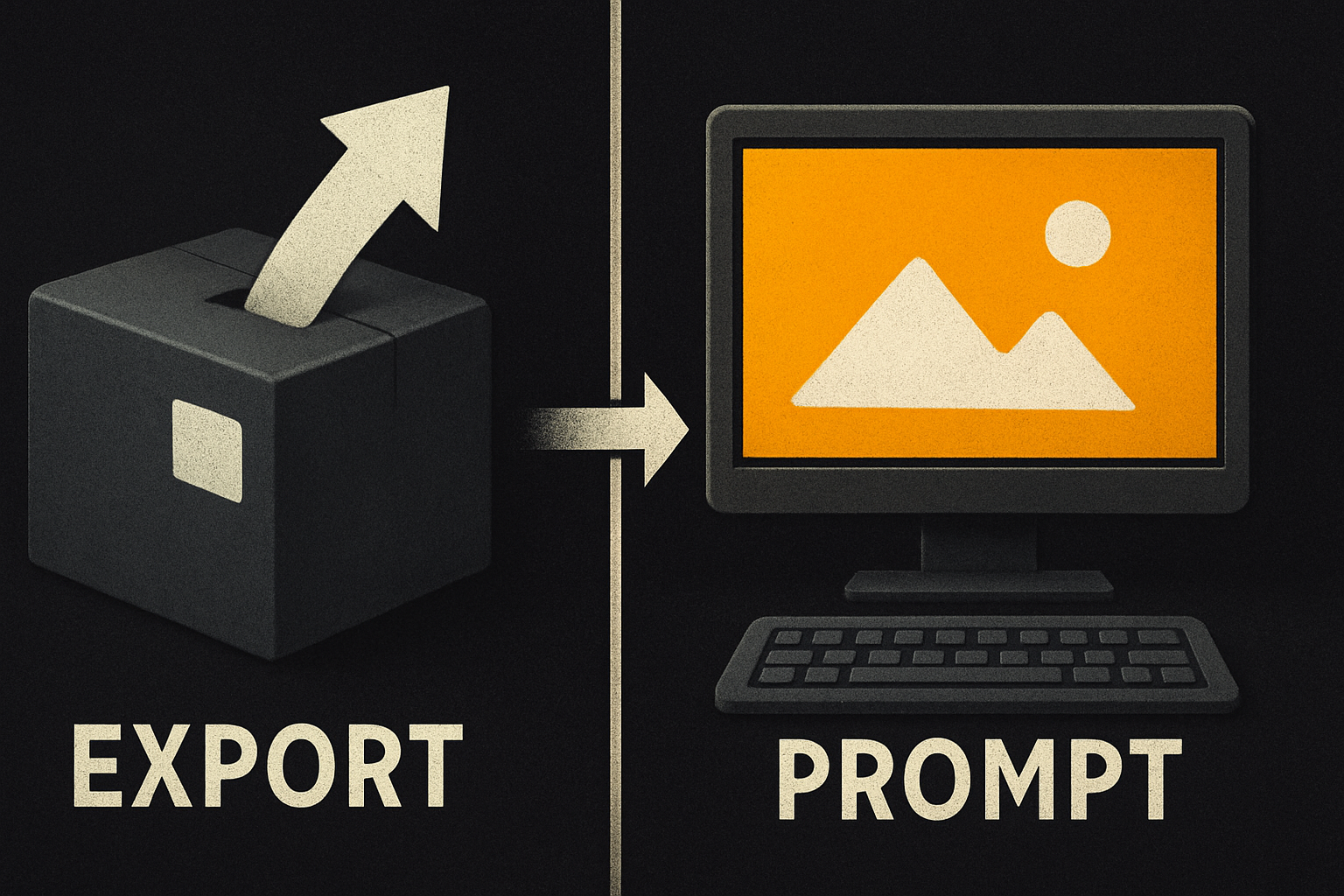
That is the genuinely interesting part, and it is worth stating plainly. An agent that already knows your codebase can now manipulate your 3D scene as a live document. No exports, no copy-paste, no separate design tab to babysit. You prompt, the editor moves.
There is a second surface too. Both Spline editors ship a built-in AI agent that builds and edits scenes from text prompts with fully editable results. So the setup is: external agents for changes coupled to code, a built-in agent for purely visual iteration — two entry points into the same live scene.
The pain it actually kills
Before this kind of integration, the workflow looked like this:
- Sketch in the 3D editor.
- Export an asset or paste a snippet.
- Switch to your editor of choice to wire it up.
- Discover the scene is wrong, switch back.
- Repeat until something ships.
Every step in that loop is a context switch, and every context switch is a place where intent gets lost. The designer remembers what they wanted; the agent doesn't, because it never saw the scene. Collapsing the export and the back-and-forth into a single prompt-driven loop removes two of those switches entirely.
The architectural decision matters more than any feature list. Spline didn't bolt an AI button onto the side of the editor; it made the scene addressable by an external process through a standard protocol. That is the difference between a chatbot parked next to your work and a true agent surface. If you have been thinking about design systems as agent-readable context, this is the same idea applied to a 3D scene graph.

11 production screens. Login, database, payments — all wired.
The SaaS Dashboard Kit ships everything already connected. Nothing to set up. Live demo at saas.otf-kit.dev.
How the MCP bridge actually works
The plumbing is straightforward once you see the pieces, and each piece is stated in the docs rather than inferred:
- The Spline desktop app bundles a local MCP server. No separate install step exists.
- On launch, the app scans your machine for supported AI clients and registers itself in their configuration.
- The connection is desktop-only. The browser version of Spline does not expose MCP, so the desktop app is the prerequisite for any agent-driven workflow.
- You prompt the client the way you already do, and the client translates the prompt into structured tool calls that Spline routes into the open editor tab against the live document.
The live-document bit is the headline. The scene stays editable the whole time. Whatever the agent does, you can still click in, tweak a material, drag a light, or undo a mistake. The agent is a co-pilot with write access, not a one-shot generator that hands you a baked file.
One practical consequence: keep the scene file in version control next to your code. The agent's edits land in a live document you own, so commit them alongside the code changes they couple to and review them like any other diff.
What the built-in agent actually buys you
The external MCP bridge is only half the story. Spline's built-in AI agent builds and edits 3D scenes through the editor itself — creating objects, setting materials and lighting, animating, wiring interactivity — using the same commands you would use by hand.
Three properties of that agent are worth knowing before you build a workflow around it:
- Every edit the agent makes is a normal editor edit. It lands in your undo history, it syncs to anyone collaborating in the file, and you can take over at any point. Nothing the agent does is a special opaque operation.
- The agent reads your scene before it acts, so you can talk about what is already there instead of describing everything from scratch. Selecting objects first scopes the edit — the docs recommend selecting, then referring to "this" or "it".
- Iteration beats monolithic prompts. Short follow-ups like "make the roof steeper" or "warmer light" are faster and more predictable than one enormous prompt, and the agent runs on your workspace's monthly AI credits on paid plans.
In practice that means a clean division of labor. Use the external agent when the change is coupled to code — wiring a 3D hero into a route, hooking up state, syncing with a CMS. Use the built-in agent when the change is purely visual. Same scene, two entry points, and the expensive part — the part that used to require exports — is gone.
How to actually use it today
Concretely, the setup path follows directly from what the docs state:
# 1. Install the Spline desktop app (macOS or Windows).
#    The MCP server is bundled — no separate install.

# 2. Launch Spline once. It scans for supported AI clients
#    on your machine and registers the local MCP server
#    with the ones it finds.

# 3. Restart the AI client of your choice so it picks up
#    the new MCP server registration.

# 4. Open the scene you want to edit. Leave the editor tab
#    open — the live document is the surface the agent acts on.

# 5. Prompt from the AI client in plain language, for example:Build a floating island in the centre of the scene.
Add a low-poly tree on top, and animate the camera to
orbit it slowly when clicked.The client turns that into tool calls, Spline routes them into the open tab, and the scene updates while staying fully editable. A few patterns that pay off immediately:
- Keep the editor tab open during the agent session. Changes land on what is currently loaded.
- Tell the agent what not to touch when iterating on one piece. Explicit constraints avoid surprises even when tool calls are scoped.
- Commit the scene file alongside code changes so the agent's edits get reviewed like any other diff.
- Browser-only caveat: MCP does not run in the browser version. If your workflow is web-only, the desktop app is the new prerequisite.
The part that does not move when the model does
Spline made the 3D scene a first-class surface for agents, and it is not the only place that shift is happening — Cursor, Claude Code, Lovable, and the rest are all converging on agents that touch live UI, not just files. The model underneath changes every quarter, and the agent harness changes with it.
What does not change is the contract between your scene and the rest of your product: the same 3D hero has to look and behave the same on web, iOS, and Android. That is a same-component-everywhere problem, and it is the layer worth investing in alongside the agent workflow. Use the MCP bridge to drive the scene from whichever agent you trust this quarter. Wrap the embedded scene in a component that is identical across every platform it ships to. When the next model swap lands — and it will — your cross-platform surface stays put while the agent harness underneath rotates. Agents also stay useful longer when the UI they operate on is consistent instead of bespoke per screen.
The two investments are not competing. The agent bridge handles the prompt-to-scene half. The wrapper handles the scene-to-product half. Together they survive every model churn that is coming.
If the scene-to-product half is your gap, OTF's templates ship that wrapper — one component API across web and native — so the scene your agent edits is the same component your users get.
What this gets us
A scene that an agent can edit while you work the other half of the keyboard. A 3D file that lives next to your code instead of across an export boundary. A prompt that ends with a live document, not a downloaded asset. A built-in agent for visual tweaks and an external one for code-coupled changes, both operating on the same editable scene.
The interesting test was never whether an agent can make a tree. It is whether you can ship the result everywhere your users are, with the same component contract, the moment the model behind it changes.
Sources
- Spline documentation — two editors, one AI agent, shipping to web, iOS, and Android
- Spline for Desktop — tabs, system fonts, and bundled MCP support (macOS and Windows)
- Spline AI Agent — builds and edits scenes through the editor, with undo history and collaboration sync
Ship the product, not the setup.
- 11 production screens — auth, billing, team, analytics, settings
- Real database, payments, and login — all wired on day 1
- AI configs pre-tuned so your agent extends instead of regenerates