Best Expo templates for React Native, 2026

Best Expo templates for React Native, 2026
If you are choosing a starter for an app you plan to ship, the question is less "which template looks best" and more "which one will still build after the next SDK upgrade, and which one can an AI coding tool extend without breaking the rules you set". This guide compares the Expo starters on the criteria that matter for that choice, and it says where each claim comes from.
What to compare
Starter pages mostly list features. Those lists are useful, but they do not tell you how the template is wired. We judged each option on five things:
- Expo SDK and React Native version. A template on an old SDK costs an upgrade before you write a line of your own code. The SDK version is in the repo's
package.json, and we checked it there, not on the sales page. - Auth, data and billing. Whether sign-in, the database and payments are wired, and whether they are wired to real services or to fixtures.
- Release path. Whether the template gets you to a native build on a device, or stops at the simulator.
- Maintenance signal. The date of the last commit, and whether the template is still on a supported SDK.
- Agent readiness. Whether the repo carries the context an AI tool needs to change it safely, such as a project memory file, rules, and prompts for common tasks.
The page that ranks for this term: NativeLaunch
NativeLaunch sells an Expo starter and publishes a "Best Expo Templates for React Native in 2026" comparison page at nativelaunch.dev/best-expo-templates. We read the page on 11 November 2026, and it returned HTTP 200. Its own starter is built on Expo SDK 56, according to the same page. The page lists its features as auth, payments, analytics, release workflow and UI quality.
The page also gives time estimates for each feature, such as "Save 25+ Hours" for payments and "Save 15+ Hours" for deployment setup. Those figures are the seller's marketing, not measured results, so we do not repeat them as facts. If you want to test the claim, time your own setup against a fresh clone of each template.
We did not confirm a price for NativeLaunch on its own site, so this guide states none. Check the current price on the vendor's page before you buy.

One codebase. iOS, Android, and web.
The Fitness Kit is a mobile starter with its own API, with sign-in and a database. Live demo at fitness-preview.otf-kit.dev.
The OTF kits
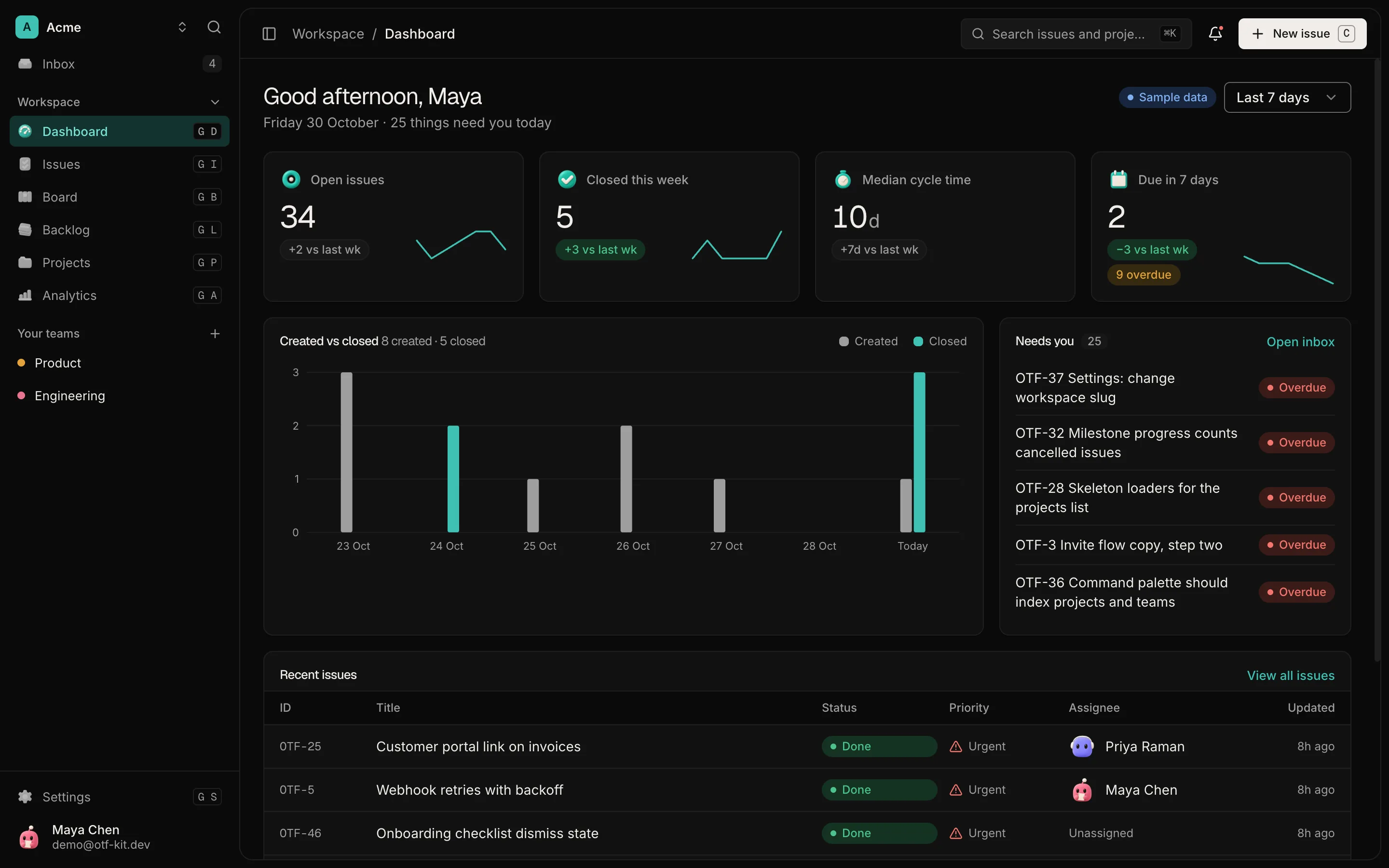
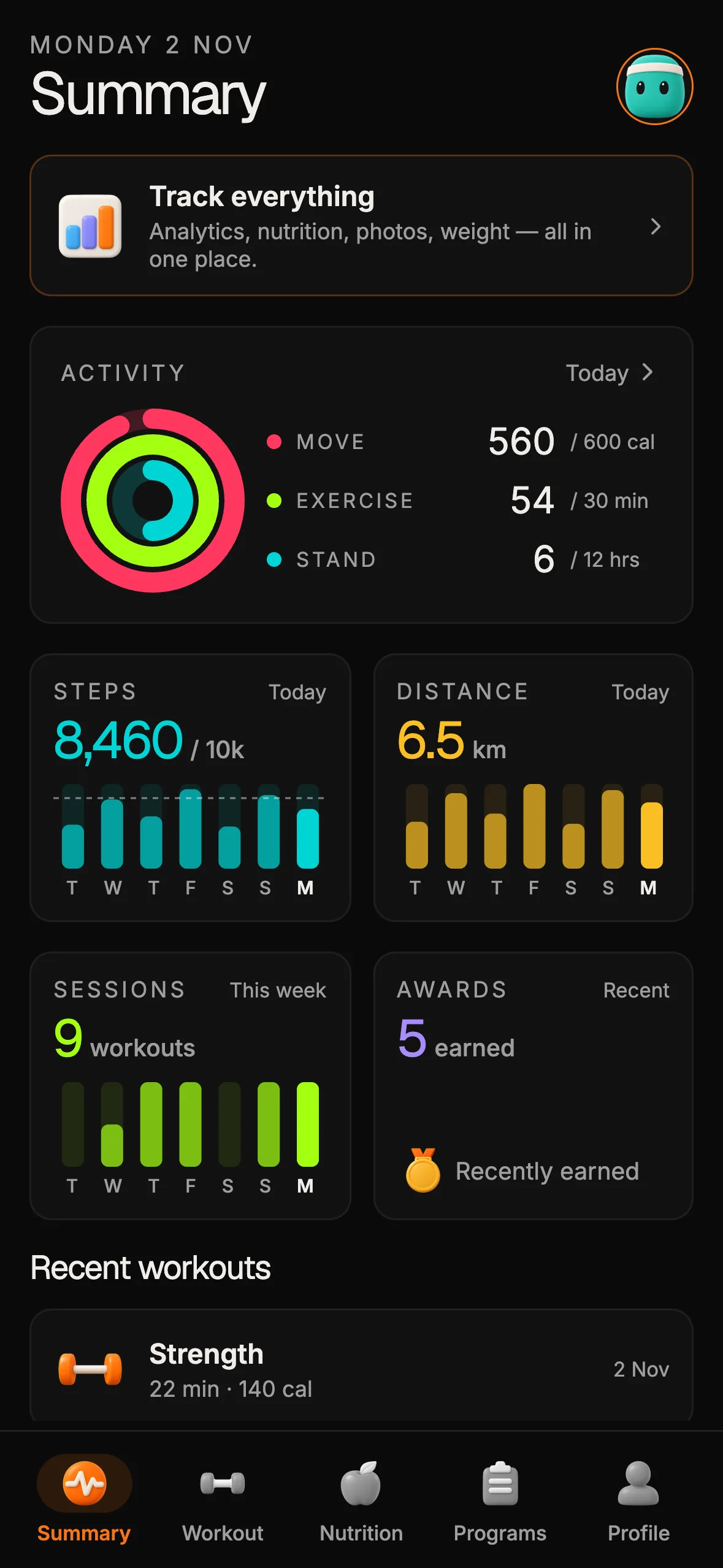
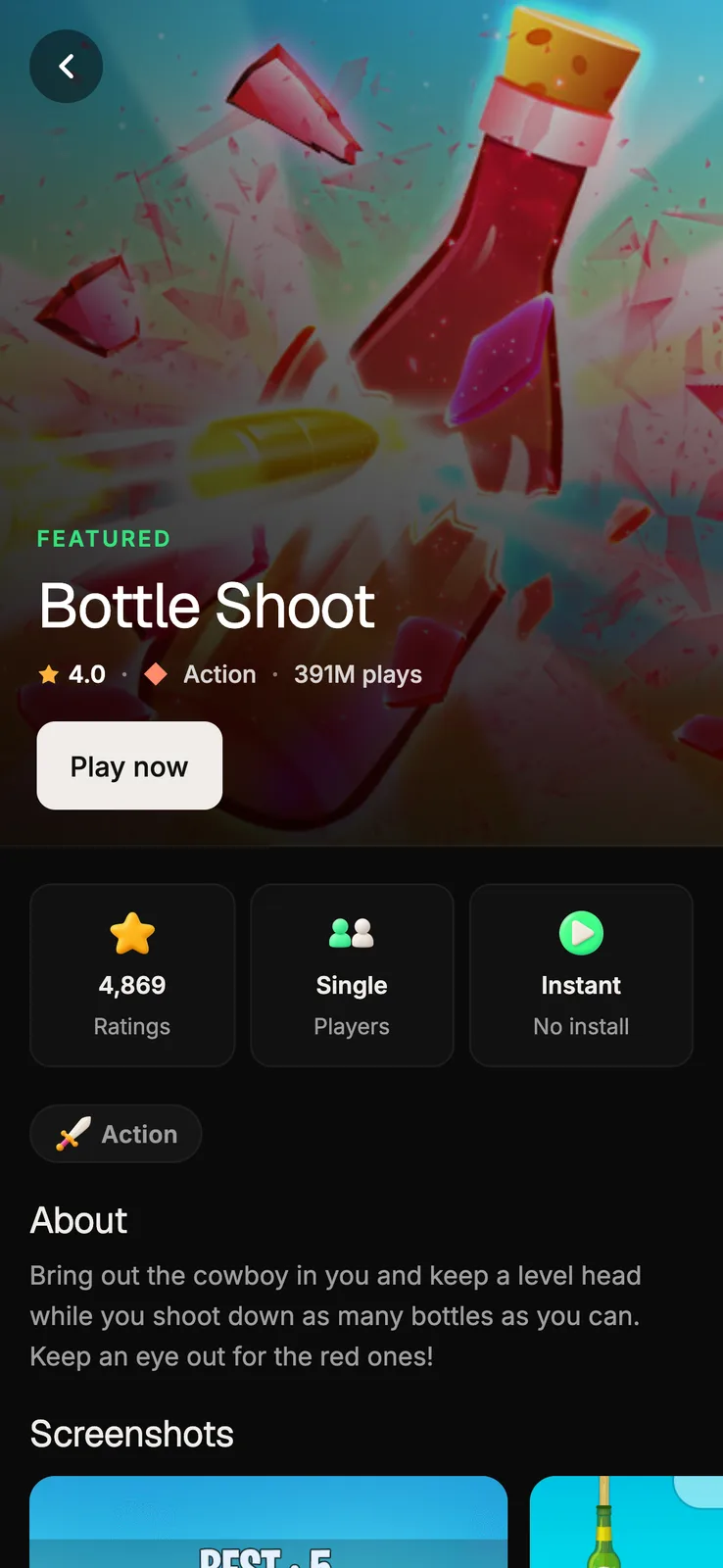
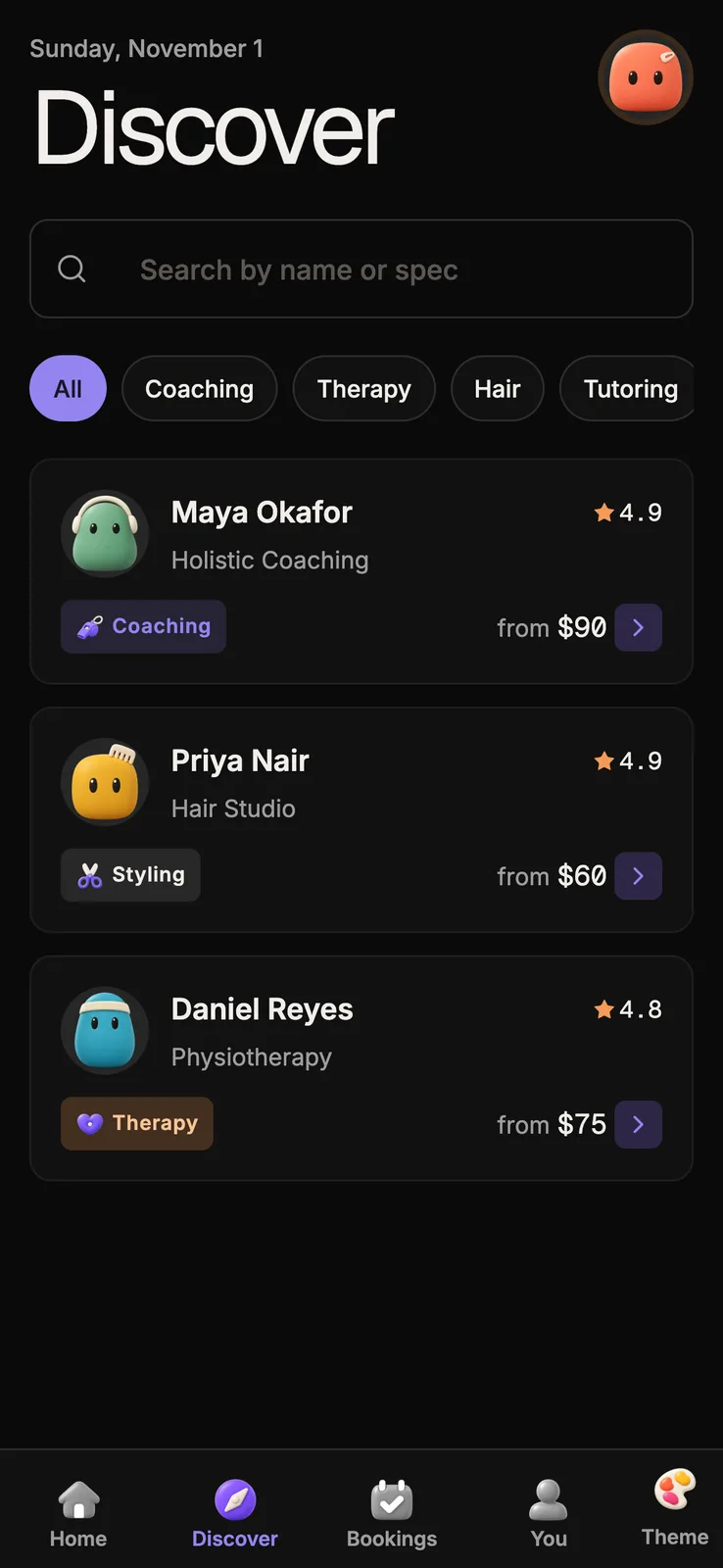
Four of our kits are Expo apps. Each one ships as a private repo, and each has a live demo you can open before you buy.
- Fitness Kit (
expo ~58.0.21, React Native 0.88.1). A fitness app with activity rings, workout logging, nutrition and workout programs. The kit page is at otf-kit.dev/templates/fitness-kit. - Booking Kit (
expo ~58.0.21, React Native 0.88.1). Appointment booking for coaches, therapists and consultants, with calendar and slot selection. Its data layer is Supabase. The kit page is at otf-kit.dev/templates/booking-kit. - Marketplace Kit (
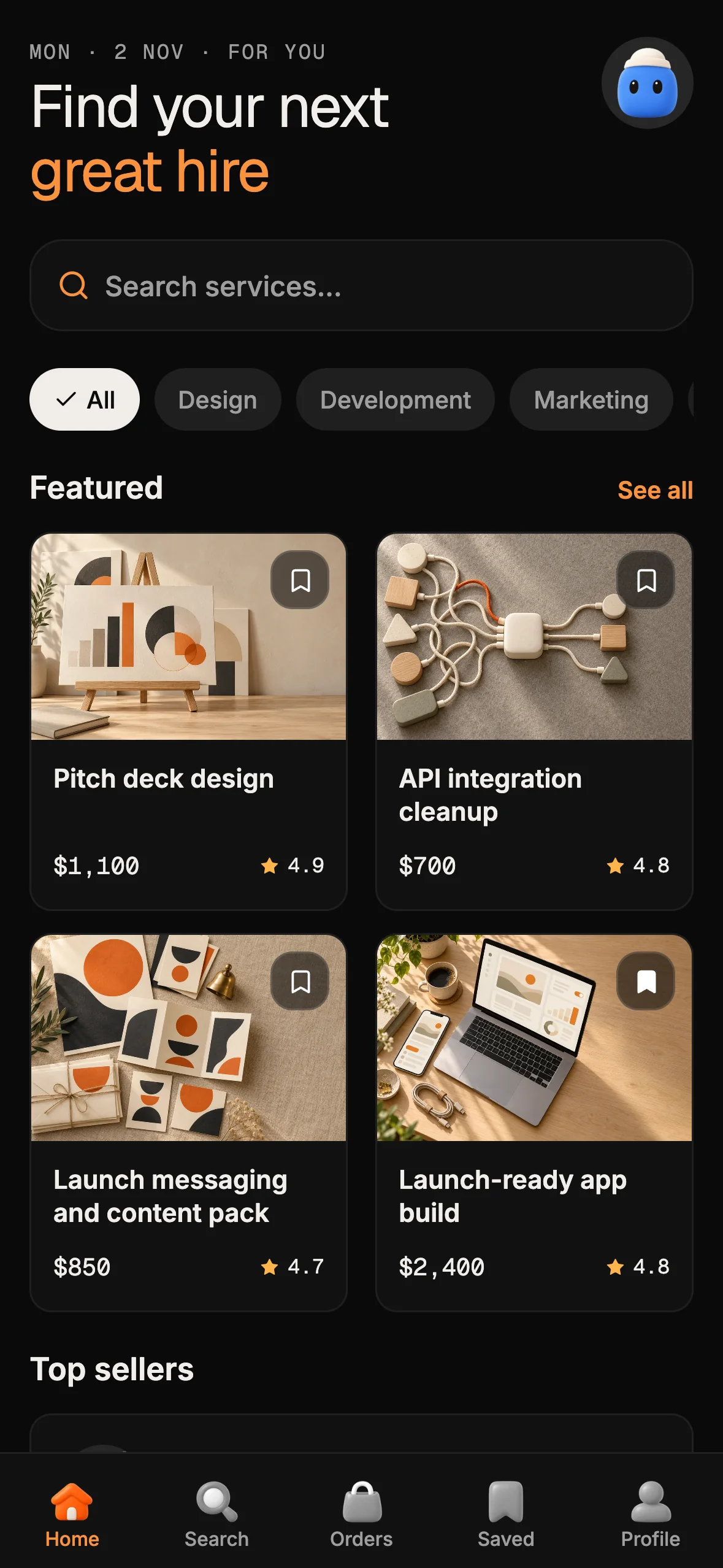
expo ~58.0.21, React Native 0.88.1). A two-sided services marketplace with buyers, sellers, orders and chat. The kit page is at otf-kit.dev/templates/marketplace-kit. - Arcade Kit (
expo ~58.0.21, React Native 0.88.1). A games storefront with a catalog, rails and a game detail page. The kit page is at otf-kit.dev/templates/arcade-kit.
All four kit pages returned HTTP 200 on 11 November 2026. The SDK and React Native versions above are from each kit's package.json. Before you start any of them, check that file again, because a kit's version can change between releases.
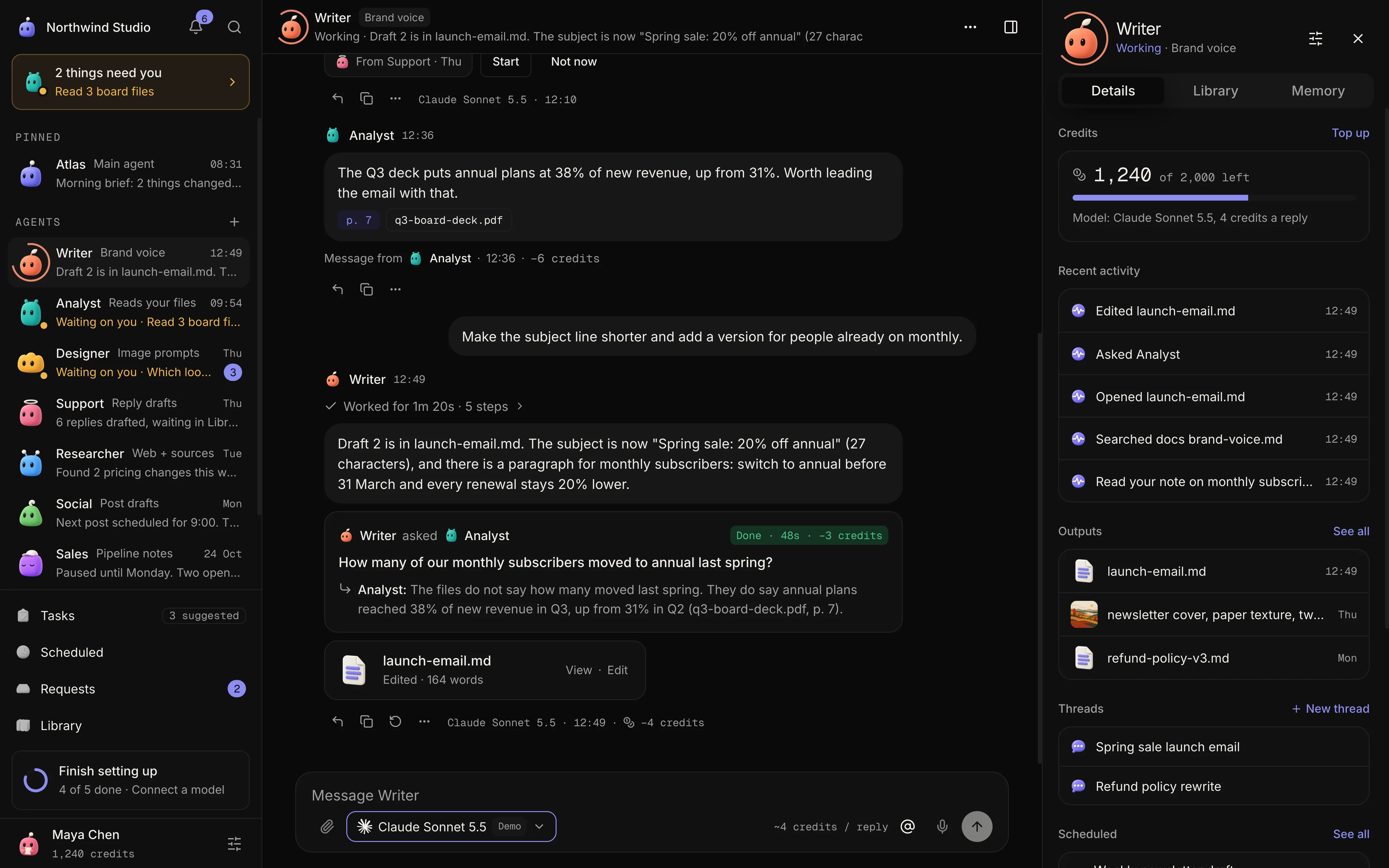
All four kits ship a CLAUDE.md file with the stack, the folder map and the rules the AI tool should follow. That file is the first thing to read in any of them.
How to choose
Choose by the app you are building, not by the number of screens in the demo.
If you are building a fitness or wellness app, start with the Fitness Kit, since its rings, logging and plan screens are already built. If your app is a booking product, the Booking Kit's slot logic and Supabase setup save the most time. If you are building two-sided marketplace flows, the Marketplace Kit covers the order and chat paths. The Arcade Kit suits a catalog or storefront product.
If none of these fits, a free starter is a reasonable base. The Expo team's own examples and the widely used open-source starters are free, and a paid template only earns its price if it saves you the setup work you would otherwise do yourself.
Working with an AI coding tool
An AI tool is only as good as the context it reads. A starter that carries clear rules, a folder map and tested prompts for common changes gives the tool a fair chance to make a correct change on the first try. A starter with none of that leaves the tool to guess the conventions from the code, which is where most of the breakage comes from.
Before you choose, open the repo and read its project memory file. Check whether the rules say which folders hold the UI primitives, where the data hooks live, and how to add a screen. If those answers are missing, expect to spend the first week teaching the tool the codebase.
What to check before you buy
Run through this list on any starter, paid or free:
- The SDK and React Native versions in
package.json, and the date of the last commit. - A native build on a device, not only the web preview.
- The sign-in path, using a real account, not a demo login.
- The data layer, and whether it runs against a real database or fixtures only.
- The license, and what you may ship to customers.
Where to go next
Start with the live demos. Open each kit's demo on a phone, sign in where the kit allows it, and walk the main flow. Then read the kit's CLAUDE.md. If the demo and the rules match what you need, the kit is a fair choice.
The kit pages are at otf-kit.dev/templates/fitness-kit, /templates/booking-kit, /templates/marketplace-kit and /templates/arcade-kit.
Every kit runs on Expo SDK 58, so the upgrade steps from our guide, "How to upgrade an Expo app one SDK version at a time", apply once you move to a later SDK. Read that guide at otf-kit.dev/blog/expo-sdk-upgrade-guide before you plan the first upgrade, so you know what the build step involves on a device.

Stop wiring. Start shipping.
- Sign-in and a database wired in, with its own API
- iOS + Android + web from one codebase
- AI configs pre-tuned + 20+ task prompts per kit included
Ship your first screen tonight — free starter in your inbox
The quickstart, the SDK repo and the live kit demos, on this screen and in your inbox.
No spam. Unsubscribe any time.