How to Move a Lovable or Bolt App to the App Store
Lovable and Bolt publish web apps, and Apple rejects an app that is only a repackaged website, so the path to the App Store is to take your code out, rebuild it as a native Expo app, then build and submit it with EAS.
To get a Lovable or Bolt app into the App Store, take your code out, rebuild it as a native app (Expo is the common route for a React codebase), build it with EAS Build and submit it with EAS Submit from a paid Apple Developer account. Wrapping the web app in a shell is the risky shortcut: Apple's guideline 4.2 asks for more than a repackaged website.
The facts on this page come from Apple's, Expo's, Lovable's and Bolt's own pages, read on 2026-11-10. Check them again before you submit.
Why the web app can't go in as it is
Lovable and Bolt build web apps. Lovable's docs describe exporting and syncing your project code with GitHub. Bolt's help center says it "builds websites and apps" and documents publishing to a web address on bolt.host. Neither page read on 2026-11-10 described submitting to the App Store.
Apple's App Review Guidelines set the bar. Guideline 4.2: "Your app should include features, content, and UI that elevate it beyond a repackaged website." Guideline 4.2.6 adds that apps created from a commercialized template or app generation service will be rejected, unless the provider of the app's content submits them. So a native build of your own app, submitted from your own account, is the path.
The steps
- Take your code out. In Lovable, connect GitHub to export and sync the project. Bolt's pages read on 2026-11-10 did not describe an export route, so check its help center for the current one. Either way you end up with a repository you can open in Claude Code or Cursor.
- Decide what stays on the server. Your data, auth and payment logic can usually stay where they are (for example a Supabase project). The screens are what changes.
- Rebuild the screens in Expo. React logic and data calls carry over; web layout and HTML elements do not, so each screen is redone with native components. This is the bulk of the work.
- Build with EAS Build. Expo's hosted service turns the project into iOS and Android binaries.
- Submit with EAS Submit. Expo calls it the recommended way to upload an iOS app to the App Store. You need a paid Apple Developer account.
- Pass review. Give the app native value (offline states, notifications, device features) so it clears guideline 4.2.
The shortcut: start from a native kit
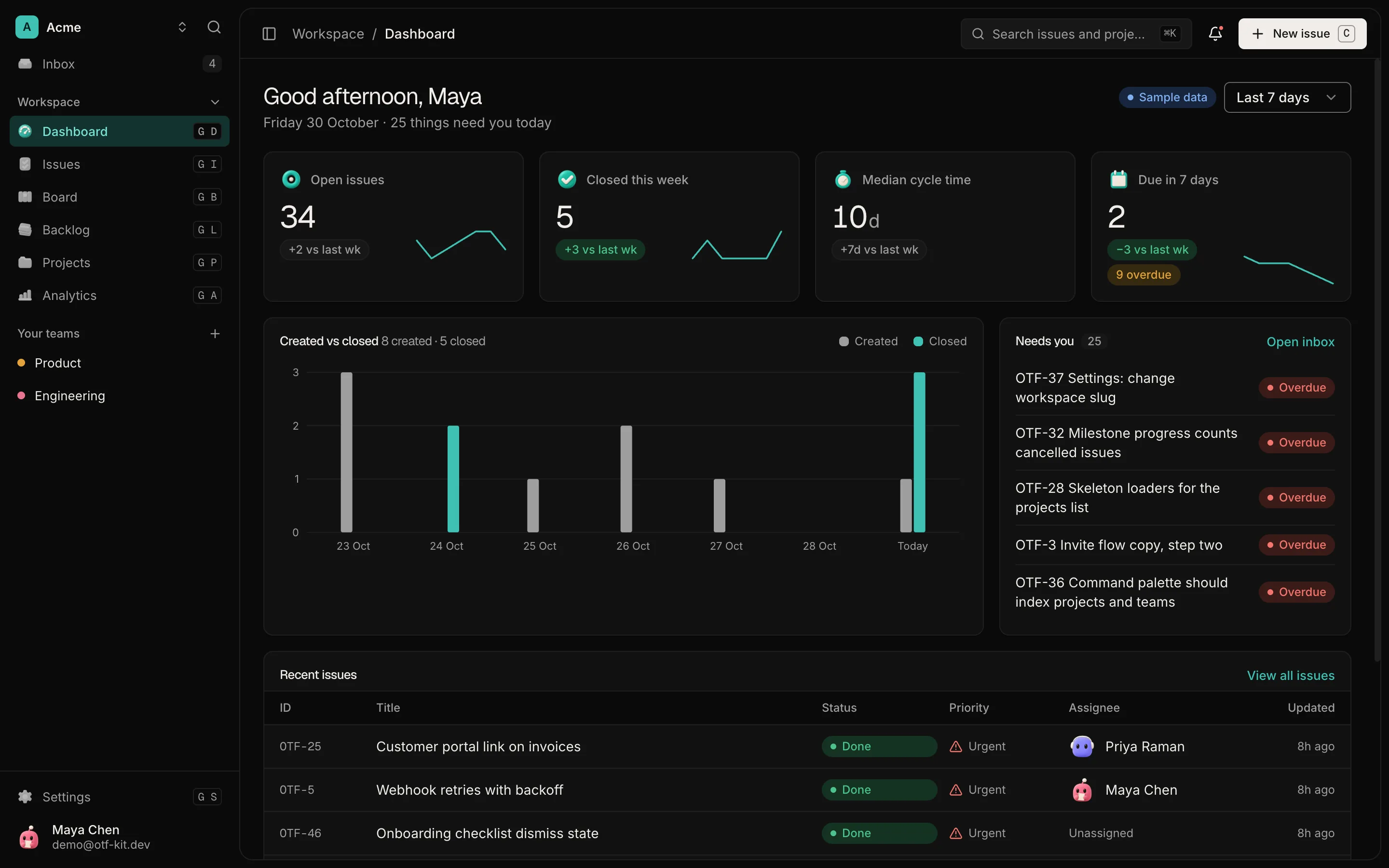
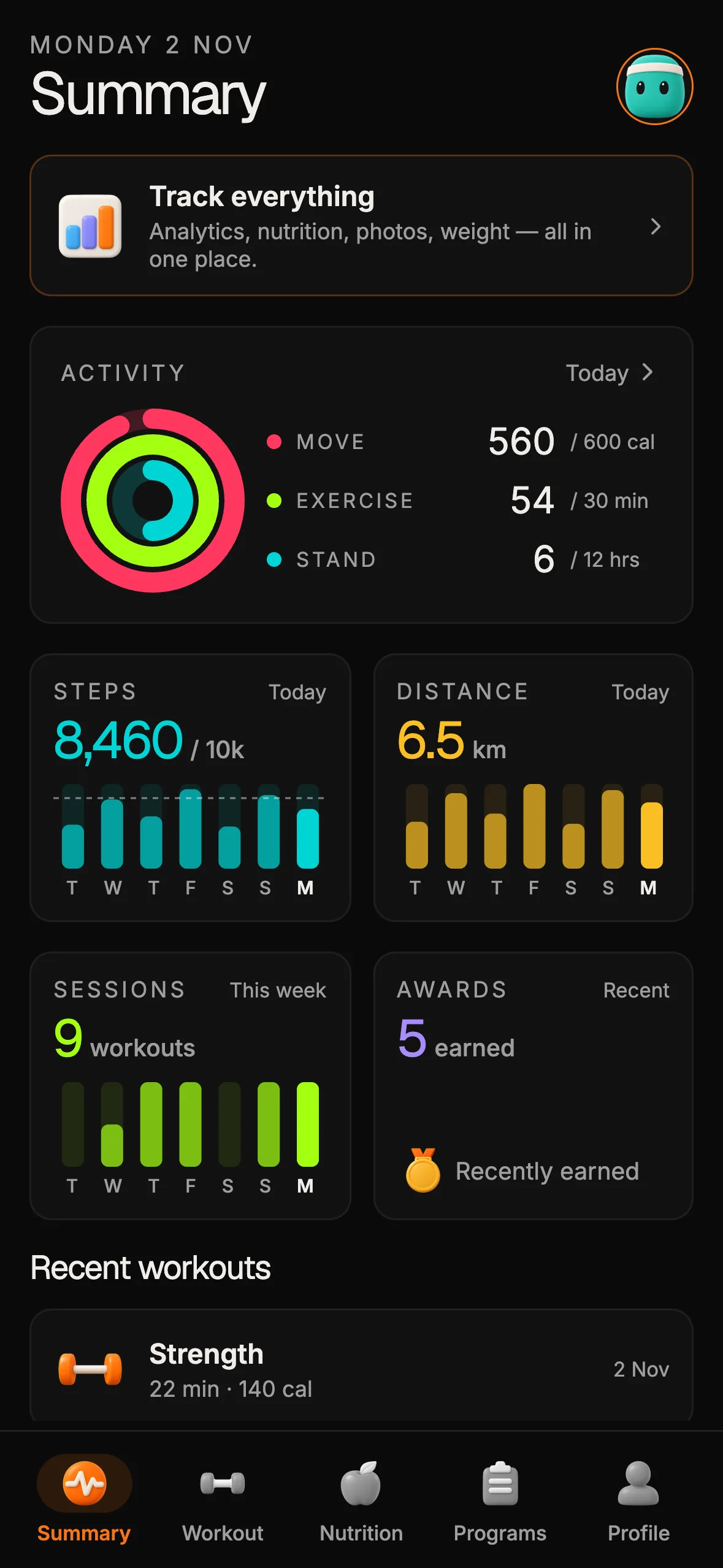
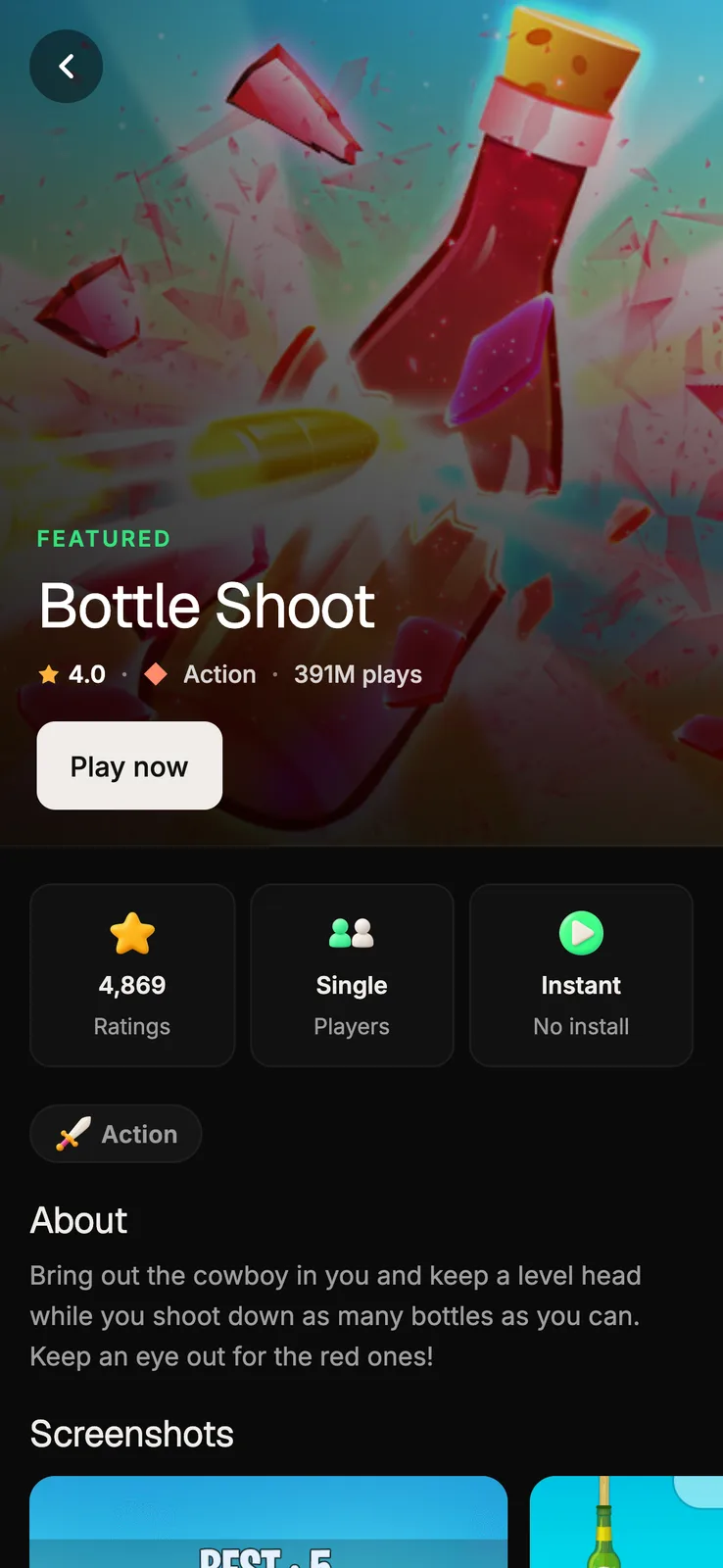
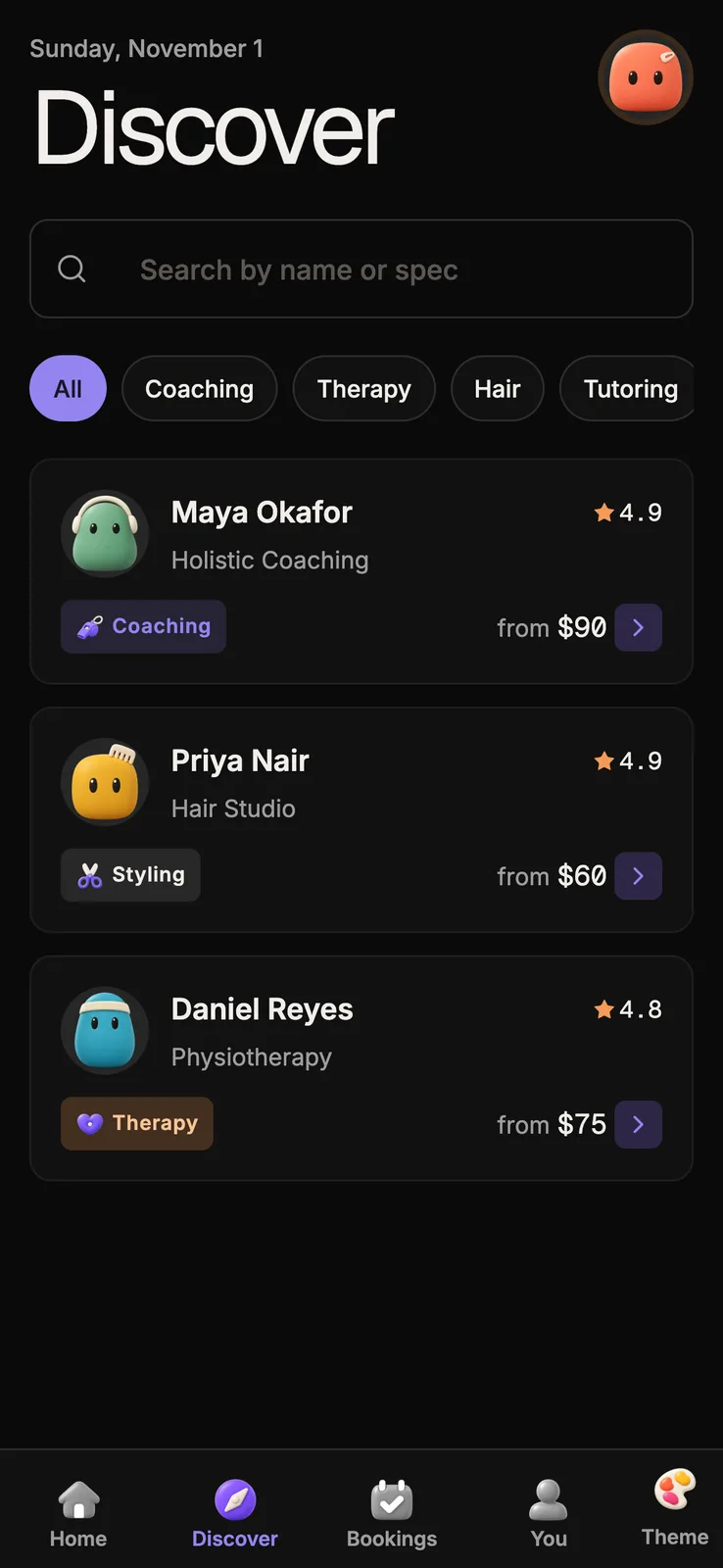
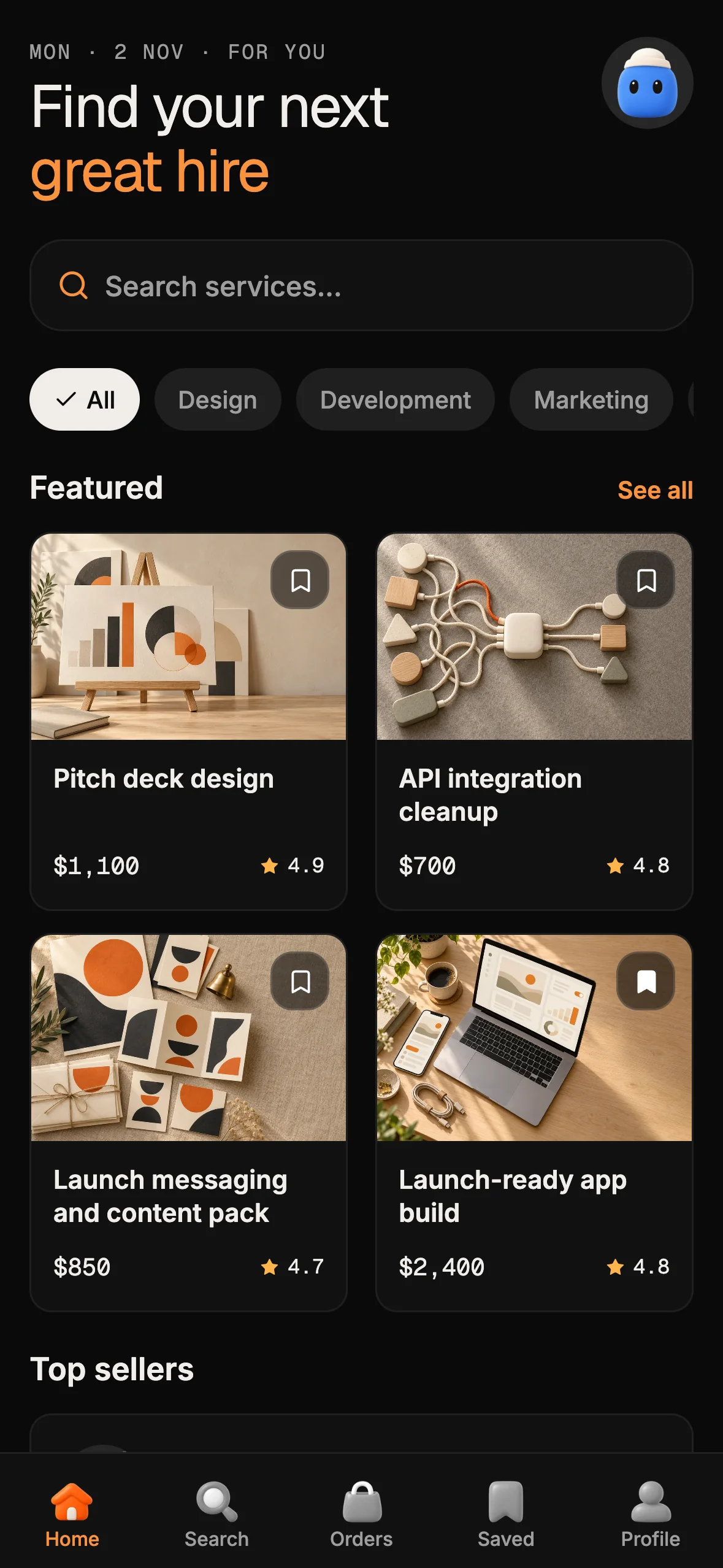
Step 3 is where most of the time goes. If your app is a booking, fitness, marketplace or games app, an OTF Expo kit already has those screens built natively for iOS, Android and the web, with an eas.json for steps 4 and 5. You move your product's rules and branding into it instead of rebuilding every screen.
- Booking (Cadence): Supabase Auth and Stripe Checkout per booking.
- Fitness: workouts, activity rings and email or Google sign-in.
- Marketplace: buyers, sellers, packages and orders.
- Arcade: a games hub on local data until you wire the server.
Each kit is $99, or $149 for every Live kit. Every kit page has a live demo and a "not included" line, so check both before you buy; sales are final. Comparing paid starters instead? See the best Expo starter kits in 2026 and otf-kit vs ShipFast.
Sources
- Apple App Review Guidelines 4.2 and 4.2.6: https://developer.apple.com/app-store/review/guidelines/ (read 2026-11-10)
- Expo EAS Build: https://docs.expo.dev/build/introduction/ (read 2026-11-10)
- Expo EAS Submit for iOS, Apple Developer account requirement: https://docs.expo.dev/submit/ios/ (read 2026-11-10)
- Lovable GitHub export and sync: https://docs.lovable.dev/integrations/github (read 2026-11-10)
- Bolt help center and publishing: https://support.bolt.new/ (read 2026-11-10)
- OTF kit pages: https://otf-kit.dev/templates
Frequently asked questions
- Can I publish a Lovable app to the App Store?
- Not as it is. Lovable can export and two-way sync your project code to GitHub, but the pages read on 2026-11-10 did not show it producing a native iOS app. You take the code out, rebuild the screens as a native app, for example with Expo, and submit that build.
- Can I publish a Bolt app to the App Store?
- Bolt's help center, read on 2026-11-10, documents publishing a project to a web address on bolt.host and did not mention the App Store or Google Play. As with Lovable, you need a native build of your app to submit.
- Will Apple accept my web app wrapped in a native shell?
- Probably not on its own. Apple's App Review Guideline 4.2 says an app should include features, content and UI that elevate it beyond a repackaged website, and 4.2.6 rejects apps created from a commercialized template or app generation service unless the provider of the app's content submits them.
- What do I need to submit an iOS app?
- A native build and a paid Apple Developer account. Expo's docs say EAS Build is a hosted service that builds app binaries, EAS Submit is the recommended way to upload an iOS app to the App Store, and a paid Apple Developer account is required.
- Is there a faster way than rebuilding from scratch?
- Start from an Expo kit that already matches your app. OTF's Booking, Fitness, Marketplace and Arcade kits run on iOS, Android and the web from one codebase and ship an eas.json, so you move your product's rules into a working native app instead of building one. Each kit is $99.