Supabase production checklist for Expo apps

Most Supabase checklists read like a list of settings to tick. The useful version is shorter: the things that break a mobile app once real users arrive. We built the Booking Kit, an Expo app on Supabase with a booking flow, Stripe payments and a reminder email, and every item below is a check the repo runs today. Where a step lives in the Supabase dashboard rather than in code, we say so.
The kit targets Expo SDK 58 (expo ~58.0.21). The same ideas hold for any Expo app on Supabase.
1. Enable Row Level Security on every table the app can reach
The client talks to Supabase with the anon key. That key ships inside the app, so anyone can extract it. Row Level Security is the only thing standing between that key and your data.
In the Booking Kit, RLS is switched on for profiles, services, availability_rules, time_off, bookings and payments, in supabase/migrations/20260525000003_booking_rls_policies.sql. The packages tables get the same treatment in a later migration. A table without RLS is open to any signed-in user, and often to anonymous ones. The general RLS checks are in the RLS production checklist, and the mobile cases are in the mobile data-safety guide. This section covers only the schema this kit ships.
Check: run the query that lists every table in the public schema with rowsecurity = false. Every row it returns should be a table the client never reads.
2. Keep payment records off the client entirely
The payments table has no policy for the anon or authenticated roles. Only the service-role key, which runs on the server, can read or write it. The migration says so in a comment. In the kit, the Stripe webhook is the code path that inserts payment rows, and it runs on the server with the service-role key.
The rule is simple to state and easy to break. A "my payments" screen that queries payments directly works in development, then leaks every buyer's rows the day someone adds a permissive policy to make a test pass.

One codebase. iOS, Android, and web.
The Fitness Kit is a mobile starter with its own API, with sign-in and a database. Live demo at fitness-preview.otf-kit.dev.
3. Stop double bookings in the database, not the app
Two people can tap "Confirm" on the same slot within the same second. Application code that checks for overlap first still loses that race.
The Booking Kit adds an exclusion constraint named bookings_no_overlap in 20260525000001_booking_core_schema.sql. It rejects two pending or confirmed bookings whose time ranges overlap for the same provider. The second insert fails at the database, and the app shows the slot as taken.
Check: insert two overlapping bookings for one provider by hand in the SQL editor. The second insert must fail.
4. Compute free slots with a SECURITY DEFINER function
RLS hides other clients' bookings from each client, which is correct for privacy. It also means a client cannot see which slots are already taken, so a naive query shows every slot as free.
The kit's available_slots function runs as SECURITY DEFINER and sees all bookings. The client calls it through supabase.rpc, and it returns only start times. Client code never receives other people's booking rows.
Keep these functions narrow. Set search_path = public explicitly, as the migration does, and return the minimum columns the screen needs.
5. Keep the service-role key on the server
The anon key is safe in the app. The service-role key bypasses RLS entirely, so it must never reach a bundle.
The Booking Kit reads SUPABASE_SERVICE_ROLE_KEY only in its server routes: checkout, the Stripe webhook and the reminder job. The Expo client uses only the anon key, EXPO_PUBLIC_SUPABASE_ANON_KEY. Search your built bundle for the service-role value before every release. If it appears, rotate the key in the Supabase dashboard first, then fix the build.
A note on native builds. EXPO_PUBLIC_* values are inlined when the bundle is exported. A gitignored .env does not reach an EAS or CI export, so the app can ship with an empty Supabase URL and fail with "network request failed" on a real phone. The kit reads public client config from app.json extra as a fallback. Only the anon and publishable keys belong there.
For the general rules on privileged keys, see the auth hardening checklist.
6. Use Realtime only where the screen needs it, and filter it
The booking screen subscribes to changes on bookings, so a slot taken by another client fades out without a refresh. That subscription is the right use of Realtime: one table, one screen, one purpose.
The kit publishes only bookings to the supabase_realtime publication, in 20260525000004_booking_realtime_and_storage.sql. Two checks follow. Keep the publication list short, and test with a second signed-in client that the event for a booking it cannot see never reaches it. Do not publish a table just because a screen might need it later.
For reconnect and presence behaviour on phones, see the Realtime mobile guide.
7. Verify the caller's token on every server route that acts for a user
Some work has to run on the server: checkout, the webhook and the admin routes. Those routes must confirm who is calling. The kit's user-scoped routes use withSupabase({ auth: 'user' }) and verify the access token against the project's JWKS endpoint, set as SUPABASE_JWKS_URL in .env.example. New Supabase projects sign tokens with ES256, so a missing JWKS URL shows up as a 401 on every call that should work.
The server must never trust a user ID sent in the request body. Take the ID from the verified claims. Test it by calling a user route with a token from a second account and an ID from the first.
For session storage on the device, see the Expo session guide.
Recap: run these before the first real user
- List the
publictables with RLS off, and confirm each one is never read by the client. - Confirm no policy grants anon or authenticated access to payment rows.
- Try two overlapping bookings by hand. The second must fail.
- Call the slot function as a client and confirm no other person's booking appears.
- Search the built bundle for the service-role value. It must not be there.
- Check that Realtime publishes only the tables a screen needs.
- Call a user route with another account's token. It must be refused.
Run the list again after every schema change. A migration that adds a table is the usual moment a check quietly stops being true.
What this checklist adds to the existing guides
The guides linked above cover RLS policy design, the auth session and general key rules. This checklist adds four checks they do not: payment records are kept off the client entirely (section 2), a double-booking guard is enforced in the database (section 3), free-slot queries run through a SECURITY DEFINER function (section 4), and every server route verifies the caller's token (section 7).
What the checklist does not cover
Backups, point-in-time recovery, the plan you run on, and connection pooling are project settings, not repo code. Set them in the Supabase dashboard before launch, and write down who can change them. We have not audited a production Supabase project from the outside, so treat this list as the code-side checks, not a full operations review.
Try the Booking Kit
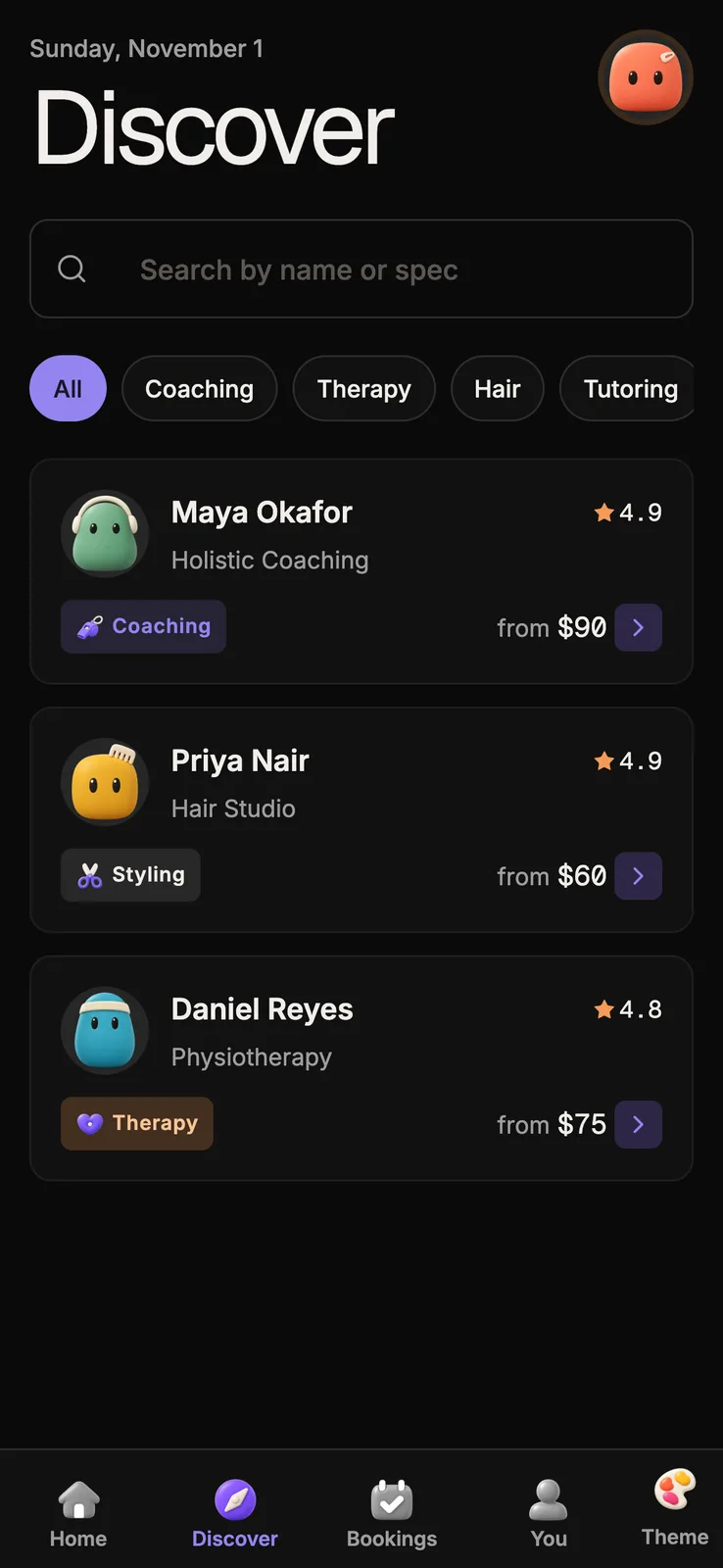
The Booking Kit ships the schema, the policies, the slot function, the Stripe and reminder server routes and an Expo app that runs against local Supabase or a hosted project. The live demo runs the full booking flow in a browser: open the Booking Kit.
If your app uses Drizzle and Better Auth instead of Supabase, the Fitness Kit covers that stack with the same server-first split.

Stop wiring. Start shipping.
- Sign-in and a database wired in, with its own API
- iOS + Android + web from one codebase
- AI configs pre-tuned + 20+ task prompts per kit included
Ship your first screen tonight — free starter in your inbox
The quickstart, the SDK repo and the live kit demos, on this screen and in your inbox.
No spam. Unsubscribe any time.