Bolt Cloud hosts the preview; a kit is the repo Cursor keeps editing

Bolt.new is an AI chat builder that turns prompts into apps, websites, and prototypes — and Bolt Cloud is the part that makes the loop feel complete. Hosting, domains, databases, authentication, file storage, server functions, analytics, and Stripe-paired payments sit inside the same workspace. You can start from a blank chat, Figma, GitHub, or a team template; Bolt Agent routes models for the task; and the product markets automatic test/refactor cycles that cut down on broken generations.
That package is impressive for PMs, entrepreneurs, marketers, agencies, and students who want a live URL without assembling a DevOps stack first. This article is the own-blog decision post for the sandboxed-agent catalog row labeled Bolt — not a UI /compare page. The ICP is narrower: builders who already run Claude Code or Cursor, and who need to know whether Bolt Cloud stays the long-term home or whether they should buy an owned production kit repo instead.
Anatomy of a Bolt project
On bolt.new the entry points are explicit: chat a prototype into existence, or start from Figma, GitHub, or a team template. Get-started pages also push design-system import from GitHub, npm, or Storybook. Bolt Agent is positioned as automatic model routing — you are not supposed to juggle which model is “best” for each micro-task. Homepage marketing claims automatic test/refactor loops and much larger project context than earlier Bolt generations.
If you have never opened the app, the honest first hour looks like this:
1. Open bolt.new
2. Pick start: blank chat | Figma | GitHub | team template
3. Ship one vertical slice (one screen + one write path)
4. Use Share (restricted) or Publish (public) from the workspace
5. Write down what still must live in YOUR Stripe / IdP / store accounts
That last line is the fork. Bolt Cloud can take you far. It is not automatically the same as a buyer monorepo your filesystem agents already know how to extend.
What Bolt Cloud actually bundles
Bolt’s support docs describe Bolt Cloud as the place that removes the need for separate accounts for hosting, databases, and domains. Under the hood the docs name Netlify and Supabase as the trusted platforms powering parts of that stack. Practically, a project gets:
- Hosting — every new project is hosted; Share publishes with restricted access, Publish goes fully public; free and Pro hosting tiers; free projects get a
.bolt.hostaddress; custom domains are documented on paid plans with SSL handled for you. - Domains — buy through Bolt or connect an existing domain without leaving the workspace.
- Databases — marketed as unlimited databases that grow with the project; no separate server setup.
- Auth — signups, logins, password resets, roles and permissions without writing auth from scratch.
- File storage — images, documents, uploads in one place.
- Server / edge functions — small backend pieces for forms, processing, custom features, run close to users.
- Analytics — pageviews, visitors, traffic sources without a second analytics account.
- Payments — Bolt Cloud paired with Stripe for one-time charges or subscriptions.
- External exits — docs also cover deploying toward Supabase or Netlify if you prefer your own infra, plus enterprise paths (SSO, SOC 2, BYOK into AWS/Azure) on the get-started pages.
For marketers, founders, and agencies that need a live URL without hiring DevOps, that is a dense, useful bundle. Bolt is not “just a chat toy.”
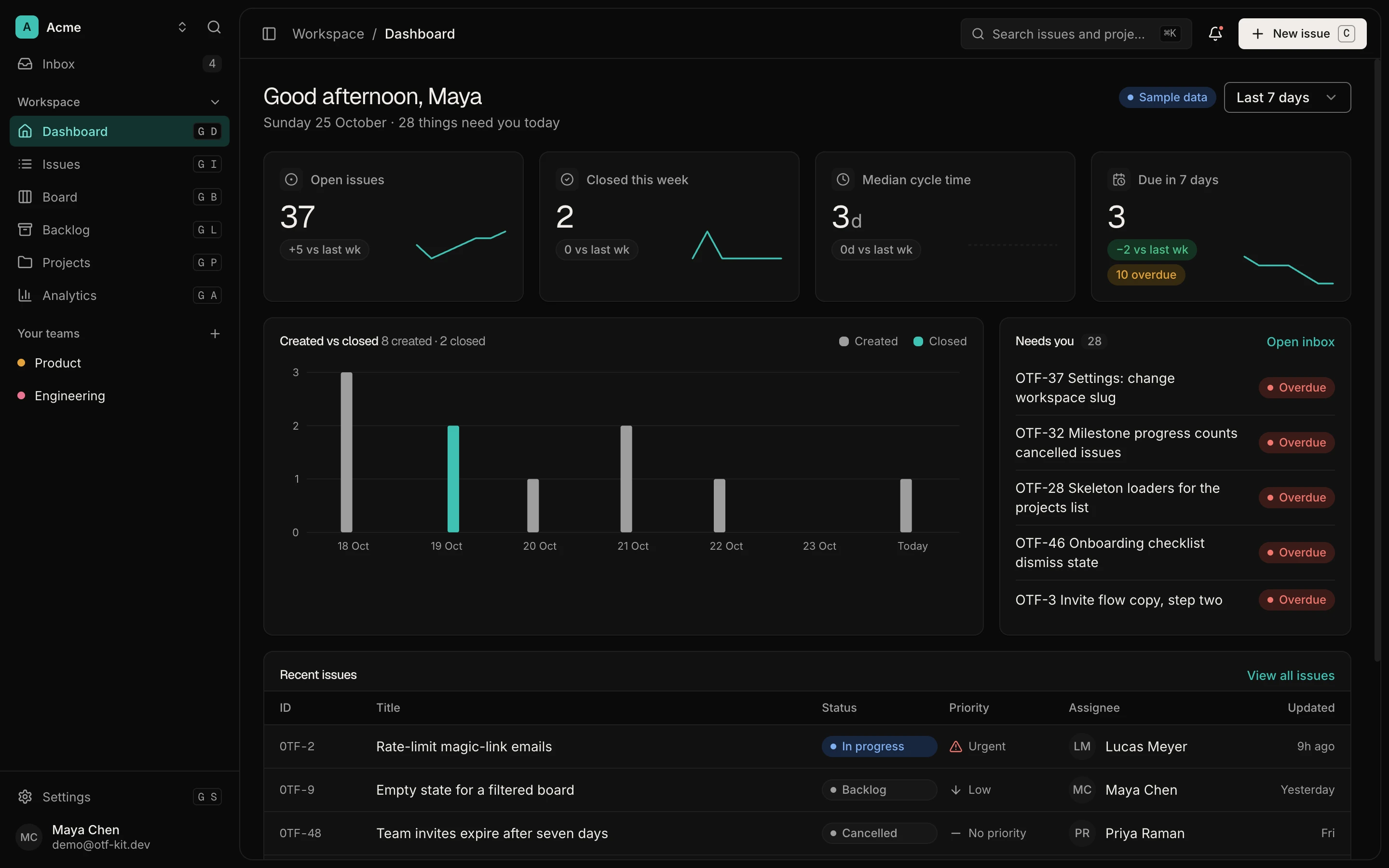
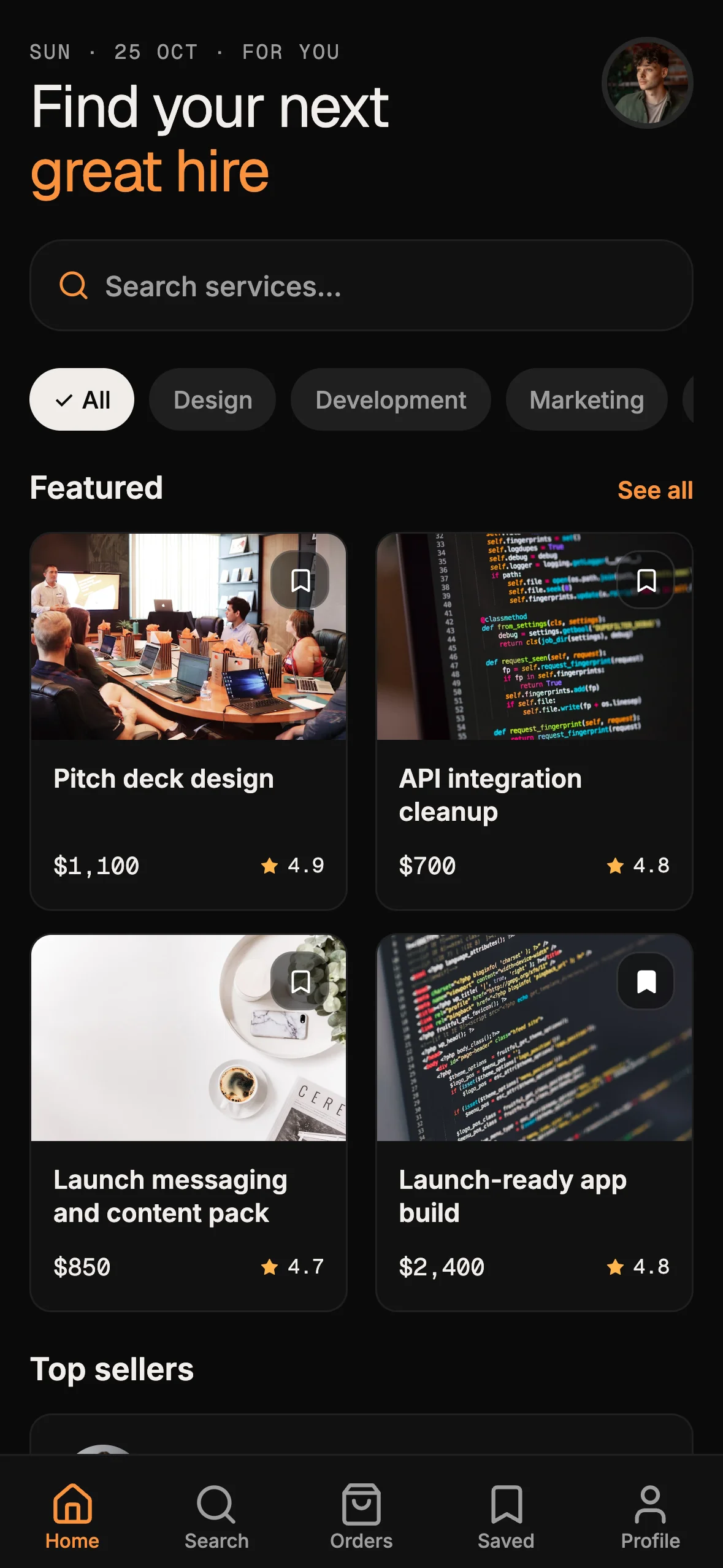
12 production screens. Login and database wired.
The SaaS Dashboard Kit includes login, a database, and a working dashboard. Live demo at saas.otf-kit.dev.
When Bolt Cloud is the right home
Stay in Bolt when most of these are true:
- The product is primarily a web app or marketing site that fits Bolt’s publish model.
- Bolt’s auth, database, functions, and Stripe pairing cover the domain for the next quarter.
- Stakeholders care more about a clickable URL this week than about a laptop agent owning the tree forever.
- Your team is happy iterating inside Bolt Agent rather than in Claude Code / Cursor day-to-day.
- Optional GitHub imports are enough continuity for engineering review.
In that world, Bolt’s Share → Publish path, .bolt.host or custom domain, and built-in analytics are the product. You are buying speed and consolidation, and you should use them without guilt.
When Cursor and Claude Code want a kit instead
Filesystem agents compound on files that persist: CLAUDE.md, .cursorrules, task prompt recipes, schema migrations, and release scripts. Session-shaped builders optimize for the chat and the hosted project. The longer comparison lives in sandboxed vs filesystem agents.
Prefer an owned kit when most of these are true:
- Day-30 reality includes tenant models, webhook-verified billing, or store builds that Bolt Cloud does not fully replace for your case.
- The people who will maintain the app live in Cursor or Claude Code on a laptop, not primarily in Bolt’s IDE.
- You need a buyer mirror delivered as a repo (OTF’s
sync-kits.ymlpath to repos such asotf-kit/booking-kit), not only a hosted project you might export later. - Cross-platform client + API border + agent docs must ship as one object. Mobile sandboxes hit a related limit: Rork can scaffold React Native; it cannot follow you to the App Store.
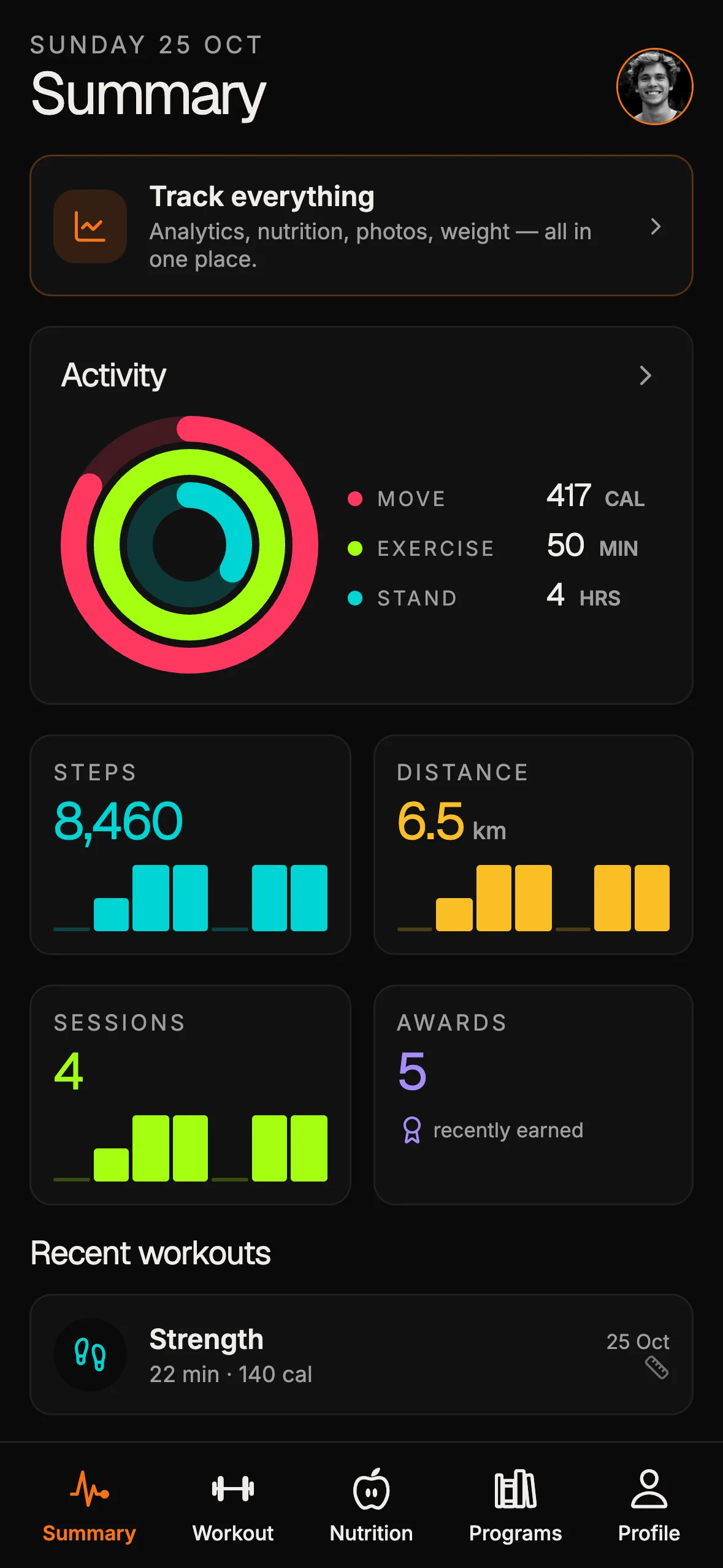
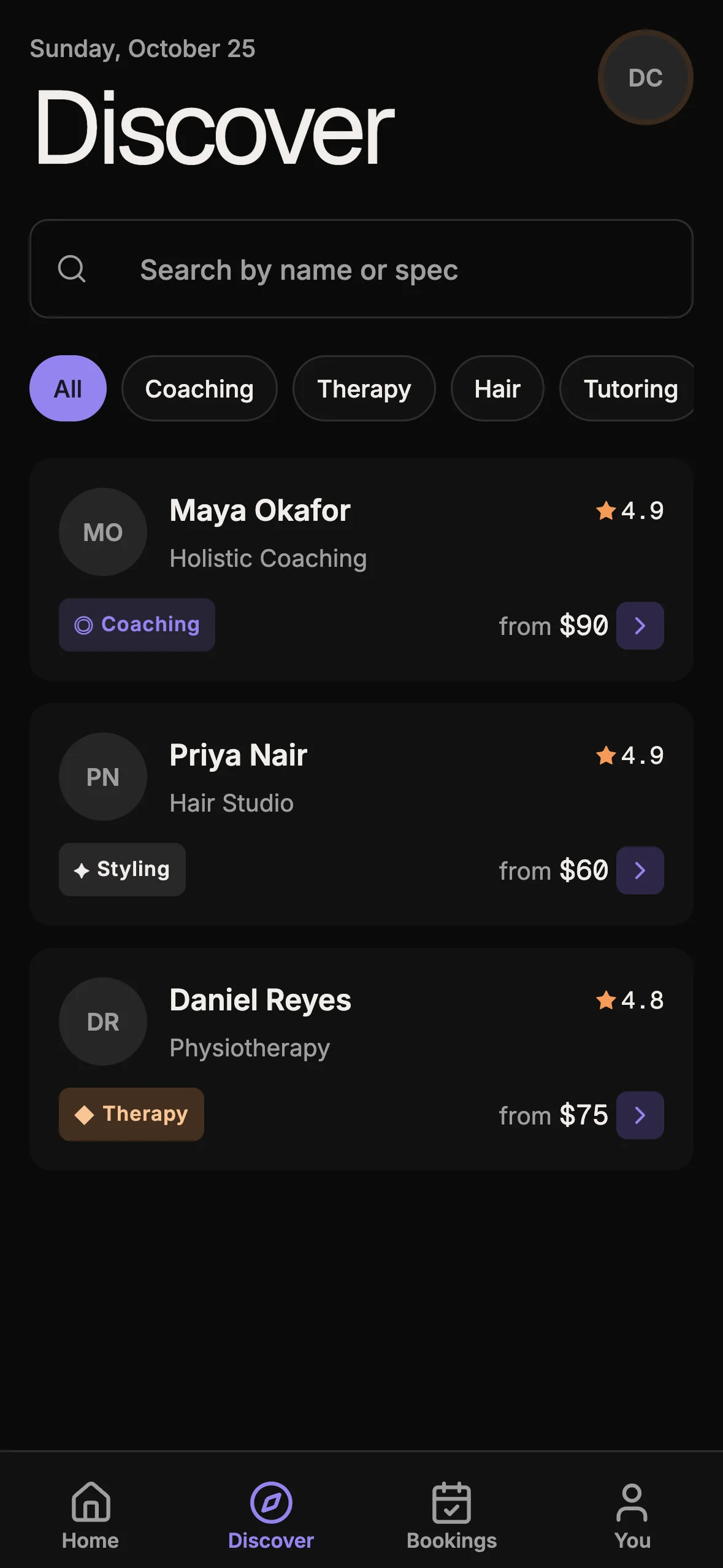
Verified kit inventory (outcomes, not a framework ad): booking kit ships a cross-platform client, database RLS with available_slots(), server routes for Stripe/Resend, live preview at booking-preview.otf-kit.dev, and agent files in the buyer repo. Fitness kit and saas-dashboard use the same delivery class. Spec aside once: the booking example’s client/API split is Expo web export plus a Hono-style API border — mentioned only as inventory.
Adjacent sandboxed rows with different exits: Emergent ships fast previews; a kit owns the production repo you keep and Prompt-to-Vercel with v0 is not the same as owning a production kit. Bolt’s differentiator in that tier is Bolt Cloud’s all-in hosting/auth/DB/payments surface — not “another prompt box.”
Decision map

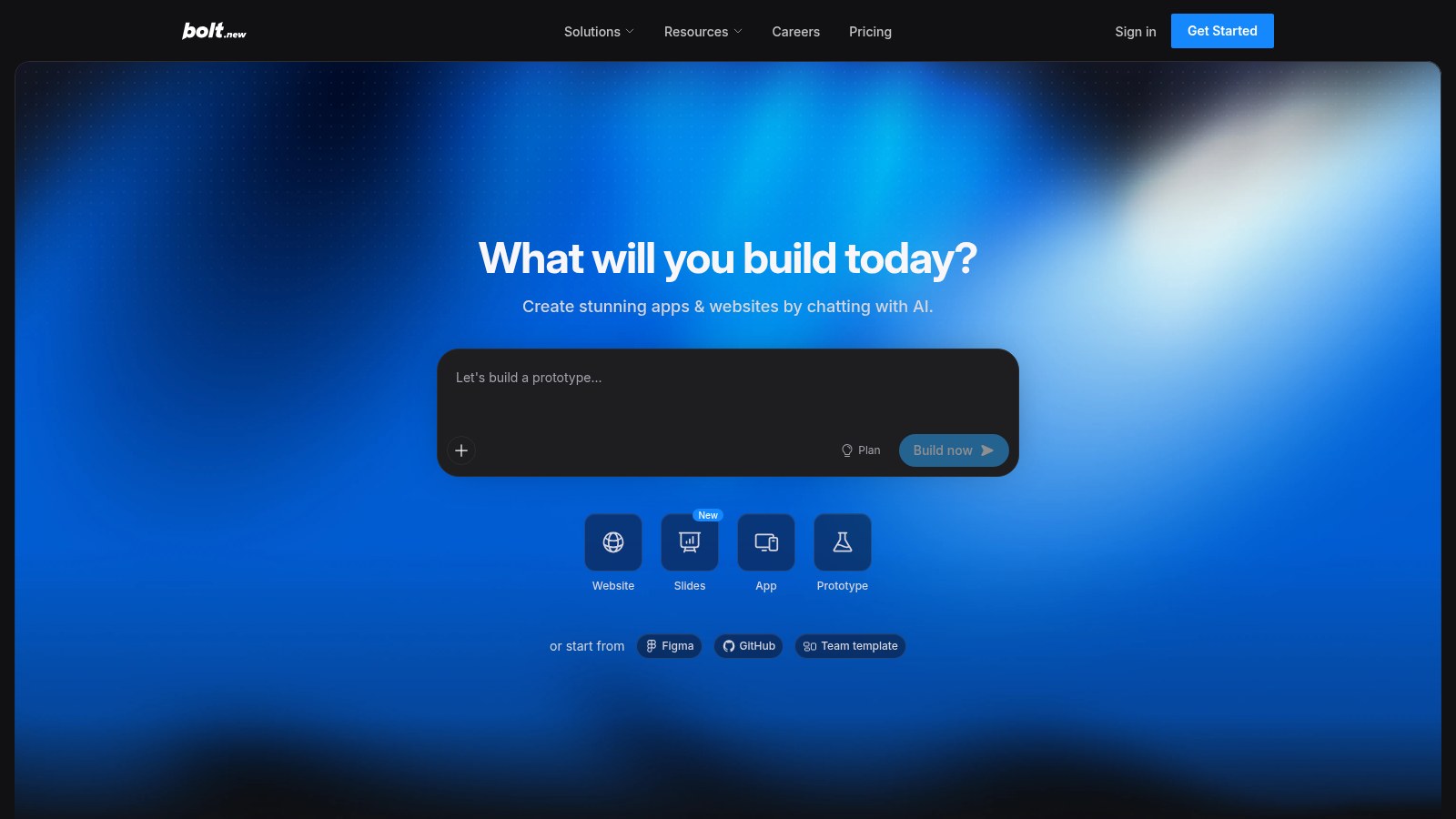
Source: https://bolt.new/ — public marketing page captured 2026-09-11.
Bolt Cloud wins on chat-to-public-URL consolidation; a kit wins when the deliverable is a buyer monorepo your agents keep editing.
| Signal | Lean Bolt.new | Lean owned kit |
|---|---|---|
| Primary artifact this month | Public Bolt publish / custom domain | Cloneable product repository |
| Where auth/DB/host live | Bolt Cloud (Share/Publish) | Your accounts + your hosts |
| Payments path | Bolt Cloud + Stripe inside the workspace | Webhooks and secrets you already operate |
| Daily editor after launch | Bolt Agent + browser IDE | Claude Code / Cursor on disk |
| Continuity mechanism | Chat history + project + optional GitHub | CLAUDE.md / .cursorrules / prompt recipes |

Left: prompt → Bolt Agent → Bolt Cloud Publish. Right: sync → agent conventions → your infra → keep shipping in the same tree.
Bolt path in one line. Figma/GitHub/template or blank chat → Bolt Agent (routed models, claimed auto test/refactor) → Share or Publish → Bolt Cloud services (DB, auth, functions, storage, analytics, Stripe, domains). Residual work: anything that must match infra or policies outside Bolt — existing IdP, complex billing, EAS store pipelines, durable agent house style on disk.
Kit path in one line. Buyer monorepo from sync → conventions already in-tree → schema and privileged routes shaped → deploy on hosts you choose → filesystem agents keep editing the same tree. Residual work: product domain customization, not inventing the production skeleton.

Green checks matter when they map to a repository you still open next quarter — not only to a chat that shipped once.
A practical sequencing pattern
You do not have to pick forever on day one. A clean sequence many teams already use:
- Week 0–1 in Bolt — validate IA and copy with Share links; Publish only when the slice is worth a public URL.
- Freeze the model — write down entities, roles, and payment events that survived stakeholder review.
- Move the system of record — either commit to Bolt Cloud (domains, Stripe pairing, functions) or implement that frozen model on a kit your Cursor/Claude Code workflow already expects.
- Do not dual-write — pick one source of truth for schema and auth; dual-maintaining Bolt and a kit burns a month.
If GitHub / design-system import is how engineering reviews prototypes, keep it — and name when production stays on Bolt versus moves to a kit.
Bottom line
Bolt.new is a sandboxed AI builder with a serious hosting story: chat or Figma/GitHub/template starts, Bolt Agent model routing, claimed auto test/refactor, and Bolt Cloud for databases, auth, file storage, edge functions, analytics, Stripe-paired payments, hosting, SEO-oriented publishing, and custom domains — as documented on bolt.new and support.bolt.new. Audiences Bolt names include product managers, entrepreneurs, marketers, agencies, and students.
An OTF production kit is a different purchase: an owned repo with agent conventions and infra you keep, delivered through paths like sync-kits.yml to booking-kit, fitness-kit, and saas-dashboard. Use Bolt when the win is a public Bolt Cloud URL this week. Buy a kit when the win is still opening the same repository in Cursor after the chat tab closes.
Sources
Bolt product site (builder positioning, Bolt Agent, Bolt Cloud feature list, audiences): https://bolt.new/
Bolt get-started (prototype-to-production framing, design-system imports, Cloud, Stripe, enterprise notes): https://bolt.new/get-started
Bolt Cloud overview (hosting Share/Publish, domains, databases, auth, storage, functions, analytics, Stripe, Netlify/Supabase notes): https://support.bolt.new/cloud/bolt-cloud
Bolt hosting docs (.bolt.host, custom domains on Pro): https://support.bolt.new/cloud/hosting
Ship the product, not the setup.
- 12 production screens — auth, team, analytics, and settings
- Login and a real database are wired in
- AI configs pre-tuned so your agent extends instead of regenerates
Ship your first screen tonight — free starter in your inbox
The quickstart, the SDK repo and the live kit demos, on this screen and in your inbox.
No spam. Unsubscribe any time.