Feature flags let AI-built apps ship boldly and roll back instantly

Every AI feature you ship should ride behind a feature flag. That is the whole thesis: a flag separates deploying code from releasing behavior, so a misbehaving model response, a cost spike, or a half-ready assistant becomes a toggle flip instead of an emergency release. If you take one practice from this post, take that one — wrap each AI capability in a named flag with a safe default before it ever reaches production traffic.
The reason this matters more for AI-built apps than ordinary ones is that AI features carry two risks traditional features do not. First, their behavior drifts: the same prompt can produce different output after a provider-side model update you never asked for. Second, their cost scales with usage in ways that are hard to predict until real users arrive. A flag gives you a kill switch for the first risk and a rollout dial for the second. Both beat the alternative, which is shipping to everyone at once and finding out together.
Shipping code is not the same as releasing features
A feature flag is a small piece of code used to enable or disable a feature without modifying source or redeploying the app, and flags let teams reduce release risk by rolling features out progressively across subsets of users over time. That distinction — deploy versus release — is the entire game. Your code can be live in production for a week while the feature itself stays dark, and when you do turn it on, you turn it on for five percent of users, not one hundred.
For builders using AI coding agents, this distinction is easy to lose. The agent writes the feature, the preview looks right, and the temptation is to ship it to everyone in the same motion. Resist that. Merging the code and flipping the flag in two separate steps means every release has an undo button that works in seconds, with no rebuild and no store review in between. The launch checklist for AI MVPs covers the surrounding discipline; flags are the mechanism that makes the release step reversible.
Every ai feature needs a kill switch
Treat every call to a model as a dependency that can fail in ways your tests will not catch. A prompt that behaves in staging can produce truncated, off-tone, or oddly formatted output in production once real user input arrives. Guardrails and prompt design reduce that surface — the production guide to prompt-injection defenses is the right companion reading — but neither gives you an off switch at 2 AM. A flag does.
The pattern is deliberately boring. One named flag guards the AI path, the default value is the safe legacy behavior, and the flag evaluation happens on every request so a flip takes effect immediately:
// Illustrative wiring sketch: one flag guards the AI path on every surface.
async function summarizeForUser(userId: string, text: string) {
  const enabled = await flags.getBoolean("ai-summary-v2", {
    userId,
    defaultValue: false,
  });

  if (!enabled) {
    return legacySummary(text);
  }
  return aiSummary(text);
}
Two details carry the weight here. The default is false, so any flag-system outage fails closed onto the known-good path instead of failing open onto the experimental one. And the user identifier goes into the evaluation context, which is what makes percentage rollouts and targeted releases possible in the next step. A flag without context is just a global toggle; a flag with context is a rollout tool.

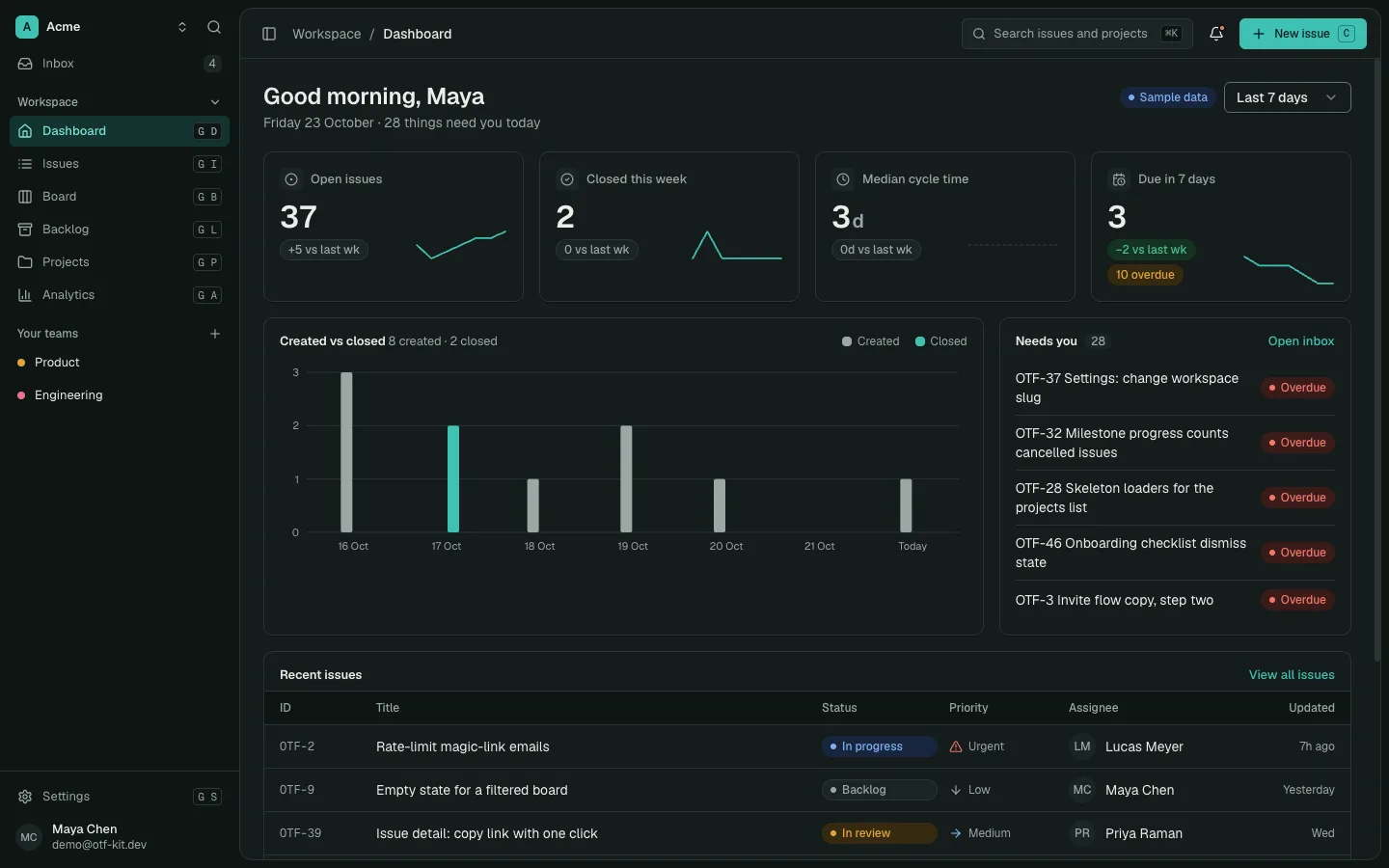
11 production screens. Login and database wired.
The SaaS Dashboard Kit includes login, a database, and a working dashboard. Live demo at saas.otf-kit.dev.
Roll out to five percent before fifty
Progressive delivery is where flags earn their keep. Feature management platforms exist specifically to reduce the risk of releasing new features, with SDKs across the major languages and both self-hosted and managed options, so the rollout dial is a solved problem you adopt rather than a system you build. The standard sequence works for AI features exactly as it works for anything else: internal users first, then a small percentage of production traffic, then a broad rollout, with a pause at each stage to read the signals.
For AI features, the signals at each stage are cost per user and output quality, not just crash rates. Your error tracking will catch the crashes; only you can watch whether the new assistant doubles your per-session inference spend or starts answering in a tone your users dislike. Five percent of traffic gives you real numbers on both within a day, and the blast radius of a bad call is five percent instead of everyone. When the numbers look wrong, you flip the flag back and investigate with the other ninety-five percent of users untouched. When they look right, you widen the percentage with evidence instead of hope.
Keep the flag api vendor neutral
The flag market has matured to the point where the wrong choice is locking your codebase to one vendor's SDK. OpenFeature is an open specification providing a vendor-agnostic, community-driven API for flagging that works with your favorite management tool or in-house solution, built explicitly to avoid vendor lock-in at the code level — and it is developed as an open-source community project, which means the API you code against is not any single company's moat.
The practical advice follows directly. Code against the neutral API from day one, back it with whatever is cheapest to run today — an open-source self-hosted option is a fine start — and keep the freedom to move to a managed platform later without a refactor when your targeting needs outgrow the simple setup. Your flag evaluations should appear in exactly one wrapper module in your codebase, so the day you switch providers you change one file, not fifty call sites. Builders who skip this step usually discover the cost during the migration they swore they would never need, which is precisely when they can least afford it.
What to flag first in an ai-built app
Not everything deserves a flag on day one. Flag the capabilities where the cost of being wrong is highest, in roughly this order.
First, any new AI endpoint or assistant surface — the chat tab, the summary button, the smart reply. These carry both behavior risk and cost risk, so they get a kill switch plus a percentage rollout from the start.
Second, provider and model choices. When you swap the model behind a feature or A/B test two providers on quality and cost, the flag is what routes each user to exactly one variant and lets you read the comparison honestly. Without it you are guessing which model your numbers came from.
Third, paywalled and premium-gated features. The flag that controls who sees the premium tier is also the flag that lets you grandfather early users, run a pricing experiment, or revoke access cleanly when a subscription lapses. The ownership math behind pricing an AI-built app shows why this control pays for itself.
Fourth, experimental flows and third-party fallbacks. A new onboarding sequence, a redesigned paywall, a fallback provider you only want active when the primary is degraded — each is a behavior change you want to enable for a slice of users and reverse in seconds.
Notice what is not on the list: static content, settled CRUD screens, anything whose worst case is cosmetic. Flags have a carrying cost — every unevaluated or stale flag is complexity — so retire each flag once its rollout completes. A flag that stays in the codebase forever is not safety equipment; it is clutter with a dashboard.
One codebase means one flag flips everywhere
Here is where this compounds for builders shipping from a single codebase. When the same code serves every surface, one flag evaluation guards the feature everywhere at once — no per-platform toggles drifting out of sync, no release where mobile gets the kill switch but the web app never heard of it. The flag check you write once travels with the shared code to every platform it runs on.
Make the convention stick by teaching it to your tooling, not just your team. The kits on the OTF templates page ship with agent configuration files and a folder of task prompts, so the coding agent that extends your app works inside your conventions instead of around them. Add your flag rules there — every AI call wrapped, safe defaults, one wrapper module, retire-on-complete — and every feature your agent scaffolds arrives pre-wired for safe release. That is the durable layer underneath the tool churn: models will change monthly, but the release discipline that keeps you shipping through those changes only has to be set up once.
Sources
- OpenFeature homepage — feature flags defined as enabling, disabling, or changing behavior without modifying source; OpenFeature described as an open, vendor-agnostic, community-driven API and an open-source incubating project that avoids code-level lock-in. Verified live 2026-09-09.
- Unleash documentation — feature management platform built to reduce the risk of releasing new features, with SDKs across major languages and self-hosted or managed deployment options. Verified live 2026-09-09.
- LaunchDarkly getting-started guide — flags enable or disable features without modifying source or redeploying, and let teams roll features out progressively across subsets of users over time. Verified live 2026-09-09.
Ship the product, not the setup.
- 11 production screens — auth, team, analytics, and settings
- Login and a real database are wired in
- AI configs pre-tuned so your agent extends instead of regenerates
Ship your first screen tonight — free starter in your inbox
The quickstart, the SDK repo and the live kit demos, on this screen and in your inbox.
No spam. Unsubscribe any time.