VibeGuard 2.0 brings endpoint guardrails to secure coding with AI agents
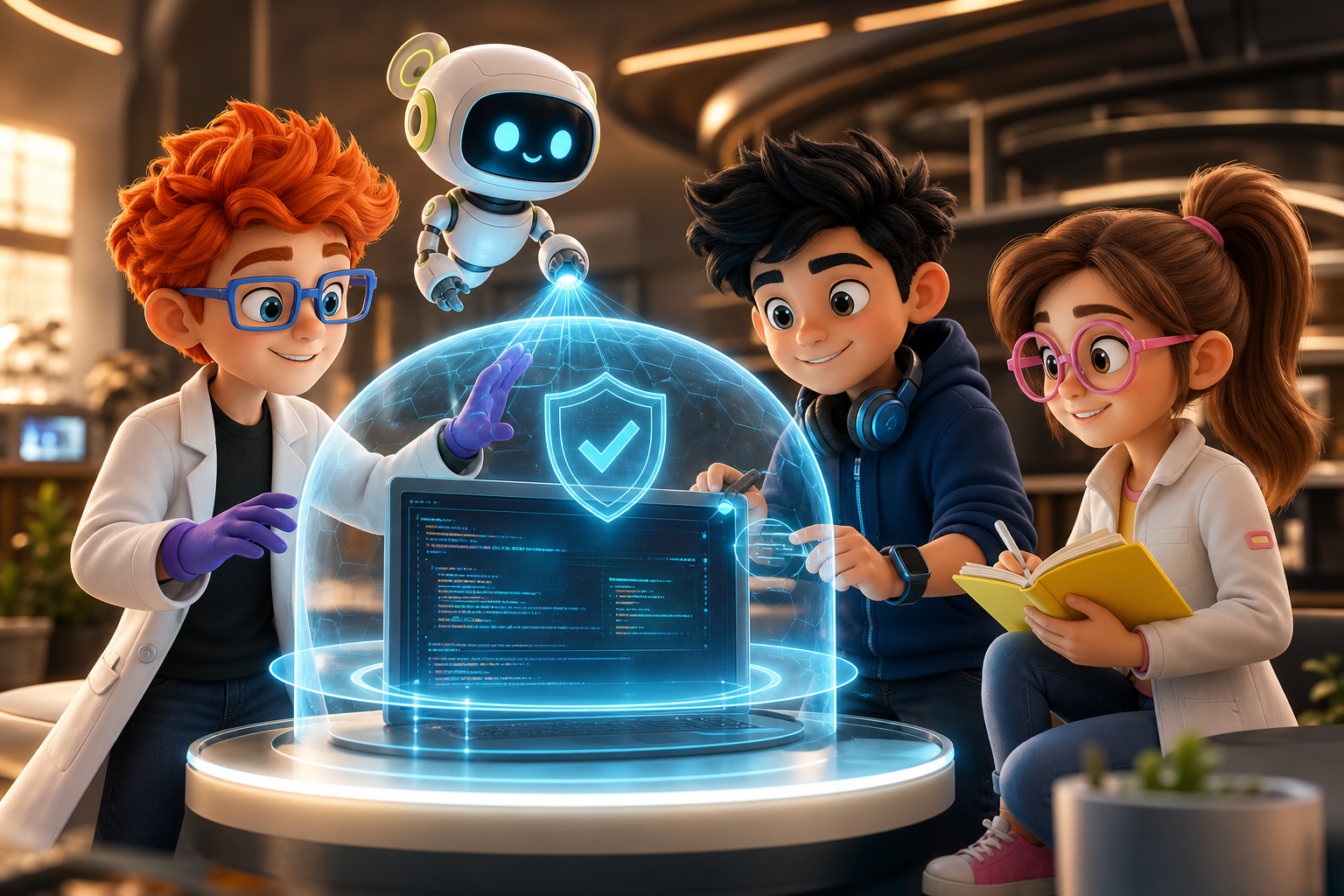
Legit Security describes VibeGuard 2.0 as a developer endpoint security solution: it discovers the coding agents, models, MCP servers, and skills actually running on developer machines, then enforces organizational policy around them — with a runtime human-in-the-loop when an agent is about to do something destructive (Legit on VibeGuard 2.0). Legit's team frames the design thesis explicitly: blocks do not work on developers, so the product interacts rather than refusing — telling the developer what was gated and why (Legit on building VibeGuard 2.0).
The important architectural claim is where the policy lives: the endpoint, not the IDE extension. That is the line that decides whether a guardrail survives contact with a frustrated developer.
Securing the agent, not just the IDE
A coding agent in 2026 is not a chatbot. It reads the filesystem, runs shell commands, hits internal APIs through MCP, installs packages, commits code. Every one of those is a privileged action gated by nothing more than a prompt. Legit's VibeGuard 2.0 positions itself at that layer: every agent invocation, every skill load, every MCP call from a terminal-launched CLI, governed by policy applied where the code is actually generated — on the developer's machine (Legit on VibeGuard 2.0).
The product's stated design — interacting with users rather than blocking — is the line that decides whether it survives a quarter. Security tools that frustrate developers get uninstalled. VibeGuard 2.0 is built around surfacing the action to the developer at runtime, putting the human back in the loop before damage happens, instead of just refusing to run.
The gap it actually closes
The IDE-extension model — where most agent guardrails live today — has three structural failures:
- Extensions are easy to disable. A developer who hits a prompt-blocking modal one too many times clicks "remove extension" and the policy is gone.
- Extensions only see what the IDE exposes. A coding agent launched from a terminal, or from an MCP-aware CLI, is invisible to anything bolted onto the editor.
- Extensions intervene late. They can stop a file save. They cannot stop a destructive command the agent already executed in a subprocess.
An endpoint-resident product does not have those failure modes. It sits where the agent's process actually runs. It sees the command, the skill invocation, the MCP call. The policy is on the box, not in the editor — which means it cannot be removed by clicking a tray icon. As Legit puts it, having permission to act is not the same as being trusted with every action; the real test is whether what the agent is doing right now matches what the human intended (Legit on VibeGuard 2.0).
If you are hardening the rest of your AI-assisted surface, the AI app security checklist covers the ground beyond the endpoint.

12 production screens. Login and database wired.
The SaaS Dashboard Kit includes login, a database, and a working dashboard. Live demo at saas.otf-kit.dev.
Skills are the new browser extensions
Legit's framing of AI skills deserves emphasis because it names the exact threat model. Installing an AI skill — reusable instructions that teach an agent to use tools, access systems, and run multi-step workflows — is like installing a browser extension: it may promise one useful capability, but you need to know who built it, what permissions it gets, and what it can do once running. OWASP's Agentic Skills Top 10 makes the same point from the standards side: a skill can be malicious, request excessive privileges, pull instructions from compromised sources, or operate outside security's visibility (Legit on VibeGuard 2.0).
This reframes the guardrail problem. It is not enough to know which agents are installed. Security needs visibility into what each agent has learned — which skills, with which permissions, sourced from where — and a runtime gate on what those skills attempt. Skill discovery plus destructive-operation interception is the combination that answers both halves.
What VibeGuard 2.0 actually does
Three capabilities, named in the launch coverage:
- Endpoint discovery. Finds the coding agents, models, plugins, MCP servers, and skills on the developer's machine and wraps them. No per-agent extension install. One product, full inventory.
- Real-time guardrails. Skill discovery and protection, dangerous-operation gating, and granular MCP security. The agent gets told what it can and cannot invoke, with policy that names specific commands and tools.
- Runtime human-in-the-loop. When an agent is about to perform a sensitive or destructive operation — deleting code, altering data, touching production — the action surfaces to the developer first. Permission to act does not imply trust in every action.
The "frictionless" framing matters. The product is designed to integrate without developers needing to fight popups. That is the difference between a security product developers tolerate and one they route around — and Legit's own build story stresses that the team ran it on themselves and learned that blocking behavior gets uninstalled (Legit on building VibeGuard 2.0).
How to actually adopt it
The deployment shape is closer to an EDR than an IDE plugin: install once per machine, and discovery walks the agent inventory on its own. Concrete steps to get from interested to policy-live:
- Inventory your coding agents. Before installing anything, list what your team actually runs — Claude Code, Cursor, Copilot, any MCP-aware CLIs. Discovery will report this back, but knowing it upfront lets you draft policy against real names instead of "all agents."
- Decide your policy defaults. Three buckets cover most teams: read-only (block mutations outside the project directory), network-restricted (block non-allowlisted hosts), and prompt-injection-aware (block reads of untrusted URLs that could exfiltrate through the agent).
- Pilot on a small team. Endpoint security that silently gates the wrong commands loses trust in a week. Run it with a two-person team for a sprint, watch the audit log, tune the false-positive rate, then expand.
- Wire the audit log into your SOC. The visibility-into-commands capability is what your security team actually wants. Pipe it into the same queue as your EDR alerts — one workflow, not three.
Pair the rollout with Cursor rules that constrain agent behavior at the repo level: endpoint policy and repo policy are complementary, and defense in depth beats either one alone.
Why endpoint beats IDE for this category
The comparison is worth making explicit because the category is about to get crowded:
| Axis | IDE extension | Endpoint resident |
|---|---|---|
| Discoverable by user | Yes — can be disabled | No — runs as a service |
| Sees terminal-launched agents | No | Yes |
| Sees skills and MCP calls outside the editor | Limited | Full |
| Can gate pre-execution | Rare | Yes |
| Survives a frustrated dev clicking "remove" | No | Yes |
An IDE plugin guards a sandbox. An endpoint agent guards the machine. Coding agents in 2026 do not stay in the sandbox. And an agent-readable repository structure with pinned dependencies makes both layers enforceable instead of aspirational.
The part that does not change when the model does
VibeGuard 2.0 secures the generation step — the moment the agent loads a skill, runs a command, hits an MCP endpoint. That is necessary work, and it was overdue. But what the agent generates still has to ship as a coherent product surface.
A Button written by one agent in a web project looks like a web button. The same prompt in another tool produces a button that is "kind of like" the web one. A third produces something that drifts further with every model release. That drift is the durable problem. It survives every agent security improvement, every model upgrade, every IDE swap.
The fix is not more guardrails. It is a shared component layer that names the component, owns its variants, and renders the same on web, iOS, and Android from one API. The agent — guarded by VibeGuard 2.0 or its successors — produces code against that layer. The result is the same on every screen.
That is the split. VibeGuard 2.0 secures how the agent writes. A shared component layer secures what gets shipped. Both layers matter; neither substitutes for the other.
Ready to ship agent-written code on a hardened foundation? Start from production-tested templates at https://otf-kit.dev/templates — pinned dependencies, audited structure, and security checklists built in.
Sources
- Legit Security — your AI agent has new skills, can you trust them (VibeGuard 2.0)
- Legit Security — secure fast, not slow: what we learned building VibeGuard 2.0

Ship the product, not the setup.
- 12 production screens — auth, team, analytics, and settings
- Login and a real database are wired in
- AI configs pre-tuned so your agent extends instead of regenerates
Ship your first screen tonight — free starter in your inbox
The quickstart, the SDK repo and the live kit demos, on this screen and in your inbox.
No spam. Unsubscribe any time.