Ant Design owns enterprise Form and Table depth; kits own SaaS and native

Ant Design already owns the hard part of many admin UIs: dense forms, sortable tables, cascaded selects, trees, and transfer lists. That is why so many React teams default to it for internal tools. The decision that matters later is whether that admin depth is still the product you are shipping — or whether you need a consumer SaaS design language, a web-plus-native surface, and an owned authentication and database foundation.
This is a stay-or-switch guide for teams already on Ant Design of React. It is not a shopping list of every UI kit. The live matrix is on otf-kit vs Ant Design. Related web-library decisions with different angles sit at Material UI stays web-first and Radix primitives vs a designed kit. For building the admin or SaaS product after you choose, see How to build an admin panel with AI and How to build a SaaS app with AI.
What Ant Design actually sells
Ant Design's public site positions the system as an enterprise-class design language for modern product UI. The React package (antd) is the web React library; Ant Design also maintains a separate Ant Design Mobile library for mobile web UI — do not treat antd React components as a React Native runtime.
Install and import follow the documented getting-started path (React, Node 16+, changelog currently showing v6.6.4 on the docs):
npm install antd --saveimport { Button, Form, Input } from 'antd';
export function LoginForm() {
return (
<Form layout="vertical" onFinish={(values) => console.log(values)}>
<Form.Item name="email" label="Email" rules={[{ required: true, type: 'email' }]}>
<Input />
</Form.Item>
<Form.Item>
<Button type="primary" htmlType="submit">
Continue
</Button>
</Form.Item>
</Form>
);
}Tree-shaking works with named imports such as import { Button } from 'antd'. Scaffolds called out in the docs include Ant Design Pro and create-next-app. That stack is optimized for web React admin and product shells — not for one component API across iOS and Android.

Where Form and Table depth still wins
The components overview groups the pieces that make antd hard to replace in data-heavy admin work:
- Data entry: Form, DatePicker, Cascader, Transfer, plus the rest of the input family
- Data display: Table, Tree, and related display primitives
- Pro surface (Others): ProForm, ProTable, ProLayout, EditableProTable, ProList, ProDescriptions
Those are not decorative. Teams use them because virtualized or heavily filtered tables, nested forms, cascaded geography pickers, and dual-list transfers are expensive to rebuild from headless primitives. Ant Design Pro remains a free, separate template path when you want that visual language end-to-end.
Keep antd when most of these hold:
- The product is an internal or partner admin where the Antd look is acceptable or preferred.
- Form and Table (or ProTable / EditableProTable) are load-bearing — not a thin CRUD veneer.
- Cascader, Tree, Transfer, or DatePicker patterns are already wired into workflows your operators use daily.
- You are web-only for the planning horizon; native apps are not on the roadmap.
- Your team already thinks in Antd Form control patterns and Table column configs.
Under those conditions, switching “because kits exist” burns migration time you should spend on permissions, audit logs, and data correctness. The compare page is explicit: pick Ant Design for data-heavy enterprise admin when the Antd visual language is desired.
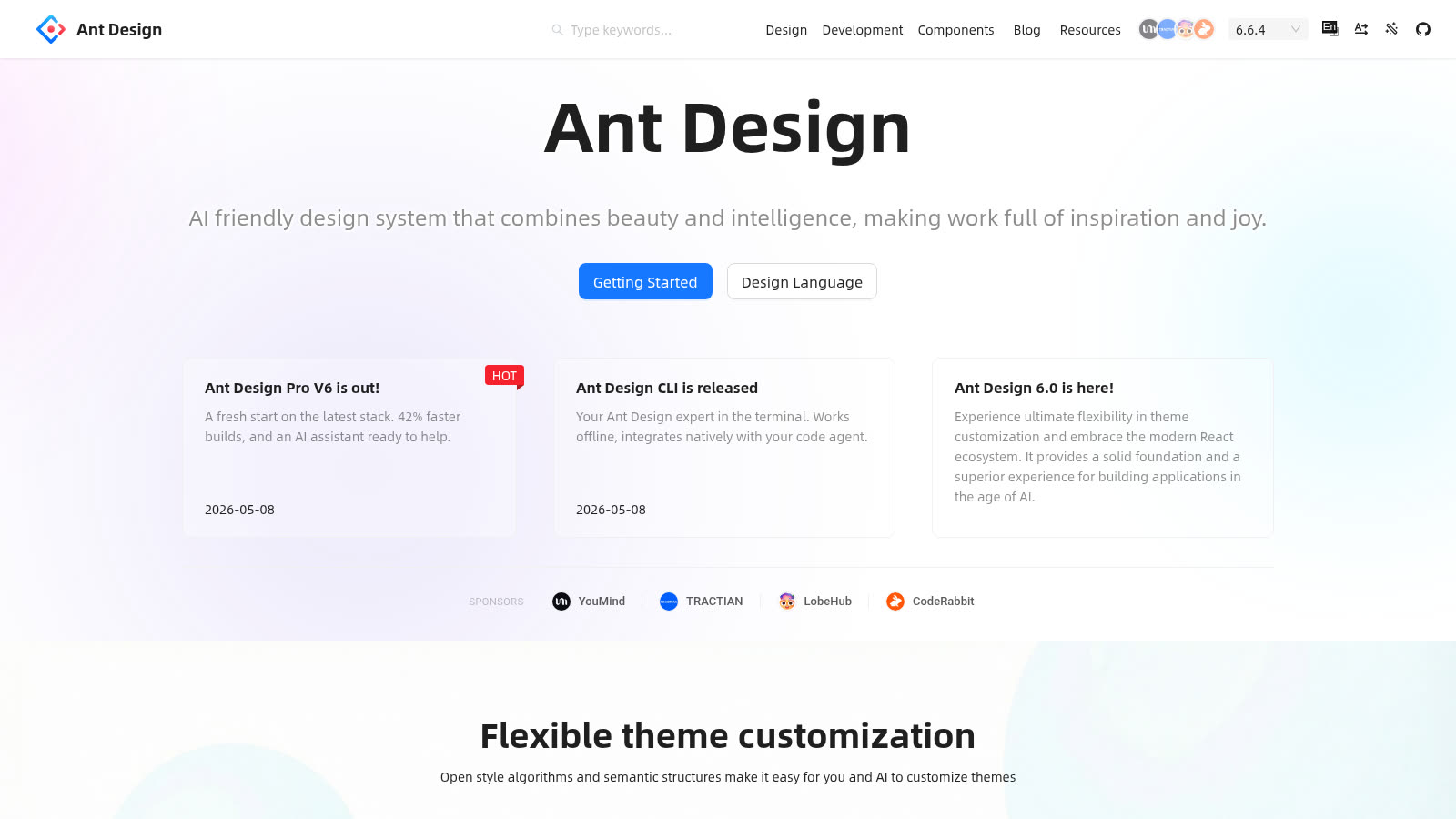 Source: https://ant.design/ — public marketing page captured 2026-09-15.

12 production screens. Login and database wired.
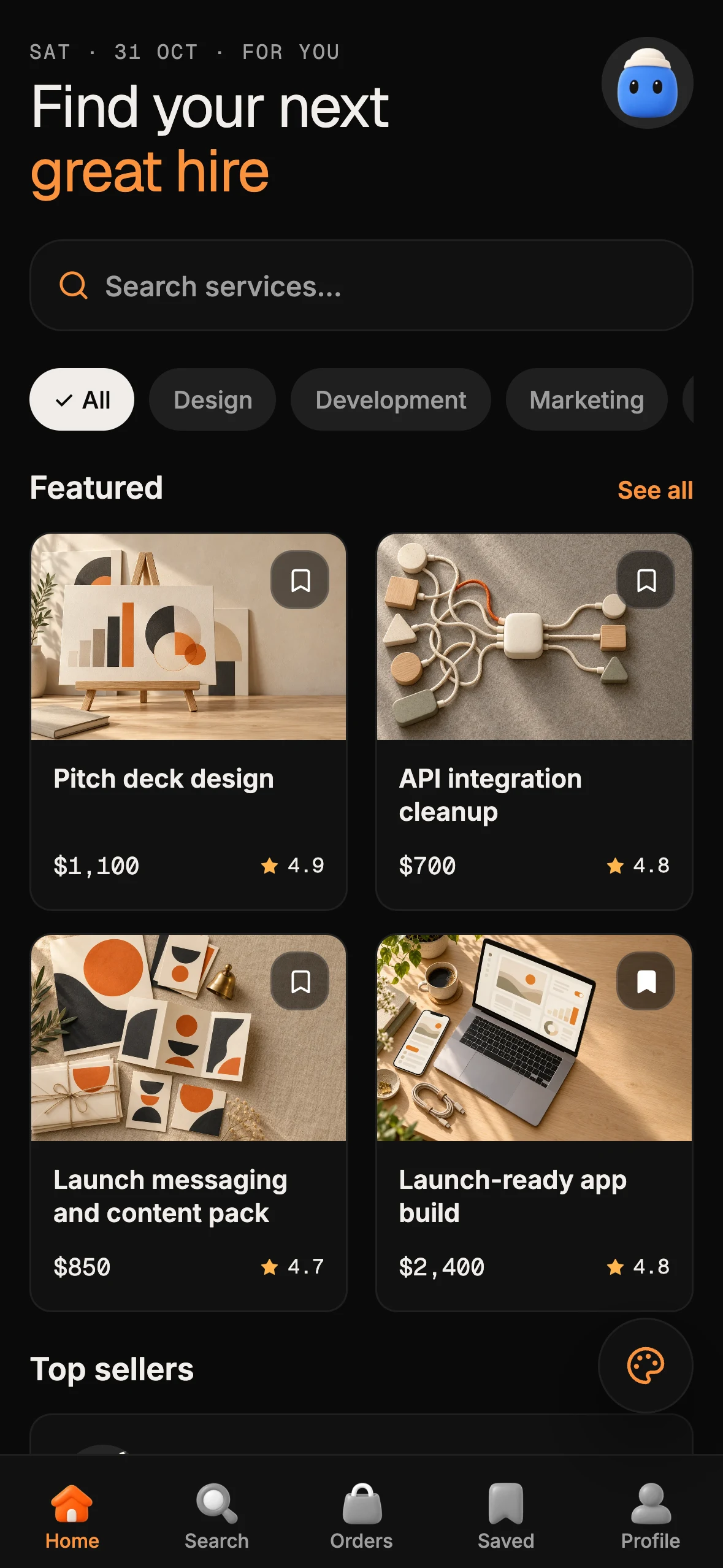
The SaaS Dashboard Kit includes login, a database, and a working dashboard. Live demo at saas.otf-kit.dev.
Where a SaaS kit is the better default
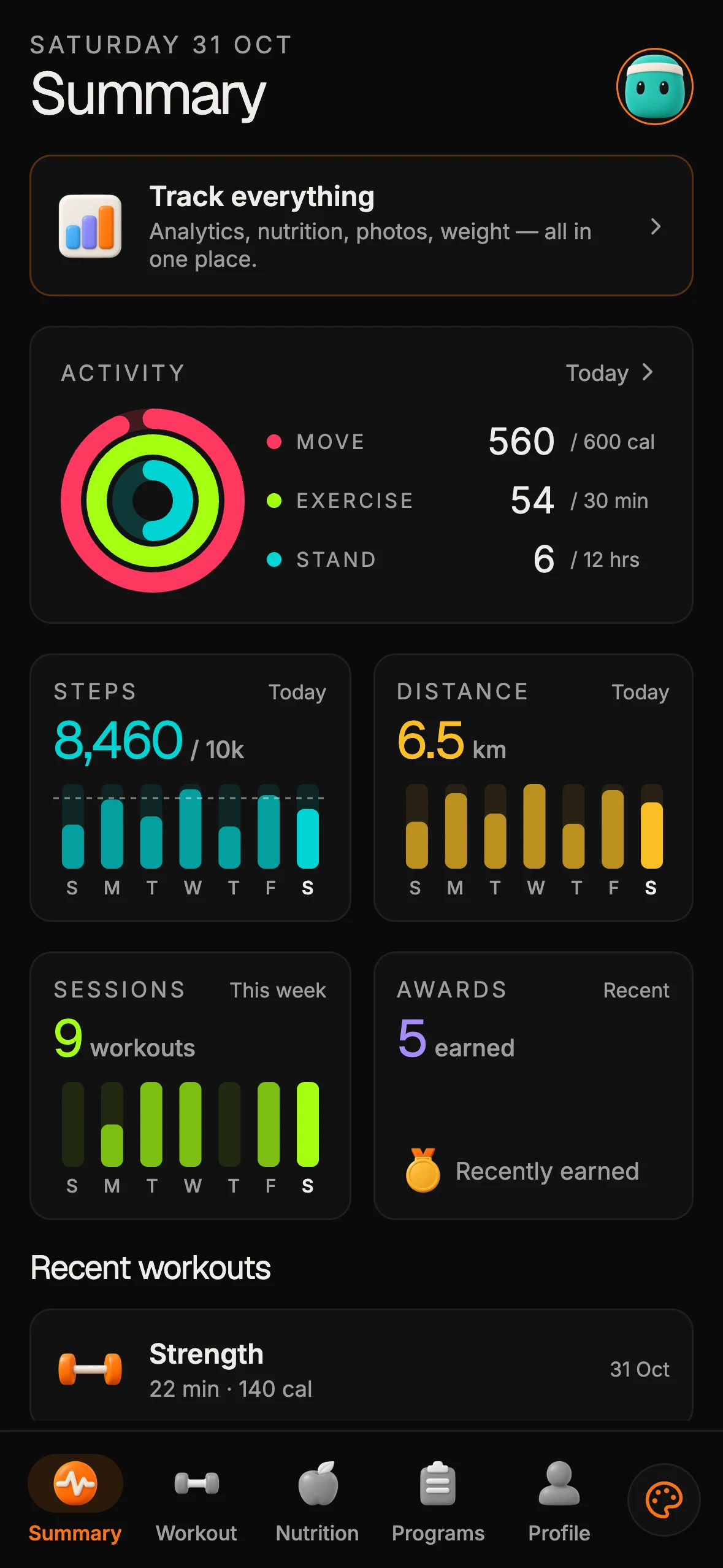
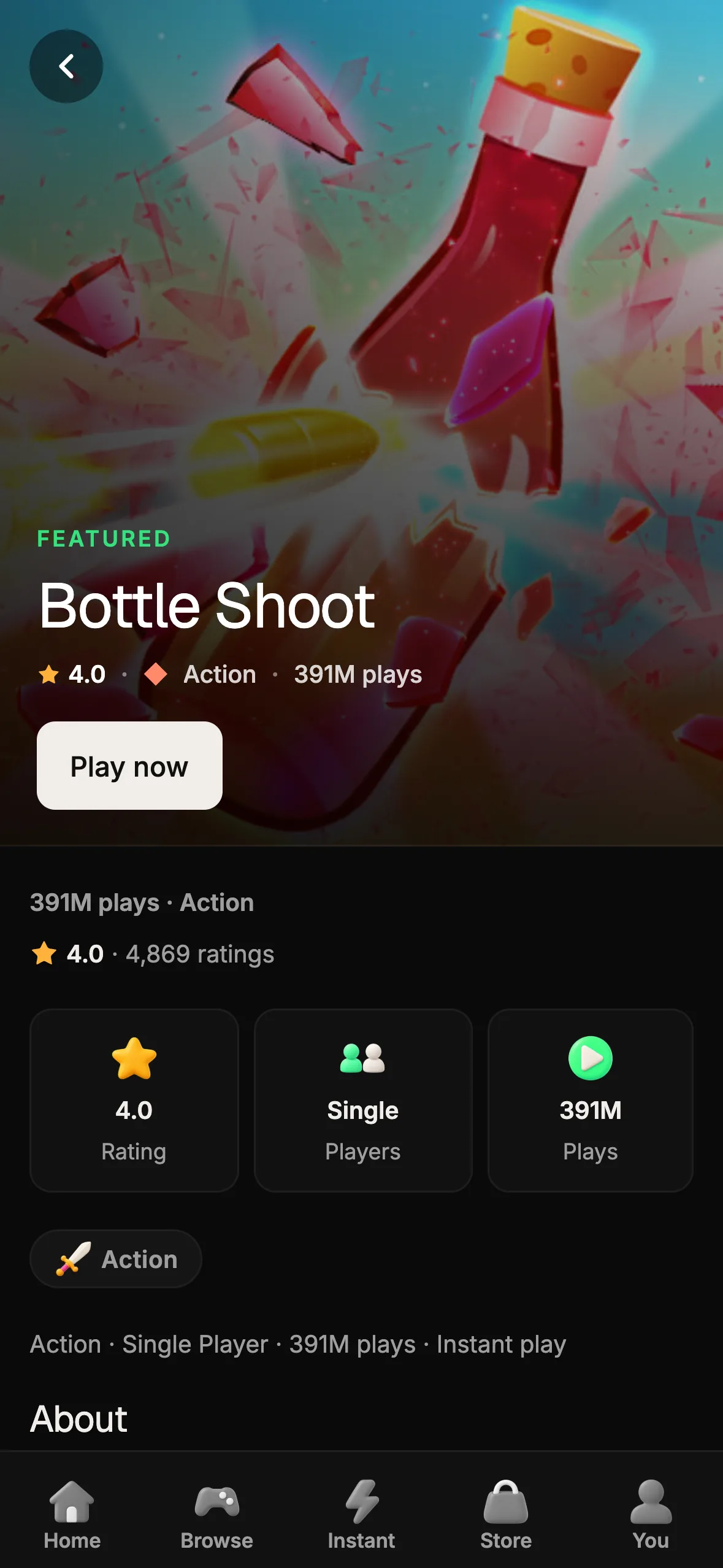
otf-kit makes a different bet. The compare matrix is blunt: Ant Design is web-only; otf-kit targets web plus iOS and Android. Ant Design has used CSS-in-JS since v5; the SaaS Dashboard kit ships TanStack Table for tabular data and React Hook Form plus Zod for forms. Kits on Templates include:
- SaaS Dashboard — Better Auth + Postgres + Drizzle; product billing is not included, and its customization guide documents how to add Checkout and a webhook
- Fitness Expo kit — iOS, Android, and web from one Expo codebase
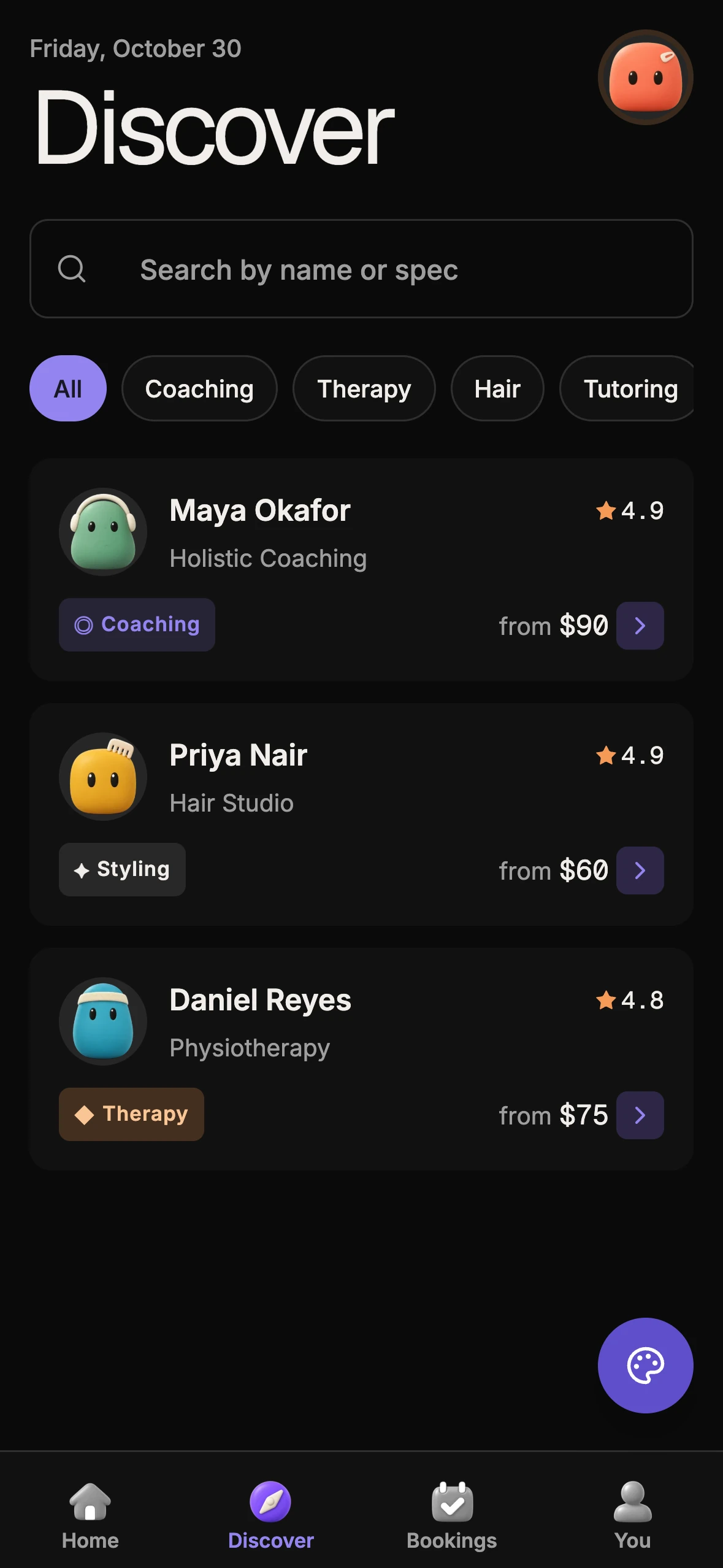
- Booking kit — appointments with Stripe and realtime slot constraints
Pick the kit path when consumer-facing SaaS design matters more than Antd's admin signature, when you need one owned design language across web and native, or when authentication and schema should live in the repo from day one. Add product billing separately if you need it.
That is a product-shape decision, not a Button aesthetics debate. Antd can still win the admin console while a separate consumer app uses a kit. Mixing Antd Pro chrome with kit themes in one surface usually fights itself; pick one language per product.

Keep vs switch (practical table)
| Signal | Keep Ant Design | Switch toward otf-kit / SaaS kit |
|---|---|---|
| Primary users | Ops, support, internal admins | End customers on web and mobile |
| Hard UI | Form, Table, Cascader, Tree, Transfer, ProTable | Bespoke themes; TanStack Table in SaaS kit |
| Platforms | Web React only | Web + iOS + Android |
| Styling | CSS-in-JS (since v5) acceptable | Tailwind-oriented kit styling preferred |
| Full-stack needs | You already own auth/billing elsewhere | Better Auth + Postgres + Drizzle; add billing separately if needed |
| Template | Ant Design Pro is enough | SaaS Dashboard / Fitness / Booking kits |
Migration cost is real. The compare page notes that Antd Table and controlled Form patterns are the hardest surfaces to replace; plan about a week if those dominate. Buttons, inputs, and modals map more directly. Do not migrate mid-quarter because a blog post said so — migrate when the product shape no longer matches admin-first Antd.
A two-hour decision spike
Run this with the people who own the roadmap, not only frontend:
# Confirm current antd install surface
npm install antd --save

# List the screens that must ship on iOS/Android in the next two quarters
# If that list is empty and Form/Table dominate, stay.
Then answer out loud:
- Which workflows depend on Antd Form validation or Table column APIs today?
- Would a consumer SaaS visitor accept the Antd visual language, or does it read as “internal tool”?
- Who owns tokens if web and native diverge?
- Does the coding agent read only antd docs, or a monorepo that includes authentication, a database, and native screens?
If Form/Table depth is the product and native is off the table, stay. If you need bespoke SaaS UI, cross-platform reach, and an owned spine, switch the default for new surfaces — and treat Antd retention as a conscious island, not an accident.
What “switch” should mean in the repo
Switching should not mean pasting a new Button import and hoping agents invent the rest. Prefer an owned kit where Better Auth, Postgres, and Drizzle are already present beside the UI; add a payment integration separately if your product needs one, then replace admin islands deliberately. Keep Antd only where Table/Form depth still pays rent. For admin-shaped work with AI inside an owned tree, start from How to build an admin panel with AI. For customer SaaS from day one, use How to build a SaaS app with AI.
Ant Design owns enterprise Form and Table depth. Kits own SaaS design language and native parity with authentication and data foundations; Stripe billing is a separate implementation. Name which product you are building, then keep or switch on purpose.
Sources
- Ant Design — Getting started (install
npm install antd --save, Node 16+, scaffolds, import-on-demand) - Ant Design — Components overview (Form, Table, DatePicker, Cascader, Tree, Transfer; ProForm, ProTable, ProLayout, EditableProTable)
- Ant Design homepage (enterprise-class positioning; Ant Design Mobile as separate library; changelog v6.6.4 on docs)
- otf-kit vs Ant Design compare
- OTF templates (SaaS Dashboard Better Auth + Postgres + Drizzle; Fitness Expo; Booking with Stripe)

Ship the product, not the setup.
- 12 production screens — auth, team, analytics, and settings
- Login and a real database are wired in
- AI configs pre-tuned so your agent extends instead of regenerates
Ship your first screen tonight — free starter in your inbox
The quickstart, the SDK repo and the live kit demos, on this screen and in your inbox.
No spam. Unsubscribe any time.