Claude Code on an OTF kit: the CLAUDE.md and prompts that ship with the repo
Most Claude Code sessions start with an empty chat and a half-described product. You paste a stack wish list, hope the model invents folder layout, and spend the next hour correcting guesses about auth, payments, and where screens live. That loop burns tokens before you have a durable system of record.
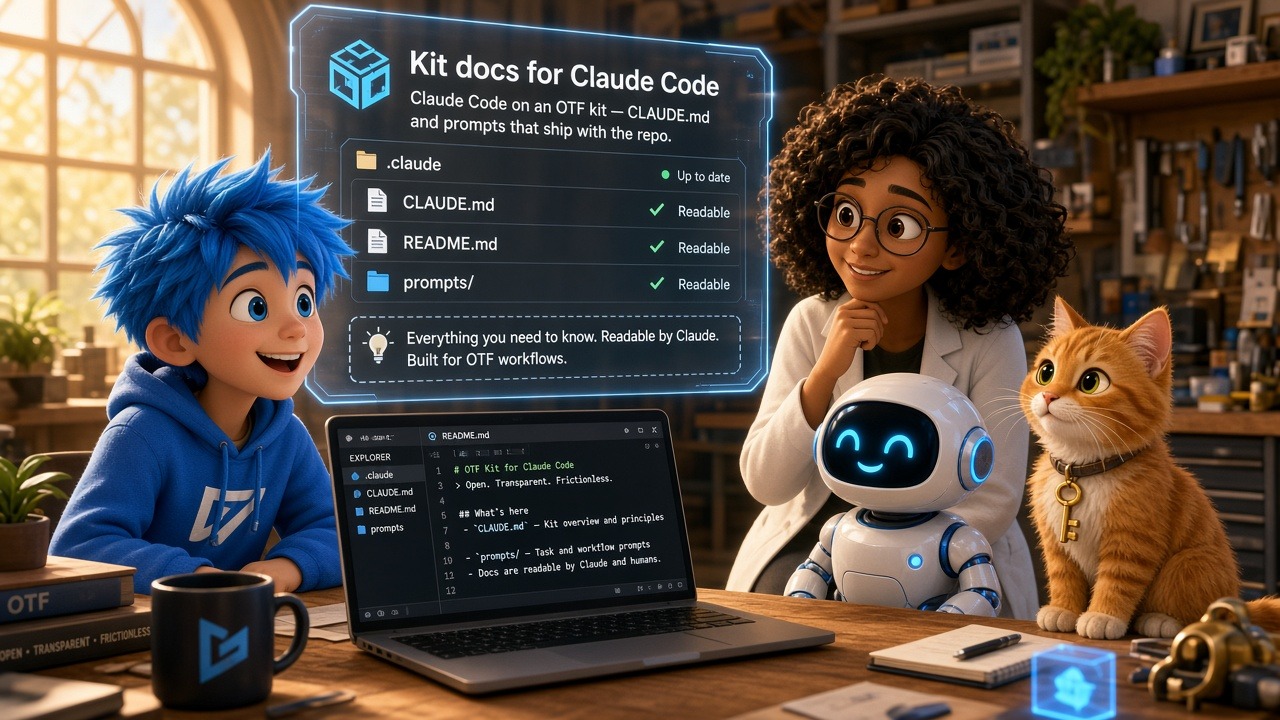
An OTF kit flips the order. You open a finished product repository you own. Claude Code auto-loads the agent docs that already ship with that tree — CLAUDE.md, companion rules files, and a folder of task prompts — so the first edit extends a known architecture instead of inventing one. This post is the integration path: open the kit, read what Claude Code loads, paste a shipped prompt, run the first change, and verify. It is not a craft essay on writing CLAUDE.md from scratch, and it is not a tool bake-off. For the prompt-library thesis behind the folder, see Why the 20+ task prompts in every OTF kit matter.
What Claude Code loads when you open a kit
OTF documents the Claude Code path under AI tool integration. Claude Code walks from the current directory up toward your home folder, gathering every CLAUDE.md and AGENTS.md it finds, then concatenates those files into the system prompt for every turn. Kit roots exploit that behavior on purpose:
- Kit-root
CLAUDE.md— stack table, project map, recurring patterns, coding conventions, deploy command and required env vars - Monorepo or companion
AGENTS.md— short universal rules that should not bloat the kit file (maintenance ceiling, lessons-first, deploy wrappers) docs/— deeper guides Claude can pull on demand whenCLAUDE.mdlinks themai/prompts/— task recipes you paste or@-mention for a concrete change
The product overview at https://otf-kit.dev/docs/ai-tools/overview states the same contract for every kit: CLAUDE.md, .cursorrules, AGENTS.md, and (where applicable) lovable.md ship out of the box. Open the kit in Claude Code and you do not need to re-explain the stack, file map, conventions, or deploy flow in the first message.
The same context contract appears on https://otf-kit.dev: architecture, conventions, commands, skills, and task prompts live with the code. The free SDK kits build on is at https://github.com/otf-kit/sdk.
Decision: blank chat versus kit docs already in the tree
Use a blank Claude Code chat when you are exploring a greenfield sketch and throwing the result away is acceptable. Reach for a kit when you already know the product category — booking, dashboard, marketing page, marketplace — and you want the agent to extend buyer-shaped screens, schema, and ship scripts on day one.
| Question | Blank Claude Code session | Claude Code on an OTF kit |
|---|---|---|
| Where does project memory live? | Your chat history and ad-hoc notes | Versioned CLAUDE.md + prompts in the repo |
| What does the first prompt invent? | Folder layout, auth shape, deploy story | A scoped change against an existing map |
| How do you re-open tomorrow? | Re-paste context or hope the session survives | Clone the same tree; Claude Code reloads the files |
| What fails first under load? | Conventions drift across sessions | Stale docs if you change patterns without updating CLAUDE.md |

If your current prototype lives in a sandboxed builder and you are deciding whether the long-lived system of record should become an owned monorepo, read Lovable credit-metered MVP versus owning the monorepo. This article assumes you already have (or are about to clone) a kit repository and want Claude Code to respect it.
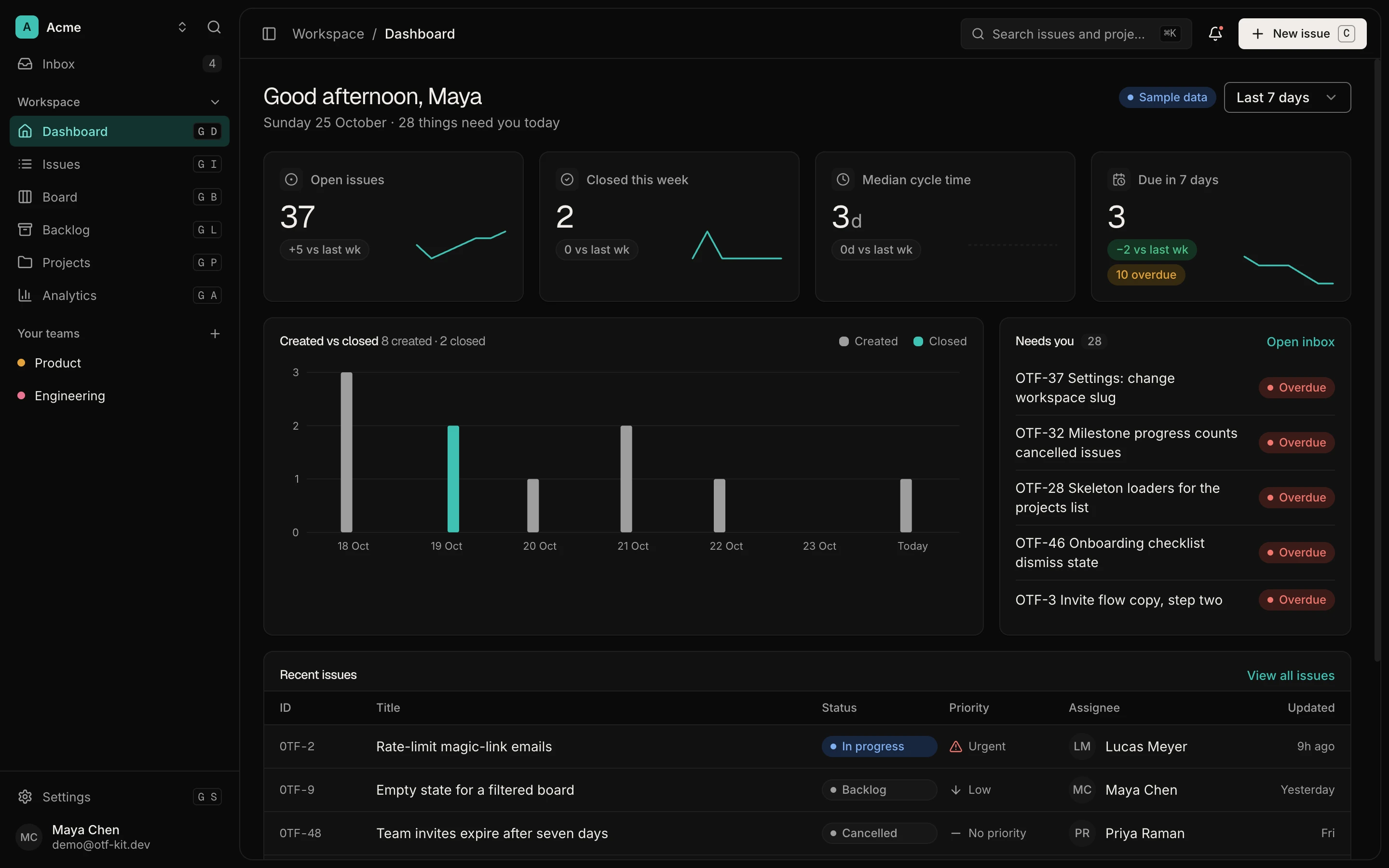
12 production screens. Login and database wired.
The SaaS Dashboard Kit includes login, a database, and a working dashboard. Live demo at saas.otf-kit.dev.
What a kit CLAUDE.md actually contains
Take the Cadence booking kit as a concrete reference — the same structure appears across product kits and landing templates, with content tuned to each product. The root CLAUDE.md opens with a one-paragraph product brief, then points Claude at deeper docs/ guides and at ai/prompts/ for task recipes. The body that stays in the hot path covers:
- Stack table — one row per layer so the agent does not guess the data client, server boundary, or deploy target
- Project structure — a tree of routes, components, hooks, server routes, and database folders
- Domain rules — for booking, that includes the direct-client versus privileged-server split, RLS as the security boundary, and the database exclusion constraint that prevents double-booking
- Coding conventions — tokens instead of hard-coded colors, existing primitives before new ones, typecheck after edits
- Deploy — the exact ship path and env vars the README expects
OTF’s Claude Code guide recommends keeping that file scannable and pushing long explanations into docs/. Show-don’t-tell snippets beat prose. When a convention changes, update CLAUDE.md in the same commit — stale agent docs train the next session on the wrong pattern.
Landing templates use the same pattern at a smaller surface. See Landing templates kit: ship pages you own with agent docs and Booking kit: own availability, confirmations, and the agent loop.
The ai/prompts/ folder Claude Code should use next
Instructions files set ground truth. Prompts turn that ground truth into a ticket. Booking’s ai/prompts/ directory ships twenty task files such as add-a-service.md, edit-availability.md, add-a-field-to-bookings.md, change-theme-colors.md, and add-google-oauth.md. The SaaS dashboard kit ships a larger set for screens, charts, filters, and table views. Landing templates ship a tighter set for section and theme swaps.
Each prompt file is paste-ready: which tables or components to touch, which existing hook to copy, which commands to run afterward. The companion ai/CLAUDE.md (or prompts README) indexes those recipes so you can pick the right file instead of improvising a mega-prompt.
That is the integration difference versus craft advice about “writing better prompts.” You are not designing a prompt library in this session. You are selecting a recipe that already matched the kit’s tree when the kit shipped. Broader rationale lives in forty-prompts-every-kit; here the job is to open the file and run it.
First session: open kit, load docs, edit, verify
After checkout delivers the private GitHub invite (paid kits) or you clone a template you purchased, keep the first hour boring:
git clone YOUR_PRIVATE_KIT_REPO
cd YOUR_KIT_DIR
# use the package manager the kit README names
bun install
# boot path from the kit README — local data + app + API as documented
Open Claude Code inside the kit directory so the auto-loader finds kit-root CLAUDE.md. Do not lead with “rebuild this app.” Lead with the shipped contract:
Read CLAUDE.md and ai/prompts/README.md (or ai/CLAUDE.md).
Then follow ai/prompts/TASK.md exactly.
Constraints:
- extend existing screens/hooks; do not invent a parallel stack
- keep tokens/theme rules from the kit docs
- run the kit's typecheck (or equivalent) before you stop
- summarize files touched and how to verify in the preview
For Cadence, a safe first task is often theme or copy-adjacent (change-theme-colors.md, rename-the-app.md) or a bounded domain edit such as add-a-service.md once local data is up. For a landing template, start with swap-copy or recolor. For the dashboard kit, add a stat card or sidebar nav item using the matching prompt file.

Verification is part of the integration. Kit prompts repeatedly ask for typecheck. Booking’s AI guide also requires migrations for schema changes, a local data reset when seed changes, and regenerated types. If Claude Code proposes app-side double-booking logic, the kit docs say no: the database exclusion constraint owns that invariant. Push back with the file path.
What to maintain so the next session stays honest
Three habits keep the integration working after week one:
- Update agent docs with convention drift. If you change how hooks are shaped or where screens live, edit
CLAUDE.mdin the same commit. - Add a prompt when a task repeats. A second “add X” request that needed heavy steering deserves a new
ai/prompts/*.mdfile so the third run is cheap. - Keep deep material in
docs/. OTF’s Claude Code guide is explicit: long files cost tokens on every turn; link out from the hot path.
Until the documented @otfdashkit/ai generator ships (roadmap Phase 6 on the AI tools overview), treat the hand-maintained configs as source of truth and edit them like product code.
Bottom line
Claude Code is strongest on an OTF kit when you treat the shipped agent docs as the onboarding packet. Open the repo, let CLAUDE.md and AGENTS.md load, pick a task prompt from ai/prompts/, extend only, and verify with the kit’s checks. That path makes Claude Code a filesystem teammate on a product you own — not a blank-chat generator that forgets the architecture tomorrow.
Start from https://otf-kit.dev, inspect a live kit preview, and open https://otf-kit.dev/docs/ai-tools/claude-code before you write a custom system prompt.
Sources
OTF Claude Code integration (auto-load of CLAUDE.md / AGENTS.md, kit file layout, tips): https://otf-kit.dev/docs/ai-tools/claude-code
OTF AI tool integration overview (configs every kit ships; CLAUDE.md contents): https://otf-kit.dev/docs/ai-tools/overview
OTF product site (context contract: architecture, conventions, commands, skills, task prompts): https://otf-kit.dev
OTF free SDK: https://github.com/otf-kit/sdk
OTF blog — prompt library in every kit: https://otf-kit.dev/blog/forty-prompts-every-kit
OTF blog — landing templates kit how-to: https://otf-kit.dev/blog/landing-templates-kit-own-the-repo
OTF blog — booking kit how-to: https://otf-kit.dev/blog/booking-kit-own-the-repo
Anthropic Claude Code memory (CLAUDE.md as persistent project instructions): https://docs.anthropic.com/en/docs/claude-code/memory
Ship the product, not the setup.
- 12 production screens — auth, team, analytics, and settings
- Login and a real database are wired in
- AI configs pre-tuned so your agent extends instead of regenerates
Ship your first screen tonight — free starter in your inbox
The quickstart, the SDK repo and the live kit demos, on this screen and in your inbox.
No spam. Unsubscribe any time.