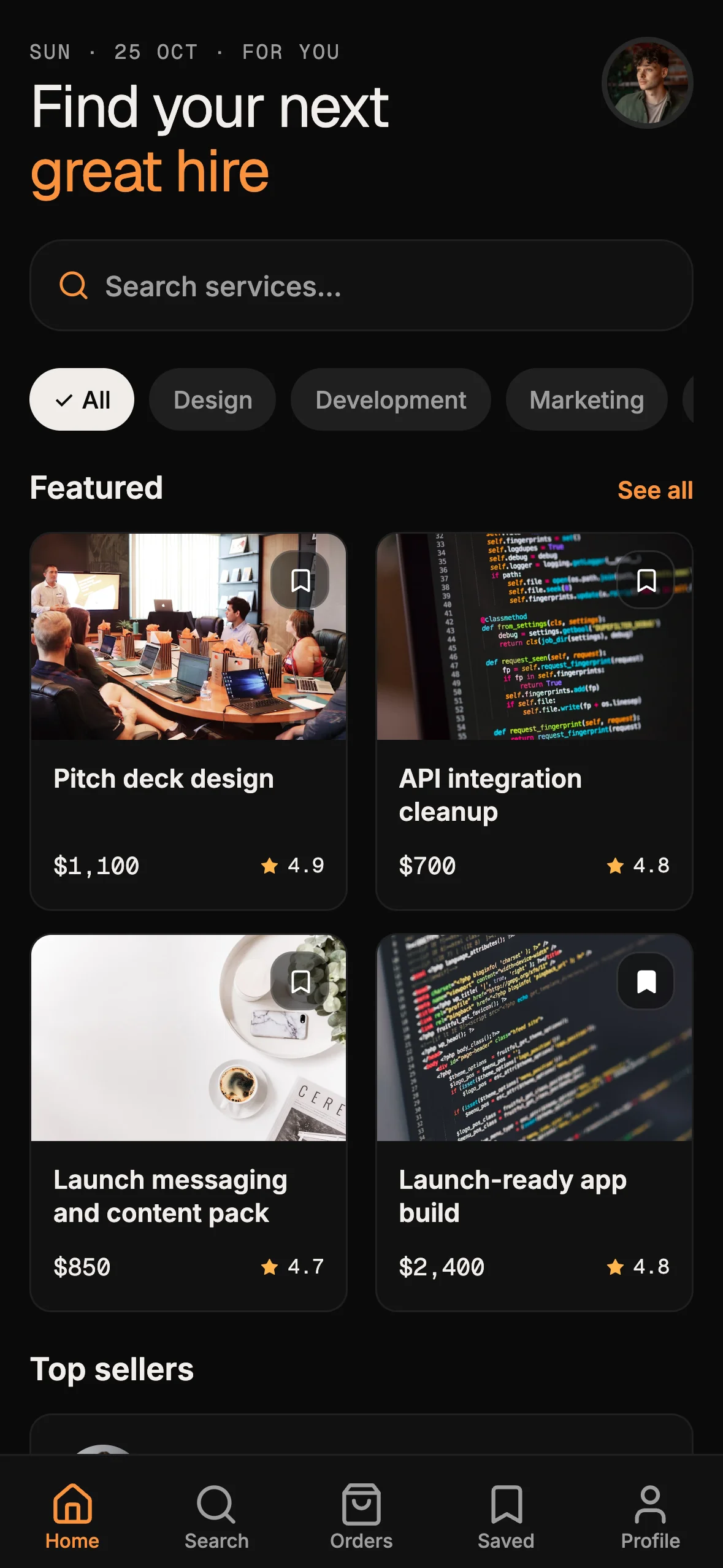
Booking kit: own availability, confirmations, and the agent loop

Scheduling links are excellent at one job: put a bookable calendar in front of a visitor, collect a slot, and drop a meeting onto someone's calendar. That loop is real for sales demos and one-off consults.
It is the wrong system of record when the appointment is the product. Coaches, therapists, stylists, and tutors need discovery, priced services, live availability, payment at confirm time, and client history on phone and web — inside an app they brand and keep changing. Renting someone else's booking UI forever leaves that surface on a vendor domain.
The booking-kit (Cadence) answers that narrower job. You already use a filesystem agent such as Cursor or Claude Code. You need appointment flows you own, staying as ordinary source in a repository your agents can extend. This post is a product how-to: what ships, how kit docs feed the agent loop, and how availability and confirmations stay in your tree. It is not another scheduling-SaaS shootout — for that contrast see Cal.com and Calendly schedule meetings; a booking kit owns the client app. It is also not the landing-templates how-to; that lane is waitlist and launch pages, not two-sided booking.
What the booking-kit actually ships
OTF lists the Booking Kit on https://otf-kit.dev/templates/booking-kit and in the kit table on https://otf-kit.dev/docs/templates/overview. Standalone price is $99. The kit is also included in the Everything Bundle on https://otf-kit.dev/pricing. Live proof before checkout sits at https://booking-preview.otf-kit.dev.
Public product claims that matter for buyers:
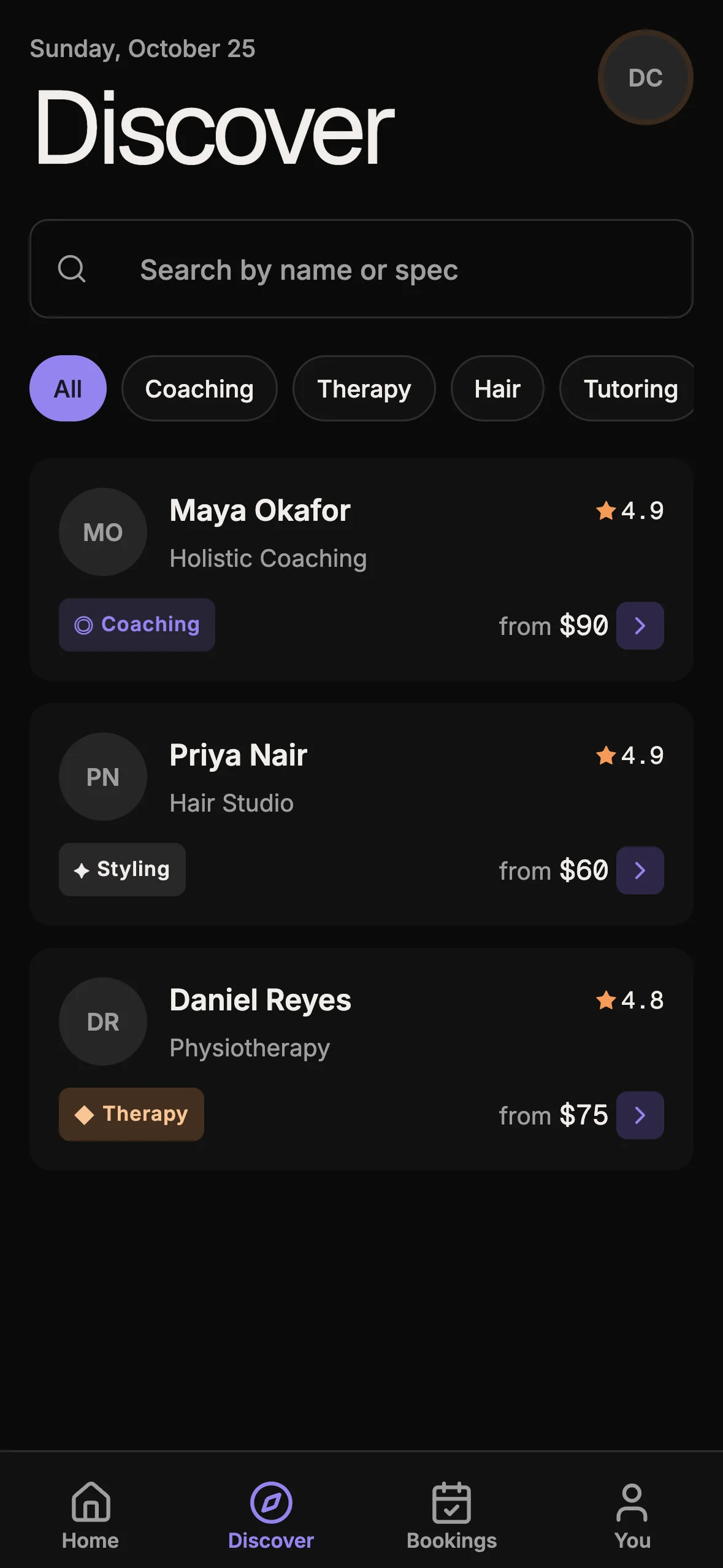
- Client path: home dashboard, provider discovery, service detail with scarcity, month calendar, realtime slots, session packages, Stripe checkout, QR booking ticket, and my-bookings
- Provider path: weekly hours and time off inside the same product surface
- Data plane: Auth, row-level security, realtime updates, and a Postgres gist constraint that blocks double-booking in the database
- Privileged work: Stripe checkout, webhook confirmation, and reminders on a typed server path — not client-trusted
- Delivery: one codebase for iOS, Android, and web; commercial source after purchase
- Agent handoff:
CLAUDE.md,.cursorrules,AGENTS.md, andai/prompts/so Cursor or Claude Code already know the map
Purchase path matches other OTF kits: Stripe checkout, license email with a private GitHub invite, then clone and run locally. Templates overview documents that pattern — accept the invite, clone, install, run, deploy with included ship scripts when ready.
When to buy the kit versus rent a scheduling link
Stay on a hosted scheduling product when the primary object is a meeting, hosted booking UX is acceptable, and your app can treat booking as an integration. Prefer booking-kit when most of these flip true:
- Clients discover providers, pick priced services, and manage appointments inside your app
- Providers need in-product schedule controls, not only a third-party host calendar
- Double-booking must fail in the database under concurrent clients
- You ship phone and web from one product tree you keep editing
- Payments and booking rows live in schema you own
- Maintenance happens in Cursor or Claude Code on disk, with project memory versioned beside the code

Scheduling tools remain useful. Many teams keep a calendar link for sales while the customer-facing booking product remains the kit. Buy the kit when availability, confirmation, and the client loop belong in your product repository — the same ownership thesis as landing templates kit: ship pages you own with agent docs, applied to appointment flows instead of marketing pages.
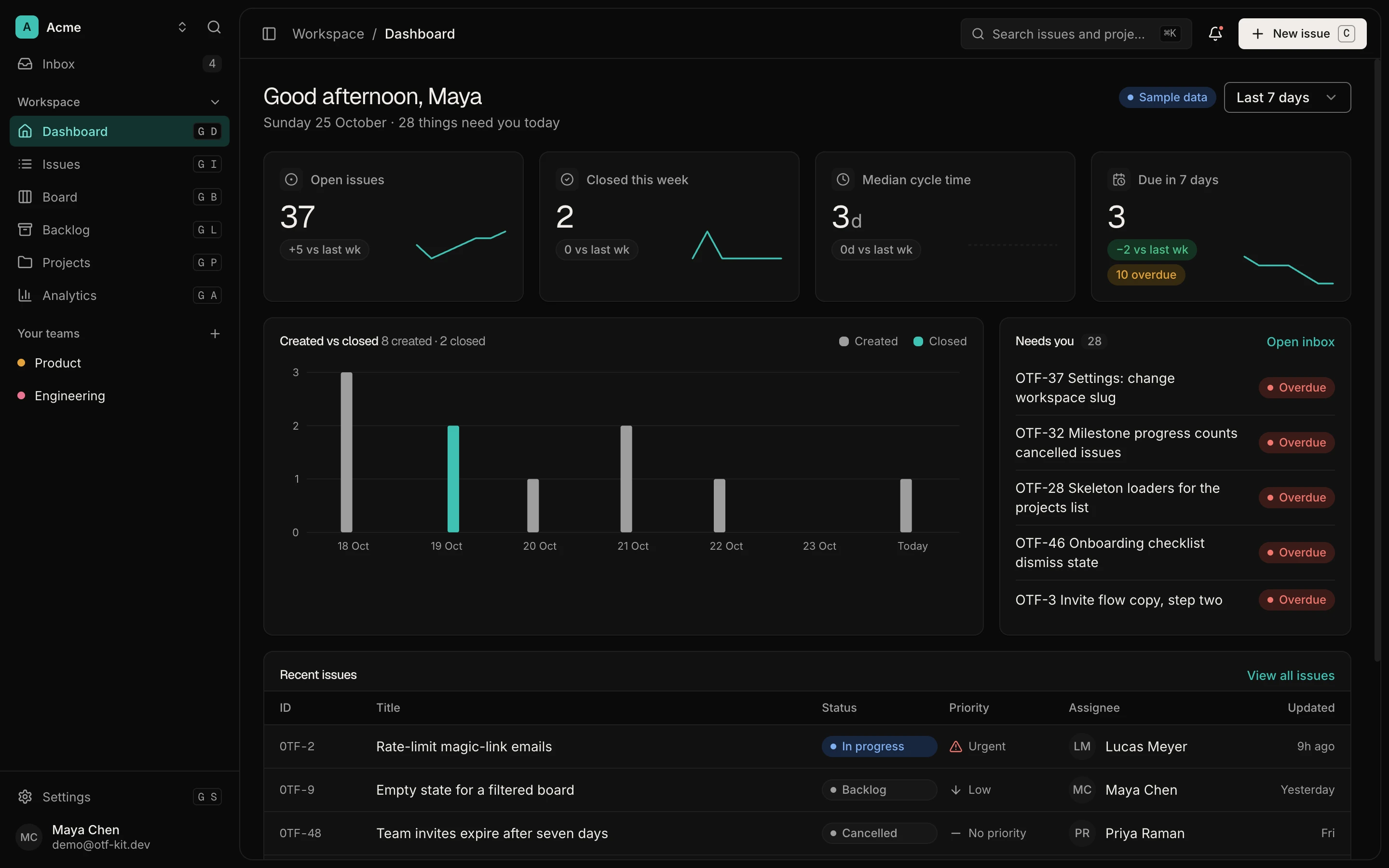
12 production screens. Login and database wired.
The SaaS Dashboard Kit includes login, a database, and a working dashboard. Live demo at saas.otf-kit.dev.
Agent docs as the handoff layer inside the kit
Anthropic's Claude Code docs state the constraint plainly: each session starts fresh, and project CLAUDE.md files carry persistent architecture, commands, and conventions. OTF's AI tool overview documents the same pattern: every kit ships CLAUDE.md, .cursorrules, AGENTS.md, and (where applicable) lovable.md, so opening the repo does not require re-explaining the stack.
For booking-kit, that handoff is load-bearing. Availability, slots, checkout, and provider schedule are easy for an agent to break if it invents a second source of truth. The shipped docs keep edits on-pattern:
booking-kit/
  app/                 # Client screens: discover, book, my bookings, schedule
  server/              # Privileged Stripe, webhook, reminders
  database/            # Schema, RLS, slot RPC, exclusion constraint
  CLAUDE.md            # Stack map, conventions, how to extend flows
  .cursorrules         # Cursor-facing mirror of the same rules
  AGENTS.md            # Universal agent notes when present
  ai/prompts/          # Tested recipes: add a service field, tweak scarcity UI
  README.md            # Setup, env, local boot, deploy
Treat ai/prompts/ as recipes for bounded jobs — swap ticket copy, add a service field, adjust discovery filters — not as a license to redesign booking invariants from a blank chat. The free SDK at https://github.com/otf-kit/sdk is the shared component layer; the paid booking kit is the finished appointment product plus the agent configs that keep the next session honest.
Availability model, confirmations, then ship
The product loop you own has four steps: agent docs load first, then you extend availability (rules, time off, services), confirmations stay tied to payment and database checks, and ship leaves the live URL pointing at your repository.
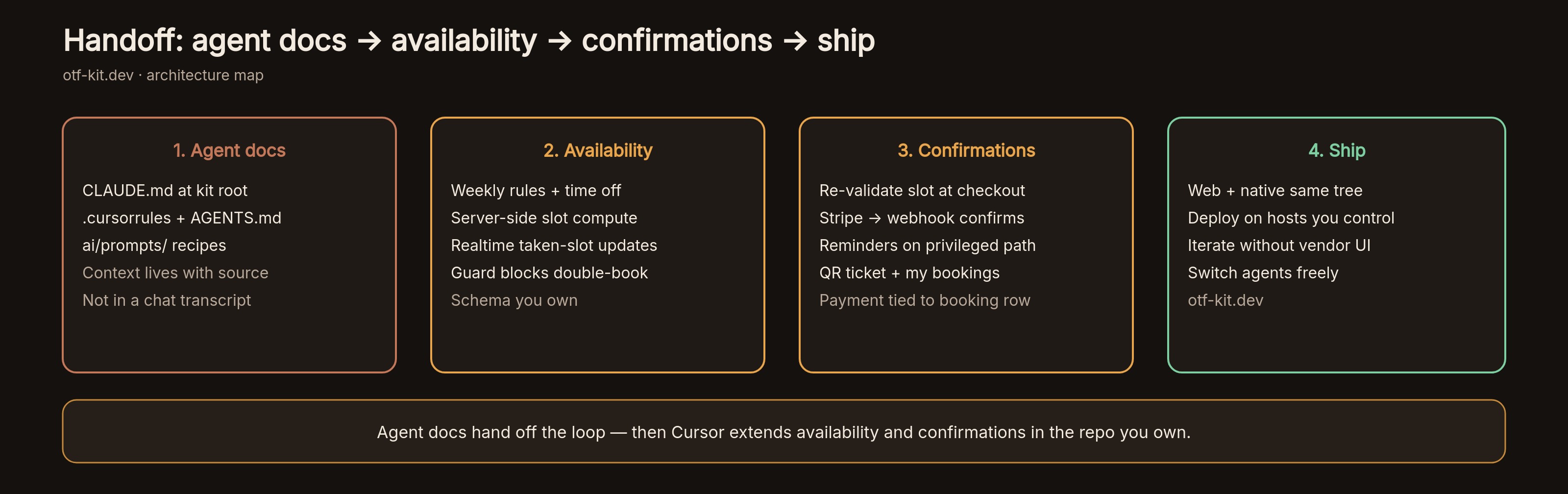
Concrete shape, matching storefront and kit docs:
- Availability — weekly rules and time off feed server-side slot computation so the client never invents open times from a partial cache. Realtime updates drop a taken slot before another client pays.
- Selection — month calendar and slot picker are product screens, not an embedded third-party widget. Scarcity and session packages stay in your service model.
- Confirmation — Stripe checkout issues only after the slot is re-validated; the webhook confirms the booking row. Reminders use the privileged path. UI can change under an agent; the double-book guarantee stays in Postgres.
- Ship — web and native builds share the same tree. Deploy to hosts you control; the next edit is another agent session on the same clone.
A concrete first session after purchase
After you accept the GitHub invite from checkout, the first hour should look boring on purpose. Templates overview documents clone, install, and local run. Booking-kit also needs the example env and a database reset before demo data and RLS policies are live:
git clone <your-private-booking-kit-repo>
cd <booking-kit>
bun install
cp .env.example .env
bun run supabase:reset
bun dev
Open the repo in Cursor or Claude Code. Do not start with a blank "rebuild booking from scratch" prompt. Point the agent at the shipped docs:
Read CLAUDE.md and ai/prompts/. Then:
1) Keep the availability → slot → checkout → webhook order
2) Add a field to services only where schema + UI already pattern it
3) Do not bypass the slot RPC or exclusion constraint
4) Prefer existing screens over inventing a second booking flow
That prompt works because the kit already names the hard seams. You are extending a booking product, not interviewing the model about calendars. When local preview matches — inspect https://booking-preview.otf-kit.dev first if you have not bought yet — follow the README deploy section. The outcome that matters: the live URL serves files from your repository, and the next availability tweak is another agent session on the same tree.
What "own the repo" means for booking
Ownership here is operational:
- Source of record — services, availability rules, bookings, and payments live in Git and Postgres under your org, not as side effects of a hosted scheduling project.
- Agent continuity —
CLAUDE.mdand companion files reload every session, so Cursor and Claude Code reopen the same conventions after a weekend. - Invariant ownership — double-booking fails in the database. Checkout confirmation is your webhook, not only a vendor "booking created" event you hope stays aligned.
- Commercial rights — the individual kit SKU is a one-time purchase with commercial source; the Bundle includes booking-kit with the rest of the lineup. Confirm seat and client limits on https://otf-kit.dev/pricing before you scale a studio workflow.
- Tool switching — because context is in the repo, swapping Cursor for Claude Code (or the reverse) does not require rebuilding project memory in a new vendor UI.
Compare that to the rented-link loop: publish hours on a host, share the URL, customize branding in their settings, then hope webhooks stay enough when you need a native client. Embeds move a calendar into your site. They do not move a durable agent house style or a product-shaped data model. The kit inverts the order: house style, schema, and screens arrive first; agents edit second.
How this fits the rest of OTF without confusing the SKUs
Booking-kit is the appointment product lane — not a $9 landing template, and not the SaaS dashboard or fitness kits. Landing templates remain the marketing-site lane for waitlist and launch pages. Full-stack kits remain the $99 product lane when you need auth, data, payments, and phone or web clients wired together. Inspect the live booking preview, buy when the appointment is the product, keep editing with the agent you already use.
If you still need the scheduling-SaaS versus product-repo decision as a comparison, read https://otf-kit.dev/blog/otf-vs-cal-calendly-booking. If you already know you need owned availability, confirmations, and an agent loop that survives the next tool switch, start on https://otf-kit.dev/templates/booking-kit, open the live preview, and buy when the client path matches.
Sources
Booking Kit product page: https://otf-kit.dev/templates/booking-kit
Templates catalog: https://otf-kit.dev/templates
Templates overview (purchase → invite → clone → deploy): https://otf-kit.dev/docs/templates/overview
Pricing: https://otf-kit.dev/pricing
AI tool integration (CLAUDE.md, .cursorrules, AGENTS.md, lovable.md): https://otf-kit.dev/docs/ai-tools/overview
Anthropic Claude Code memory: https://docs.anthropic.com/en/docs/claude-code/memory
Related compare: https://otf-kit.dev/blog/otf-vs-cal-calendly-booking
Related landing how-to: https://otf-kit.dev/blog/landing-templates-kit-own-the-repo
Live booking preview: https://booking-preview.otf-kit.dev
OTF free SDK: https://github.com/otf-kit/sdk
OTF site: https://otf-kit.dev
Ship the product, not the setup.
- 12 production screens — auth, team, analytics, and settings
- Login and a real database are wired in
- AI configs pre-tuned so your agent extends instead of regenerates
Ship your first screen tonight — free starter in your inbox
The quickstart, the SDK repo and the live kit demos, on this screen and in your inbox.
No spam. Unsubscribe any time.