Cal.com and Calendly schedule meetings; a booking kit owns the client app
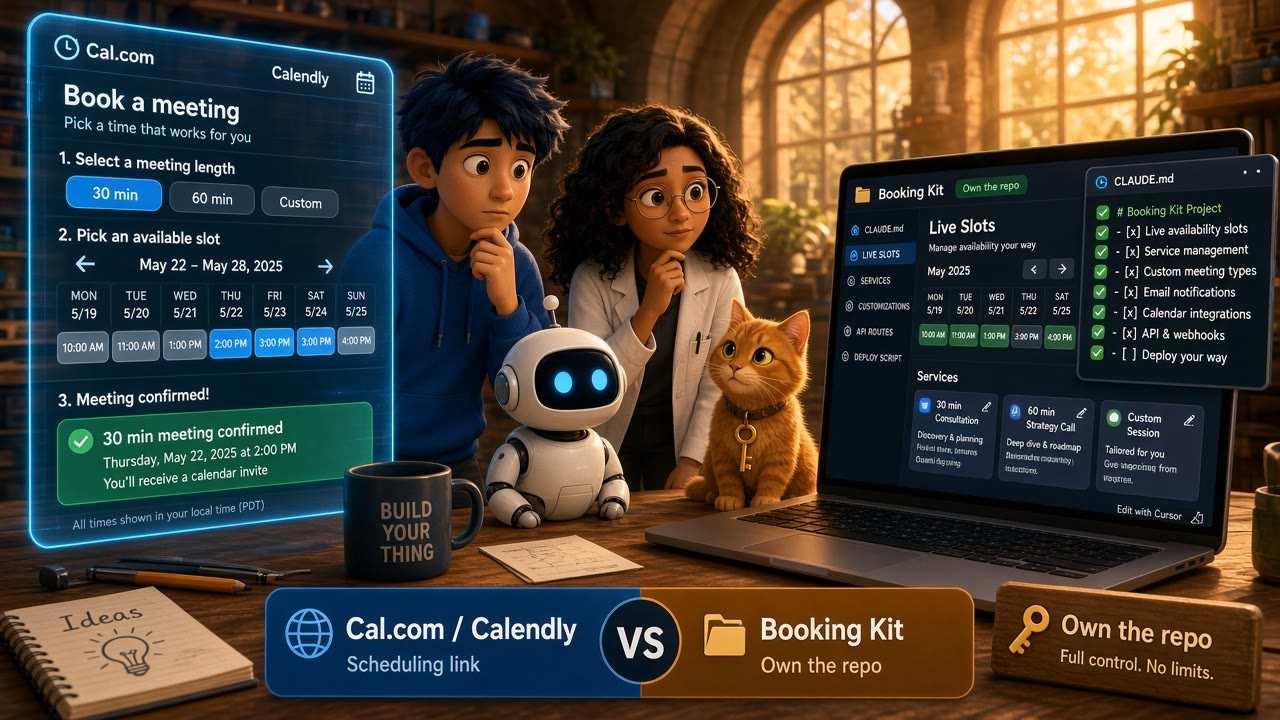
Scheduling products are not your booking product
Cal.com and Calendly are excellent at one job: putting a bookable calendar in front of a human. You publish availability, a visitor picks a slot, and the meeting lands on a calendar. That loop is well understood. Teams embed a scheduling page, call a REST API, or wire a webhook when a booking is created.
That loop is not the same as shipping a two-sided booking product. Coaches, therapists, stylists, and consultants usually need more than a public booking link. Clients discover providers, browse priced services, watch live slots update, pay at confirm time, and manage upcoming appointments on phone and web. Providers edit weekly hours, block time off, and run an agenda that feels like their product — not a third-party scheduling page with your logo on top.
If you are building that product with Claude Code, Cursor, Lovable, or Bolt, the scaling wall shows up fast. The demo calendar works. The production app still needs auth, row-level data rules, payments, reminders, native builds, and a repo you can keep changing without rewriting the booking core every sprint.
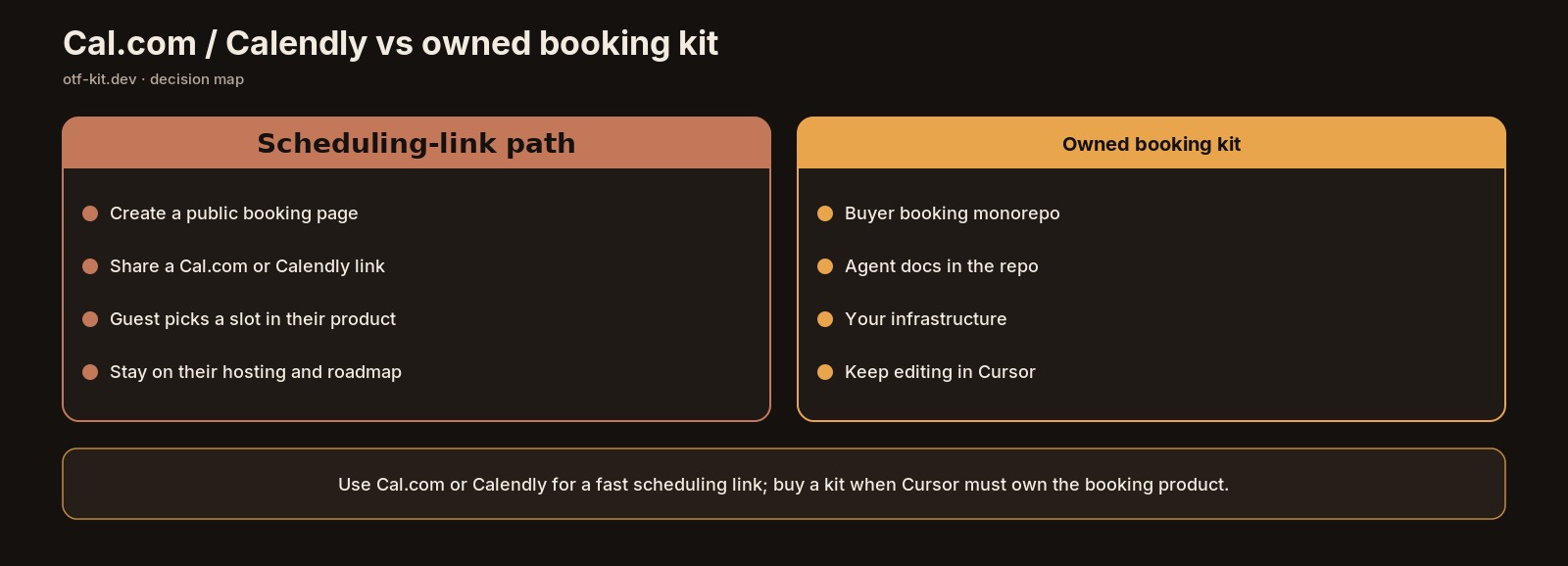
The honest split is simple. Use Cal.com or Calendly when the product is the meeting. Reach for a full-stack booking kit when the product owns the client experience around the appointment.
What Cal.com and Calendly optimize for
Cal.com's developer surface is scheduling infrastructure: authenticate with OAuth or an API key, then work with bookings, event types, schedules, teams, and organizations through API v2. Rate limits and plan-scoped endpoint access are documented as first-class concerns. That is the right shape when you are embedding scheduling into an existing SaaS or automating how meetings get created.
Calendly's developer platform is similar in spirit for a hosted scheduling product: REST APIs to book and manage scheduling data, webhooks for real-time events, and embeds so a scheduling page can live inside your site. The integration model assumes Calendly remains the system of record for availability and meeting creation.
Both products are strong when:
- The primary object is a meeting or event type
- Hosted scheduling UX is acceptable (or you only need an embed)
- Your app can treat booking as an integration rather than the core domain model
- You want calendars, reminders, and availability without owning Postgres schema for slots
Both products are a poor fit when:
- Clients need a branded discovery, service, slot, pay, and manage flow
- Providers need in-app schedule tools, not only a host calendar
- You must ship iOS, Android, and web from one product codebase
- Payments, RLS, and booking invariants belong in your database, not only in a vendor webhook
Self-hosting adds another fork in the road. Cal.com's commercial product and the community self-host path have diverged over time; the community edition that people self-host today is a separate open-source project aimed at personal and non-production use. That matters for builders who thought "open source scheduling" meant a production booking app. Running a scheduling server still leaves you to invent the mobile client, provider marketplace UI, Stripe checkout ownership, and release pipeline.
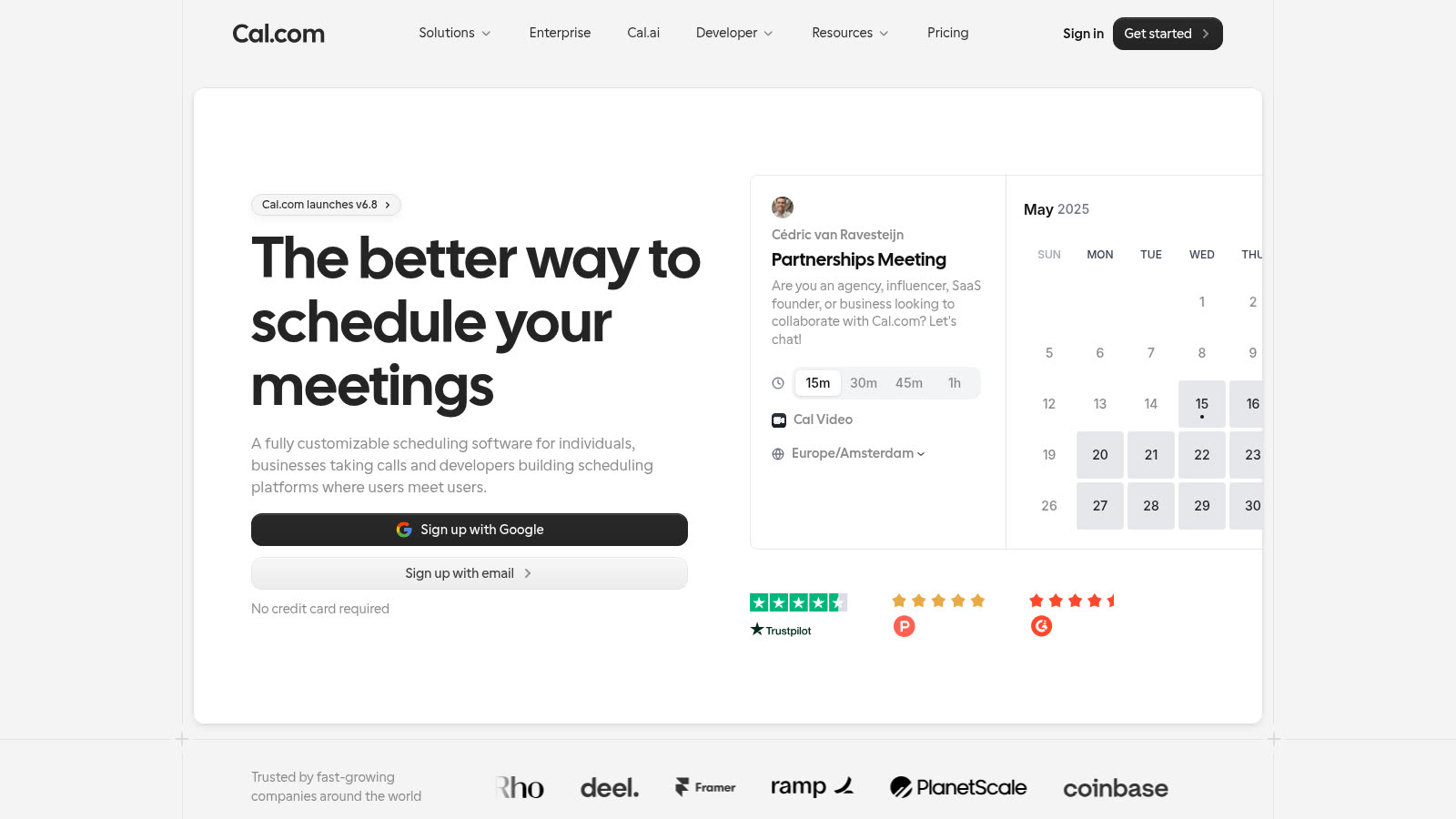
Source: https://cal.com/ — public marketing page captured 2026-09-11.
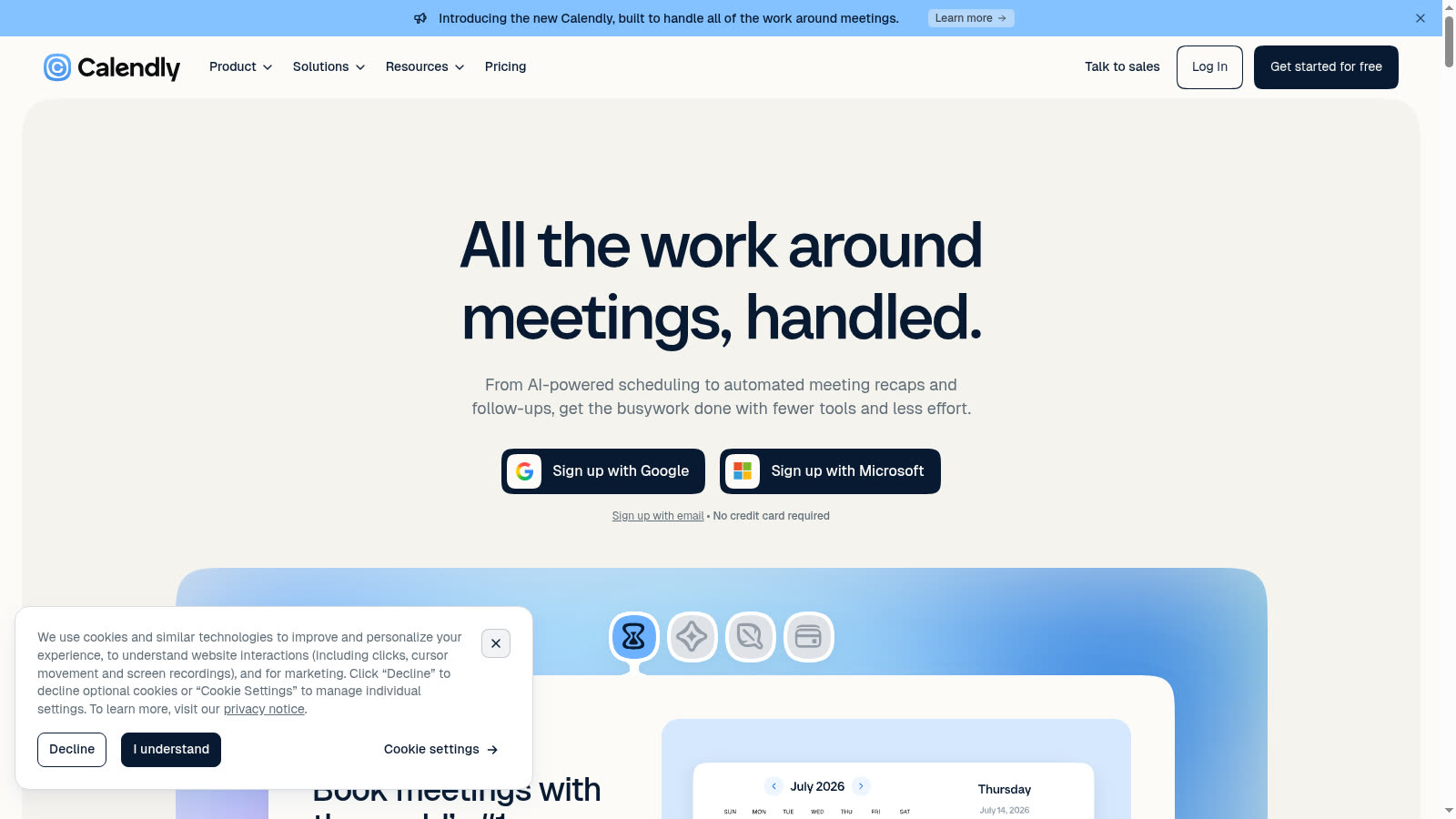
Source: https://calendly.com/ — public marketing page captured 2026-09-11.
One codebase. iOS, Android, and web.
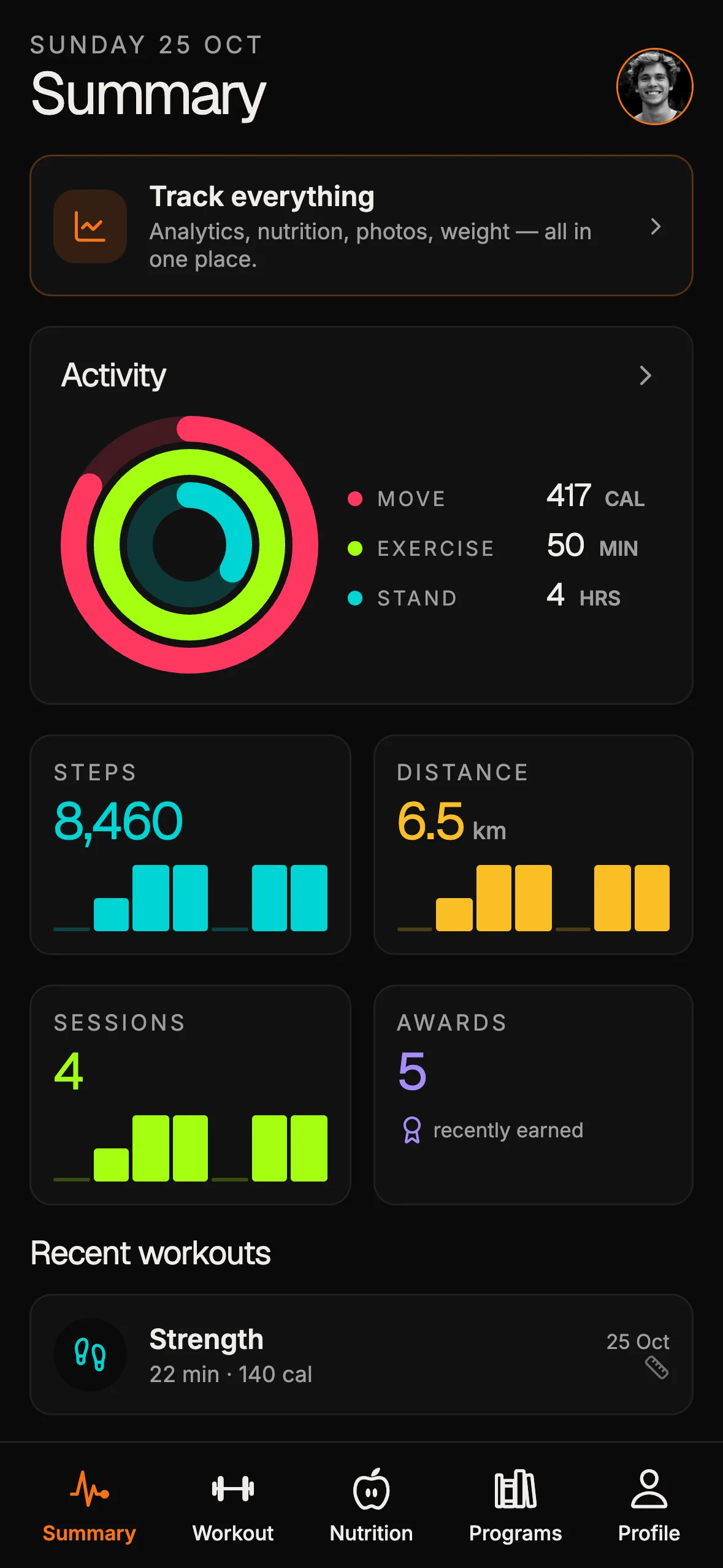
The Fitness Kit is a mobile starter with its own API, with sign-in and a database. Live demo at fitness-preview.otf-kit.dev.
What a booking kit actually ships
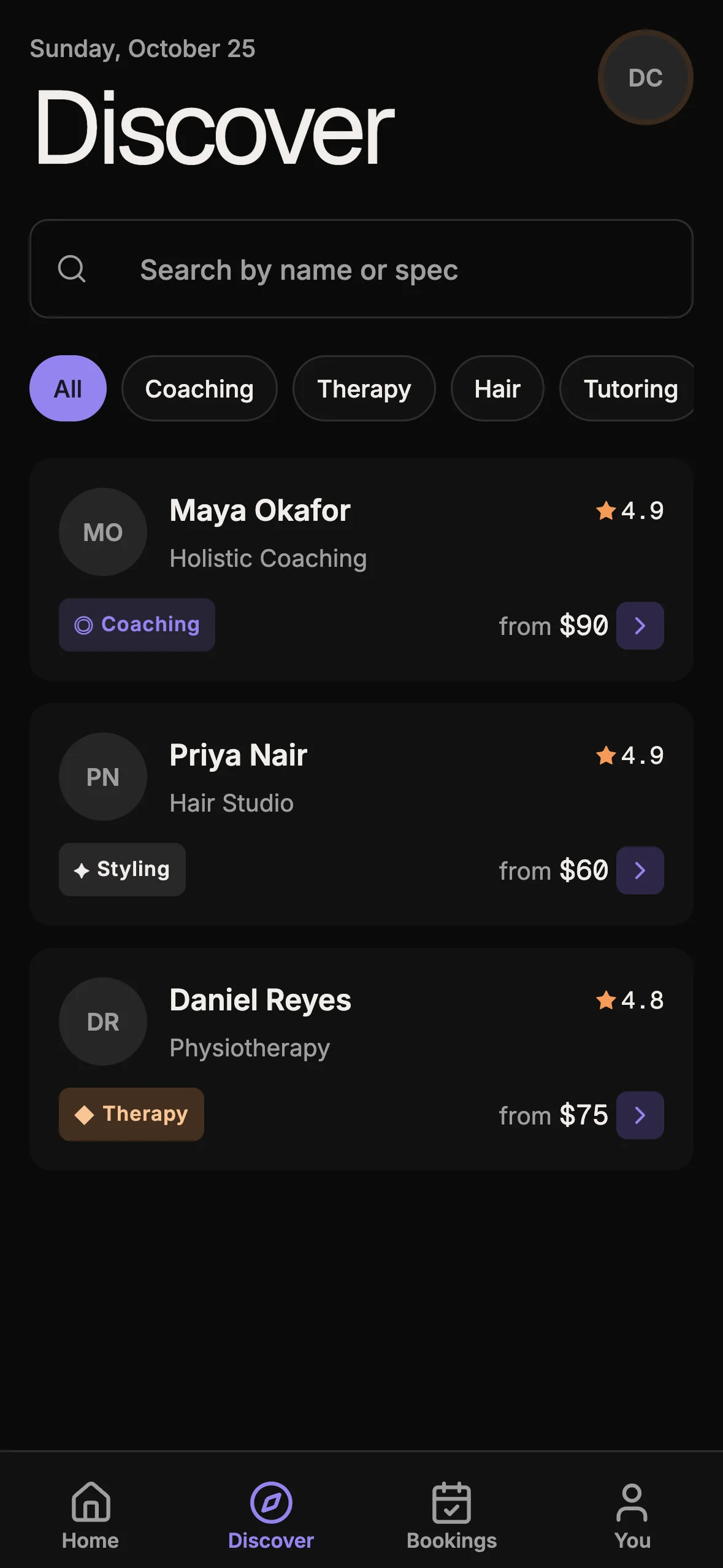
A booking kit is a product starter, not a calendar widget. The shipping Cadence kit (booking-kit) is a mobile-first appointment app: clients discover providers, open a profile, pick a service, book live slots, pay, and review bookings; providers manage schedule, weekly availability, and time off.
Concrete deliverables from the kit README and registry — not marketing filler:
- 9 screens — login, signup, discover, provider profile, book (calendar + slot picker), booking confirmed, my bookings, provider schedule, profile
- Booking UI blocks —
ProviderCard,ServiceCard,MonthCalendar,SlotGrid,BookingCard,AgendaRow - One Expo codebase — Expo SDK 54, React 19, Expo Router 6; native via EAS Build, web via
expo export - Supabase as the data plane — Postgres with RLS, a
SECURITY DEFINERavailable_slots()RPC, a gist exclusion constraint for no double-booking, Realtime onbookings, Storage for avatars and covers - Hono only where privilege is required — Stripe Checkout, Stripe webhook, Resend reminders through Hono +
@supabase/server; everything else is client → Supabase - Live proof —
https://booking-preview.otf-kit.devwraps the live Hono + Expo web export in a phone frame with per-screen Expo Go QR
The data model is product-shaped: profiles, services, availability_rules, time_off, bookings, and server-only payments. Routes such as POST /api/checkout and POST /api/stripe/webhook exist because payment confirmation and slot re-validation are not optional afterthoughts.
Local boot is explicit:
bun install
cp .env.example .env
bun run supabase:reset
bun dev
That sequence stands up the Expo web app on port 3005 and the Hono server on port 3001 against a real local Supabase stack. Native work uses bun run dev:native. In production a Cloudflare Worker serves the Expo web export and /api/* (bash scripts/deploy-worker.sh), or one Bun process does on any container host via the Dockerfile; native points at the same API URL.
This is the same category of decision as the dashboard gap covered in Retool and Appsmith vs a SaaS dashboard kit: hosted admin builders solve internal tooling; a kit owns the product repository you will still be editing six months later.
Decision table for AI-assisted builders
| Question | Prefer Cal.com / Calendly | Prefer a booking kit |
|---|---|---|
| What is the core object? | Meeting / event type on a calendar | Service + provider + paid booking in your app |
| Who owns UX? | Vendor scheduling UI or embed | Your Expo screens and design system |
| Where does payment live? | Often adjacent or external | Stripe Checkout wired to your booking row |
| Mobile requirement | Optional deep link into calendar flow | First-class iOS / Android / web |
| Data rules | Vendor + webhooks | Postgres RLS + exclusion constraint + RPC |
| AI coding loop | Integrate API / embed into an existing app | Extend screens, schema, and prompts in one repo |
If your Lovable or Bolt prototype is "a marketplace of practitioners with bookable services," pasting Calendly embeds into cards will feel done until you need live slot contention, provider time off, per-service pricing, and App Store builds. A kit starts with those seams already named.
Architecture that survives agent edits
The important architectural claim is not "we use Expo." It is the split between client-trusted work and privileged work.
Clients talk to Supabase with the anon key under RLS for discovery, profiles, services, and schedule reads. Slot computation goes through available_slots() so the database can see the full booking set safely. The book screen mounts Realtime so a slot taken by someone else can fade out live instead of failing at checkout with a silent race.
The server re-validates the slot before issuing Stripe Checkout, then confirms the booking from the webhook. Reminders run on a secret-guarded cron through Resend. Optional Stripe and Resend env vars fail soft so the marketing demo still boots — production fills them in.
That pattern matters when an AI agent is your co-author. Agents are good at adding a field to services or a screen under Expo Router. They are bad at inventing a correct double-booking guarantee from a blank repo while also wiring native deep links (otf-booking://) and webhook idempotency. Give them a repo where the hard invariants already exist.
For the mobile release half of that story — GitHub Actions and EAS Build — see GitHub Actions + EAS CI for Expo. Scheduling vendors do not replace that pipeline; they sit beside it if you still need a meeting product on the side.
How to choose without rewriting twice
- Write the primary user job in one sentence. If it is "book time with me," Cal.com or Calendly is enough. If it is "find a provider, pick a service, pay, and manage the appointment in our app," you need a product codebase.
- List the objects you must own. Services, ratings, covers, time off, payment rows, and push-ready mobile sessions almost always mean your schema.
- Decide where double-booking is enforced. Database exclusion constraints beat "hope the embed is correct" once two clients race the same slot.
- Budget for three clients. One Expo Router tree that exports to web and builds with EAS is cheaper than maintaining a Next.js marketing site plus separate native apps plus a bolted-on calendar.
- Keep a scheduling SaaS when it is a feature. Many products should also use Calendly for sales demos while the customer-facing booking product remains the kit. Those are complementary, not interchangeable.
Bottom line
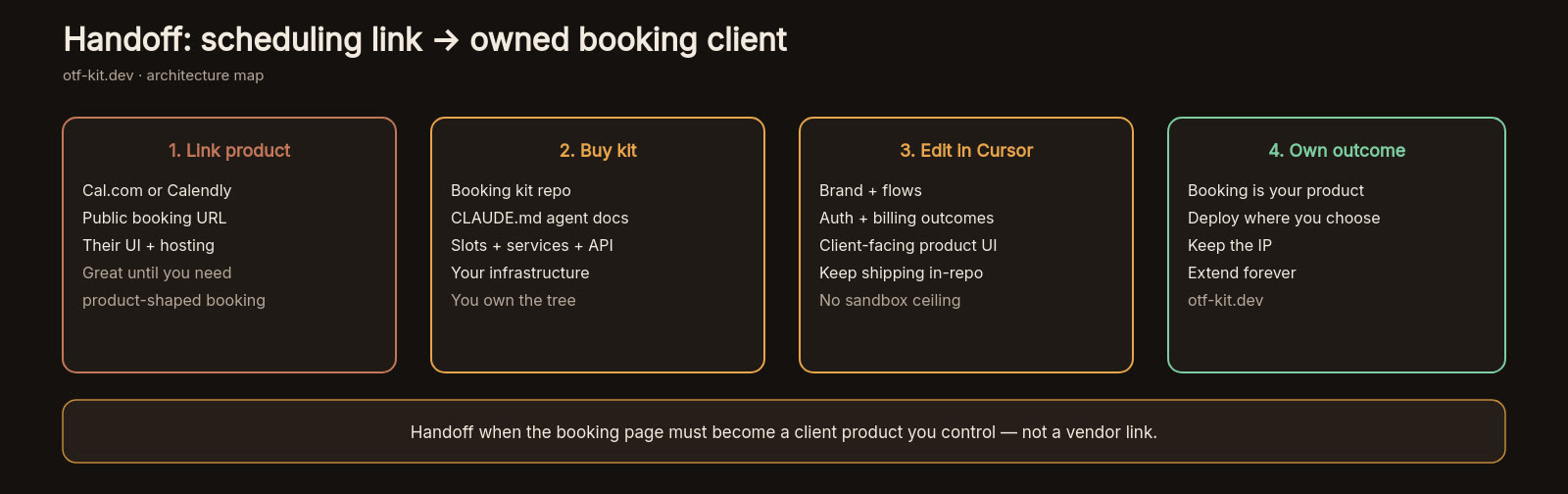
Cal.com and Calendly win at scheduling infrastructure and hosted booking pages. A booking kit wins when the appointment is the center of a product you ship, brand, and extend with AI coding tools. That is why a full-stack booking kit sits beside scheduling SaaS products instead of pretending to replace every calendar link — and why live kit delivery includes a real preview at booking-preview.otf-kit.dev, not only a scaffolded folder.
Start from the job, not the logo. If the job is a calendar, integrate. If the job is a booking product, own the repo.
Sources
Cal.com API v2 documentation (authentication, bookings/event-type surfaces, rate limits): https://cal.com/docs
Stop wiring. Start shipping.
- Sign-in and a database wired in, with its own API
- iOS + Android + web from one codebase
- AI configs pre-tuned + 20+ task prompts per kit included
Ship your first screen tonight — free starter in your inbox
The quickstart, the SDK repo and the live kit demos, on this screen and in your inbox.
No spam. Unsubscribe any time.