Install Expo Skills so Cursor and Claude Code follow official Expo patterns

Expo Skills are official, structured instruction files that teach AI agents how to build, deploy, and debug Expo and React Native apps with known-good patterns. Install them once in Cursor, Claude Code, or Codex, and the agent routes Expo work through expo-* and eas-* skills instead of inventing folder layouts, upgrade steps, or store pipelines from chat memory.
That is the difference between “the model has seen Expo in training” and “the agent loads Expo’s own skill catalog before it writes code.” This post is the install-and-use gate for that catalog. It is not the Expo MCP connector (live EAS and store access) and not Cursor Projects (fleet coordination on an owned repo). Skills teach conventions. MCP talks to services. Projects delegate work. You usually want Skills first.
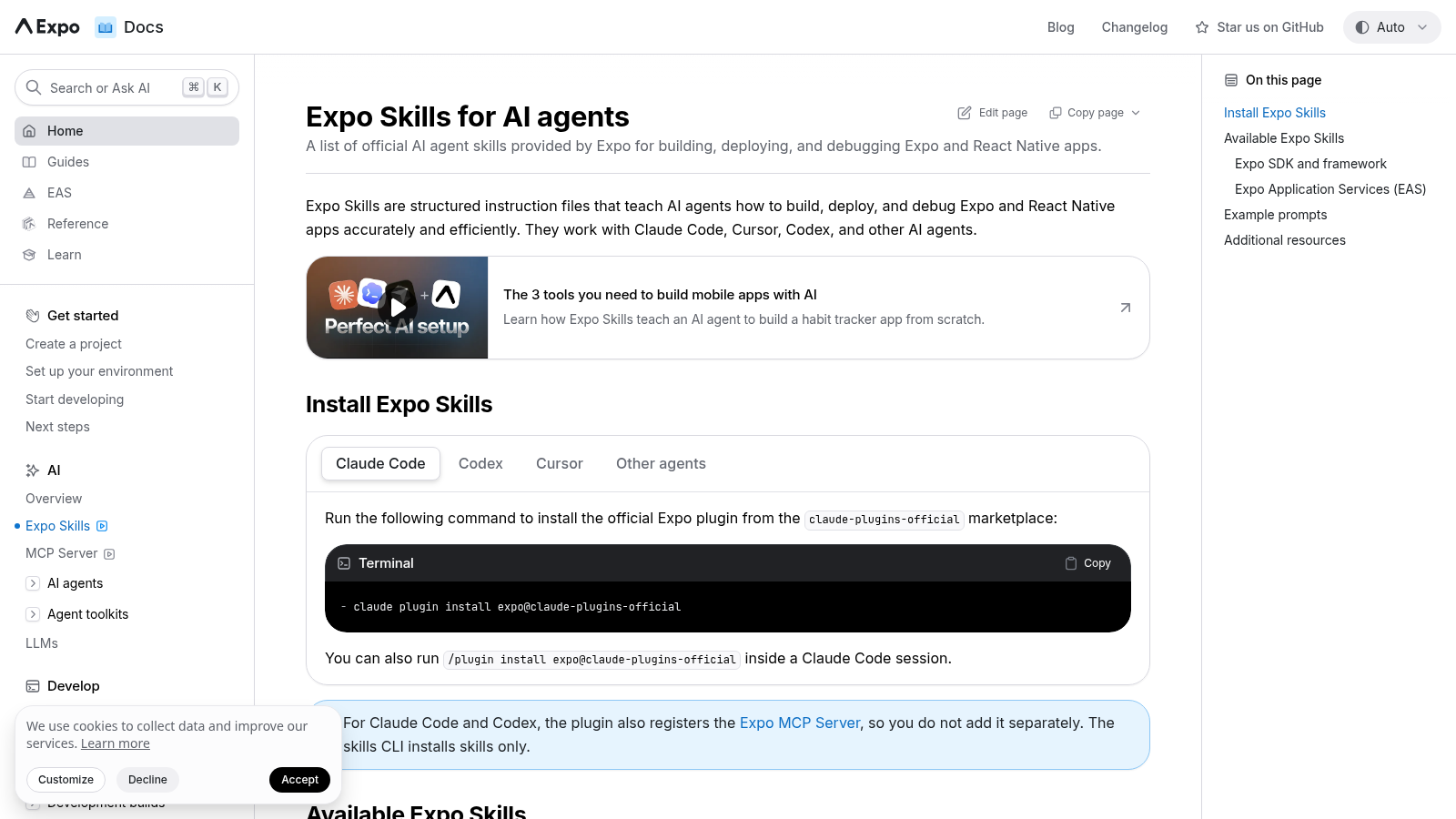
What Expo Skills enable today
Per Expo’s Skills docs, Skills work with Claude Code, Cursor, Codex, and other compatible agents. Skills prefixed expo-* cover the open-source framework; eas-* covers Expo Application Services.
The catalog starts with expo-overview — the entry point Expo tells agents to load first whenever the request mentions Expo, EAS, Expo Go, or an expo dependency in package.json. From there agents route into focused skills such as:
| Skill | Use when |
|---|---|
expo-overview | Any Expo/EAS task — load first; routes to the right skill |
expo-upgrade | SDK upgrades and dependency repair |
expo-router | File-based navigation, tabs, modals, headers |
expo-native-ui / expo-ui | Native-feeling screens and @expo/ui controls |
expo-data-fetching | Network, caching, loaders, offline states |
eas-app-stores | TestFlight / App Store / Play build and submit |
eas-workflows | .eas/workflows/ CI and deploy automation |
eas-update | Over-the-air updates with channels and runtime versions |
Example prompts Expo documents after install include building a native settings screen (expo-native-ui), adding tabs and a modal (expo-router), creating a PR build workflow (eas-workflows), and upgrading the SDK (expo-upgrade). The agent is supposed to auto-select the skill from the prompt — you are not supposed to paste a private “how we do Expo” essay into every chat.
Browse the source and report issues on the expo/skills repository when a skill is wrong or incomplete.
Install Expo Skills today
Claude Code
claude plugin install expo@claude-plugins-officialYou can also run /plugin install expo@claude-plugins-official inside a Claude Code session. Expo notes that the Claude Code plugin also registers the Expo MCP Server, so you do not add MCP separately for that path.
Codex
codex plugin add expo@openai-curatedOr open /plugins in Codex and install expo from the openai-curated marketplace. Same MCP registration note as Claude Code.
Cursor
If Skills are already installed for Claude Code, Codex, or another agent, recent Cursor versions can import them automatically. Open Settings > Rules, Skills, Subagents, keep Include third-party Plugins, Skills, and other configs enabled (default on), and confirm Expo Skills appear in the Skills list.
If you have not installed them yet:
# npm
npx skills add expo/skills

# yarn
yarn dlx skills add expo/skills

# pnpm
pnpm dlx skills add expo/skills

# bun
bunx skills add expo/skills
Reopen Cursor and verify the Skills list again.
Important Cursor detail from Expo: Skills are not shown in the slash (/) menu. They work via auto-discovery when you ask Expo-related questions. If you hunt for /expo-overview and find nothing, that is expected — ask a real Expo task and let discovery load the skill.
Other agents
Use the same skills CLI (npx skills add expo/skills and equivalents). Expo notes that the skills CLI installs skills only; Claude Code and Codex plugins are the path that also registers MCP.

Install official Expo Skills before the agent starts inventing Expo patterns.

One codebase. iOS, Android, and web.
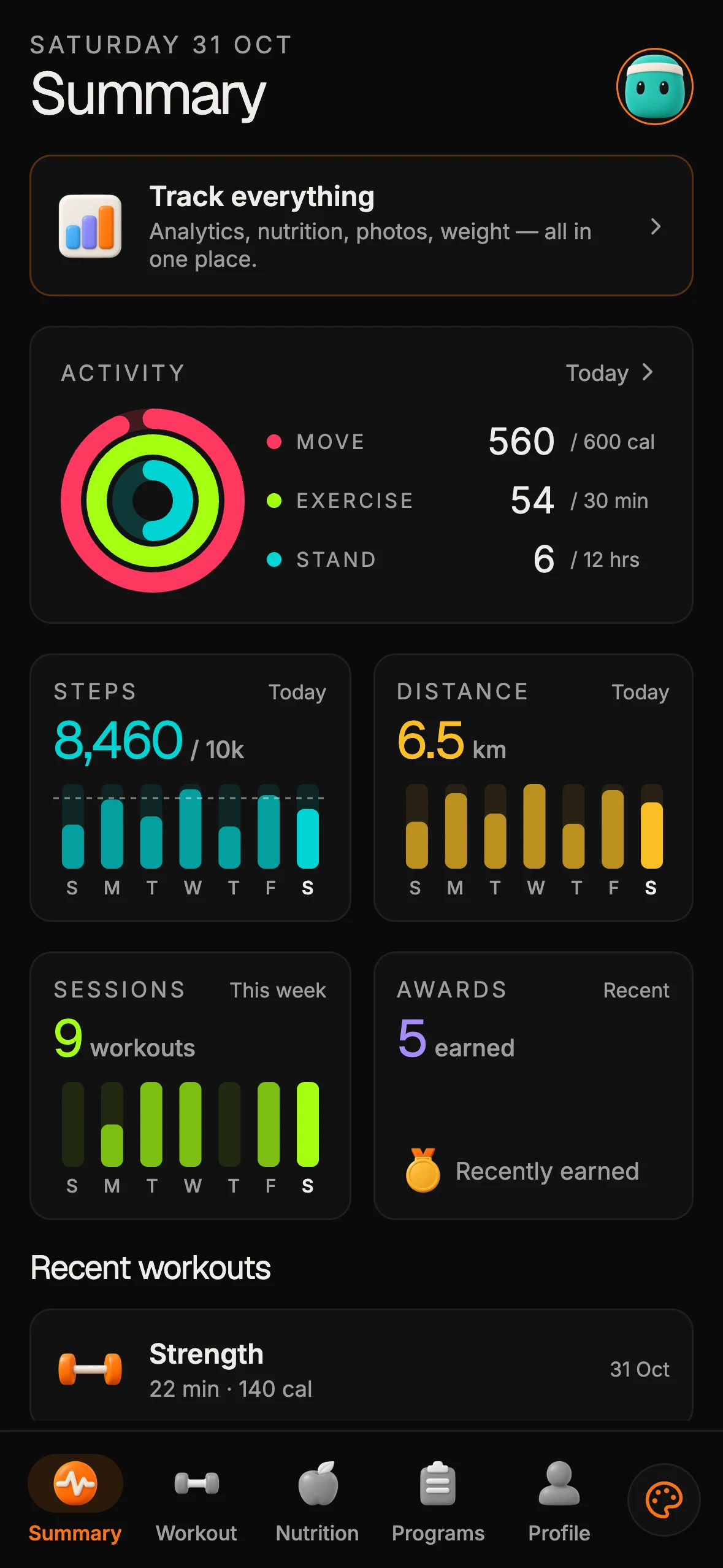
The Fitness Kit is a mobile starter with its own API, with sign-in and a database. Live demo at fitness-preview.otf-kit.dev.
Pair Skills with Cursor’s Expo project scaffold
Expo’s Cursor + Expo guide is the second half of the gate. New apps from create-expo-app ship an AGENTS.md file Cursor reads directly. That file points at SDK-version docs and holds project-level instructions you commit with the repo.
Quick start Expo documents:
- Install Cursor.
- Create or open an Expo project (
npx create-expo-app@latestor ensure a currentexpopackage). - Install Expo Skills and, when you need live EAS/docs access, connect the Expo MCP Server.
- Open the Agent panel and describe the task.
- Verify with a prompt such as:
Open package.json and tell me which Expo SDK version this project targets.
If the agent returns the SDK version from package.json, it is reading the project. You can also add Cursor-specific rules under .cursor/rules/. Skills supply Expo conventions; AGENTS.md and rules supply your product constraints.
Skills vs MCP vs Cursor Projects (do not conflate them)
Builders often mash three Expo/AI surfaces into one mental model. Keep them separate:
| Surface | Job | Primary post |
|---|---|---|
| Expo Skills | Structured how-to for Expo/EAS patterns (expo-* / eas-*) | This post |
| Expo MCP | Live access to Expo docs, EAS builds, TestFlight/Play feedback | /blog/expo-mcp-connector-claude |
| Cursor Projects | Coordinator that directs fleets across an owned repo | /blog/cursor-projects-owned-repo |
Skills without MCP still improve local codegen and upgrade advice. MCP without Skills still talks to EAS, but the agent may invent project structure. Projects without an owned spine and without Skills amplify whatever disposable layout the fleet invents first.
If you are mid-SDK beta or planning an upgrade gate, Skills such as expo-upgrade sit next to your branch checklist — see /blog/expo-sdk-58-beta-upgrade-gate. Skills are not a substitute for a named branch and owner sign-off.
After Skills: owned kits and agent configs
Expo Skills teach the platform. They do not invent your product nouns, schema, billing, or deploy script. Once Skills are installed, keep product policy in the repository so every agent session starts from the same center:
- Handoff files —
CLAUDE.md,.cursorrules/.cursor/rules, andAGENTS.mdthat name domain nouns, forbidden areas, and verify commands. - Task prompts — reviewed asks under something like
ai/prompts/, not blank “build the app.” - Owned monorepo — screens, auth, data, and deploy you can clone without a chat transcript.
Open Template Forest ships that complementary layer as product kits and a free SDK — not as a replacement for Expo Skills. Kits include AI-tool configs so Cursor and Claude Code extend a product instead of regenerating it. Free SDK packages (@otfdashkit/ui, @otfdashkit/ui-native, @otfdashkit/tokens) keep one component API across surfaces. Paid kits (SaaS Dashboard, Fitness, Booking, and others) wire auth and billing seams you keep. Live demos include saas.otf-kit.dev and fitness-preview.otf-kit.dev. Browse starting points at otf-kit.dev/templates.
Order of operations that works in practice: install Expo Skills → verify with an Expo prompt → commit project AGENTS.md / rules → only then hand a coordinator or long agent session the wheel on an owned kit.

After install, agents load expo- / eas-* skills against the repo you own.*
Decision checklist
- Does this week’s work mention Expo, EAS, Expo Go, or an
expodependency? If yes, install Skills before the next agent Expo session. - Which agent surfaces do you actually use — Claude Code, Codex, Cursor, or more than one? Install on each surface you ship from.
- In Cursor, did you confirm Skills appear under Settings (not the slash menu)?
- Can the agent read your SDK version from
package.jsonafter open? - Is Expo MCP connected only where you need live EAS/store tools — without treating MCP as a Skills substitute?
- Do
CLAUDE.md/.cursorrules/ kit prompts still own product nouns after Skills teach Expo conventions?
If 1 is yes and 6 is no, install Skills today and write the handoff files before you scale agent autonomy. If 6 is already yes, Skills still pay for themselves by cutting invented Expo patterns on every upgrade and router change.
Sources
- Expo Skills for AI agents — install commands for Claude Code, Codex, and Cursor; skill catalog (
expo-overview,expo-upgrade,eas-app-stores,eas-workflows, and related); Cursor auto-discovery note (verified 2026-09-17) - Cursor and Expo —
AGENTS.mdscaffold, Skills + MCP setup, verify prompt (verified 2026-09-17) - expo/skills on GitHub — skill source and issue tracker (verified 2026-09-17)
- Related: /blog/expo-mcp-connector-claude, /blog/expo-sdk-58-beta-upgrade-gate, /blog/cursor-projects-owned-repo
- Templates: otf-kit.dev/templates

Stop wiring. Start shipping.
- Sign-in and a database wired in, with its own API
- iOS + Android + web from one codebase
- AI configs pre-tuned + 20+ task prompts per kit included
Ship your first screen tonight — free starter in your inbox
The quickstart, the SDK repo and the live kit demos, on this screen and in your inbox.
No spam. Unsubscribe any time.