
Price your AI-built app honestly: the ownership math that keeps you shipping

Shipping the first version of an app with AI help in a weekend is a genuine win — a solo builder can now reach a working product before the motivation fades. Then month three arrives with the question nobody asked during the build: what does this app actually cost to run, and which of those bills do I control? This post answers that with a six-line math sheet you can fill in for your own app in an afternoon.
The honest answer up front: most AI-built apps cost little to run and a lot to not own. The servers, payments, and store cuts are priced in public and easy to plan around. The expensive line is the one that never appears on an invoice — rebuilding what you cannot change. Work all six lines before you commit to a stack, and the math stays boring forever.
Count five lines, not one
Price the app the way an accountant would, as recurring lines rather than one big number:
- Builder subscription. The monthly seat for the tool that generated the app. Fine while you build; questionable as a permanent dependency for code that already exists.
- Backend services. Auth, database, file storage, background jobs, push delivery. Each has a free tier and a metered tier; the meter starts when users arrive, not before.
- Payment processing. Stripe's pricing is pay-as-you-go with no setup fees, monthly fees, or hidden fees — you pay per transaction, which means payments cost you nothing until you earn something. That shape is what you want everywhere: cost that scales with revenue, not with time.
- Store commissions and membership. If you sell through in-app purchase, Apple's Small Business Program cuts the commission to 15% for developers earning up to 1 million USD in annual proceeds, with the standard rate returning above that line. Plan both sides of the threshold before you cross it, not after. Store distribution also requires an annual developer membership — a small fixed line, but a real one.
- Maintenance. Dependency updates, OS-mandated rebuilds, expired certificates, broken third-party APIs. Budget a few hours a month; apps that get zero maintenance collect it as interest and pay it as incidents.
None of these lines is surprising on its own. The surprise is always the total, which is why you write it down before users force you to.
Work the example on paper
Take a small paid productivity app — one developer, a few hundred paying users — and run illustrative numbers to see the shape. Every figure below is a placeholder for your own inputs, not a quote:
// ownership-math.js — illustrative placeholders, replace with your own lines
const monthly = {
  builderSeat: 20,        // AI builder subscription (cancel after build?)
  backend: 25,            // auth + database + storage, low-tier meters
  pushAndJobs: 10,        // notifications + background workers
  maintenance: 200,       // 4 hrs of your time, priced honestly
};
const perRevenue = {
  payments: 0.03,         // ~3% payment processing per transaction
  storeCommission: 0.15,  // 15% while under the small-business threshold
};
const fixed = {
  developerMembership: 99, // annual store membership, amortize /12
  starterBase: 149,        // one-time owned codebase, amortize over 24 mo
};
Two things jump out of any honest sheet. First, your own maintenance time dwarfs every service bill — which means the highest-use saving is code you can change quickly. Second, one-time purchases amortize to nearly zero while subscriptions compound forever. That difference is the entire rent-versus-own decision, and it is worth making deliberately: the math of owning your code versus renting it prices the reconstruction bill that rented speed hides.
11 production screens. Login and database wired.
The SaaS Dashboard Kit includes login, a database, and a working dashboard. Live demo at saas.otf-kit.dev.
The sixth line is the rebuild
Here is the line missing from every pricing page: what it costs to move. If your app only builds inside one chat window, every future change — a platform migration, a pricing dispute, a feature the builder cannot express — starts with reconstructing a codebase you supposedly already had. Exporting the code does not save you if the export is files without structure: no migrations, no tests, no documented boundaries. Price that reconstruction once, honestly, and the "cheap" stack often stops being cheap.
The defense is the same discipline that makes maintenance fast: migrations checked in from day one, tests over the money paths, environment validated at boot, and every agent change held to an acceptance checklist before merge. Code that passes that bar is portable to any tool. Code that never faced it carries a hidden lien, and liens get called in at the worst moment.
Make every line item boring
Boring is the goal. Each line gets cheaper when it is explicit:
- Cancel the builder seat after the build if the repo stands alone — two-way sync means the chat stays available without a subscription when the code is yours.
- Keep backend meters visible with billing alerts at 50% and 100% of budget; free tiers end silently and meters do not.
- Route payments through processors that scale with revenue, so a quiet month costs nothing and a loud month pays for itself.
- Re-check the commission threshold yearly; crossing $1M in proceeds changes your unit economics and should be a planned event.
- Spend the maintenance hours monthly, not quarterly — four small sessions beat one archeological dig.
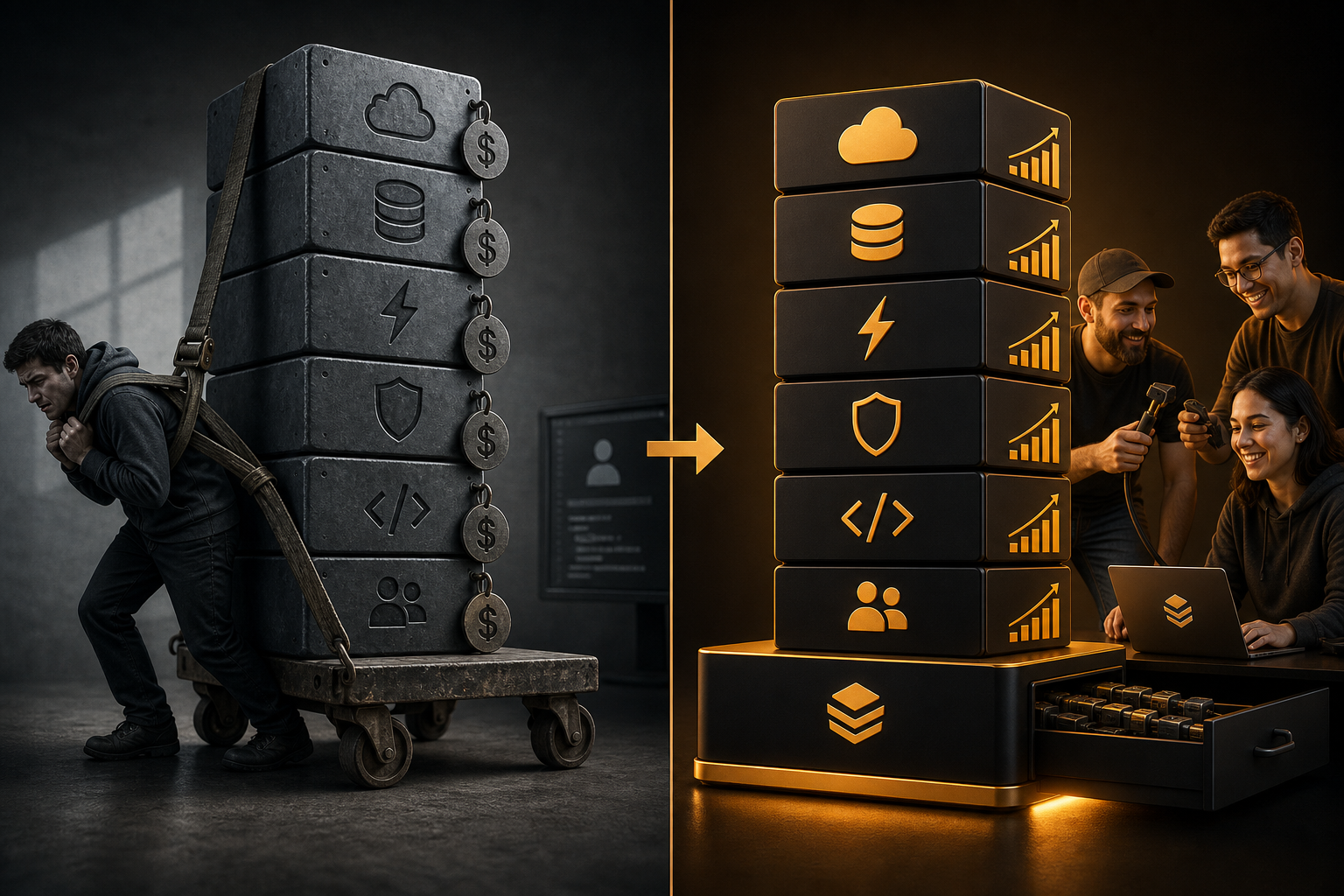
Start from a base you already own
The cheapest line on the sheet is the one you pay once. A full-stack kit you own outright — auth, billing, and database access in your repo from the first commit — turns the biggest risks (rebuild cost, maintenance time, tool dependence) into solved problems instead of monthly bills. The reusable shape is concrete: the same component name, props, and look on web, mobile web, and native from one codebase, with agent configs checked in so a coding agent extends instead of regenerates. Paid kits run $99 each with an Everything Bundle at $149, and trying before buying removes the guesswork since all sales are final.
Choosing the kit deliberately the first time is the other half of this math — six checks that prevent the full rewrite which is, financially speaking, paying for the app twice. Run the sheet above against the verified templates page, fill in your own numbers, and keep every line boring. The apps that survive are not the cheapest to start. They are the cheapest to keep.
Sources
Ship the product, not the setup.
- 11 production screens — auth, team, analytics, and settings
- Login and a real database are wired in
- AI configs pre-tuned so your agent extends instead of regenerates
Ship your first screen tonight — free starter in your inbox
The quickstart, the SDK repo and the live kit demos, on this screen and in your inbox.
No spam. Unsubscribe any time.