OpenRouter hosted shell: any model gets a terminal; your product repo still owns the loop

OpenRouter’s openrouter:shell server tool and Files API give any tool-calling model a hosted Linux container: run commands, read stdout/stderr, attach uploads, and promote outputs back into workspace storage. That is a real change in what production builders should do when an in-product agent needs code execution. You no longer have to stand up a private sandbox fleet on day one just to let the model pip install, parse a CSV, or regenerate a chart.
It is not a reason to abandon the product repo. Hosted shell is rented compute with a meter, a network policy, and a beta contract. Your domain schema, MCP tools, deploy path, and permission story still belong in code you keep—the same ownership line we already drew for a managed Codex harness in OpenAI Agents API: what you still own when the harness is hosted. Different vendor, different API surface, same production question: what gets outsourced to a server tool, and what stays in the kit your Cursor or Claude Code agents extend.
What actually shipped
OpenRouter announced the shell server tool and Files API as a beta pair. Add { "type": "openrouter:shell" } (or OpenAI’s native shell shape on the Responses API) to the tools array. The model decides when it needs a terminal, emits a batch of commands, and OpenRouter runs each command in an isolated container. Results come back as stdout, stderr, and an outcome (exit with a code, or timeout). The model can repair a failed script in the same request.
The important production shape is openrouter:shell with engine: "openrouter" on Responses or Messages. (The Anthropic-shaped openrouter:bash tool defaults toward client-side execution unless you force the OpenRouter engine.) Files sit beside the container. Upload with POST /api/v1/files, attach or_file_ ids into the tool environment, and treat container writes as cfile_ artifacts you can download or promote into long-lived workspace files. Web search can stay outside the container while the sandbox itself keeps outbound network off by default—useful when you want research in and egress locked down.
Load-bearing beta limits to re-check on every upgrade: Responses/Messages only (Chat Completions returns 400), global endpoint only (US/EU in-region hosts reject shell), containers sleep after five idle minutes, and per-command timeouts/output caps are server-enforced.
The DO change for production builders
Before this, “agent needs a terminal” usually meant running on your API worker, standing up your own isolate fleet, or staying inside one vendor’s coding harness. OpenRouter’s shell collapses the middle path for many early agent features: any tool-calling model can share the same server-side shell contract, and you can swap provider ids without rewriting a sandbox adapter. Sandbox time bills at $0.0001 per active second, with a 30-second minimum when a request wakes a cold or sleeping container; idle time between requests is not billed.
That changes the first production spike from “build a sandbox service this sprint” to “prove the agent loop with a hosted shell, measure seconds per successful task, and write down what must never leave your repo.”
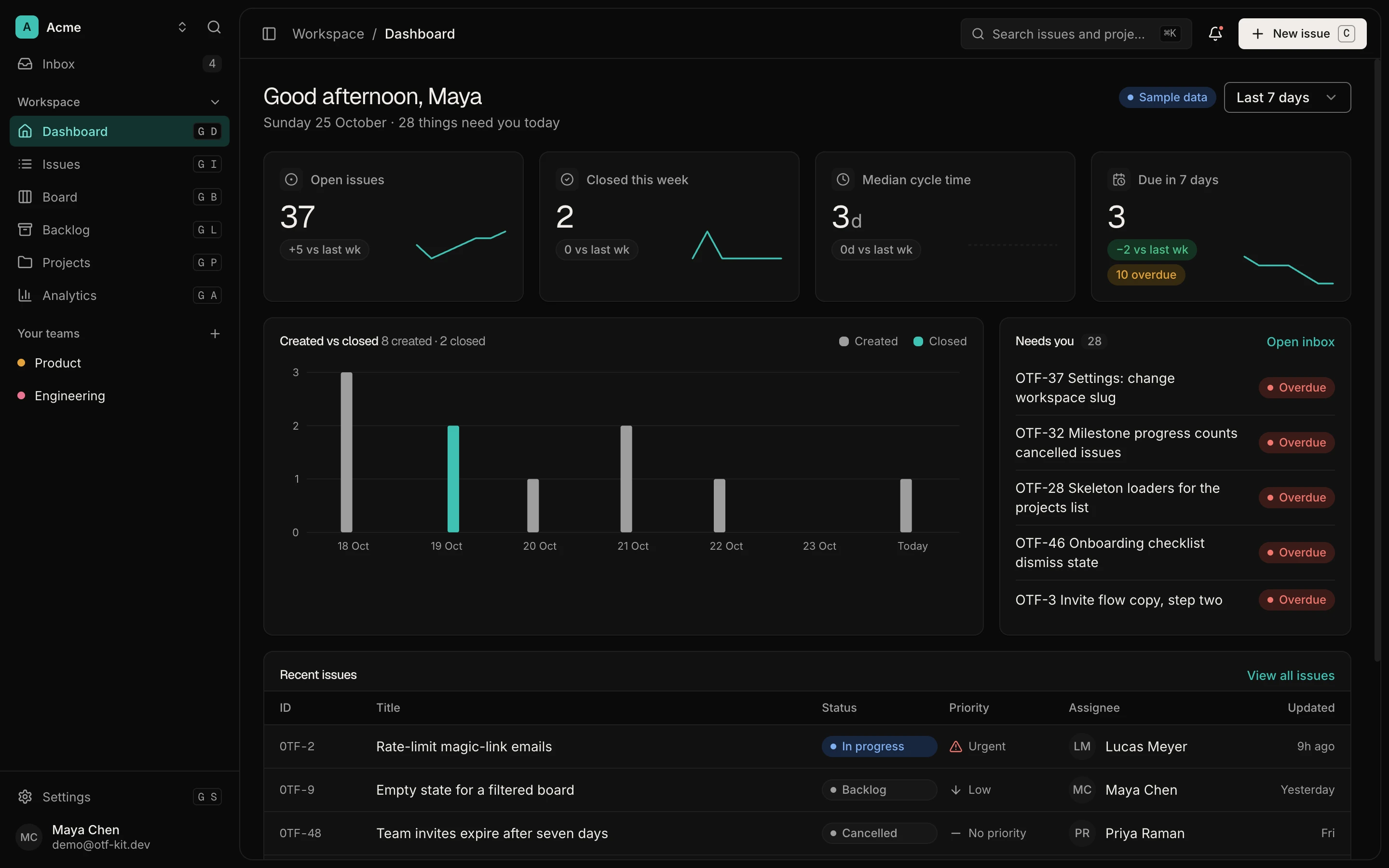
12 production screens. Login and database wired.
The SaaS Dashboard Kit includes login, a database, and a working dashboard. Live demo at saas.otf-kit.dev.
Decision moment: buy sandbox seconds or keep the executor
Use hosted shell when the job is short, observable, and bounded:
- One-shot transforms: parse uploads, generate a report file, run a small script the model authored.
- Model-portable demos where you want the same tool JSON across providers.
- Early agent features where standing up your own isolate fleet would delay shipping more than the meter costs.
Keep (or build) your own executor when any of these are true:
- Secrets, customer source, or regulated data must never land in a third-party container.
- You need region guarantees. OpenRouter’s own docs say shell is global-endpoint only; in-region routing rejects it today.
- Long-lived environments with custom images, GPUs, or VPC peering.
- Hard multi-tenant isolation beyond “per workspace container” marketing language—you still need your own tenancy story for customer code.
- Deterministic CI. Beta APIs and sleeping containers are the wrong substrate for release gates.

The honest split is not “OpenRouter bad, own everything.” It is “rent the terminal for bounded work; own the policy, identity, and durable product state.”
What you still put in the owned repo
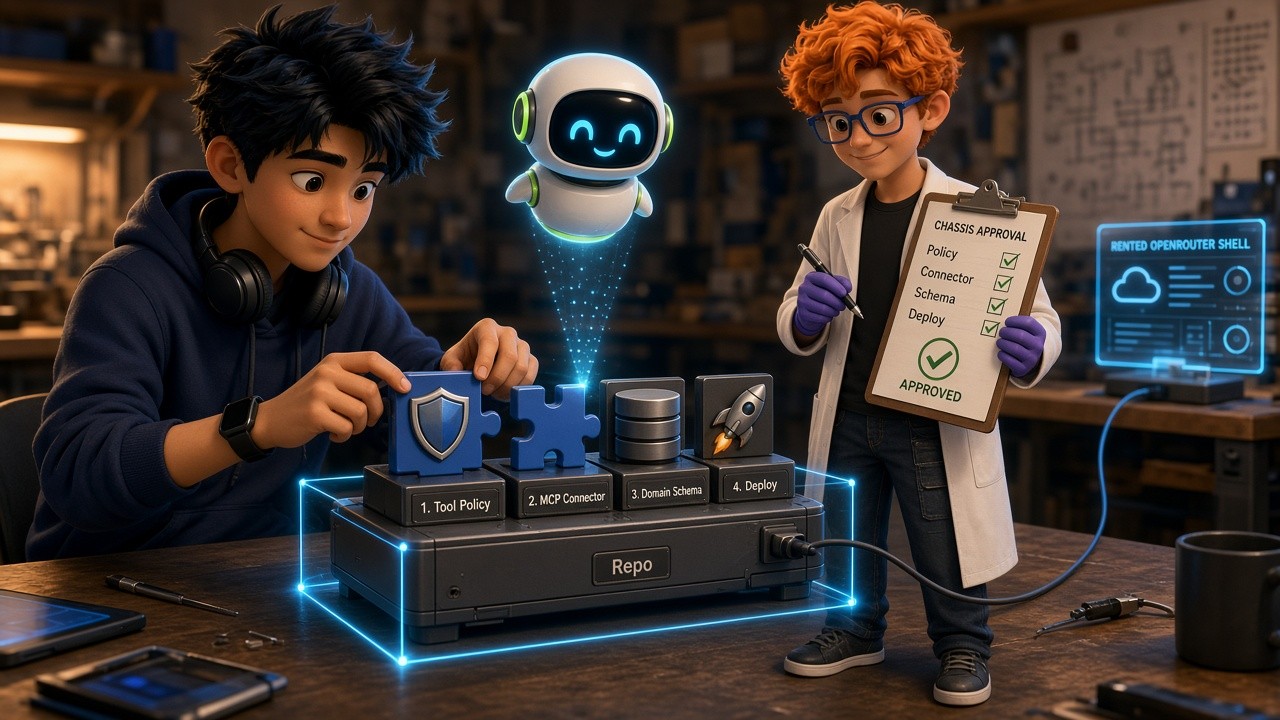
Hosted shell does not replace a product kit. Treat the OpenRouter tool as one adapter behind an interface your repo owns:
Tool policy. Encode which agents may call shell, which network allowlists they get, and which prompts are allowed to request ["*"] egress. Default deny outbound. If pip is required, allowlist pypi.org and files.pythonhosted.org explicitly—OpenRouter documents both. Changing network_policy on a warm container fails with 409; your code should pin policy for the container lifetime.
Session and tenancy mapping. Map your user/org id to OpenRouter workspace keys and optional container_reference ids. Do not let two customers reuse a container id. Sleep-after-five-minutes means you must decide whether to resume or recreate; that decision belongs in your service, not in chat history.
Domain schema and product tools. Shell is for computation. Billing, entitlements, bookings, workout plans, and dashboard metrics still live in your database with migrations and RLS. Agents that only have a terminal will invent schemas; agents that also have MCP tools pointed at your owned API will not.
MCP, skills, and coding-agent docs. Keep MCP servers, CLAUDE.md / .cursorrules, and acceptance checks in the repo your coding agents edit. Hosted shell is a runtime for the product agent, not a replacement for the filesystem agent that maintains the product.
Deploy, observability, and security. Log every shell batch (model id, container id, seconds billed, exit codes, promotes). Alert on sandbox seconds like token spend. Document the workspace Server Tools kill switch. Treat container output as untrusted; never mount production credentials; upload redacted extracts instead of full customer databases.
A minimal production shape
A durable pattern looks like this in application code (shape, not copy-paste production):
// Pseudocode: your service owns policy; OpenRouter owns the isolate.
const tools = [
  {
    type: "openrouter:shell",
    parameters: {
      engine: "openrouter",
      environment: {
        type: "container_auto",
        file_ids: [uploadedOrFileId],
        network_policy: {
          type: "allowlist",
          allowed_domains: ["pypi.org", "files.pythonhosted.org"],
        },
      },
    },
  },
  // Your MCP / function tools for domain reads and writes
];

await openrouter.responses.create({
  model: process.env.AGENT_MODEL_ID!,
  input: userTask,
  tools,
});
Then, in the same service:
- Validate the user is allowed to run shell for this workspace.
- Upload only the files required for the task.
- Cap retries so a thrashing model cannot burn minutes of cold-start minimums.
- Promote only artifacts that pass a content-type and size check.
- Write durable results into your database; treat the container as ephemeral.
If the feature graduates—longer jobs, private packages, VPC data—swap the adapter behind the same interface to your own sandbox provider. The product loop does not change; the executor does.
How this differs from neighboring launches
OpenAI’s Agents API (see the internal post linked above) sells a managed Codex harness: sessions, compaction, subagents, optional OpenAI-hosted sandbox. OpenRouter shell sells a model-swappable server tool: one terminal contract across many providers, billed by sandbox second, with Files API as workspace storage. You might use both in one company—Agents API for long coding agents, OpenRouter shell for product features that must stay model-portable—but they answer different RFCs.
Vercel Sandbox and similar isolate products remain relevant when you need region pinning, custom images, or first-party tenancy. OpenRouter’s shell is the fastest path when you already route models through OpenRouter and want “any model + terminal” without a new vendor.
Cost and failure modes to design for
Cold containers cost a 30-second minimum. Chatty agents that start a new container every turn will surprise finance. Prefer warm reuse via session/container reference when the security model allows it, and shut down when the task completes.
Timeouts and truncated streams produce partial truth. Your UI should show “command timed out” and “output truncated,” not silently trust the model’s summary.
Beta means the API can move. Pin docs links in your ADR, wrap the client, and avoid scattering raw openrouter:shell JSON through every route handler.
Global-only shell conflicts with residency requirements. If you already moved traffic to us.openrouter.ai or eu.openrouter.ai for prompts, shell is not a drop-in on that host today—plan a split architecture or a different executor for those tenants.
Ship checklist
Before you expose hosted shell to paying users:
- Default network policy is deny; allowlists are reviewed like firewall rules.
- Per-tenant container ids; no shared warm boxes across customers.
- Metering dashboards for sandbox seconds beside token spend.
- File promote path with malware/size/type checks.
- Kill switch documented (workspace Server Tools page + your feature flag).
- ADR stating what remains in the owned repo if you later swap executors.
- Coding-agent docs in the repo so Cursor/Claude Code do not “helpfully” hardcode unrestricted egress.
Bottom line
OpenRouter’s hosted shell and Files API change the default for early agent features that need a terminal: buy bounded sandbox seconds, keep the product loop in a repo you own, and treat the shell as a swappable adapter. That is the ICP consequence—not “another changelog item,” but a concrete fork in how you scaffold the next agent capability. If the feature outgrows beta limits, region constraints, or tenancy needs, replace the adapter without rewriting the business logic your kits and coding agents already understand.
Sources
Ship the product, not the setup.
- 12 production screens — auth, team, analytics, and settings
- Login and a real database are wired in
- AI configs pre-tuned so your agent extends instead of regenerates
Ship your first screen tonight — free starter in your inbox
The quickstart, the SDK repo and the live kit demos, on this screen and in your inbox.
No spam. Unsubscribe any time.